PSP is another kind of portable device which is manufactured and marketed by Sony Computer Entertainment and becomes more and more popular in recent years. Users are allowed to play games, listen to music and watch movies on PSP. However, another problem appears: how to make videos like AVI be successfully played on PSP?
Next tip will show you how to convert AVI to PSP MP4 video with Aiseesoft PSP Video Converter.
Before our conversion, please download and install Aiseesoft PSP Movie Converter at first.
Step 1 Launch the powerful AVI to PSP Converter
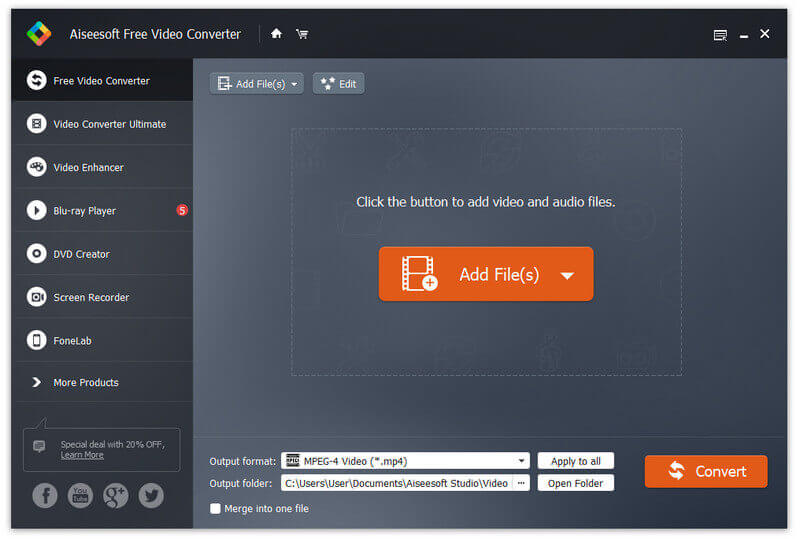
Step 2 Add AVI files
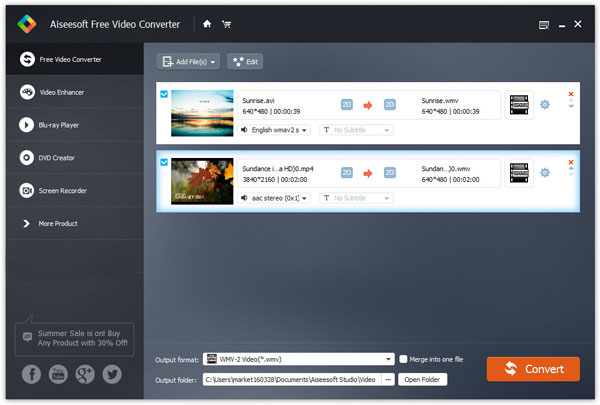
Click "Add File" button on the tool bar. Select the AVI files you want to convert and import them into the converter.
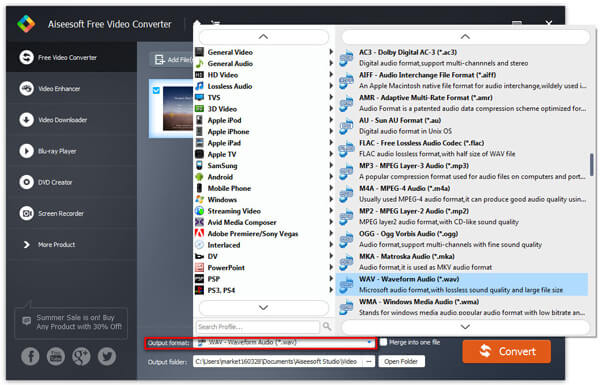
Step 3 Select a PSP video format as your output format
Click "Profile" drop-down list to select one output format.
Tips 1: You can change video and audio parameters according to your needs.
Tips 2: Press "Save as" to reserve your well-customized profile for your next use.
Step 4 Choose output folder
Click "Browse" button to choose a folder for saving your converted PSP video files.
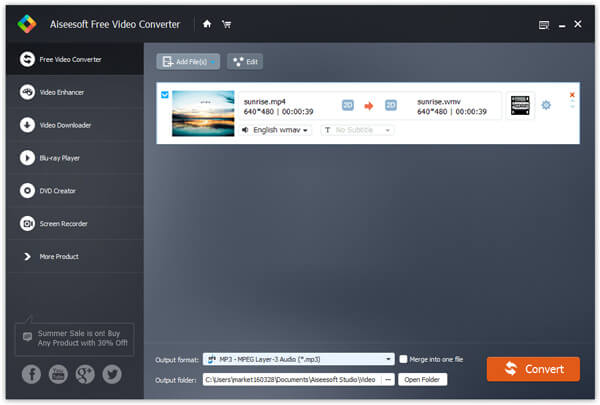
Step 5 Start AVI to PSP conversion
Click "Convert" button on the right bottom to start the AVI to PSP conversion. Several minutes later, you can enjoy your converted AVI video on PSP.
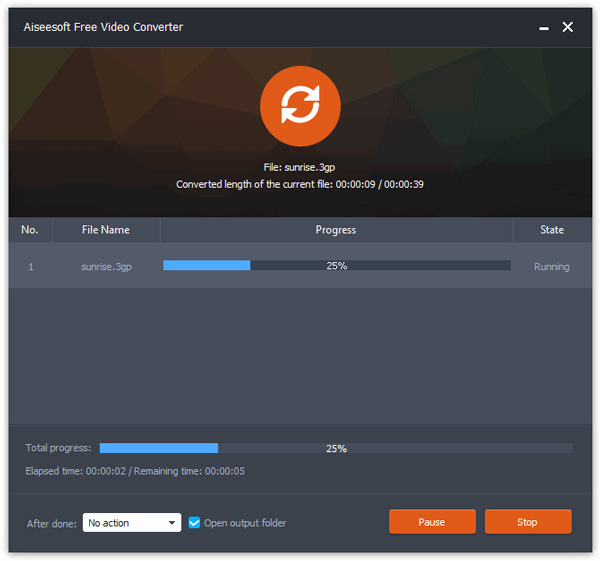
Aiseesoft Video Converter Ultimate is a dedicated video converting software for you to convert various videos formats (including MOD, TOD, AVI, WMV, FLV, MOV, MKV, VOB, etc.) to video format on PC/Mac, so that you can watch more interesting videos on the go.
You can check the video tutorial as below:



December 14, 2020 16:09 / Updated by Iris Walker to Convert Video
 How to Convert HD to PSP
This tutorial mainly shows you how to convert HD video to PSP. With this Converter, you will enjoy a limitless choice to convert PSP video.
 How to Convert Any Video to PSP
How to convert video formats to play on your Sony PSP? Here we introduce the best freeware.
 MKV to PS3/PS4 Converter- Convert MKV to PS3/PS4 Easily
Can PS3 play MKV? How to convert MKV to PS3? Here we provide you detailed answers and steps to convert MKV to PS3 with the assist of MKV to PS3 Converter.
 Leave your comment and join our discussion
