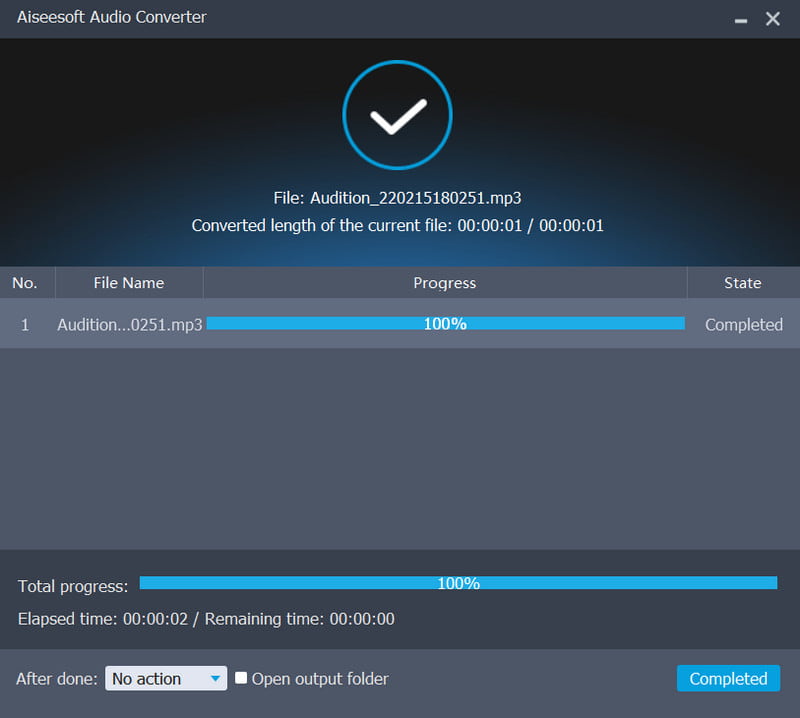
Powerful Conversion and Extraction on Audios & Videos
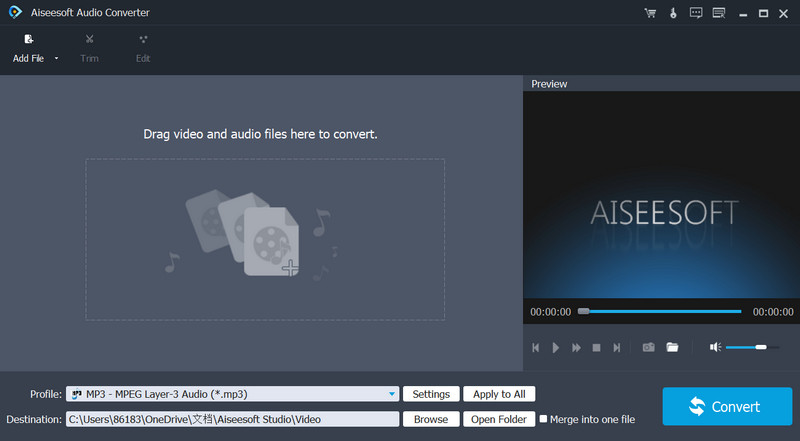
Convert your video/audio to frequently-used audio formats like MP3, M4A, AAC, WAV, WMA, FLAC and more and extract audio files from SD/HD videos without any quality loss.

Extract Audio
Extract an audio track from any video file freely.

Convert Audio
Support multiple audio formats conversion.

Convert Fast
Provide a super fast converting speed conveniently.

Edit Audio
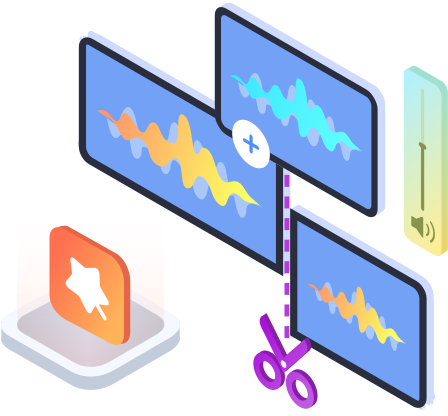
Clip, merge and adjust the audio volume before conversion.
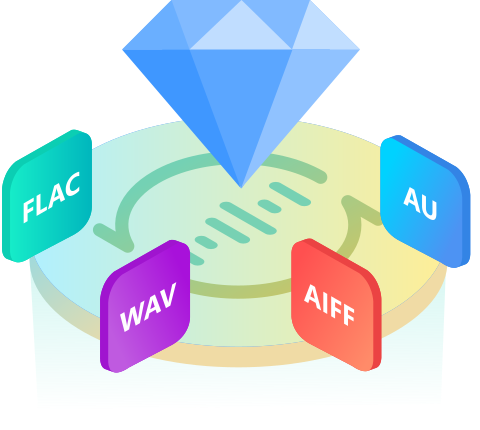
Enjoy Lossless Audio Files Whenever You Want
Aiseesoft Audio Converter is a brilliant program, which is perfectly compatible with lossless audio formats: FLAC, WAV, M4A, AU and AIFF. With it, you can easily convert audio from one lossless format to another lossless format without any data loss. For instance, you can convert the FLAC or WAV to AIFF for enjoyment on Apple devices or create the lossy M4R ringtone from AU, AIFF, etc.
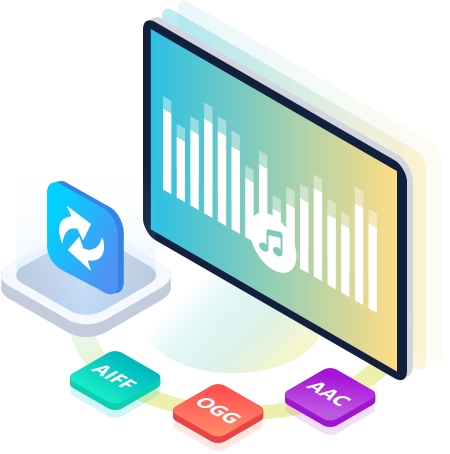
Switch among Various Audio Formats Freely
Aiseesoft Audio Converter is geared to the needs of all audio users, audiophiles as well as music fans. It supports all audio formats, allowing you to change the audio format to another for better playing on your player. Convertible audio formats include AAC, AIFF Files (*.aif;*.aiff), CUE, FLAC, M4A, MPEG Files (*.mp3;*.mp2), Monkey's Audio Files (*.ape), OGG, Raw AC3 Files (*.ac3), Real Audio Files (*.ra;*.ram), SUN AU Files (*.au), WAV and WMA.
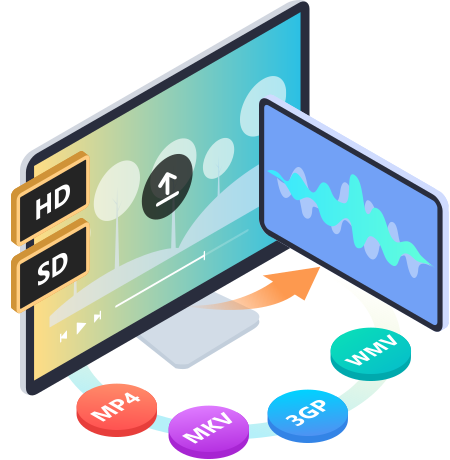
Extract Audio Tracks from HD/SD Videos Losslessly
This amazing audio extractor enables users to extract lossless audio tracks from HD videos (HD TS, HD MTS, HD M2TS, HD TRP, MPEG2 HD Files, MPEG4 HD, QuickTime HD and other HD video formats), so that you can easily enjoy the high-quality output audio. Apart from HD videos, it also supports converting SD videos to audio with high speed and excellent sound quality. For example, you can convert AVI to MP3 for easy audio listening. Supported video formats include MXF, WMV, MKV, 3GP, MTS, M2TS, TRP, VOB, MJPEG (*.mjpg;*.mjpeg), MPEG (*.mpg;*.mpeg;*.mpeg2;*.vob;*.dat), MPEG4 (*.mp4;*.m4v), MPV, AVI, etc.
Edit Different Audio Files at Your Disposal
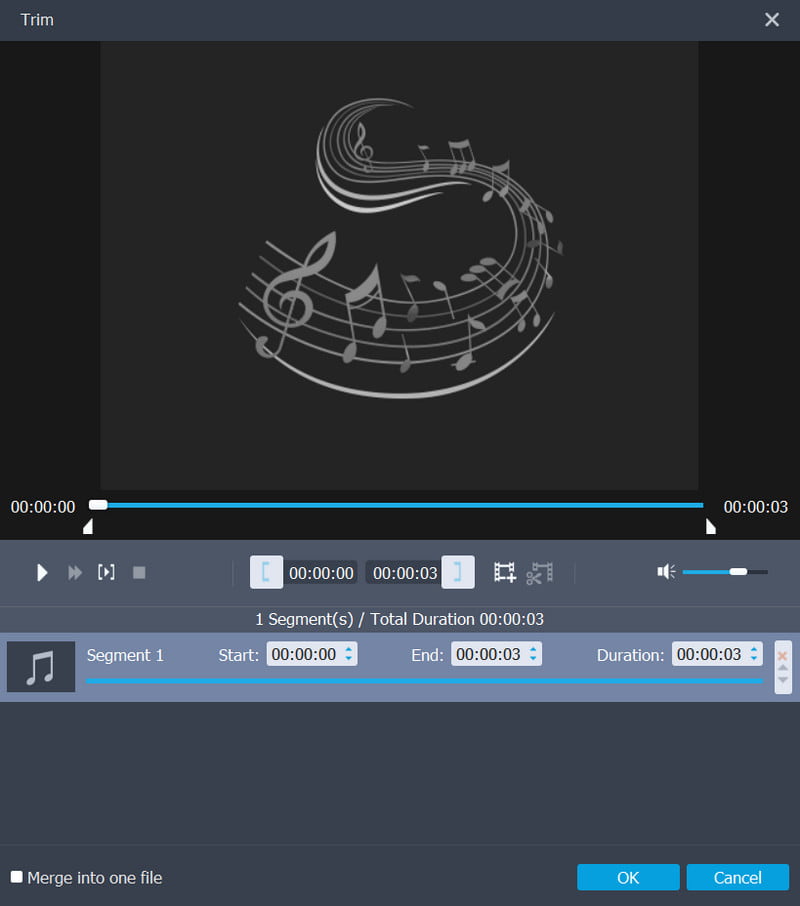
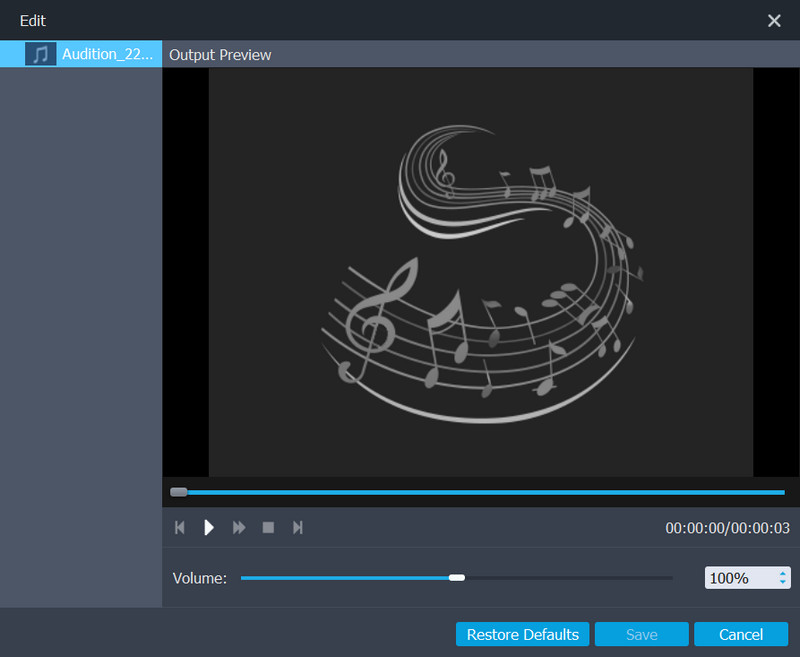
Aiseesoft Audio Converter provides an easy way to edit audio files. You can join multiple audio pieces together. Just select audio tracks you want to join and click the "Merge" button. In addition, you are allowed to cut any clip from the original audio/video. Set the "Start Time" and "End Time" of the clip or just drag the slide bar to the accurate position. And it’s also open for you to adjust the video volume and change the audio settings as long as you want.