How to enjoy DVD movies on iPad? You might have the idea to playback DVD movies with iPad, but you cannot find a DVD drive with iPad, either a cable to connect to external disc drive. DVD to iPad converter is a nice solution to convert DVD movies to iPad compatible video formats.
What should be the best DVD to iPad converter? Just make sure the program is able to rip the DVD. Convert to a preset for the desired iPad version should be a plus for the DVD to iPad converter. If you have a special requirement, you can also edit the videos or even enhance the video quality. This article shares the top 6 DVD to iPad converters to extract the desired movies on iPad with ease.

Aiseesoft Video Converter Ultimate is a versatile video converter to transcode all video formats, including DVD movies. The DVD to iPad converter supports more than 300 video formats for all versions of iPad. More over, it has the excellent editing and enhancing features to further edit the videos according to your requirement.
1. Extract movies from homemade DVDs.
2. Support iPad, iPad Pro, iPad Air and more other models of iPads.
3. Excellent editing features to design the output videos with ease.
4. Enhance video quality with different parameter and de-shake the videos.
Step 1 Import DVD to the program
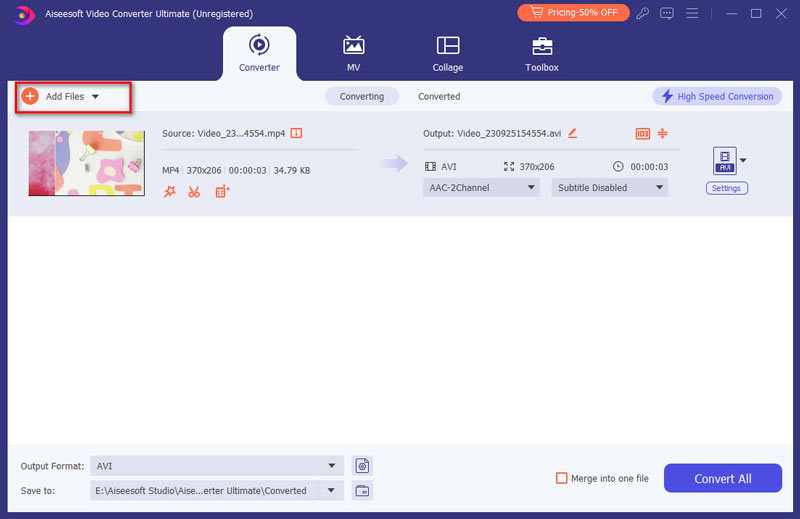
Download and install Aiseesoft Video Converter Ultimate to your PC. Insert the optical disc into your DVD drive and launch the program. Click the "Load Disc" button on the top ribbon to import videos from homemade DVD. It will detect all the threads of the DVD with ease.
Step 2 Convert DVD discs to iPad
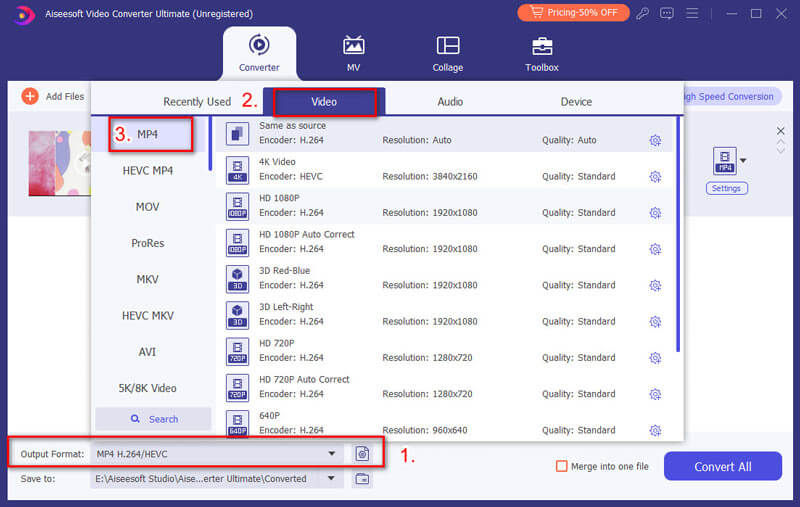
Back to the home interface and locate the bottom area. Click and expand the "Profile" dropdown menu, scroll down to find "Apple iPad" and select your device model. Next, click the "Browse" button and choose the specific folder to save the videos.
Step 3 Preview and edit DVD videos
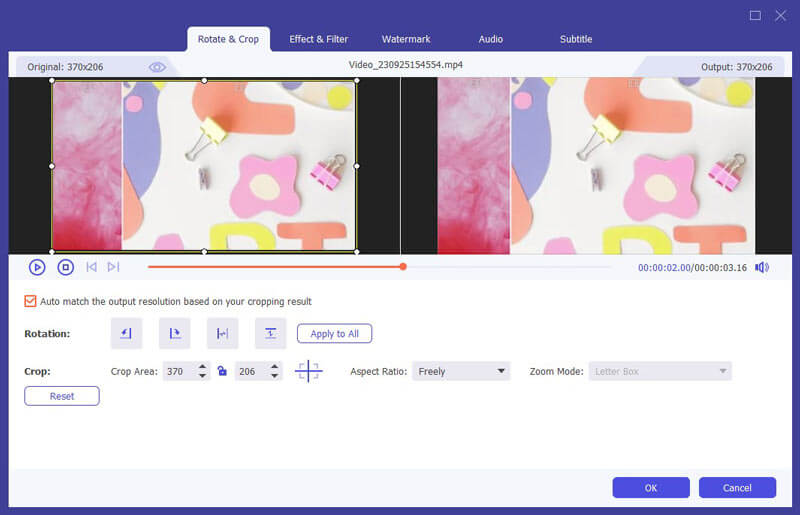
Select a video in the library area and press the "Play" icon to preview the DVD video with the built-in media player. If you want to edit the video, click the "Edit" menu on the top ribbon. Then you can rotate, crop, enhance the video or add effect and watermark.
Step 4 Enhance the video quality
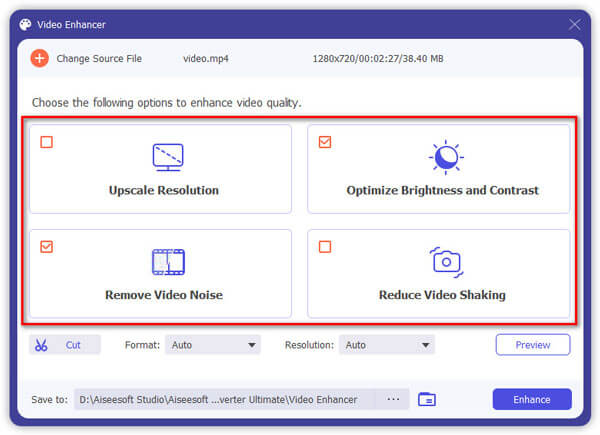
Choose the "Enhance" feature, you can upscale the video resolution, optimize video brightness and contrast, or even reduce the shaking with simple click. After that you can click the "Convert" button to convert DVD disc to iPad compatible format.
Once convert an entire DVD to iPad optimal formats, you can transfer the videos to your iPad using iTunes or some professional iPhone transfer programs.
Besides the professional DVD to iPad converters, you can also find 5 more programs to extract videos and movies from DVD. Just check out the features as below.
Handbrake should be one of the most popular DVD to iPad converters, which is able to turn movies from DVD to iPad directly. But it should be complicated to install the plugins if you need to convert some commercial DVDs.
Pros
Cons
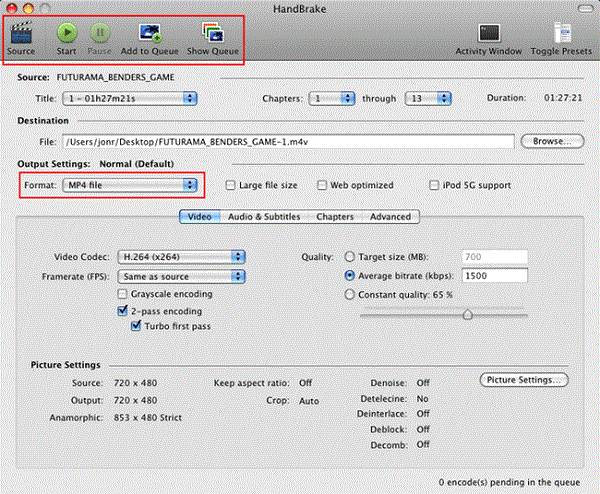
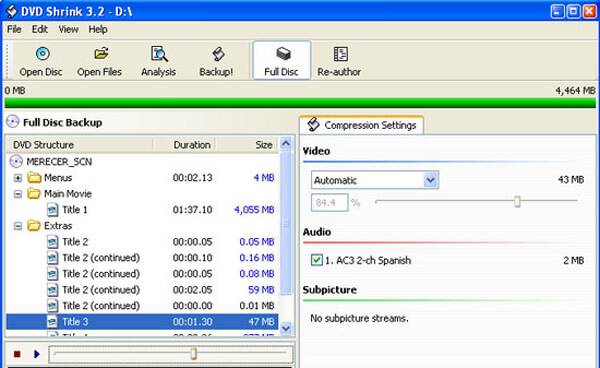
DVD Shrink is another solution to backup and convert the DVDs. But the DVD to iPad converter has stopped updating since 2005, which is not able to work with Windows 8/8.1/10.
Cons
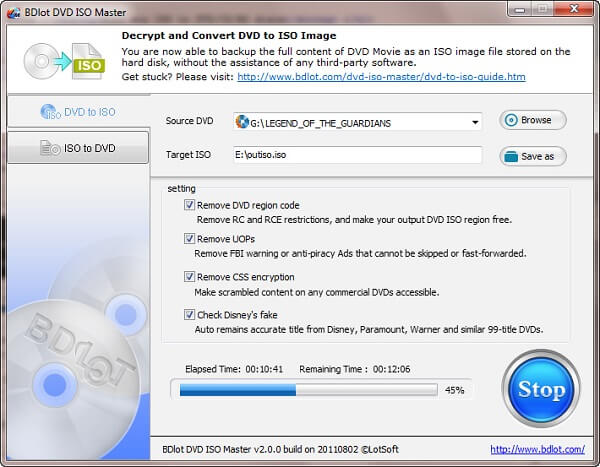
BDlot DVD ISO Master is another method to convert and backup the DVDs. You can save the DVD to ISO files for your computer with easy process, but it takes a period of time for the whole process.
Pros
Cons
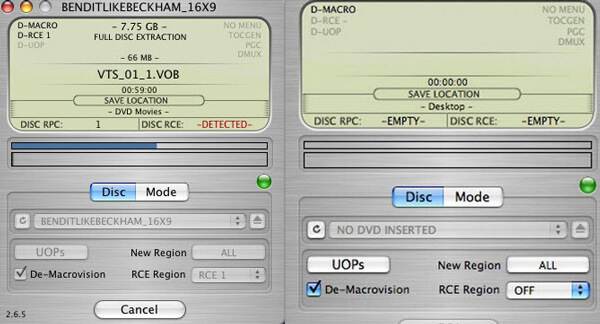
What should you do if you want to convert DVD music to iPad on Mac? Mac the Ripper is the DVD to audio ripper for Snow Leopard or previous MacOS. You have to use extra video converters to get videos for iPad.
Pros
Cons
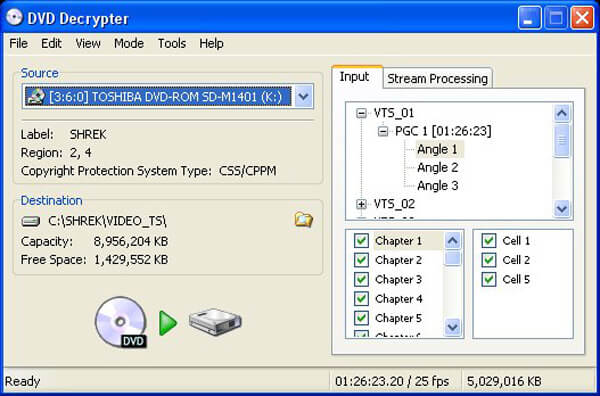
When you want some DVD to iPad converters for Windows 7, especially for the commercial DVDs, DVD Decrypter is a program you can take into consideration. But it does not work well with the latest encryption methods.
Pros
Cons
Conclusion
This article compiles a list of 6 best DVD to iPad converters to extract movies from DVD to iPad. If you just need to convert some old DVDs, you can choose any program to get the desired files. As for the homemade DVDs with powerful editing features, Aiseesoft Video Converter Ultimate should be the ultimate DVD ripper for smartphones you have to take into consideration. If you have any other query about the best DVD to iPad converting programs, you can share more detailed information in the comments.

April 04, 2019 12:00 / Posted by Andrew Miller to BD/DVD
 DVD to iPad – How to Play a DVD Movie in iPad/iPad Mini/iPad Pro
Is there a method to play DVD movies in your iPad? Here are the 3 best solutions to rip any DVD to iPad format. Just read on the article and get the desired information now.
 Convert DVD to High-Quality Mobile Phone Videos Quickly and Easily
Want to put DVD movies to your phone for offline viewing? Here you can get an ultimate DVD to mobile phone converter to extract and edit DVD movies for playback with ease.
 Windows DVD Maker for Window 10/8/7/Vista
This article tells you how to download Windows DVD maker, and how to burn a DVD with the best Windows DVD maker alternative.
 Leave your comment and join our discussion
