PDF can encapsulate one, two, three, or even more records with complete information to display and different elements for logical and interactive structuring at one. Since PDF can come up with a multilayered structure, it is so efficient to organize all of the files into it when users know how to maximize this format. As many experienced and also users of the PDF format, different variations of records need to be merged as one, and a real headscratcher is that you will need to go into the process.
Even now, many users have found this a challenging task, but today, we will make everything easier for you. Instead of hovering on the market about which one to use, why don't you spend a minute reading our review on the mergers we added here? In addition to that, we included steps for you to be able to merge or combine PDFs into a single doc. Finish this article to know more!
Before reading and learning how to merge PDFs, let's take a quick sneak peek at the available applications you can use that are listed here. After reading this, you can learn more about the merger in the next part of the comparison chart.
| Features | Aiseesoft PDF Merger | Adobe Acrobat | SmallPDF | iLove PDF | SodaPDF |
| Merge Method Options | Supported | Supported | Supported for Pro | Unsupported | Unsupported |
| Help Option | Supported | Unsupported | Unsupported | Unsupported | Unsupported |
| Preview of PDF data | Supported | Unsupported | Unsupported | Unsupported | Unsupported |
| Internet Connection | NO | Yes | Yes | Yes | Yes |
| Users Interface | 4.5 stars | 4.5 stars | 4.5 stars | 4.0 stars | 4.0 stars |
| Performance Speed | 4.5 stars | 4.5 stars | 3.5 stars | 4.0 stars | 3.5 stars |
| Price | Free | Free | Free with In-App purchase $12 monthly and $108 yearly | Free | Free |
For those who want to dig deeper about the PDF mergers and combiners we added here, you better read the information we added on each. To help you even more, read then follow the steps included here based on the app you chose to use.
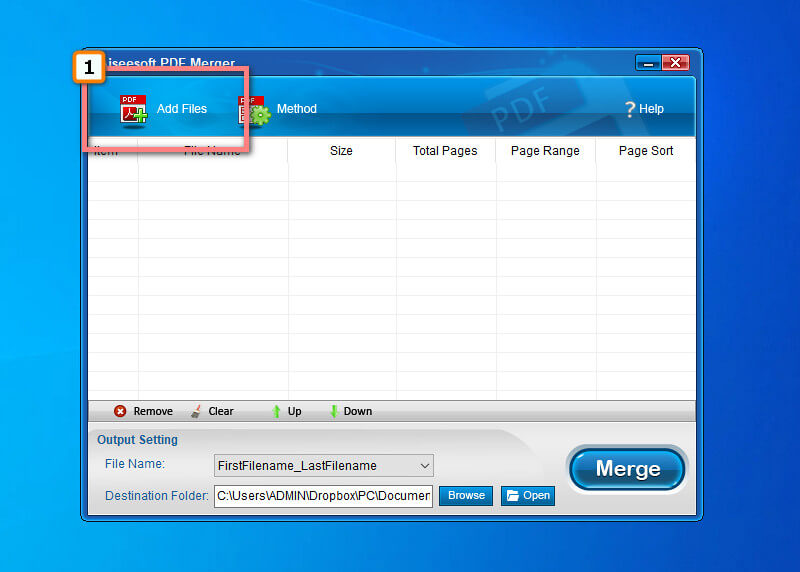
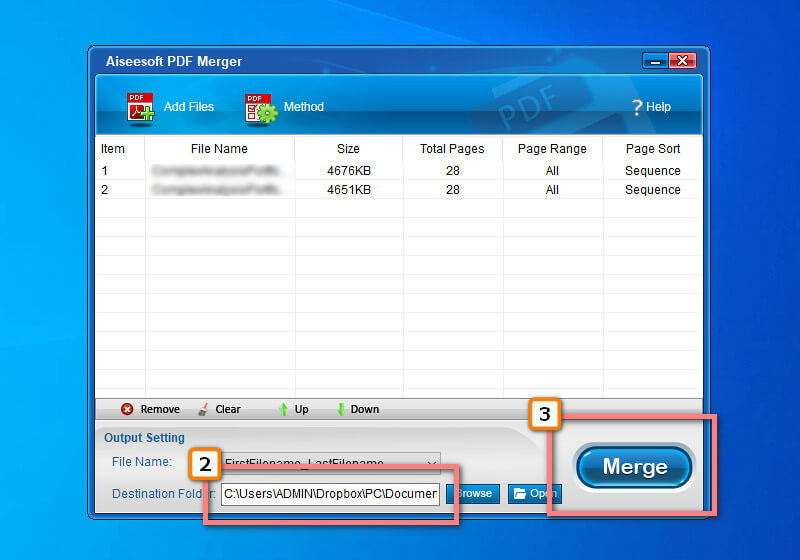
Aiseesoft PDF Merger is a simple yet effective application you can download to on how to combine PDF files, even if they are multiple files and pages. Its strength in merging is incomparable, for it is fully equipped with the suitable functions that PDF users might need on this task. Even with an old-school interface, you wouldn't have trouble understanding how this app works, even if you are a first-timer. Enjoy the ultimate merging it provides by following the indicated steps below.
 100% Secure. No Ads.
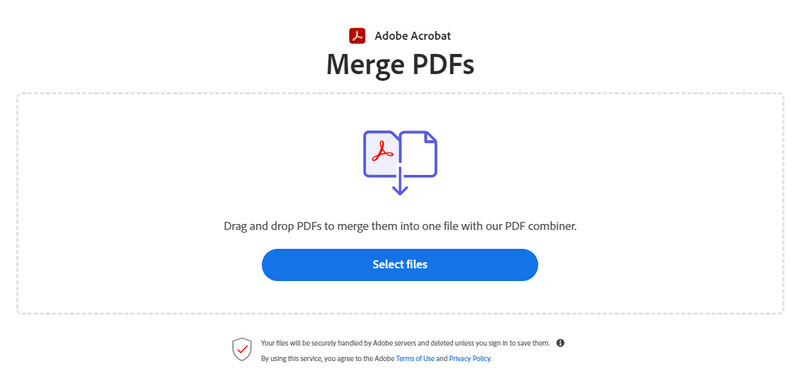
Adobe Acrobat is a popular solution you can use on the web. The app is powered by Adobe, the maker of PDF format, so, naturally, they will create an app to work with the format. Since the app has been mentioned in this article, it is worth mentioning that it also has an additional PDF compressor to shrink the file size quickly. Unlike the app developed under the same management, this one is much easier to use because of its on-point interface, and its purpose is focused only on combining. So, if you want to use this Adobe merge PDF app, follow the steps here.
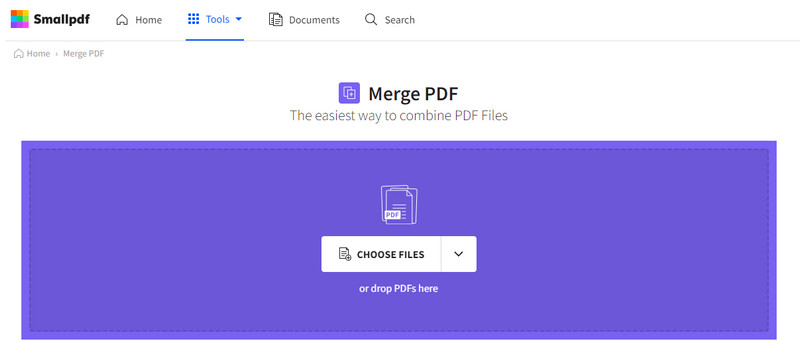
SmallPDF merge isn't just small because it is terrible. Since it has a PDF on its name, expect that this app is a PDF editor and can solve your PDF problems. All the processes you have made here are secured and automatically deleted after an hour, so there is no need to worry about exploitation because it won't happen here. However, altering the PDF settings based on your preference isn't workable if you use its free version. Registering into its pro version allows you to do more into your PDF when using this; it may cost a dollar, but it is relatively cheap. Let's take a quick look at how this app merges the files with the steps here.
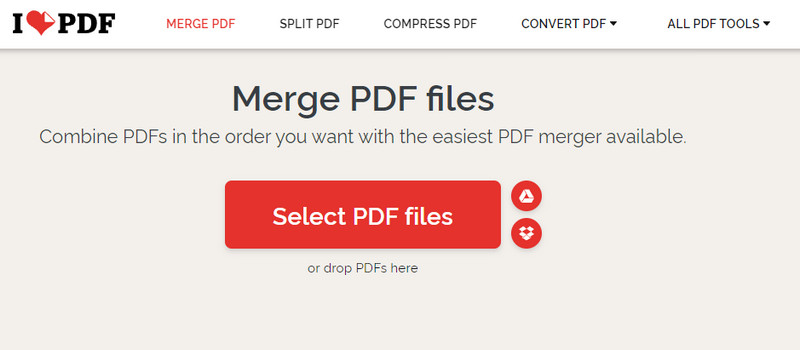
iLovePDF merge is another application you can use to process your PDF files at ease. The app has a simplified interface but is enriched with features such as cropping PDFs. Even though the app is free to use, it is still helpful for users and professionals who need to make quick PDF changes. Also, there is no need for you to go into the app to continue using it, which saves time in processing. Overall, we can easily say that the app is a good pick for those who want to take this process lightly and effectively.
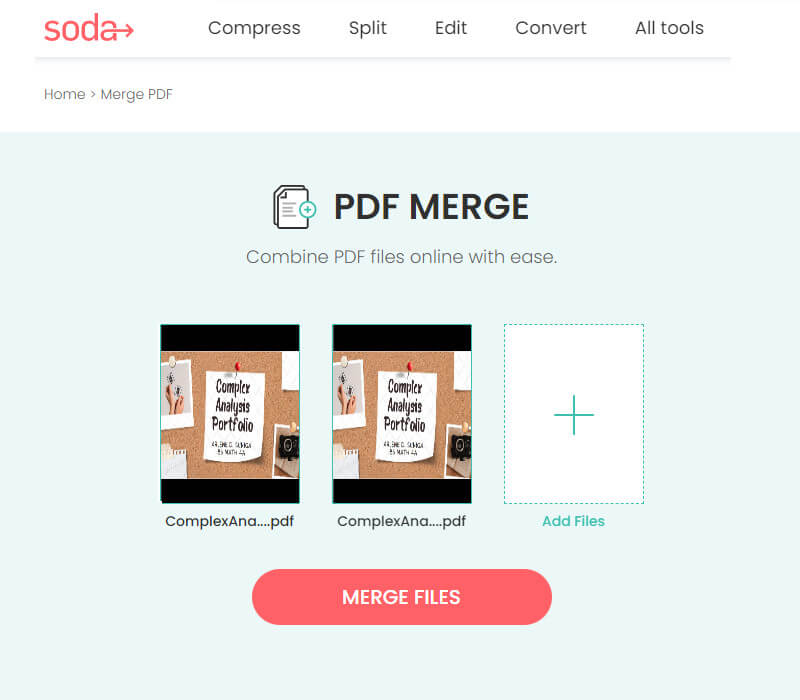
SodaPDF is another set of programs that offers complete toolkits that can handle merging PDFs online. Despite the features you can use here, it remains free for those who want to try it. This app is better because you can use its online version or download it on Windows or Mac and then use it without an internet connection. Unlike the application we have mentioned above, here you can upload files saved from DropBox or Google Drive and then save them back to the cloud storage. Yet, the free version has restrictions, and purchasing it is the only way to remove these limitations. Here are the steps you will only need to follow for those who want to test this app.
What is PDF?
PDF, or Portable Document Format, is one of the most flexible file formats containing multiple elements on a single document. It processes well on any Adobe product since the format creator is from Adobe.Inc. Compared to its alternative format, this is the most secure format that it can encrypt with codes so that no one can easily access it. With this futuristic container, it became popular to compile files for future purposes.
How to combine PDF files on Mac?
You can learn how to merge PDF files on Mac using the applications we included in this article. With Safari, you can easily access them to combine multiple PDF files you have saved on your macOS drive.
Is it possible to split PDF?
Even with the merge PDF, splitting PDF files is doable with the help of a tool available on the web or downloadable on your device. So, if you want to split the files that are embedded in PDF into multiple files, you better look for the best application on the market that can do it.
Conclusion
You can now combine two PDFs into a single file easily with the help of the combiners or mergers we added in this article. Even if you aren't professionally knowledgeable about solving this problem, by following the steps, you can succeed instantly. As you may read, all the apps are reliable in merging the elements on separate PDF files into one, but which tool do you think suits you? If you haven't got an idea which one to use, better try the Aiseesoft PDF Merger that we added here because it is the easiest app to use, and the outcome is amazingly excellent.
 Top 5 Approaches to Unlock Secured PDF without Quality Loss
Using a proper tool, you can take almost any secured PDF and unlock secured PDF files for further edit and optical character recognition. Here we share 5 PDF unlock applications.
 Remove Watermark from PDF Free, Online and Professional
How do I remove watermark from PDF free? What is the best free PDF editor? This post shares 3 ways to remove watermark from PDF on Mac and Windows PC.
 PDF to Image Conversion: Offline and Online Methods to do it
Learn the different yet effective ways how to save PDF as an image file here. This post will particularly introduce offline and online methods.
 Leave your comment and join our discussion
Aiseesoft PDF Converter Ultimate is the professional PDF converting software which can help you convert PDF to Word/Text/Excel/PPT/ePub/HTML/JPG/PNG/GIF.
100% Secure. No Ads.
100% Secure. No Ads.

