Generally, to better preserve precious memories or historical records, you need to restore old footage. For instance, some old videos may capture valuable moments that can't be relived. Video restoration can bring these memories back to life with improved clarity and quality. Whatever the reason, when you want to restore old videos and recover details, you can rely on AI video restoration tools. Compared to traditional methods, they offer a more effective and accurate way to improve the quality of your videos.
Note that this article doesn’t talk about physical media like VHS tapes. Video restoration is the process of improving the quality of old, degraded videos. Due to low resolution, blurriness, compression, format limitations, and other factors, you need to restore old videos to improve their quality. AI video restoration is the process of strengthening old videos using artificial intelligence. This process uses advanced AI algorithms and deep learning technologies to address common issues such as noise, instability, low resolution, color fading, and more.
How Does AI Video Restoration Work
AI video restoration typically contains video analysis and enhanced steps. It uses AI to analyze your old video frame by frame and identify specific areas of degradation. Then, AI algorithms will start related enhancement operations. As mentioned above, it will effectively remove noise and grain, upscale resolution, improve image stability, adjust color, brightness, and saturation, and even generate intermediate frames between existing ones to smooth the video.
AI video restoration can help you recover video details, increase resolution, improve clarity, enhance quality, and get better preservation. More importantly, AI-powered video restoration.
Many AI video restoration tools are offered to help you restore old footage with ease. With so many options available, including free online video enhancers and professional desktop programs, you may struggle to find the right one quickly. Considering that, this part introduces you to five of the top contenders.
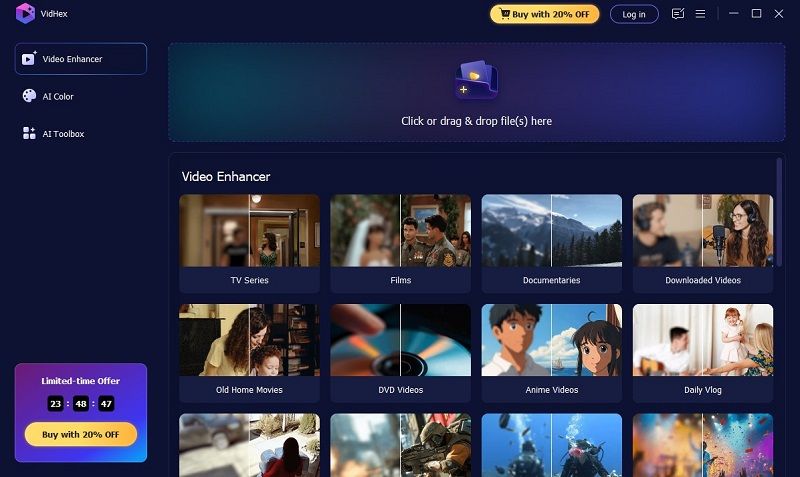
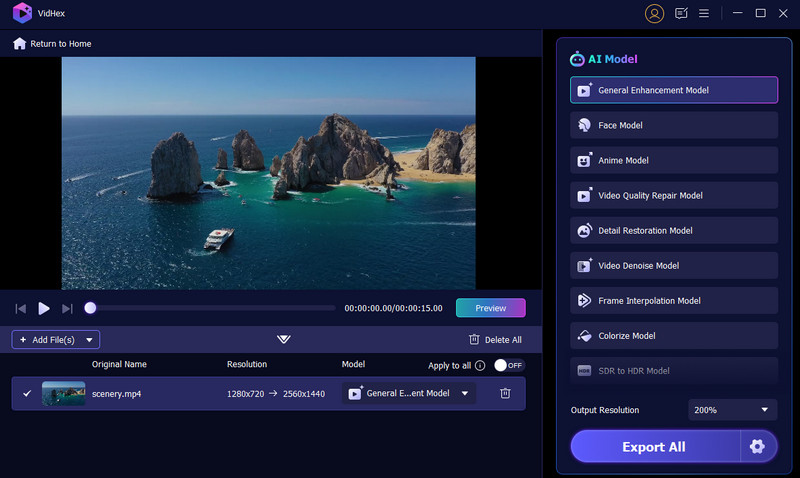
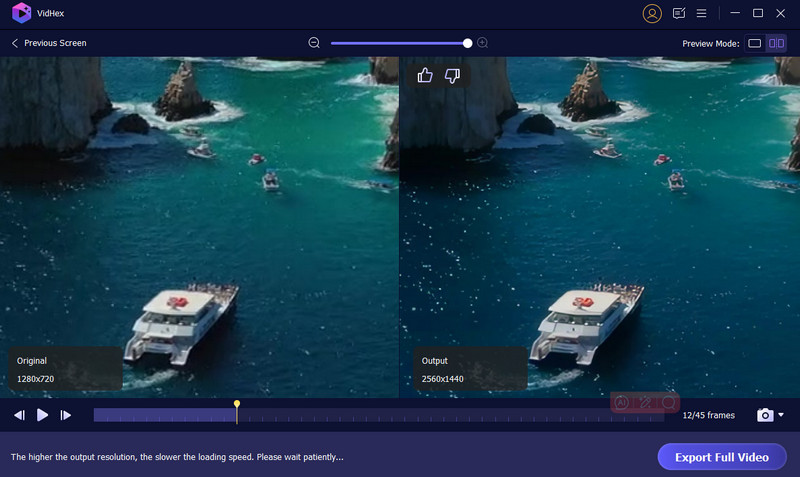
VidHex is the best restoration software designed to improve the quality of videos using AI. It is mainly used to enhance old, blurry, pixelated, and various low-resolution videos. It can help you restore old videos and recover their details on both Mac and Windows PC. This AI video restoration software offers several AI-powered tools for B&W colorization, SDR-to-HDR conversion, Color Enhancement, Frame Interpolation, Video Denoise, and more.
117,882Downloads
 100% Secure. No Ads.
100% Secure. No Ads.
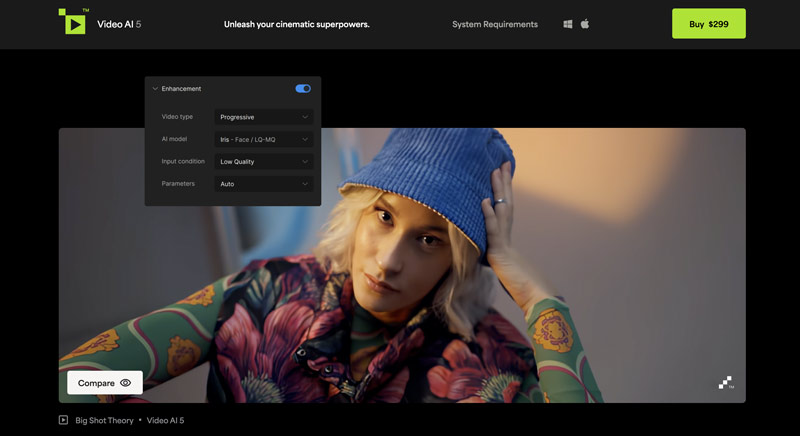
Topaz Video AI is a famous video enhancer that can help you improve and restore video quality. Like Filmai, it lets you easily upscale old videos to higher resolutions, reduce noise, sharpen edges, and optimize color and brightness. It uses advanced AI to generate high-quality restoration results. However, Topaz Video AI requires a powerful computer for optimal performance. As a professional AI video restoration tool, Video AI costs $299.
Pros
Cons
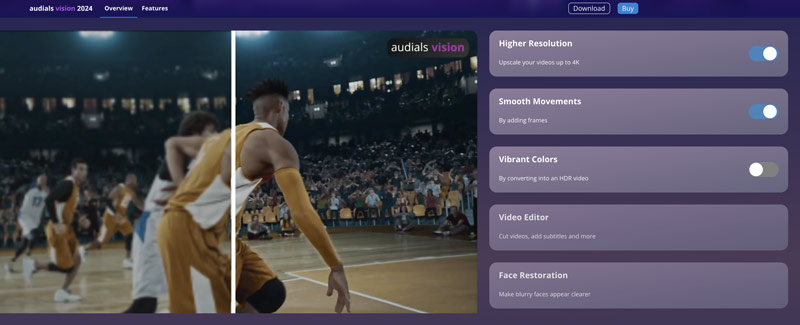
Audials Vision primarily enhances video quality using various AI techniques. It can work as a video restoration software to increase resolution to 1080p HD or 4K. Moreover, Audials Vision can reduce grain and other noise artifacts, making old videos clearer. It can add intermediate frames to generate a smoother video playback. In addition, it is designed with a face-restoration function to enhance facial details accurately. Currently, Audials Vision is only available for Windows users.
Pros
Cons
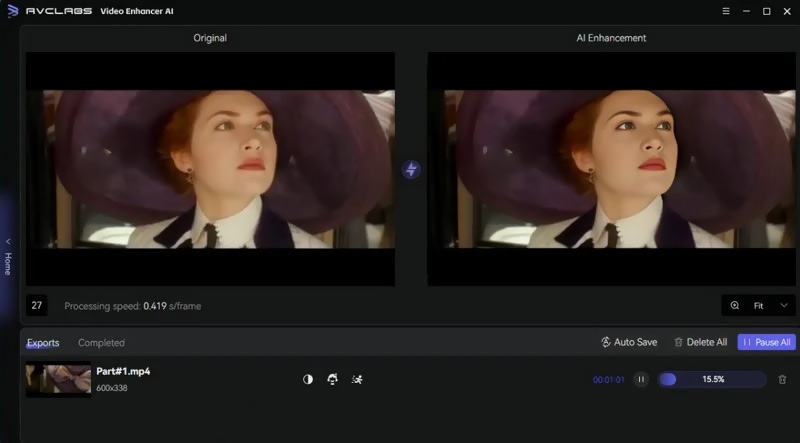
AVCLabs Video Enhancer AI is specially designed to upscale videos to higher resolutions, even up to 8K. It leverages advanced artificial intelligence to improve the clarity and quality of your videos. AVCLabs enables you to reduce noise, enhance facial details, customize colors, and perform other enhancements to restore old videos. You can start with the free version to try using it before purchasing.
Pros
Cons
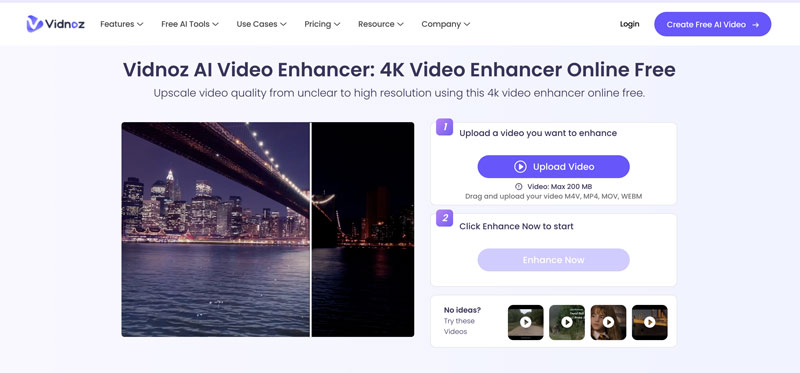
Vidnoz AI Video Enhancer is a web-based tool that uses artificial intelligence to improve the quality of old videos and restore their details. It can handle common issues like noise, blurriness, low resolution, and color fading. Compared to professional AI video restoration software, Vidnoz is relatively budget-friendly.
Pros
Cons
Filmora's AI video restoration and enhancement tools are built for ease of use, which has contributed to its position as a go-to choice for video editors. These features let you recover a video shot in poor quality or one that has deteriorated, as well as enhance videos with clear images, lighting adjustments, and noise removal. Filmora provides you with the confidence and reassurance to restore, rework, and improve your video clips. Its simple, intuitive drag-and-drop interface is a natural launch point for anyone new to video editing who does not want to invest hours in learning. Additionally, Filmora supports many formats and provides real-time previews as you edit your movie, enhancing user capabilities and confidence.
Pros
Cons
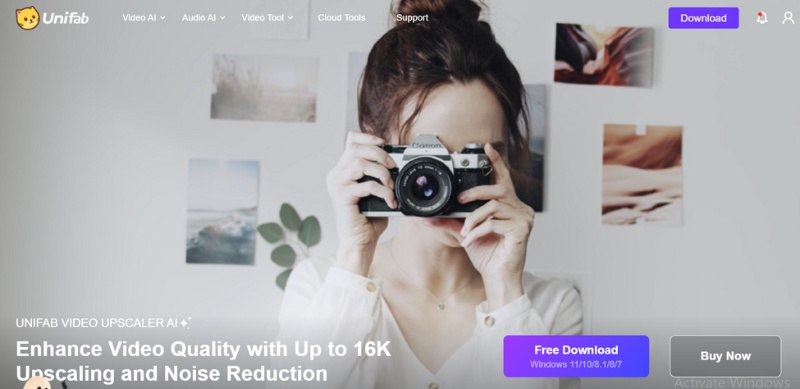
UniFab Video Upscaler AI is an advanced deep learning-based tool for restoring and enhancing videos. Its high-end offering is the ability to upscale older or "graining" or low-resolution videos into resolution 4K or even 8K! As a computer software, UniFab Video Upscaler AI also uses increased AI to sharpen edge details, enhance color sharpness, and reduce noise for an overall natural, realistic effect. The UniFab Video Upscaler AI software uses an intuitive, basic design, allowing the user to upload their files easily, let the pro software choose the enhancement mode, and even see a scan after it analyzes the video content to identify applications. UniFab Video Upscaler AI is designed for users who want prosumer-quality improvements without tying to other advanced post-production software for outputs.
Pros
Cons
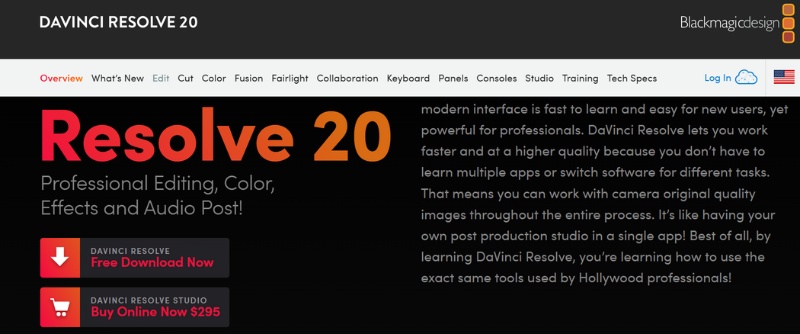
DaVinci Resolve is a complete video editing and color grading application utilized by industry professionals in film and television. It offers state-of-the-art AI tools under its Neural Engine, which effectively aid in video restoration to remove noise, stabilize shaky footage or improve detail in a grainy clip. Powerful color correction, motion tracking, and facial enhancement abilities make this application a great solution for restoring old or damaged footage with cinematic appeal.
Pros
Cons
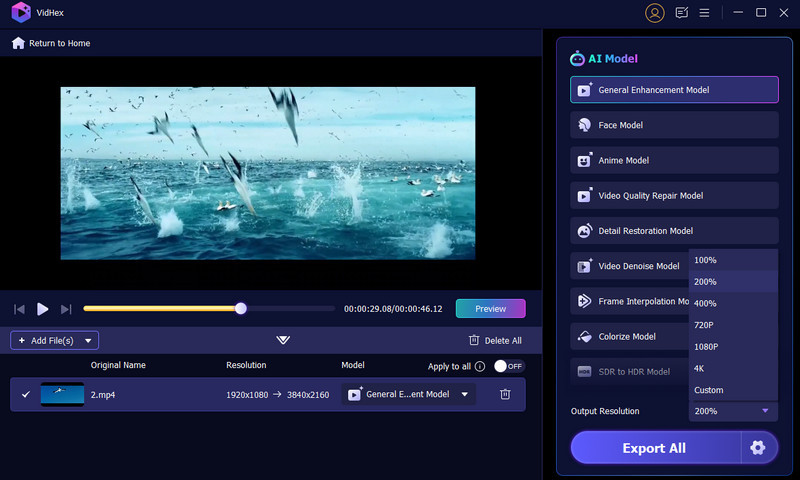
You can compare the key features of the five recommended AI video enhancers above, then select the one you want to restore your old videos. This part uses the easy-to-use VidHex as an example to show you how to restore old videos using AI.
100% Secure. No Ads.
100% Secure. No Ads.
Can you repair old videos and remaster them to 4K quality?
Many powerful editors are available to help you repair old videos and improve video quality, especially these advanced AI-powered tools. They rely on modern editing and enhancement technologies to significantly enhance old videos. However, there are limitations on remastering their quality to 4K. The original video quality, current damage conditions (such as noise, color degradation, and scratches), the hardware and software you are using, and other factors will affect the final repair results. AI tools like Filmai can upscale videos to higher resolutions, including 4K, reduce grain and noise, restore faded or inaccurate colors, and perform other operations to enhance video quality effectively.
Can AI clean up old videos?
Yes, AI can help you clean up your old videos and improve their quality. As mentioned above, many AI-powered video enhancers, such as Filmai, can significantly improve the overall quality of old, degraded footage. AI can remove background noise, increase resolution, stabilize camera shake, correct color and brightness, and unblur blurry parts of a video. AI algorithms can intelligently analyze videos frame by frame and then make related enhancements.
Can Adobe Premiere Pro restore old videos?
Adobe Premiere Pro is designed with a range of commonly used editing functions for video editing. It is not primarily designed for video restoration. However, it lets you easily reduce camera shake, remove video noise, and adjust colors, contrast, and brightness. You can manually enhance the quality of your old videos using these features.
Conclusion
For different purposes, you will have the restored video. The good thing is that many AI-powered tools simplify the video restoration process. You can select the tools that best meet your specific needs and budget, then start AI video restoration with ease. When dealing with valuable old videos, always create a backup first.
 Topaz Video AI Review: Features, Pros & Cons, and Best Alternative
Complete Topaz Video Enhance AI review: features, pros/cons, and usage guide. Discover a powerful alternative for perfect video upscaling.
 A Guide to Fix Old Videos and Reviving Precious Memories
How can I fix damaged audio on old videos? Can you restore an old video and improve its quality? This post shares three different methods to fix old videos.
 Recover Deleted Videos on Your iPhone, Android Phone, and PC
Can I recover a video after it is permanently deleted from my iPhone? Why is Disk Drill recovered videos corrupted? Learn to retrieve videos on phones and PCs.
 Leave your comment and join our discussion
VidHex is an AI-powered video enhancer that upscales, denoises, colorizes stabilizes, and improves video quality in 1 click.
100% Secure. No Ads.
100% Secure. No Ads.

*Required field
*Please enter a valid email

