- "Is there a professional video converter for Mac that converts AVI to all web formats?"
- "Most of my video files are in .avi format, and I cannot view them on my Mac. What's the best way to convert AVI to play on Mac?"
- "I encountered an AVI file that refuses to play on Plex. I'm using Mac 10.5.8, can anybody show me one best free video converter for Mac?"
If you fail to play AVI videos due to incompatibility issue, then probably you can convert AVI to MP4 and other popular formats to solve the problem. To start with, it is important to pick out one excellent AVI video converter for Mac.
Thus, this article offers different types of video converters, with which you can choose your best video converter Mac easily.
Before introducing these 7 converters, you can check the chart to preview their basic differences.
| Supported output formats | Supported system | Ads free | Batch Conversion | Conversion speed | Ease of use | Difficulty of installation | |
| Aiseesoft Video Converter Ultimate | lmost all media formats, including MP4, MKV, AVI, etc | Windows, Mac | Yes | Yes | Spend less than 2min to convert a 500MB MP4 video | Convert with 3 steps | Install from the official website directly |
| HandBrake | Only 3 output formats, including MP4, MKV, and WebM. | Windows, Mac and Linux | Yes | No | Spend less than 3min to convert a 300MB MP4 video | Convert with 3 steps | Install from the official website directly |
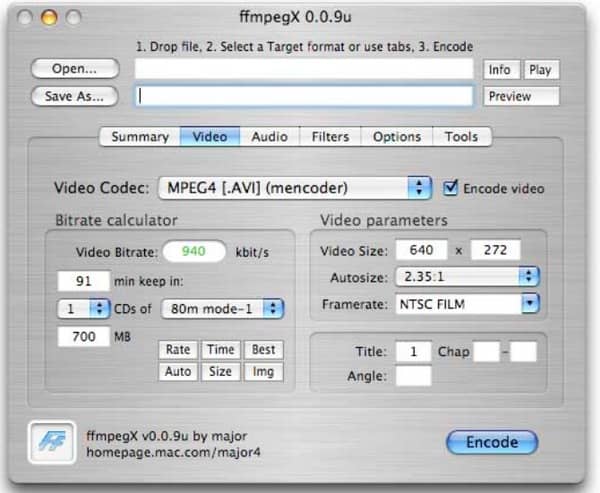
| FFmpeg | Most media formats, including MP4, MOV, AVI, AVI, etc | Windows, Mac and Linux | Yes | Yes | Spend less than 2min to convert a 500MB MP4 video | You need to input the command line to convert. | You need to change system properties to install |
| VLC Media Player | Only 23 video and audio formats, including MP4, OGG, WebM, ASF, etc. | Windows, Mac, Linux, iOS and Android | Yes | Yes | Spend less than 3min to convert a 300MB MP4 video | Convert with 4 steps | Install from the official website directly |
| Zamzar | Less than 50 different media formats, including MOV, MP4, WMV, etc | A browser | Yes | Yes | Spend more than 1h to convert a 300MB MP4 video | Convert with 3 steps | No installation required |
| CloudConvert | More than 50 different media formats, including MP4, MP3, AVI, etc | A browser | Yes | Yes | Spend more than 1h to convert a 300MB MP4 video | Convert with 3 steps | No installation required |
| Convertfiles | More than 50 different media formats, including MOV, MP4, WMV, etc | A browser | No | No | Spend more than 1h to convert a 300MB MP4 video | Convert with 3 steps | No installation required |
Is there an AVI converter for Mac that can convert and edit media files in one stop? Well, Aiseesoft Mac Video Converter Ultimate is your best AVI file converter for Mac. You can convert videos (4K UHD included) and homemade DVDs to all popular video formats on Mac in high quality. Moreover, you are able to enhance video quality in 4 different ways.
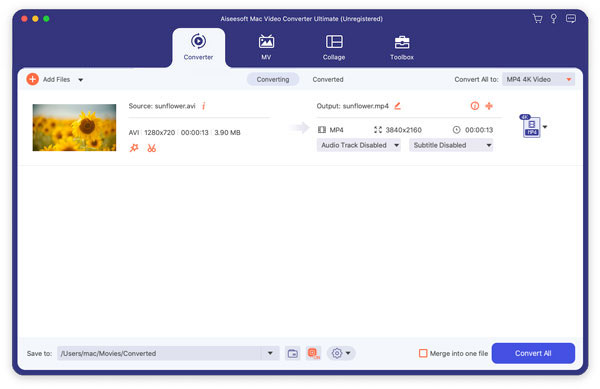
Launch this program after downloading and installation. Later, click "Add Files" on the top toolbar to add AVI video to your best AVI converter for Mac software.
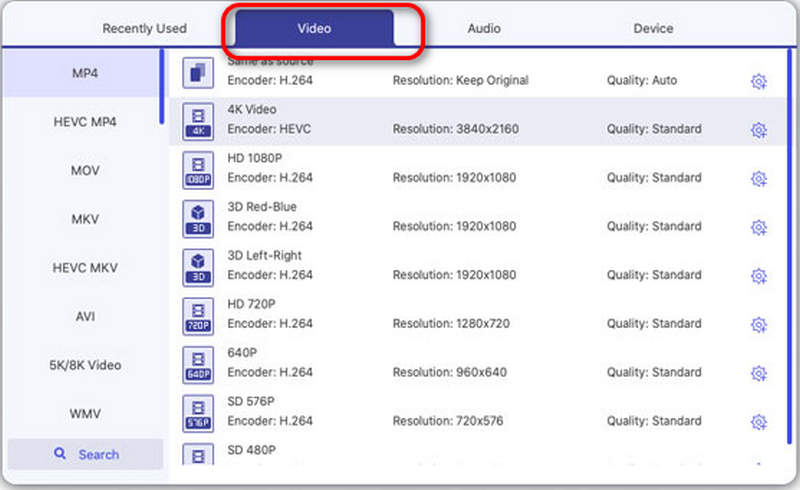
Click the drop-down arrow or the Format button on the left to open the output format page. Now, you can choose MP4 under the Video menu as your output format.
Now, you can click the drop-down list beside "Save to" and select your destination folder. Then, click "Convert All" to start the conversion.
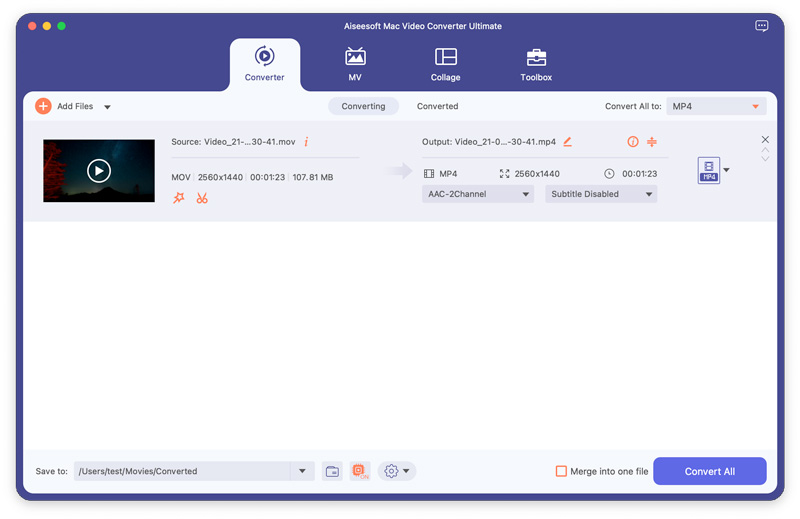
Choose "Settings" option besides to adjust its profile settings if necessary. Later, click "Browse" to set a destination folder.
At last, choose "Convert" to start to convert AVI to MP4 video on Mac.
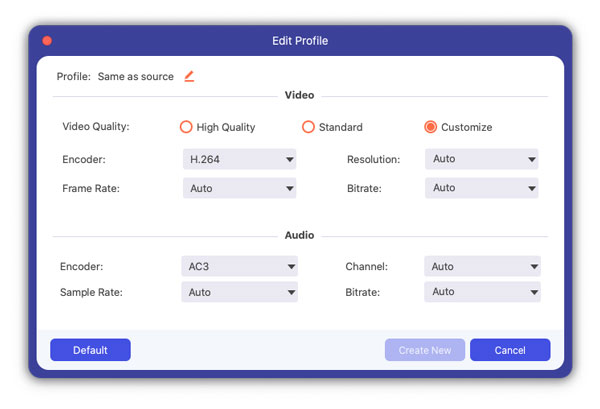
By using this versatile AVI file converter for Mac, you can convert AVI to MP4 in batch or singly with fast conversation speed and high-quality output. So if you are looking for an easy-to-use but powerful AVI converter for Mac, you should not miss Mac Video Converter Ultimate.
Handbrake is one of the most popular video converter freeware for Mac. You can convert AVI to most popular formats for free. Its built-in device presets and multimedia input sources guarantees users to convert AVI to MP4 Mac free. It supports macOS 10.13 and later versions.
Pros
Cons
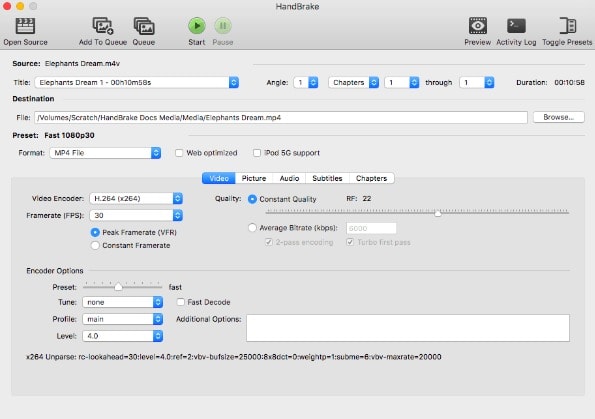
FFmpeg is an open-source multimedia framework that supports all the major codecs and video/audio formats. You can free download FFmpeg AVI converter for Mac in easy ways. It is compatible with MacOS 10.9 or later versions.
Pros
Cons
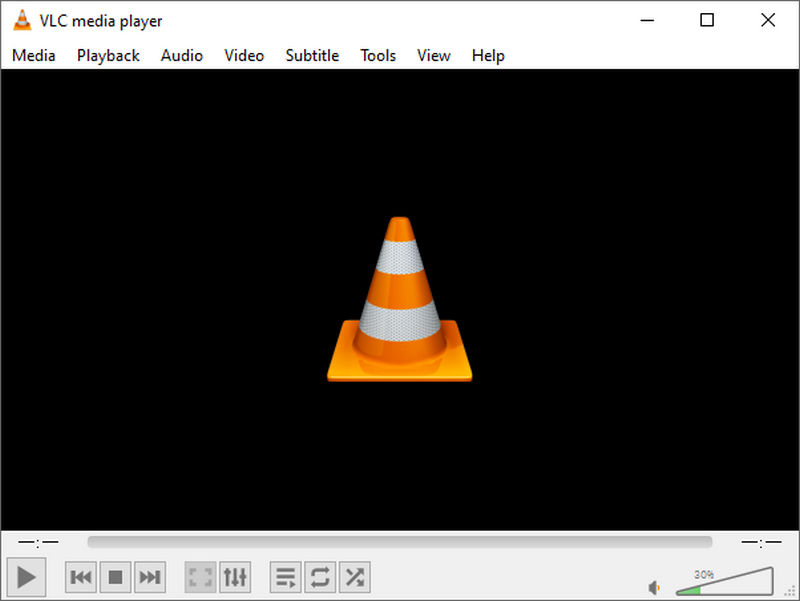
VLC Media Player is another powerful product that supports video conversion and playback. It is free and open-source, you can use it on macOS 10.7.5 and later versions. For people who prefer software that functions as both media players and video converters, then VLC is your first choice.
Pros
Cons
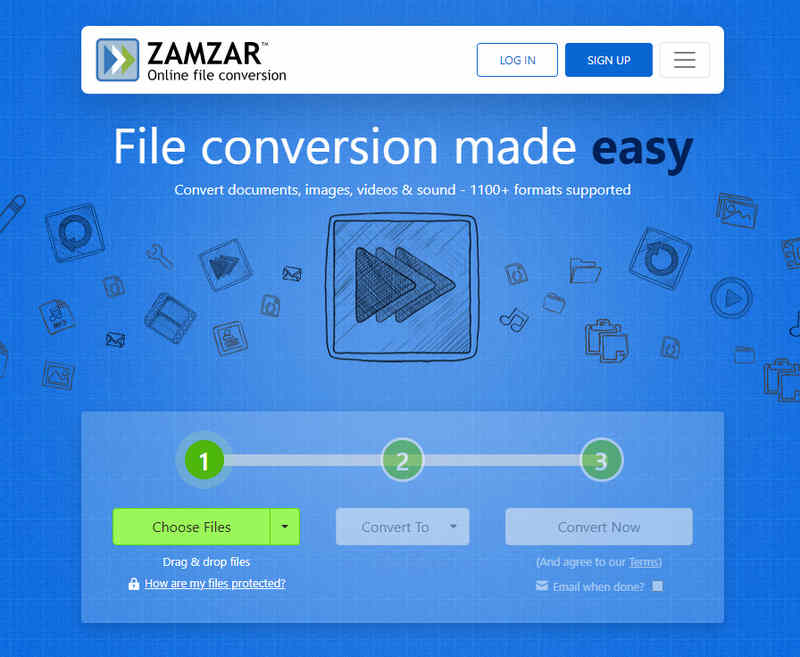
Zamzar provides a simple and clean interface with no ads. You can send the converted videos to your email through Zamzar online AVI converter file converter for Mac directly. However, it is also the only way to receive the converted files as well. As an online converter, you can use it as long as you have a browser on your Mac.
Pros
Cons
CloudConvert is another online AVI converter for Mac. You can use it to convert AVI to MP4 or other video formats easily. You can use it no matter what your Mac system version is. You can convert no more than 25 times for free a day.
Pros
Cons
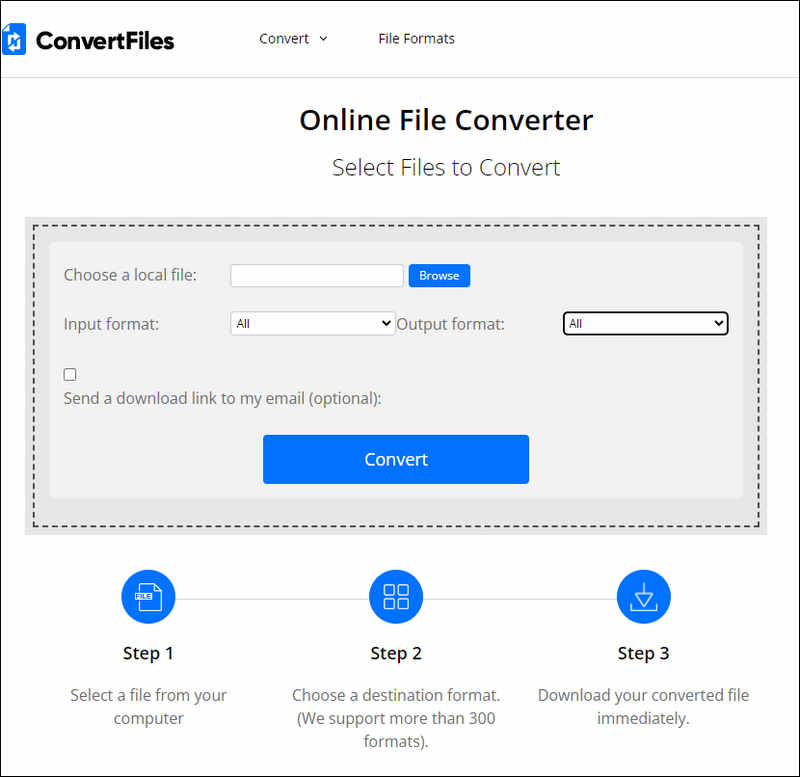
Convertfiles allows users to convert AVI video to MP4 and other formats easily. You can set a download link to your email after the conversion finishes. Though it does not support batch conversion.
Pros
Cons
Can iMovie convert AVI to MP4?
Yes, it can. First, you need to import the AVI file into the iMovie. Then, click "Export" to set your output format as MP4 and click "Next" to start the conversion.
Does Mac have an AVI to MP4 converter?
Yes, it does. iMovie is a pre-installed software on Mac and you can also use it to convert your AVI files directly.
What is the best format for AVI conversion?
It depends. If you want to convert AVI to a smaller and more compatible video format, then MP4 is the best format for AVI conversion.
Conclusion
After reading this article, you must know which AVI converter for Mac should you choose. According to the above comparisons, you can choose to convert using a professional converter like Aiseesoft Video Converter Ultimate or an online tool that saves the trouble of downloading new software. Using them, you can convert your AVI files to MP4 or other compatible formats so that you can play AVI videos effortlessly.
 How to Convert MPG to MP4 on Mac with Ease
Here are easy ways to convert MPG to MP4 on Mac. You can read and learn how to convert MPG videos according to different requirements.
 5 Best AVI to FLV Converter on Windows/Mac/Online
If you have no idea which AVI to FLV converter to choose, then this article can offer you some useful overviews and comparisons.
 How to Convert 3GP to MP4 on Mac with High Quality (High Sierra Included)
Find the important feature for the best 3GP to MP4 Converter for Mac and how to convert 3GP to MP4 without losing quality from this article.
 Leave your comment and join our discussion
Convert AVI
1.1 AVI Converter
1.3 AVI to MP4
1.4 AVI vs MP4
1.5 AVI to WMV
1.6 AVI to MOV
1.7 AVI to MPEG
1.8 AVI to 3GP
1.9 AVI to XviD
1.10 AVI to MP3
1.11 AVI to WMA
1.12 AVI to iTunes
1.13 AVI to DVD
1.14 AVI to iPhone

Video Converter Ultimate is excellent video converter, editor and enhancer to convert, enhance and edit videos and music in 1000 formats and more.
 100% Secure. No Ads.
100% Secure. No Ads.

*Required field
*Please enter a valid email

