
Aiseesoft Android Unlocker
 100% Secure. No Ads.
100% Secure. No Ads.
When you search for a professional solution for Android device unlocking, repair, or management, you may easily locate MWorker Tool. It is a dedicated application used for unlocking Android devices, bypassing FRP (Factory Reset Protection), and removing carrier locks. You may need a trustworthy download link, detailed instructions, or troubleshooting tips about it.
This article provides a comprehensive guide to the MWorker Tool. You can get related download and setup guidance, answers to common questions, and a powerful Android unlocker alternative.
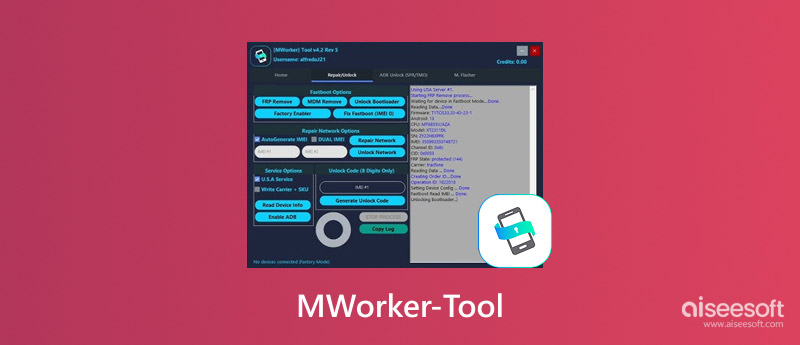
As mentioned, the MWorker Tool is a specialized software utility used to unlock or repair Android phones. This credit-based tool is primarily used for unlocking Motorola and Lenovo phones. The latest MWorker Tool versions can bypass carrier network restrictions, remove FRP barriers, repair IMEI, check device information, and unlock the flashing firmware via remote unlocking servers. Users are required to purchase and consume credits for Android unlocking.
MWorker Tool is a professional-grade Android device unlocking, flashing, repairing, and management tool.
Unlock Network SIM. The MWorker Tool can help users get rid of carrier restrictions. After that, the device can use any SIM card.
Bypass FRP. It can remove or bypass Factory Reset Protection on locked Android devices. Moreover, the MWorker Tool can remove Mobile Device Management restrictions.
Flash Firmware. The Android unlocker tool can recover bricked, malfunctioning, or boot-looping phones by writing factory firmware. It can detect a Fastboot device and read device information.
Repair Network, IMEI, Fastboot Issues. The MWorker Tool enables you to fix various network, IMEI, ADB activation, and mode-specific issues.
If you need to install and set up the MWorker Tool for unlocking your Android phone, ensure that your mobile device can be connected and recognized by your computer successfully.
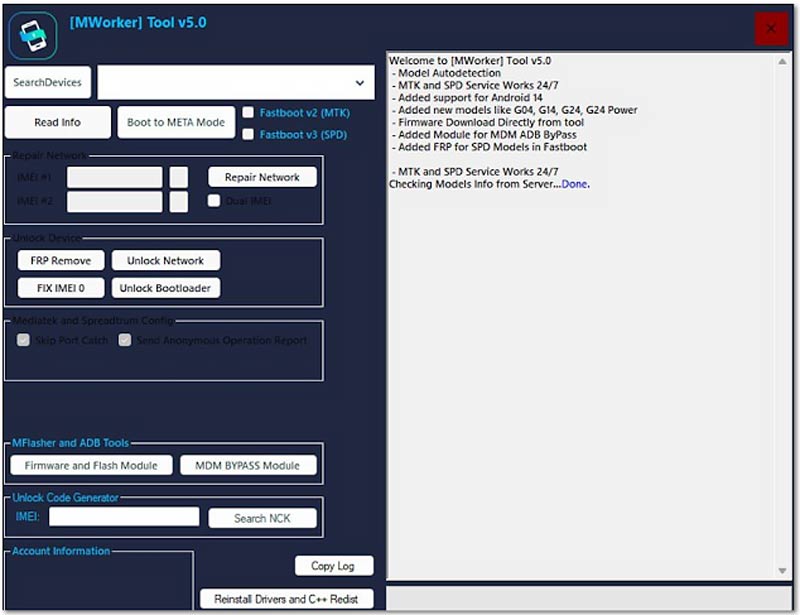
While using the MWorker Tool, you may encounter various issues. This section lists some common problems and provides related solutions.
Device Not Found Error
It can be a common issue that your phone cannot be detected. This often points to a driver issue. As mentioned above, you should install the latest drivers. You can open Windows Device Manager, go to your connected phone, and then update the USB drivers manually.
FRP Removal Failure
If the MWorker Tool fails to remove or bypass FRP, check the software version and ensure you are using the updated version v5 Rev6.
Insufficient Credits
If you don’t have enough credits for your operations, the process will stop and fail midway. Different operations, such as Android unlocking, FRP removal, or repair, will consume different credit amounts.
Stuck on Calculating
If the MWorker Tool does not respond during the calculation phase, you can choose to disconnect the device, restart the application, and then reconnect it.
Even though the MWorker Tool is a good option for unlocking specific Android devices, many users prefer a more accessible, user-friendly solution to unlock their phones.
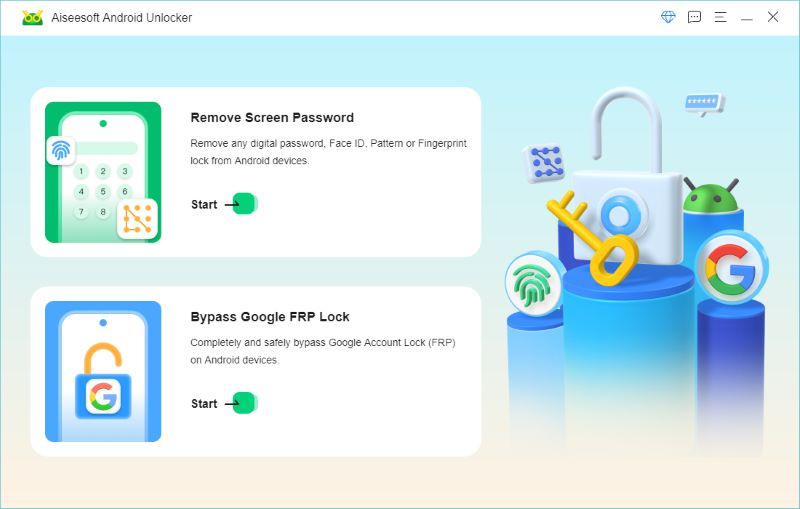
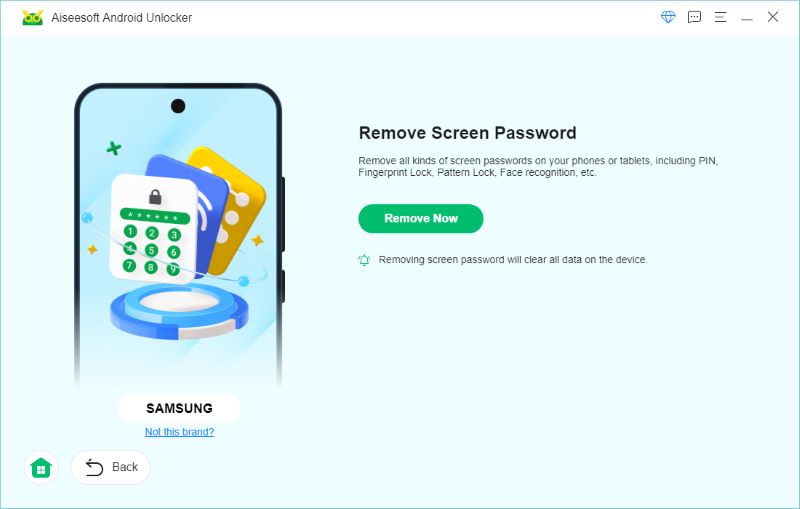
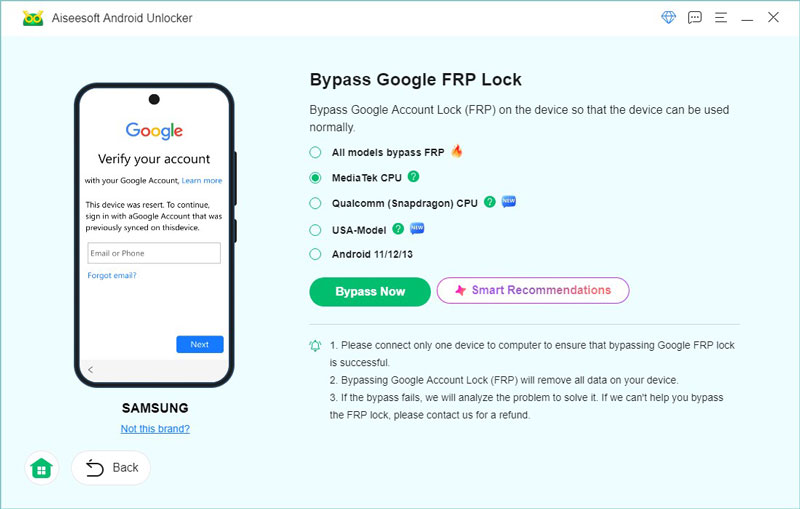
If you are unsatisfied with the user experience of the MWorker Tool and need an Android unlocker alternative, turn to the reputable Aiseesoft Android Unlocker - Anock. It is widely used by thousands of users to bypass lock screens and bypass Google FRP. You don’t need to purchase server credits or technical expertise to use it.
100% Secure. No Ads.
100% Secure. No Ads.
Anock is the top recommendation for most general users who want to easily remove all types of Android locks and bypass various restrictions. This MWorker Tool alternative lets you bypass FRP lock without a Google account or password. More importantly, it adopts advanced algorithms to deliver a high success rate of Android unlocking.
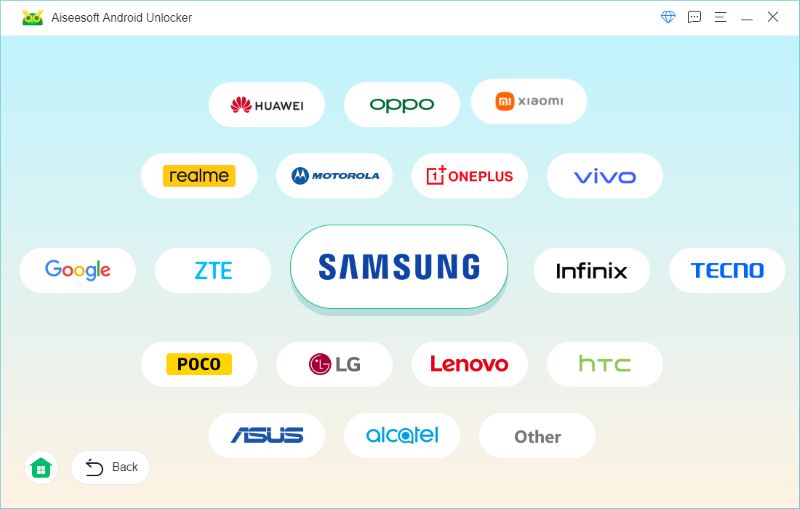
Steps to Unlock Your Android Phone
Question 1. Is the MWorker Tool free?
No. All your actual Android unlocking operations in the MWorker Tool require purchasing server credits to confirm. Even though the software is free to download and use, the final action must be confirmed through credits. You need to purchase them from authorized third-party resellers.
Question 2. Can I use MWorker for iOS devices?
No. MWorker is primarily designed for unlocking Motorola and Lenovo devices. There is no Android unlocking tool that supports iOS devices. What’s more, if you need to unlock Samsung phones, you also need a MWorker alternative like Aiseesoft Android Unlocker.
Question 3. Is it legal to use an Android unlocker like MWorker Tool?
Yes, it is legal to use Android unlocking software on devices that you legally own. You can use it to regain access when you forget your credentials.
Conclusion
This post gives you a quick guide to know more about the MWorker Tool. Whether you forgot your password, want to remove carrier restrictions, or need to unlock a second-hand phone, you can follow the steps above to get the job done. If you are unhappy with its complex setup and pay-per-use model, turn to the introduced Aiseesoft Android Unlocker.
 Android Locked Out? How to Unlock Your Android Phone Without a Passcode
Android locked out and forgot your PIN or pattern? This guide shows safe and effective ways to unlock your Android phone using official methods and tools.
 3 Effective Ways on How to Remove Google Account from Phone
How to remove Google account from your Android? Can you remove Google account from phone without password? Read this article to get the answers you need.
 Just One Click Can You Unlock Phone Free with IMEI Number
Easy and powerful. Find your IMEI number and unlock your phone in one click. This passage will tell you different methods to achieve this and release your hand.
 Leave your comment and join our discussion
Compatible with all Android OS versions, this unlocker provides a secure and easy way to remove screen lock of any kind and bypass FRP quickly.
100% Secure. No Ads.
100% Secure. No Ads.

*Required field
*Please enter a valid email

