
Best for: beginners who want an all-in-one player for DVD discs, VIDEO_TS folders and ordinary video files, with a simple interface.
Aiseesoft 4K DVD/Blu-ray Player
 100% Secure. No Ads.
100% Secure. No Ads.
Recommended VOB Players
If you just want a free VOB player that works on both Windows and Mac, install VLC - it plays VOB files out of the box with no codecs needed.
For DVD discs or VIDEO_TS folders with menus, Aiseesoft Blu-ray Player (Windows/Mac) is the most complete option.
Windows users who want a free player with strong subtitle support should try GOM Player.
Mac users should consider IINA, the modern free player that handles VOB smoothly.
As the rise of digital streaming services has become prominent nowadays, VOB file format players, a once popular video file format to play in the likes of DVD, have become less needed today. As such, there is still a need for such players, are there are still videos of the same format waiting for users to be played with the right player. If you happen to have VOB video file format and are looking for ways to open or watch the video, then this article is for you.
This article guide is solely for those looking for the best VOB file player for your DVD and desktop devices (Windows and Mac). Thus, we also delve into explaining what a VOB format is, discuss some common issues present in such files, and discuss the importance of using a reliable VOB file player. To save you from testing dozens of apps, we compared the five best VOB players for Windows and Mac: Aiseesoft Blu-ray Player, VLC, GOM Player, Windows Media Player and IINA. Now we will walk you through how to play VOB files step by step.

VOB is a DVD video file format containing an MPEG video with AC-3 audio data. It is usually found in a file folder named VIDEO_TS. VOB format cannot be opened using a built-in media player of Windows (Windows Media Player) and Mac (QuickTime Player), as VOB files are formatted as MPEG-2 system streams.
Moreover, as VOB is formatted that way, there has been a rise in issues and concerns when users try to open it from different locations. Below, we listed some common issues regarding VOB file format files.
• Regarding VOB file compatibility, only some platforms and programs support such files; thus, players require additional codecs for VOB to work on these players.
• VOB video files are prone to stuttering or suddenly freezing when playing, which increases the chances of a video file failing to play.
• For quality, VOB files are usually easily corrupted or damaged, affecting the overall quality of the video and resulting in video playback problems or worse.
• The root cause of VOB files being so sensitive to video playback issues and the subject of easily being corrupted is the encryption, as many DVDs use CSS encryption to prevent unauthorized copying and transfer of VOB video files.
VOB files are prone to video playback issues, so users need to utilize and resort to third-party codecs or software to avoid such issues. Thus, it is important to select a reliable one. Below are some of the reasons why you should use a reliable VOB video file player.
• A reliable software tool ensures complete compatibility when opening VOB files and also avoids the risk of damaging them.
• When users use a reliable VOB player, it makes video playback easier and smoothly and reduces video stuttering and freeze playing.
• High functional VOB player improves the over-all video experience as you users can easily open and close a wide number of VOB files within the program.
• Reliable VOB software handles encrypted VOB video files securely and safely.
Best for: beginners who want an all-in-one player for DVD discs, VIDEO_TS folders and ordinary video files, with a simple interface.
Aiseesoft Blu-ray Player is a multi-media player available for desktop devices that supports a wide range of file formats, not just VOB. As one of the best VOB players for DVD / Video_TS folder, this software tool uses a smart algorithm to decrypt VOB video files on Blu-ray discs effectively. Thus, it is capable of exporting and playing VOB videos of 1080p up to 4K resolutions without experiencing video stutter or freeze playing.
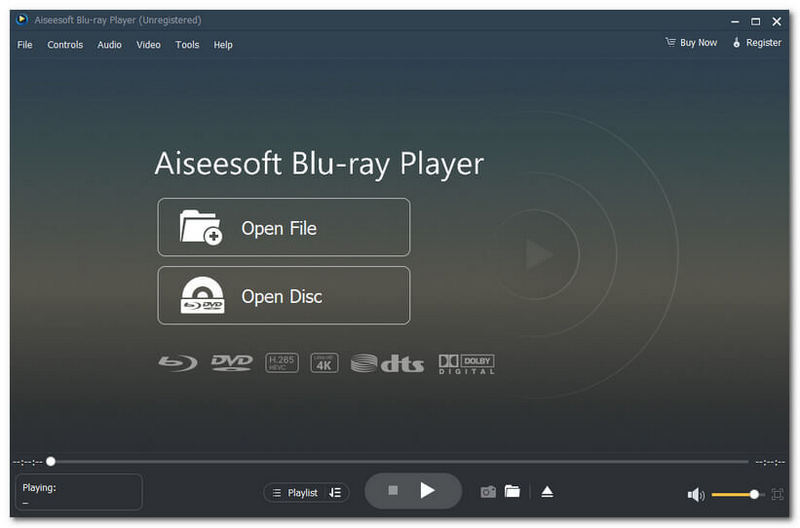
| Platforms | Supported Formats |
|
Windows 11, 10, 8, 7 macOS X, 11, 12, 13 |
MP4, WMV, M4V, VOB, AVI, MOV, MKV, MTS, and more. |
Pros
Cons
Verdict
Aiseesoft Blu-ray Player is one of those best-performing media players that genuinely supports VOB playing for a more versatile video and media playback software tool. Definitely, a go-to video playback tool for beginners as the interface is well organized and has a very simplistic approach yet easy to navigate type of a VOB player.
Best for: everyone - the best free VOB player on any platform, no codecs needed.
VLC, a long-standing and widely known media player for Windows and Mac, is also one of the great VOB player tools available for free on the market today. As a VOB player, it allows users to have wide access to different video formats within the media player; thus, the need for any codecs for each video format is not necessary.
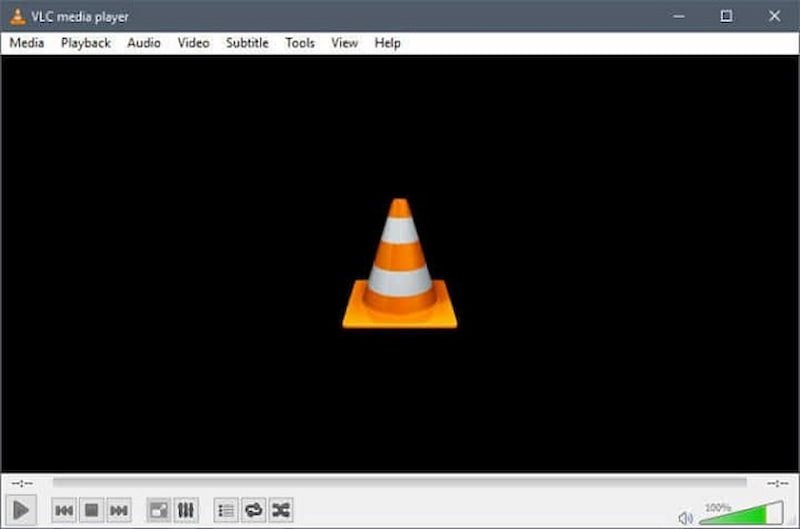
| Platforms | Supported Formats |
|
Windows XP and above macOS X 10.7.5 and above Android and iOS |
VOB, MPEG-1, mpeg-2, mpeg-4, DivX, MP3, OGG, and etc. |
Pros
Cons
Verdict
VLC is a better VOB file player on Mac as much as on Windows. It has impressive media file support, making almost all forms of media playable within the player. Moreover, despite having a limited preset for video format output, VLC is still a dependable tool, as it can be used as a plugin for your device.
Best For: Windows users who want a free player with excellent subtitle support, 360° video playback and a clean, familiar interface.
GOM Player is one of the most popular free media players for Windows. It supports VOB files and virtually every other common format, and is especially loved for its subtitle engine - it can automatically find and sync subtitles, which is a big plus for DVD-ripped VOB movies. It also handles 360° VR video and offers a full set of playback controls.
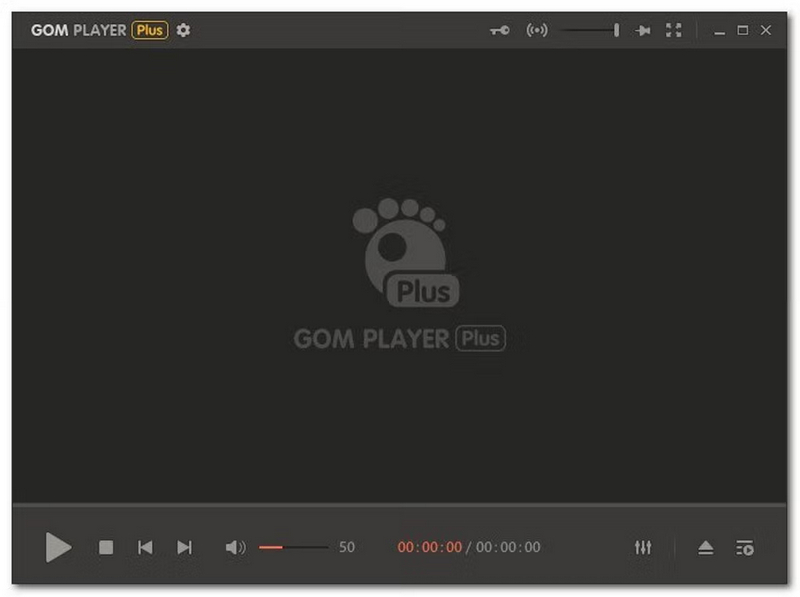
| Platforms | Supported Formats |
| Windows 7, 8, 8.1, 10, 11 | VOB, AVI, MKV, MP4, MOV, FLV, WMV, MPEG, OGG and more. |
Pros
Cons
Verdict: An excellent free VOB player for Windows, especially if you watch movies with subtitles.
Best For: Windows 10 users who want a free, pre‑installed option and do not want to install third‑party software.
Windows Media Player is a free, pre‑installed media player for Windows. It can open VOB files and organize them in its media library. However, Windows 11 replaced it with the new Media Player app, which does not support VOB - so this option applies to Windows 10 and earlier only.
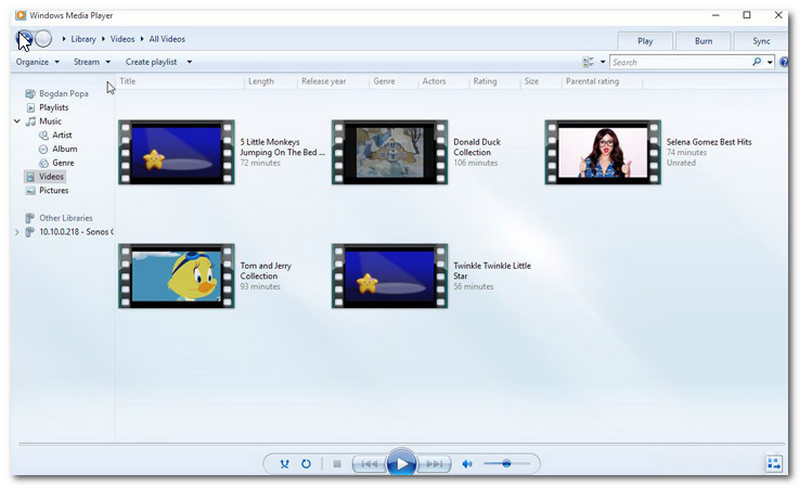
| Platforms | Supported Formats |
| Windows 7, 8.1, 10 (not Windows 11) | WMA, WMV, WVX, AVI, MPG, MPEG, MOV, MP4, MP3, VOB and more. |
Pros
Cons
Verdict: Fine as a quick fallback on Windows 10; for reliable VOB playback, install VLC or Aiseesoft Blu-ray Player instead.
Best For: Mac users who want a modern, free, beautiful VOB player - the successor to Apple's retired DVD Player.
IINA is the most popular modern media player for macOS, built on the mpv engine. It plays VOB files and VIDEO_TS folders smoothly, supports Touch Bar, picture-in-picture, and subtitle search, and integrates naturally with the Mac interface. (Note: Apple removed its built-in DVD Player in macOS Catalina 10.15, so a third-party player like IINA is now required on modern Macs.)
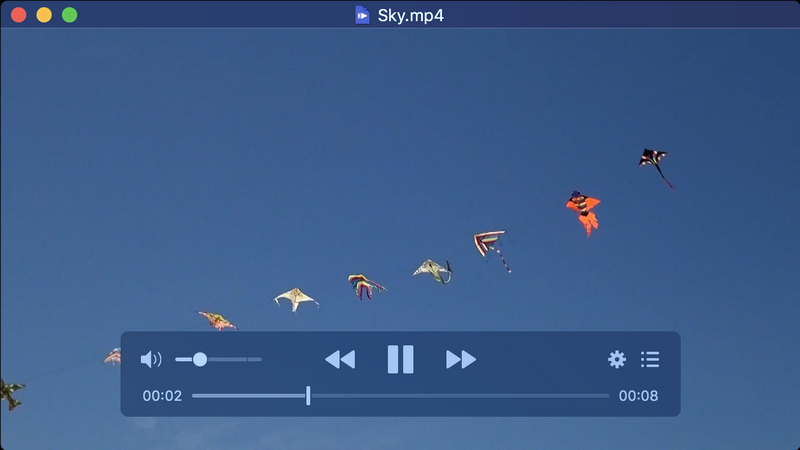
| Platforms | Supported Formats |
| macOS 10.13 High Sierra and above (Apple Silicon native) | VOB, MP4, MKV, AVI, FLV, WMV, MOV and virtually everything mpv supports. |
Pros
Cons
Verdict: The easiest recommendation for any Mac user who plays VOB files regularly.
| Player | Free? | Platform | DVD/VIDEO_TS | 4K | Ads | Maintenance |
| Aiseesoft Blu-ray Player | Free Trail | Win + Mac | Yes | Yes | No | Active |
| VLC | Yes | All | Yes | Yes | No | Active |
| GOM Player | Free (ads) | Windows | Partial | Yes | Yes | Active |
| Windows Media Player | Yes | Win 10- | Partial | No | No | Legacy |
| IINA | Yes | Mac | Partial | Yes | No | Active |
How We Test
We tested all 5 players on a Windows 11 PC and a MacBook Air M2. Test content included a 2 GB VOB file extracted from a DVD and a full VIDEO_TS folder. We scored each player on: VOB playback smoothness, DVD/VIDEO_TS folder support, 4K playback, load time, and whether ads or installers interfered.
100% Secure. No Ads.
100% Secure. No Ads.
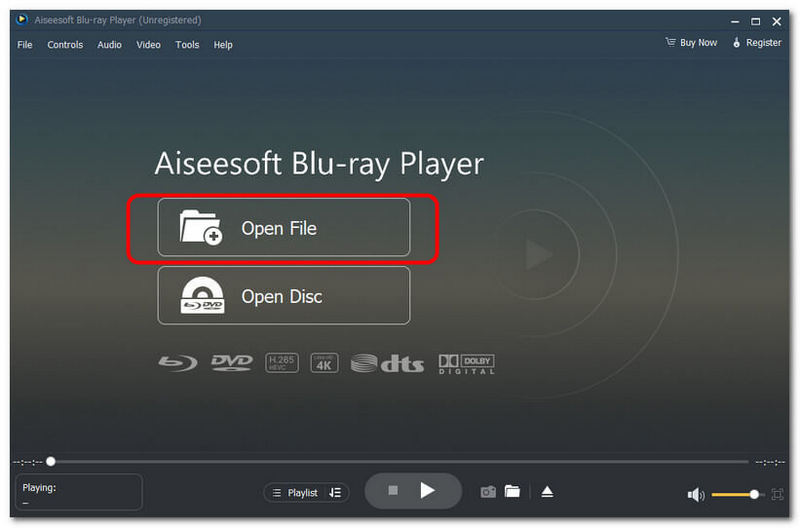
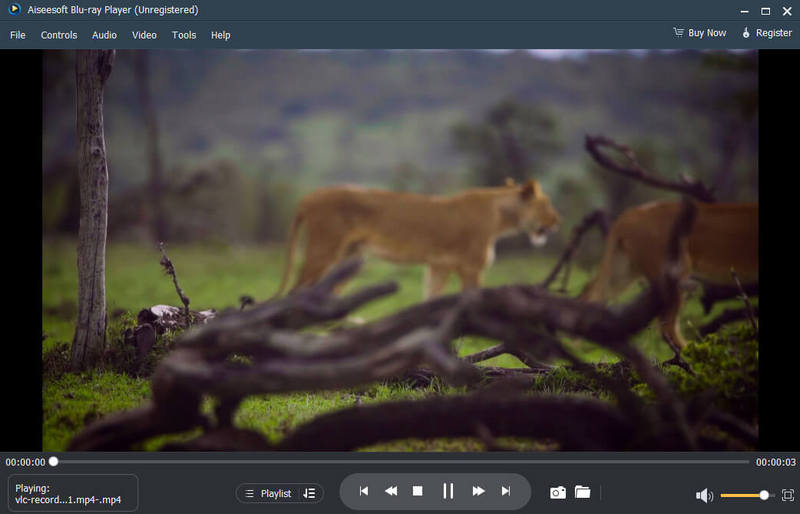
Note: The bottom section has all of the fast control choices, including Pause, Stop, Snapshot, Volume, and more. Click the Video or Audio menu on the top ribbon to change the custom video and audio settings.
What is the best free VOB player?
Of the VOB players listed above, Aiseesoft Blu-ray Player is the best because it has a functional, full-featured interface that is easy to navigate.
How to play VOB files on a Mac?
You can play any of your VOB files on your Mac by using a software tool for it, like a VLC media player. Through this software, you can play any file format supported within the media player as it supports various file formats like VOB.
Can I play VOB files on my iPhone?
Generally, you cannot play VOB files using your iPhone's built-in player. However, if you have a third-party player mobile application installed in your iPhone that supports VOB video file playback, you can play any VOB file using only your iPhone.
Is there a VOB player app for Android?
Yes, there are many VOB file players on Android devices, such as the VLC mobile app and MX Player.
What is the difference between VOB and MP4?
The difference between the two video formats is that VOB is a video format used in DVDs containing data such as subtitles, and VOB has very limited compatibility with other devices. MP4, on the other hand, is the commonly used MP4 video format and is supported by a wide list of platforms and applications that offer better compression as a video format.
Conclusion
This article takes an in-depth look at the VOB video file while also providing users with several reliable VOB file format players. It runs on Windows and macOS devices and supports a common list of media file formats, including video, audio, and images. Moreover, although the number of VOB files used decreases as the years progress, it is still important to know such video files exist.
 How to Open ISO Files on your Mac and Windows 10/11 PC
How do you open an ISO file in Windows 10? What player can open ISO image files? This post shares three methods to open ISO files on Mac and Windows 11/10.
 Top 4 Frame by Frame Video Players for Smooth Playback
Can I move frame by frame in Windows Media Player? How do you play a video frame-by-frame in VLC? Check the 4 best frame by frame video player recommendations.
 Top 4 Professional DVD Movie Players to Try on Your PC/Mac
How to choose the best DVD player to watch movies on discs? Here, check the following media players with various functionalities for smooth playback.
 Leave your comment and join our discussion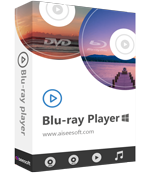
Blu-ray Player is a powerful player that can play Blu-ray disc, Blu-ray folder, DVD disc/folder/ISO file, acting as common media player for any HD/SD video files.
100% Secure. No Ads.
100% Secure. No Ads.

*Required field
*Please enter a valid email
