 BD Software Toolkit for Mac
The all-in-one Blu-ray/DVD/video media solution to play Blu-ray movie, create DVD, make iPhone ringtone, convert videos and transfer files on Mac.
$75.00 $60.00 20% OFF
Mac OS X 10.7 or higher | Requirements
30-Day Money Back Guarantee



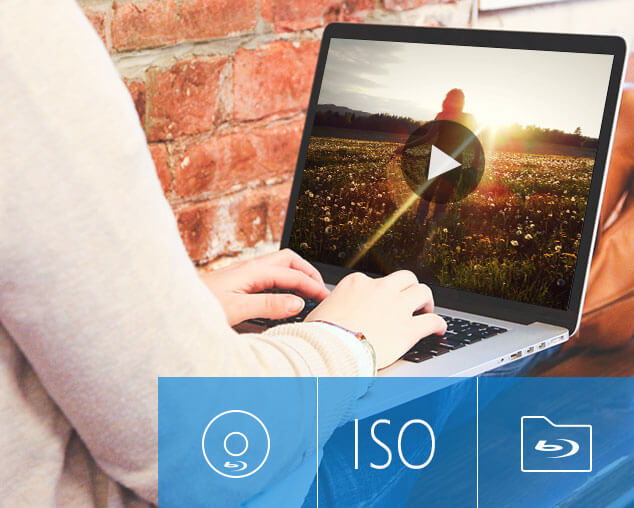
Blu-ray Player for Mac can play Blu-ray disc, Blu-ray folder or ISO files on Mac. Also, it is able to play video files in MP4 and other popular SD or HD (including 1080p) video formats on Mac. The software's deinterlaced feature ensures you an effect of 1080p full HD even the movie is in 1080i. You will experience the full potential of HD entertainment on Blu-ray disc whether DTS-HD Master Audio or Dolby TrueHD. It's the best companion to your Mac computer allowing you to play Blu-ray movies on Mac.
To make your own DVD movies on Mac OS Big Sur will become easy and fun with the help of DVD Creator for Mac. You can effortlessly create a DVD from any video file, like AVI, VOB, WMV, MP4 and even Flash video (FLV). Plus, you can convert popular videos to DVD folder or ISO files.
Also, you can make a stylish menu for your DVD, define the menu frame, button and text, add background picture, music and opening film, and add or edit subtitles/audio tracks.
Mac FoneTrans can also help users transfer files between iPhone and Mac. You can transfer music, video, ePub, PDF, image files from Mac to iPhone directly, and backup music, movie, pictures, TV shows, Podcast, iTunes U, eBooks, Camera Roll, voice memos, camera shot files from iPhone to Mac or iTunes without any loss.
Also, you can convert video files to iPhone compatible video/audio files on Mac and then transfer them to iPhone directly. This iPhone Transfer for Mac allows you to back up iPhone SMS and Contacts to Mac and make iPhone ringtone.

You will find that Mac Video Converter Ultimate is the best helper if you want to convert video/audio format or edit video. It highly supports almost all video/audio formats, even including 4K and 3D formats. It enables you to convert any popular format like MP4, MOV, MKV, WMV, AVI, M4V, MP3, WAV, WMA, etc. on Mac with high output quality.
This software also has features to convert general 2D videos to 3D modes, so you can convert 2D videos to 3D video files, HTC EVO 3D and other 3D smartphones, 3D tablets or 3D TVs. You can rely on it to edit video/audio, enhance video quality and adjust output image/sound effects.

iPhone Ringtone Maker for Mac is the most professional for making your personal iPhone ringtones. With the help of this software, you can easily convert any music and video you like to iPhone M4R format. Furthermore, this software makes it possible to cut the needed part of your audio/video and add fade-in or fade-out effect before transferring to iPhone.

Preview and Snapshot
You are able to easily preview the effects of both source Blu-ray/DVD or video file and take a snapshot.

Edit and Adjust Effects
Clip video into parts, crop video, adjust video effects, add text or image watermark, add 3D feature, etc.

Batch Video/Audio conversion
It has the capability to convert one or more video/audio files at a time to improve the conversion efficiency.

Convert Files Losslessly
Extract audio track from video and convert it to frequently-used lossless audio in FLAC, WAV or WMA or regular MP3 format.

Fast Conversion Speed
This advanced acceleration technique guarantees you a super-fast conversion speed. Moreover, it keeps the high output quality.

User-friendly Profile Settings
More output settings (Video Encoder, Frame Rate, Video Bitrate, Resolution, audio settings, etc.) to optimize your video quality.
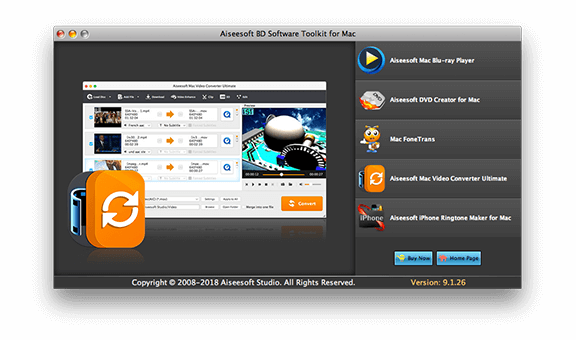
Free download, install and launch this powerful BD Software Toolkit on your Mac computer.
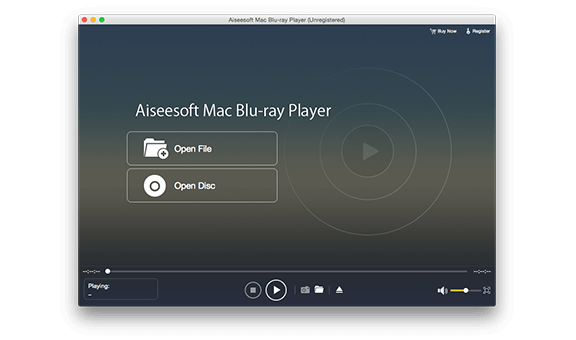
Click "Aiseesoft Mac Blu-ray Player" option to play Blu-ray disc/folder/ISO image file on Mac.
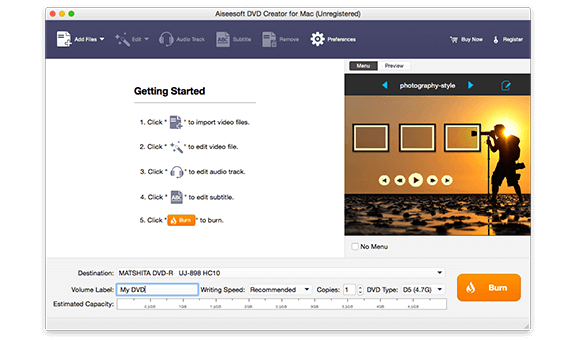
Click "Aiseesoft Mac DVD Creator for Mac" option to create DVD and customize your own DVD menu on Mac.
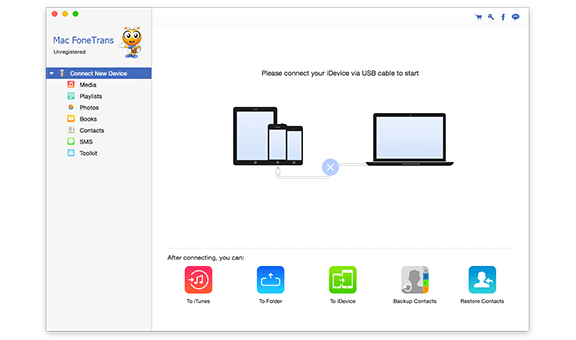
Click "Aiseesoft Mac FoneTrans" option to transfer files between iOS devices as well as between iPhone/iPad/iPod and Mac.
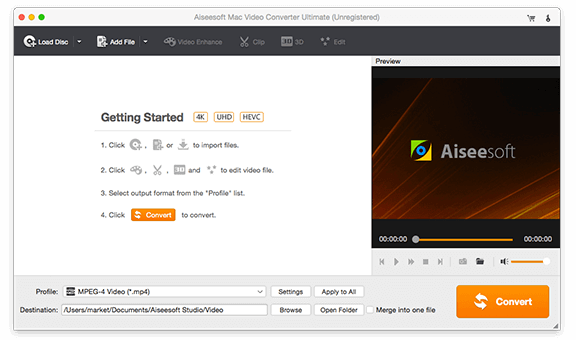
Click "Aiseesoft Mac Video Converter Ultimate" option to convert, edit and enhance videos on Mac.
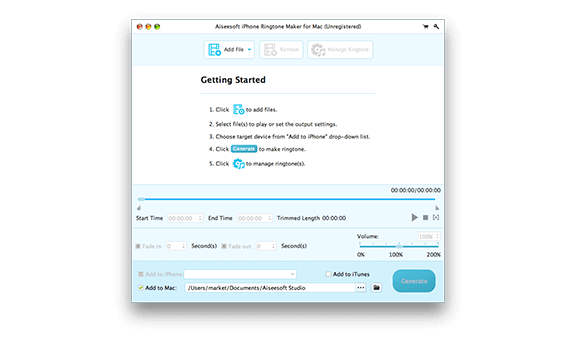
Click "Aiseesoft iPhone Ringtone Maker for Mac" option to create, customize and manage iPhone ringtones on Mac.
1 Year License
$75.00$60.00
Use it 1 Year
Use it on 1 Mac
30-Day Money Back Guarantee
Lifetime License
$115.00$92.00
Use it lifetime
Use it on 1 Mac
30-Day Money Back Guarantee
Check what famous editor and our customer talk about our product.


The toolkit is very excellent. I can now play Blu-ray videos without any hassle. I like all the user-friendly interface of the toolkit.
By lydia
I love this wonderful toolkit. It can meet nearly all my needs of multimedia processing. I especially like enjoy Blu-ray movies with the Blu-ray player. The experience is great.
By Steven
I managed to make some awesome ringtone using the audio files downloaded by this toolkit and iPhone Ringtone Maker for Mac. So great.
By Pink
I purchase this app toolkit mainly for the Blu-ray player and DVD creator. It can play my BD discs smoothly, and easily make my own DVD. Like the products.
By Carlo
I love this software toolkit very much. Now I can convert videos into my favorite formats using Video Converter Ultimate for Mac offered by the toolkit.
By Sunny
Easy to use! The Mac FoneTrans is the best iTunes alternative to manage my iPhone files. Now I can handily transfer photos from iPhone to Mac.
By Tina
I always want to make some funny ringtones and change the iPhone ringtone. I try this iPhone ringtone maker and it is easy to use. And it can easily transfer ringtones to iPhone.
By Wade
I use the converting software to convert MKV to MOV on Mac, and it works great. The editing functions are also cool.
By Portman
Create DVD, convert videos, play Blu-ray disc and transfer iOS files.
BUY NOW BUY NOW
Mac Multimedia Software Toolkit
Convert video/audio, play Blu-ray/DVD, transfer/recover iOS data.
BUY NOW BUY NOW
The best video recording tool to easily record screen, meetings, game, webinar, audio, and webcam videos.
BUY NOW BUY NOW
Congratulations!
You have successfully subscribed to our newsletter. The exclusive 40% off for subscribers is AISEFOKS . Now, you can copy it and use it to enjoy more benefits!
Copied successfully!
*Required field
*Please enter a valid email


