Is the whole iPod library so large for you with thousands of files that it is not convenient to manage and edit individual items manually? Instead of complicated operations with iTunes to arrange your iPod library, you may prefer to manage iPod without iTunes. Then in this article, we would like to recommend FoneTrans, a professional and flexible iPod manager tool for you.

Whether you want to manage iPod music, videos, photos, contacts and so on, FoneTrans is your best iPod management assistant, supporting different iPod types like iPod touch, iPod nano, iPod Shuffle and more. Besides, it can also transfer data from iPod to computer, computer to iPod as well as even iPod to iPod. Apart from iPod, FoneTrans is also compatible with any iPhone and iPad. First, download and install the brilliant iPod data manager on your PC or Mac.
1Launch the iPhone data manager
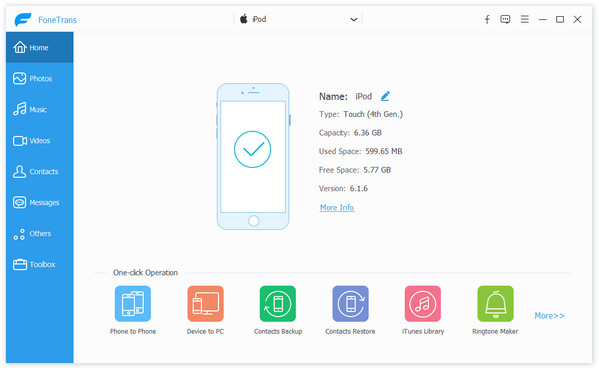
Launch this iPod files manager on PC or Mac. Plug your iPod to computer with via USB cable. The program will detect your device automatically and show the main info of that in the interface.
2Delete iPod contacts, photos, music or videos
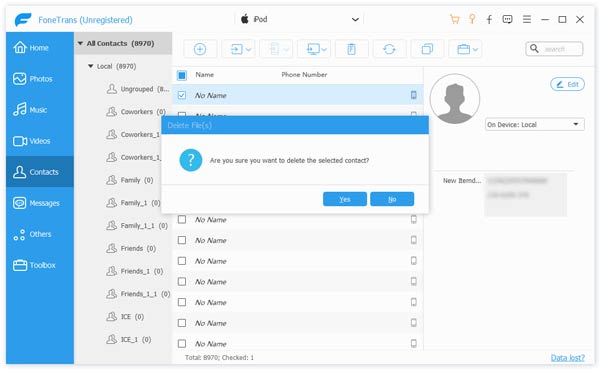
You can also use FoneTrans to delete unnecessary iPod files to free up more storage. Tick the target files, simply click choose "Delete" button or right click the files and choose to delete them.
3Edit and de-duplicate contacts
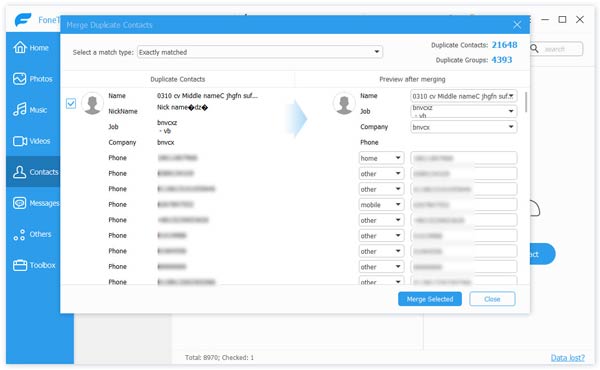
It also enables you to add/edit iPod contacts (contact name, phone number, email address and more) on your computer. Moreover, you can de-duplicate contacts. Click the button of "De-duplicate", the program is able to automatically scan all contacts and show the duplicate contacts for you. You are enabled to choose the match type, "Exactly matched" or "Name, email or phone matched". Then you can choose "Merge" option to merge the duplicate contacts, or choose "Ignore" to keep them on your iPod.
4Convert audio and video format
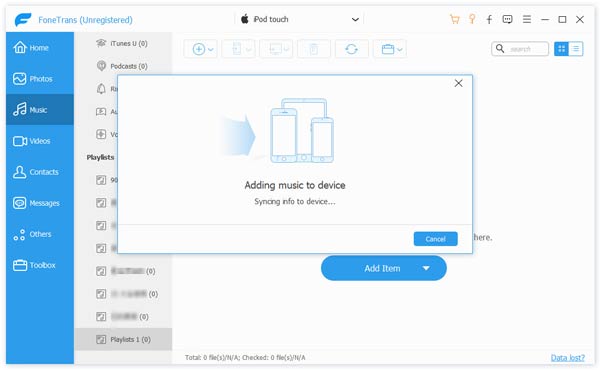
When you import unsupported audio or video, FoneTran is able to automatically convert the incompatible video/audio format to the iPod supported one.
5Create iPod playlist
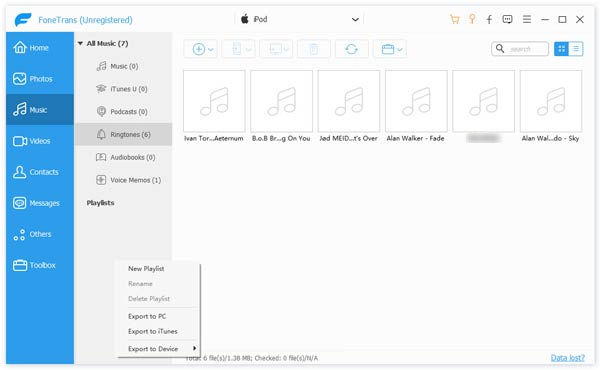
You are allowed to create a new iPod playlist by clicking "Playlist" button and import songs to iPod. And for the existing iPod music playlists, you can manage them within several clicks.
6Edit ID3 music info
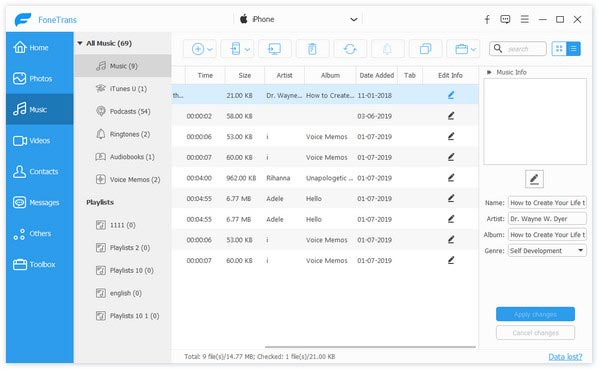
Want to edit the information of the individual song? FoneTrans can also do that for you. Highlight and right click the song, and choose to edit info. And here, you can edit the song name, artist, album, genre, etc.
7Transfer iPod files
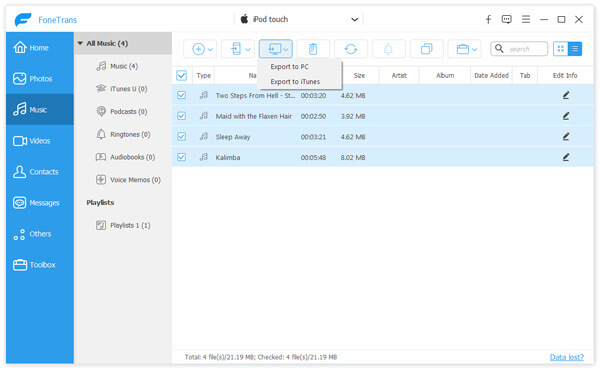
Choose the files you want to copy and transfer. Here we take music as an example. After you select and mark the target music items, click "Export to" from the upper menu, and you can choose to export music to PC, transfer to iTunes Library, or even move them to another iOS device.

FoneTrans can be your best iPod Manager to manage iPod without iTunes. More features can surprise you as long as you download this outstanding iOS management tool.

December 15, 2020 10:24 / Updated by Louisa White to iTunes Tips
 How to Manage iPhone Files
This article mainly describes how to manage iPhone files.
 How to Manage iPod Files on Mac
How to manage iPod data on Mac? This article can tell you.
 How to Add Music to iPod without iTunes
You can easily transfer music from computer to iPod without iTunes.
 Leave your comment and join our discussion
