I've come across several file transfer methods from my Android phone to my PC, and I rapidly learned that one is really not the same as another. A handful of them are extremely fast, a few more go for ease, while some others have simplified file management to a degree I couldn't have anticipated before. That's why I'm sharing this guide with you. Instead of getting bogged down by trying a lot of different apps to see which one will work, I have reviewed one after another of the most widely used file transfer software from Android to PC and have listed features, pros and cons in a comparison. At the end of reading this article, based on your requirements of file types like photos, videos, documents or other important files, you will be in a position to pick the one or ones that are worth your time and efforts.
How We Test
To evaluate each file transfer software, I looked at the features that are most important to everyday users. I checked how straightforward the setup process of the tool was, the transfer speed, the types of files it supports, the devices it was compatible with, its general reliability, and if it was able to keep the original quality of the files. User interface, additional features, and overall value were also taken into account in the process of selecting the best software for your case.
Choosing the correct software to transfer files from Android to PC really depends on what you value most. Whereas some programs are all about quickness, others excel in features like good file organization, wireless transferring and compatibility. This chart is the tool that shows different aspects of each software and gives you a picture of which choice suits your purposes the most.
| Software | Price | Best For | Compatibility | Connection Type | Transfer Speed | Supported File Types |
| Aiseesoft FoneEase | Free Trial / Paid | Managing and transferring all types of Android data | Windows, macOS, Android, iOS | USB / Wireless (supported features) | Very Fast | Photos, videos, music, contacts, messages, documents, and more |
| Quick Share | Free | Wireless file sharing between nearby devices | Windows, Android | Wireless | Fast | Photos, videos, documents, audio, and other files |
| Samsung Smart Switch | Free | Migrating data to a Samsung Galaxy device | Windows, macOS, Samsung Galaxy | USB / Wireless | Very Fast | Photos, contacts, messages, apps, videos, documents, and more |
| LocalSend | Free (Open Source) | Cross-platform local file transfers | Windows, macOS, Linux, Android, iOS | Wireless | Fast | Photos, videos, documents, folders, and other file types |
| Microsoft Phone Link | Free | Accessing and managing Android content on Windows | Windows 10/11, Android | Wireless | Moderate | Photos, notifications, messages, and selected files |
Knowing how to transfer files from the Android to the PC efficiently may save your time and will definitely make the whole process of moving files much more convenient. Here I'm presenting the review of the five most reliable software solutions to help you make the right choice for your requirements.
Score:5/5
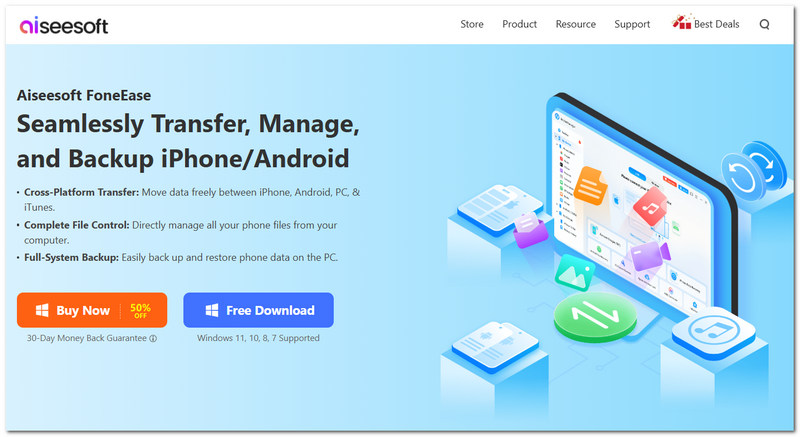
In the case of users who often swap files back and forth between their Android and computer, Aiseesoft FoneEase is definitely one of those full-featured programs. Not only does it cover file transfers, but it also opens the way for you to order preview backup and manage different types of content from a unified application. It has you covered in a convenient and rapid way that suits both those who have a computer down to their fingertips and people who are just starting to explore.
 100% Secure. No Ads.
Best For
Pros
Cons
Score:4.5/5
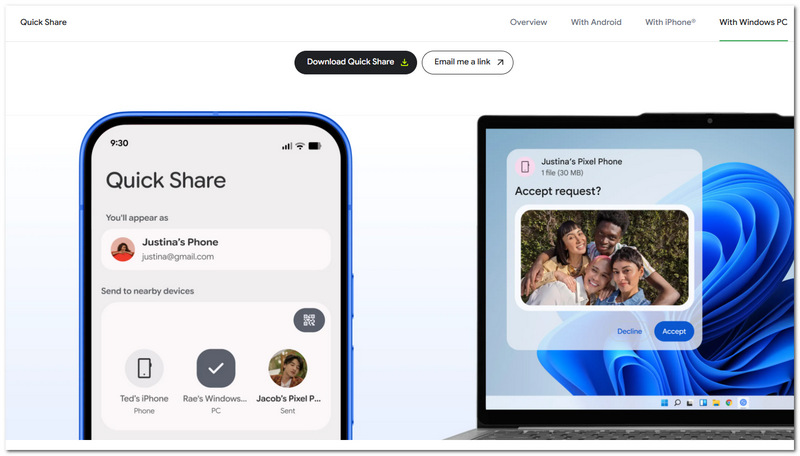
Quick Share is the file-sharing feature that Google offers, built into the system. Its functionality allows sending files without any cables between two compatible Android phones and/or Windows PCs. The phone transfer app can easily and quickly be connected so that the file-sharing experience becomes hassle-free.
Best For
Pros
Cons
Score:4.5/5
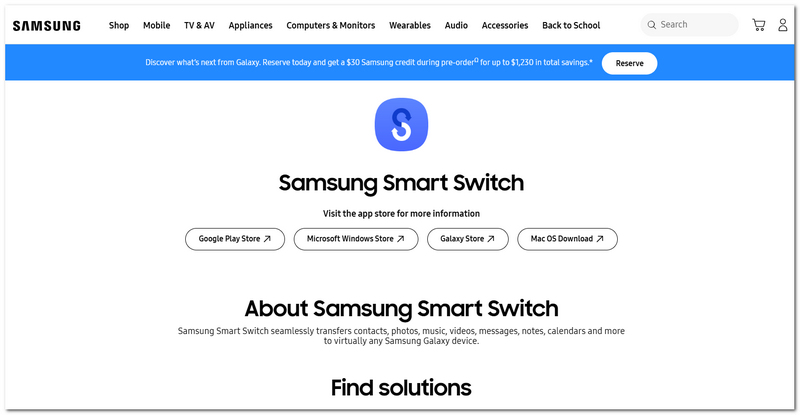
Samsung Smart Switch is Samsung's official data transfer tool to help users transfer their data from an old phone to a Samsung Galaxy phone quickly and smoothly. Through wireless and cable modes, it will transfer your data without having to set anything up.
Best For
Pros
Cons
Score:4.5/5
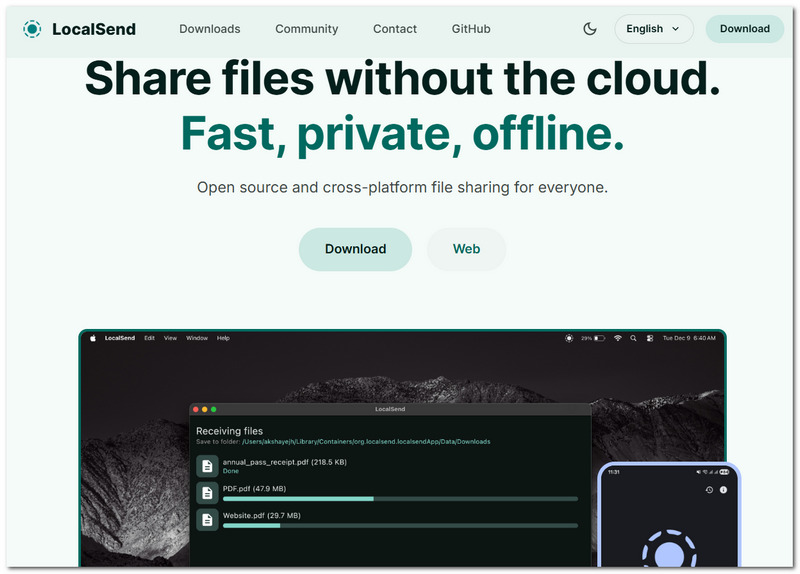
LocalSend is a free, open-source file-sharing program that allows you to transfer files from one device to another on the same local network. LocalSend is cross-platform, so it is a very good option when you routinely transfer files between Android phones and computers.
Best For
Pros
Cons
Score:4.5/5
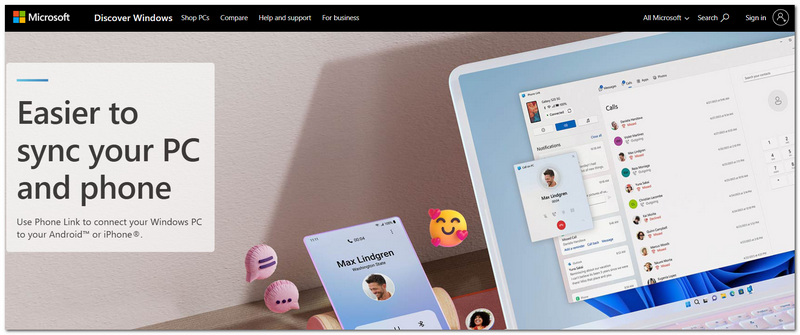
Microsoft Phone Link is a default feature in Windows that allows you to pair your Android device with your desktop or laptop to easily access your pictures, messages, alerts, and other chosen files without getting up to use your phone. It's a great option for a mostly Windows-based lifestyle.
Best For
Pros
Cons
The suitable file transfer software is the one that fits the user's specific requirements. You should be aware of factors like transfer speed, supported file type, device compatibility, user friendliness, and the choice of the user between wired and wireless connections if needed. In case you often do file transfer activities, choosing the one with extra features like file management and backup functions can save time and make it less of a hassle to do the file sharing.
Do file transfer programs limit the file size that you can transfer via the software?
Actually, most desktop file transfer software doesn't have file size limits, so to speak. Basically, the only issues for you to consider would be storage on your device and available disk space.
So, how do transfer software and cloud storage differ essentially?
The difference lies in the transfer method. A file transfer software will just copy files between the devices. Compared to this, cloud storage works as a middleman - you upload files to your cloud account, which you have to download afterwards on the other device.
Before I get rid of my files, should I compress them?
Compression isn't required in most file transfer situations, yet it can be helpful in cases where many small files or folders are being sent, since it can organize them in a single archive, keeping them all together.
Conclusion
It turns out that picking a suitable tool as software to transfer files from Android to PC becomes quite effortless once you have a good sense of each tool's offering. You should be better equipped to identify the good, the bad, and the ideal scenarios of each method by the end of this article so that you can, in fact, select the application that most closely serves your requirements as far as transferring files is concerned.
 Android File Transfer: Is It Dead? 2026 Updated Review
Is Android File Transfer dead? Where can I download this app? Find all the answers from the updated review and discover the alternative to syncing phone data.
 Top 3 Easy Ways to Transfer Apps and App Data to a New Android Phone
Just get your new phone and wish to transfer apps to new Android? This guide tells you three 100% working methods to import apps and app data between Android devices quickly.
 Reviews on Best File Manager for Android
What is the best file manager for Android? This article lists top file manager for Android to help you better manage Android files on Windows PC, Mac or app.
 Leave your comment and join our discussion
Aiseesoft FoneEase is a data transfer and management tool that lets you seamlessly move, back up, and manage various data between iOS, Android, and computers without resetting your phone.
100% Secure. No Ads.

*Required field
*Please enter a valid email

