Anycoord Location Changer – Fake GPS on Android & iOS
 100% Secure. No Ads.
100% Secure. No Ads.
Want to capture regional limited Pokémon or participate in global team battles, but limited by staying at home, bad weather, or a shortage of nearby supply stations? These 'geographical restrictions' are the core pain points for Pokémon GO players. Although PC based virtual positioning allows you to travel around the world without leaving your home, the increasingly strict anti-cheating mechanism of Pokémon has greatly increased the risk of account suspension. This article selects 5 professional PC Spoofers for Pokémon GO to break physical boundaries while avoiding system detection by simulating real paths.
How We Tested
To ensure the authenticity and security of the recommended tools, our team conducted a 7-day in-depth testing. The testing process is as follows:
1. We have prepared 5 active test accounts (both old and new) to simulate the real usage environment of different player groups.
2. The testing covers mainstream iOS and Android mobile devices to ensure the stability of PC software connections on different systems.
3. Anti-cheating strict monitoring: we frequently switched between "simulated walking", "joystick mode" and "multi-point path" functions during testing.
Core indicator: Focus on observing whether the account triggers a Red Warning or soft ban on Pokémon.
Test results: After a week of intensive testing, 5 tools in this article did not show any safety warnings while strictly adhering to the "cooling time rule", demonstrating high ability to evade detection.
To make choosing easier, here’s a quick side‑by‑side comparison of all five tools. This table sums up what each spoofer does best, how easy they are to use, and what you can expect from them overall.
Top 5 Pokémon GO Spoofers for PC
| Spoofer Tool | Ease of Use | Safety Level | Best Features | Device Support | Ideal For |
| Aiseesoft AnyCoord | ⭐⭐⭐⭐⭐ | ⭐⭐⭐⭐⭐ | Smooth teleporting + joystick, natural route movement | iOS & Android | Players who want the safest and easiest all‑around spoofer |
| iMyFone AnyTo | ⭐⭐⭐⭐ | ⭐⭐⭐⭐ | Reliable location jump, personalized routes, and clean controls | iOS & Android | Beginners who want simple, dependable spoofing |
| Tenorshare iAnyGo | ⭐⭐⭐⭐ | ⭐⭐⭐⭐ | Stable performance and realistic walking routes | iOS | Players who prefer steady, realistic movement |
| WooTechy iMoveGo | ⭐⭐⭐⭐ | ⭐⭐⭐⭐ | Multi-device spoofing, joystick mode | iOS & Android | Players with multiple accounts or high activity |
| iTools Virtual Location | ⭐⭐⭐ | ⭐⭐ | Basic teleporting, waypoint walking | iOS only | Users who want a simple, desktop-based spoofer |
If you’re looking for an easier way to explore more locations in Pokémon GO without leaving your desk, this section is for you. Many tools can change your GPS location, but not all are safe, smooth, or beginner-friendly. To help you choose, we’ve gathered the five best Pokémon GO spoofer for PC options. Each tool comes with a quick intro, its pros and cons, and a short verdict so you’ll know exactly which one fits your play style.
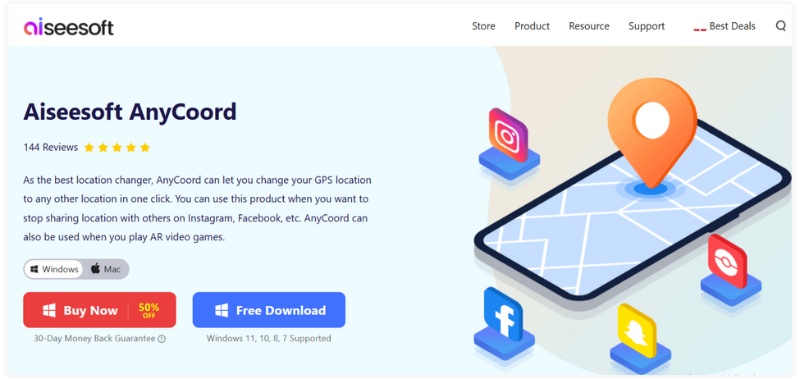
Aiseesoft AnyCoord is one of the most trusted tools for Pokémon Go spoofing for PC, especially if you want something easy, fast, and safe for your account. It allows you to change your GPS location in a few clicks so you can check out new places, join raids, and catch Pokémon exclusive to other regions without leaving the couch. Its best feature is how easy and beginner-friendly the interface is, no complicated setup, no tricky modifications.
In response to Pokémon GO's anti-cheating measures, such as Error 12/Soft Ban, AnyCoord has launched a Pro Game Mode for iOS devices, which supports Bluetooth connection to help you use virtual routes to play Pokémon GO smoothly!
Downloads
100% Secure. No Ads.
100% Secure. No Ads.
PROS
Cons
If you are looking for a reliable, easy-to-use, and safe location changer, Aiseesoft AnyCoord is your best option. AnyCoord provides everything you desire, from teleporting to realistically simulating a route of travel, making it the best choice for Pokémon GO players on PC. When you simply want something uncomplicated for spoofing, easy to use without any technical background, then AnyCoord is the tool to trust.
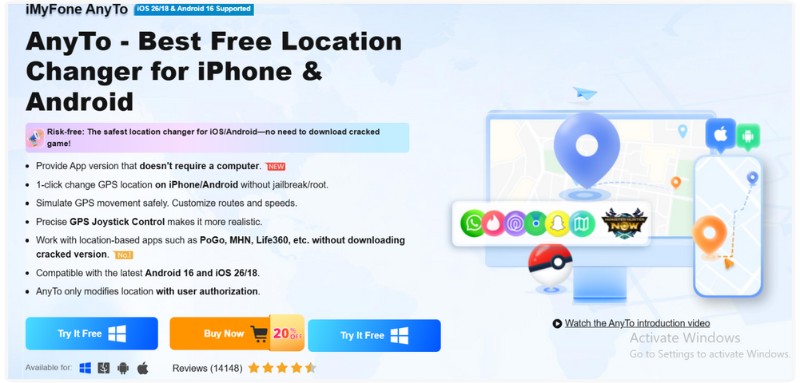
iMyFone AnyTo is one of the most well‑known tools to hack Pokémon GO with PC. It lets you instantly change your GPS location or follow custom routes without rooting or jailbreaking. Players love it because it’s easy to use, works smoothly on most devices, and focuses on safer spoofing with helpful built‑in protections.
PROS
Cons
iMyFone AnyTo is a strong pick if you want reliable, smooth, and safer Pokémon GO spoofing without complicated setups. It’s beginner‑friendly but still powerful enough for serious players, perfect for anyone who wants hassle‑free location changes while playing on PC.
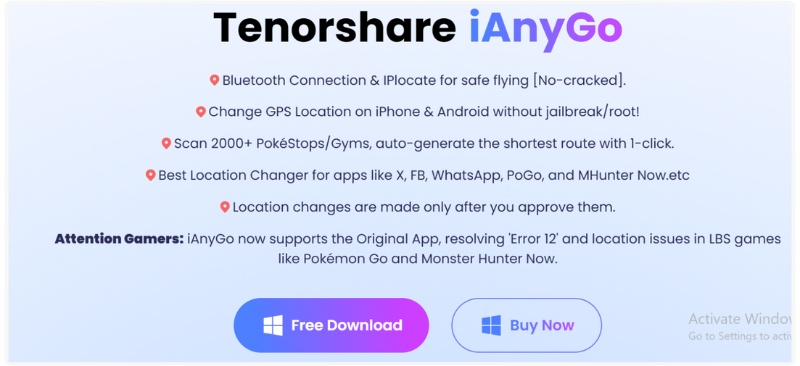
Tenorshare iAnyGo is a solid choice if you’re looking for a Pokémon GO spoofer PC that is efficient and safe. You don’t require to root or jailbreak your device, and this is much more secure than using some other alternatives. For iAnyGo, you can hold movements for natural teleport locations and ultimately spoof the game from anywhere while being connected to your PC.
PROS
Cons
iAnyGo is a dependable, well-designed tool for Pokémon GO spoofer PC users who want realism and safety. It’s especially good for players who are okay using a tethered setup and want to reduce ban risk with cooldown controls.
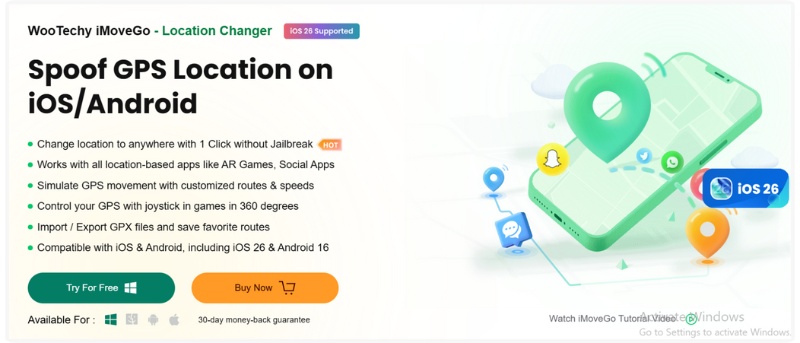
If you want a Pokémon GO spoofer PC tool that’s flexible but still safe, WooTechy iMoveGo is a solid bet. It works on both iOS and Android and lets you control GPS movement from your computer, no jailbreak or root needed. You can teleport, walk along routes, or use a joystick to explore the world without leaving your room.
PROS
Cons
WooTechy iMoveGo is a dependable and versatile Pokémon GO spoofer for PC, especially if you’re running multiple accounts or want realistic movement. It’s not totally risk‑free, but its safety features and flexibility make it a really strong all-around choice for spoofing smartly.
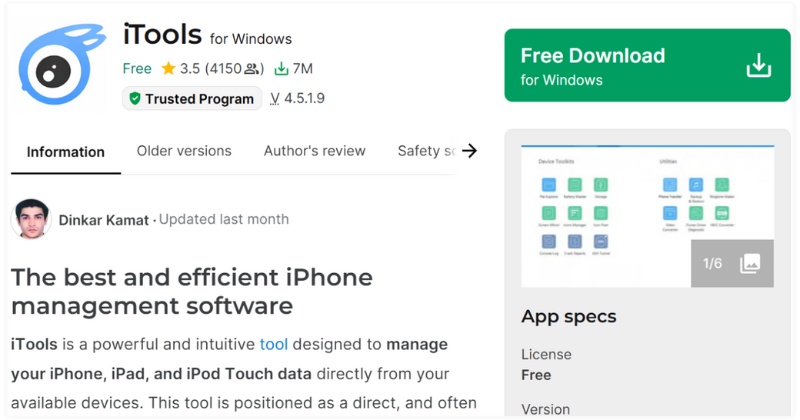
iTools Virtual Location is one of the older but still-known tools for spoofing your GPS via PC. If you connect your iPhone to your computer, iTools lets you set a fake location, either by teleporting or simulating movement, without needing to jailbreak. It’s pretty handy if you want a spoofing setup that’s directly controlled from your desktop.
PROS
Cons
iTools Virtual Location is a good option if you often use a PC to spoof your location, and if you're using an iOS device. It's reliable for simulating routes or teleporting, but lacks some modern safety features and isn't the ideal option available. Use this cautiously, especially if you're going too far before you spoof again.
How to bypass Error 12 when spoofing on PC?
For iOS users, the most secure method currently is to use professional tools that support Bluetooth connectivity, such as AnyCoord.
For Android users, it is usually necessary to cooperate with Magisk to modify system settings, hide or convert location software to System App.
What are the cooldown rules?
The cooldown time is designed to simulate real travel speeds. After performing certain "sensitive operations" such as capturing Pokémon (including dropping balls), feeding fruits, spinning supply stations, participating in team battles (starting to consume admission tickets), etc., you must wait for a period of time before operating in a new location, otherwise it will result in failed capture or account suspension.
Why did all Pokémon and supply stations on the map disappear after I changed my location?
This usually means that you have triggered the system's Soft Ban.
This situation is mostly due to you violating the cooldown rule, and you should immediately stop any operations. According to the distance of movement, hang up in place and wait for 30 to 120 minutes. After cooling, try rotating a supply station. If the item can be dropped normally, it means the status has been restored.
Conclusion
The above five Pokémon GO PC Spoofers are efficient solutions to address geographical limitations. To cope with the official anti cheating mechanism, it is crucial to choose professional software with "Bluetooth connection", "cooldown time reminder", and "natural movement speed" functions. It is recommended that players strictly follow the cooling rules when pursuing rare Pokémon, avoid instant cross-border displacement, and achieve a perfect balance between enjoying game convenience and protecting account security.
 How to Extract Audio from Video with High Quality (Free & Online)
Want to extract audio from video or convert video to audio? You can learn how to extract audio from MP4 video in this post.
 [Solved] How to Fix Pokemon Go GPS Signal Not Found 11 Error on iPhone
Why does my Pokemon Go say GPS signal not found? How do I fix the GPS signal not found 11 Pokemon Go? This post shares 5 simple tips to fix Pokemon Go GPS signal not found 11 on iPhone.
 Solved! Pokemon Go Crash on Fix on iOS 18/17 with 4 Solutions
Pokemon is an enjoyable game, but not when it suddenly crashes. See how you can fix Pokemon Go crash on Android and iOS.
 Leave your comment and join our discussion
Aiseesoft AnyCoord can help you hide, fake, or change your GPS location to any other place with ease. You can even plan a moving route if needed.
100% Secure. No Ads.
100% Secure. No Ads.

*Required field
*Please enter a valid email

