If you want to convert videos on Mac, please choose Aiseesoft Video Converter for Mac. Aiseesoft Video Converter for Mac is excellent Total Video Converter for Mac. This versatile Mac Video Converter can convert between all popular video formats on Mac with super fast conversion speed and high output quality, such as AVI, MP4, MOV, MKV, WMV, DivX, XviD, MPEG-1/2, 3GP, 3G2, VOB and HD Video etc.

Follow the detailed tips below to learn how to convert video on Mac.
Step 1 Free download Aiseesoft Video Converter for Mac, install and launch the software.
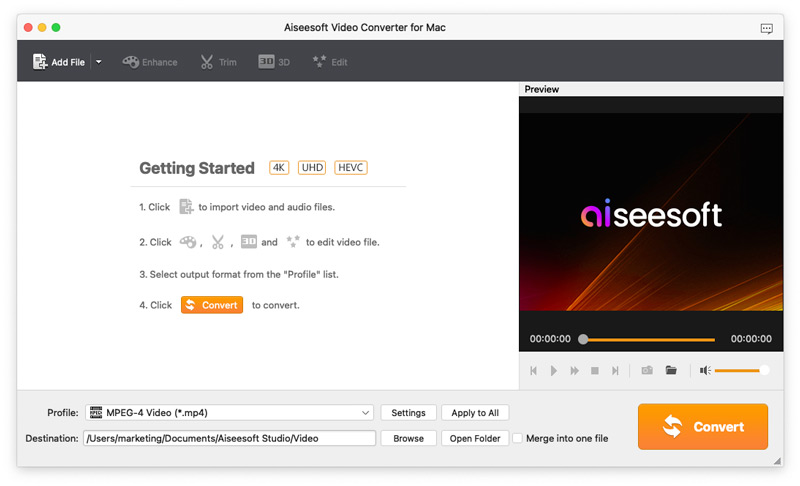
Step 2 Add file(s)
Click on the "Add File" button to select file you want to convert.
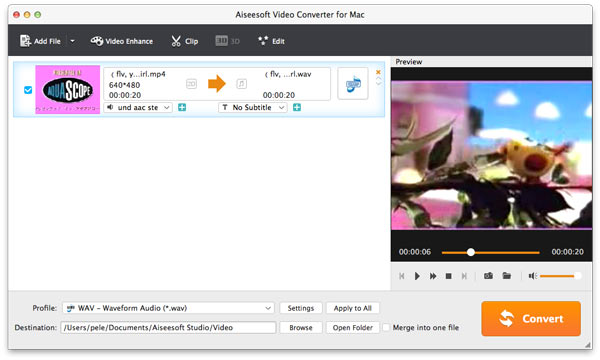
Step 3 Choose the output format and destination
Select the file, then choose the output format you need from Profile list, then click "Browse" button to choose destination folder for saving output files.
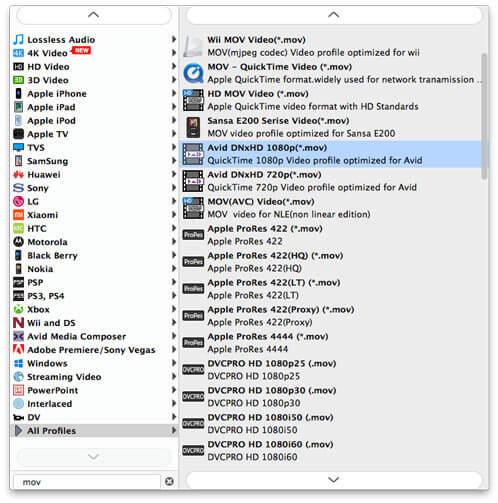
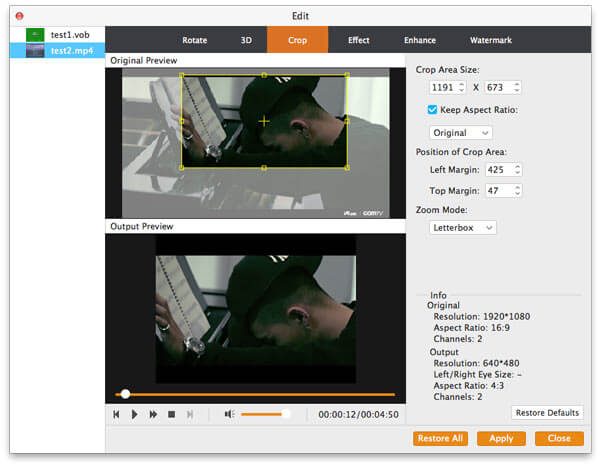
Step 4 Customize output files
It is optional for you to further edit the output file, including: adjusting video effect, clip video/audio, crop video, merge video files into one output file, set output parameters, preview video effect before conversion etc.
Step 5 Start conversion
Click Convert button to start the conversion.
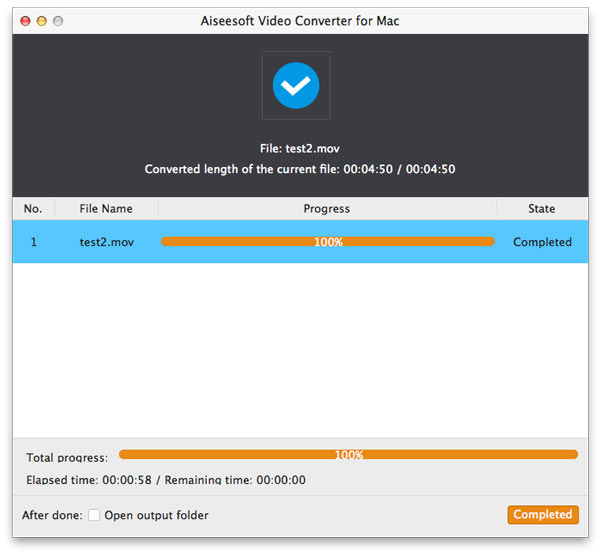
What should you do to convert videos on Mac? You can get the easiest method to turn video files to other formats from the tutorial. If you have any other query about this, you can share the detailed information in the comments now.

June 13, 2018 10:29 / Updated by Jenny Ryan to Convert Video
 How to Convert MP3 to M4R iPhone Ringtone on macOS High Sierra
This article tell you how to convert mp3 to m4r iPhone ringtone on Mac.
 iPod Compatible Video
What do you know about ipod compatible video? In this article, you can learn more detail about ipod compatible video.
 6 Best Ways to Convert AVI to iPad Video
You AVI file can't be played on your iPad? You can simply follow this article to convert AVI to iPad to solve this problem.
 Leave your comment and join our discussion
