
Highlights: Provides basic AI face enhancement for quick clarity improvement, suitable for casual edits rather than detailed restoration.

Best Video Enhancer: Upscale Video to 4K/8K
 100% Secure. No Ads.
100% Secure. No Ads.
It is always a demanding need to enhance faces in both photos and videos.
While editing images, mainly for selfies, portraits, and group photos, you often need to increase the clarity, refine facial features, adjust or correct colors, and apply effects/filters to create polished visual content. Many photo editors, including AI-powered ones, can help you beautify and enhance faces with ease. You can easily find a suitable AI face enhancer app for photos. Do you know how to edit and improve facial features in videos?
This article introduces you to six top AI face enhancement tools for both photos and videos. You can compare their key functions, strengths, weaknesses, and other factors, then select the desired one to optimize visual appeal.
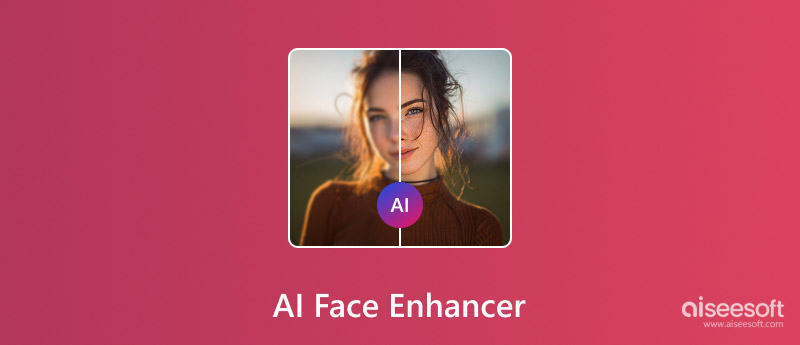
As the AI technology continues to evolve, more and more AI-powered face enhancers are available on the market. Besides, the most powerful traditional image editors are updated to carry related AI enhancement features. These AI tools can generate natural-looking results while maintaining individual characteristics. The first section starts with three popular AI face enhancers for photos.
Highlights: Provides basic AI face enhancement for quick clarity improvement, suitable for casual edits rather than detailed restoration.
Score:4/5
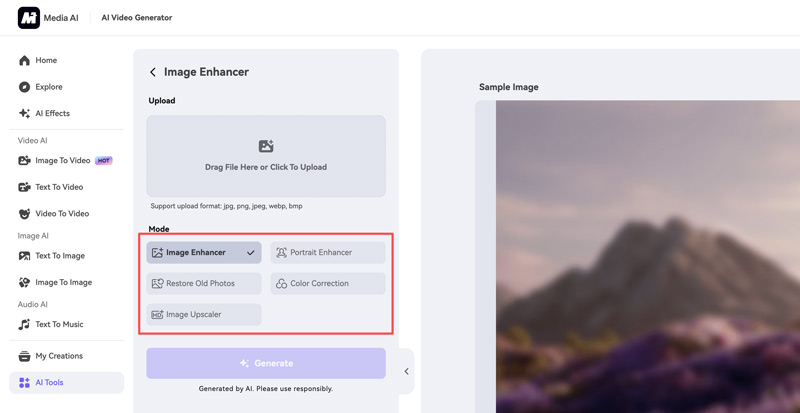
Media.io is an all-in-one AI platform that provides multiple AI-powered tools for image, video, and audio editing. It has an individual AI Face Enhancer designed explicitly for facial enhancement and portrait refinement.
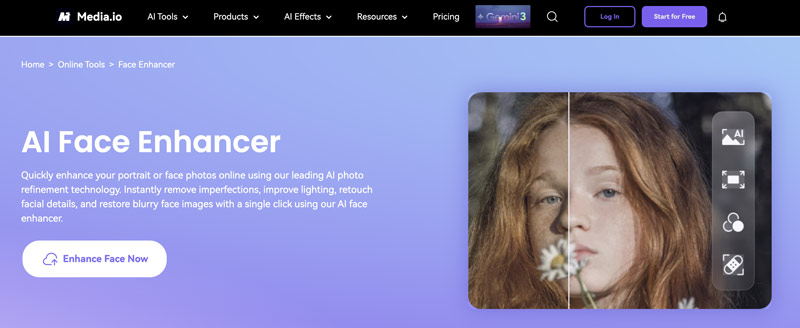
As a web-based enhancer, it offers accessibility across devices and systems. Moreover, this online platform is ideal for casual users and content creators to perform quick fixes and edits. The face enhancer uses sophisticated AI to analyze facial features and apply suitable enhancements.
PROS
Cons
Highlights: Uses lightweight AI to subtly sharpen facial details and improve clarity while maintaining a natural look.
Score:4.5/5
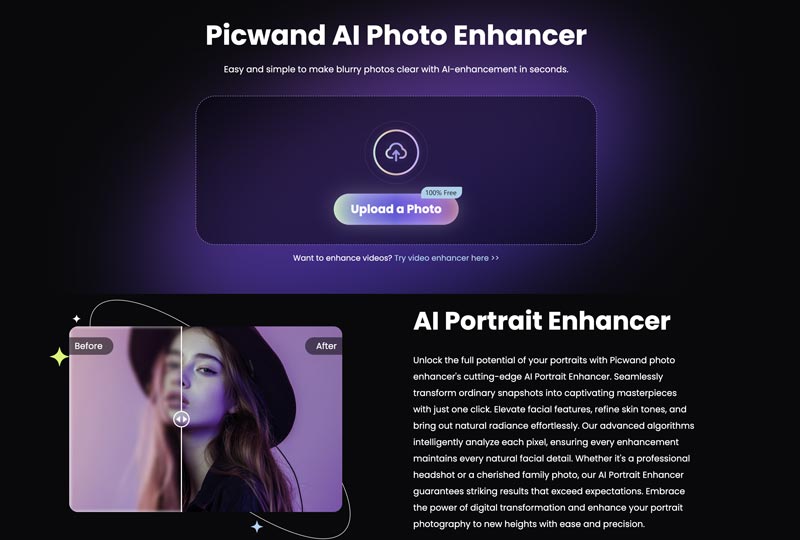
Picwand AI stands out as a specialized AI photo editing application with strong capabilities in image upscaling, restoration, and facial enhancement. Like Media.io, it is known as a comprehensive platform that offers various video and photo editing tools. Actually, besides AI Photo Enhancer, Picwand AI also has a dedicated AI Video Enhancer. Moreover, it is available as a mobile app for both iOS and Android devices.
PROS
Cons
Highlights: Excels at AI face reconstruction, dramatically restoring facial details in low-resolution, blurry, or old photos and videos.
Score:4.5/5
Remini is one of the most recognized AI photo enhancement tools that is specifically designed for dealing with facial images. Its advanced AI technology specializes in enhancing facial details, increasing clarity to blurry photos, and restoring missing details to old or low-quality portraits. Like Picwand AI, Remini is available as both an online AI face enhancer and a mobile app.
PROS
Cons
Beyond pictures, AI technology has been a revolutionary solution for face enhancement in videos. These enhancers use advanced algorithms to generate natural, higher-quality results. This makes professional enhancements accessible to everyone, especially for general users. Check the three recommendations below if you need an AI face enhancer for videos.
Highlights: Enhances facial sharpness and skin tones with balanced AI processing, prioritizing realism over aggressive detail recovery.
Score:5/5
Aiseesoft VidHex is a powerful AI video enhancer known for its 4K upscaling and enhancement capabilities. It features a specially designed Face Model to improve facial clarity and overall video quality. It provides multiple specialized AI models to fix various video quality issues. Recently rebranded from Aiseesoft Filmai, VidHex has expanded its features to offer more targeted solutions for various enhancement scenarios.
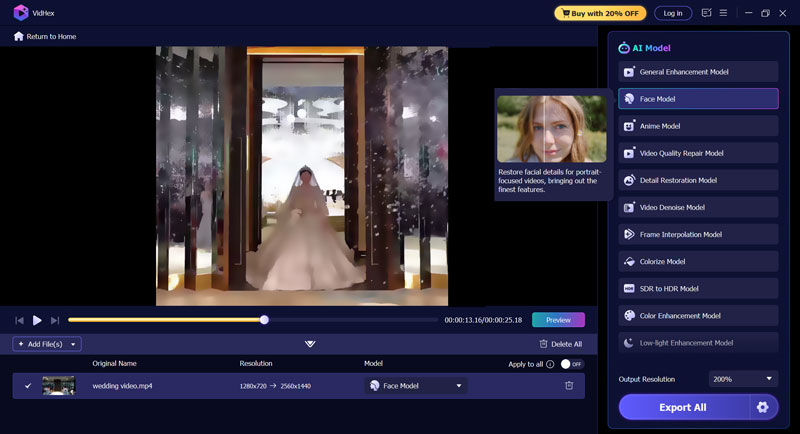
More than an AI face enhancer, VidHex offers additional models for general enhancement, video denoising, color correction, video quality repair, and more. It can upscale video resolution up to 4K/8K with improved facial clarity. The software also includes specialized tools for improving footage shot in poor lighting. You can free download and launch it on your computer, and then apply the Face Model for optimal facial enhancement.
100% Secure. No Ads.
100% Secure. No Ads.
PROS
Cons
Highlights: Offers smart face enhancement and beautification tools optimized for social videos, with strong results and easy control.
Score:4/5
CapCut is an all-in-one video editing platform with integrated AI enhancements. It offers desktop programs, web-based tools, and mobile apps for editing and enhancement needs on different devices. It is particularly effective for facial refinement in video content. Related AI tools can significantly improve facial clarity, correct colors, stabilize footage, and optimize overall video quality.
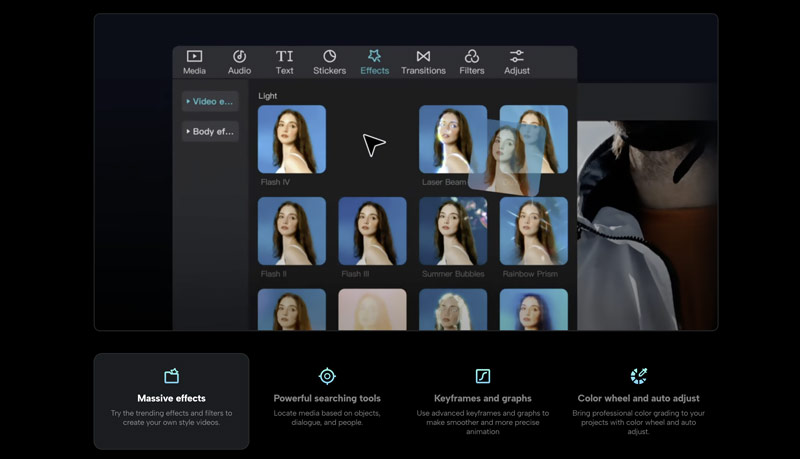
CapCut is an easy-to-use editor developed by the same company behind TikTok. It combines professional functions with an intuitive interface. This suits both beginners and experienced editors.
PROS
Cons
Highlights: Delivers high-end facial detail recovery with advanced AI models, ideal for professional restoration and close-up footage.
Score:4.5/5
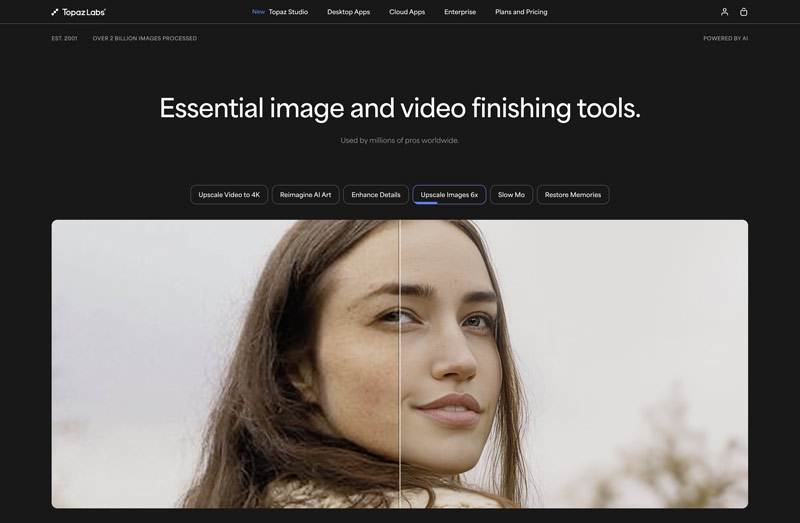
Topaz Video AI is often considered the professional’s choice for video enhancement. The software is primarily designed for improving video quality. All the necessary functions are available for enhancing. Even though Topaz Video does not have a single face enhancer option, it carries related functions to sharpen, restore, and enhance videos. For faces, it can help you reconstruct skin texture, individual eyelashes, fine hair details, and make other suitable enhancements.
PROS
Cons
Question 1. What is the best AI face enhancer for iPhone photos?
When you search for an AI face enhancer to handle your iPhone photos, you can easily access many recommendations. The “best” one often depends on your specific needs and preferences. Popular AI face enhancer apps include: Remini, Topaz Photo AI, Picwand AI, CapCut, and PhotoRoom.
Question 2. Is Remini a good tool for portrait enhancement?
Remini is often considered a very effective tool for portrait enhancement, according to our tests and other users’ reviews. It can dramatically sharpen facial features and restore missing details in low-quality or old portrait photos. Beyond basic enhancements, Remini offers a range of AI filters and effects. Before upgrading to a paid subscription, you can start a free trial to enhance your photos and check its capabilities.
Question 3. Is Face26 a free AI photo enhancer?
Face26 provides both mobile apps and a web version for users to enhance photos using AI. You can visit the official website and click the “Try Face26 Web” button to start a free tier. The truth is, Face26 is not a free AI photo enhancer. As a new user, you are only offered one credit to test its capabilities. What’s worse, during the trial, it sets various features and output limits.
Conclusion
The evolution of AI technology has fundamentally transformed how we approach photo and video enhancement. This guide introduces you to six AI face enhancer tools. Whether you want to increase the quality of faces in your photos or videos, you can find a suitable enhancer to do it. As AI face enhancement continues to evolve, more and more sophisticated functions are being updated to these tools. That makes quick, efficient editing and enhancement capabilities accessible to users of all skill levels.
 5 Best Free Video Quality Enhancers Online (Pros & Cons)
Want the best free video enhancers to improve the quality of your videos? Here are 5 trusted tools to improve video clarity, resolution, and colors online with no cost required.
 How to Enhance Video Quality with 4 Different Solutions
How does Nvidia Video Super Resolution enhance streaming videos? How can I enhance video quality using AI? Read the complete guide to improving video quality.
 Top 7 Al Photo Restoration Tools to Fix and Repair Images
What is the best free AI photo repair tool? Can AI restore old black-and-white photos? Get seven AI photo restoration tools to fix, repair, and enhance images.
 Leave your comment and join our discussion
VidHex is an AI-powered video enhancer that upscales, denoises, colorizes stabilizes, and improves video quality in 1 click.
100% Secure. No Ads.
100% Secure. No Ads.

*Required field
*Please enter a valid email
