
Best For: Users who desire quick video improvement with little setup, novices, and casual creators.

Video Converter Ultimate
 100% Secure. No Ads.
100% Secure. No Ads.
Have you ever watched a video and felt like it needed to be a bit smoother? I faced the same issue with my old videos and low-FPS recordings that turned out to be choppy, in particular in fast motions. Obviously, I couldn't just re-record all the footage!
Then, I had a look at different frame interpolation software to find out which ones are actually capable of improving motion quality. That's exactly what a solid frame interpolator does. They utilize AI or sophisticated motion estimation to create new intermediate frames, so the video appears smoother and more continuous. In this review, I am going to compare leading frame interpolation tools that are currently on the market so that you can get a good idea of which video solution is best for you.
How We Test and Review
While reviewing frame interpolation tools commercially, I made a completely personal and practical examination: I ran these frame interpolators on different videos with various frame rates, resolutions, and motion types to be sure of their capabilities and effectiveness when it comes to frame rate enhancements and other aspects of video quality. I tested sports clips, gameplays, and ordinary videos.
In the evaluation process, I considered the interpolation quality, processing speed, ease of use, GPU requirements, and overall value, and even examined how these motion interpolation software programs stood against fast-moving scenes, motion artifacts, and frame consistency.
This guide's rankings and recommendations only reflect the hands-on tests and performance, and not marketing claims.
Here is a brief comparison of the best frame interpolation tools discussed in this guide before delving into the in-depth assessments.
| Tool | Algorithm Used | Processing Speed | Price | GPU Requirement |
| Aiseesoft Video Converter Ultimate | AI Video Enhancement | Very Fast | Paid | Recommended |
| Topaz Video AI | AI Frame Interpolation (Apollo, Chronos) | Moderate | Paid | High |
| Flowframes (RIFE) | RIFE AI Model | Fast | Free | Recommended |
| SVP 4 Pro | Real-Time Motion Interpolation | Very Fast | Paid | Moderate |
| Adobe Premiere Pro (Optical Flow) | Optical Flow | Moderate | Subscription | Recommended |
| Waifu2x-Extension-GUI | AI Frame Interpolation + Upscaling | Slow to Moderate | Free | High |
Picking the best frame interpolation software can totally change how fluid your videos appear. While some software emphasizes AI-based quality, others value speed, real-time playback, or professional editing features. To guide you in picking the right one, I have thoroughly tested and compared leading products on the market. If you want a powerful desktop application or a straightforward frame interpolation mobile app, the next tools represent the best means by which you can convert your low-frame-per-second videos to smoother, higher-frame-rate ones.
Best For: Users who desire quick video improvement with little setup, novices, and casual creators.
Score: 5/5
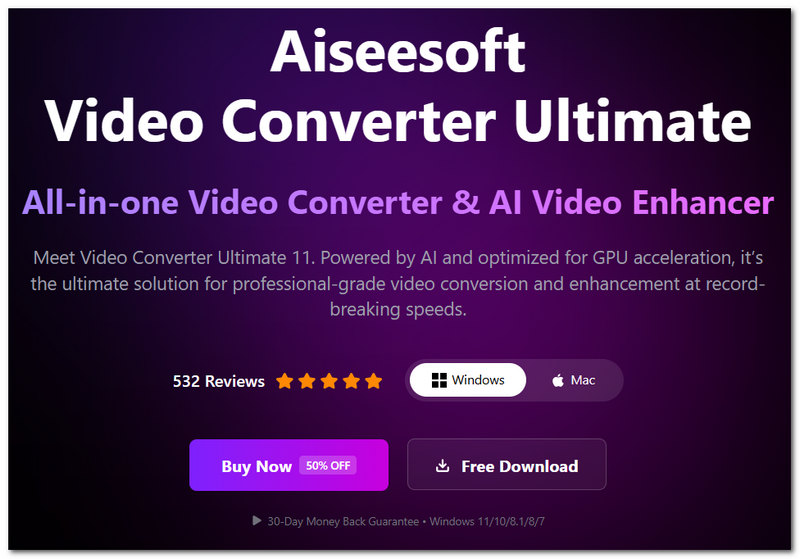
Aiseesoft Video Converter Ultimate is a superb pick for users looking to enjoy smoother video playback without handling complicated settings. Besides being a well-known video converter and enhancer tool, it comes packed with AI-based functionalities that can enhance motion quality and overall video appearance. In the test, it not only offers high-speed operations but also produces reliable outputs; That's why it becomes a perfect contender for the best motion interpolation software among regular users.
100% Secure. No Ads.
100% Secure. No Ads.
Pros
Cons
Best For: Professionals, content producers, and video lovers who value interpolation quality over processing speed.
Score: 4.5/5
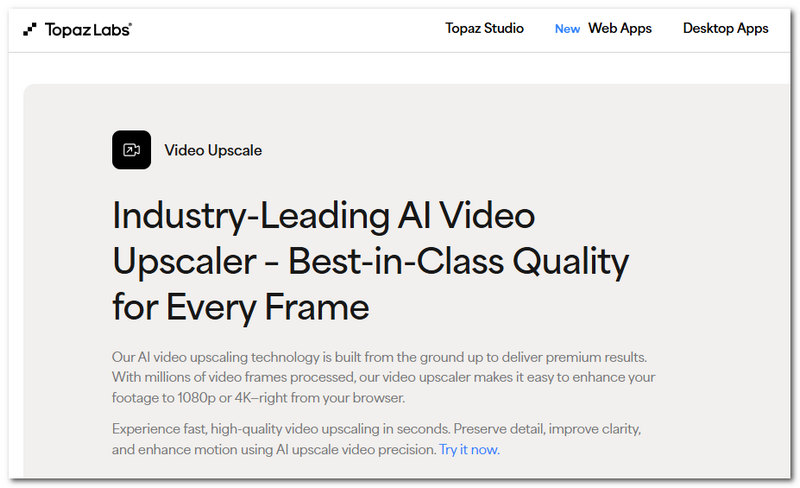
Topaz Video AI is a highly sophisticated frame interpolation tool. It employs specialized AI models like Apollo and Chronos for producing new frames and creating seamless motion between existing ones. In our trials, it delivered exceptionally natural results, Most of all for videos with rapid movements and complex scenes. Besides, it is a favorite slow-motion interpolation software among users who wish to generate cinematic slow-motion effects from ordinary footage.
Pros
Cons
Best For: Consumers who wish to use AI frame interpolation of superior quality without having to purchase expensive software.
Score: 4.5/5
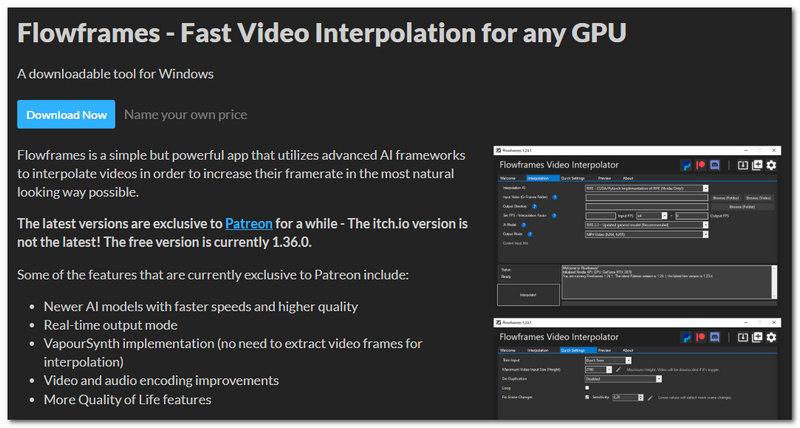
Flowframes is a well-loved free frame interpolation software that uses the RIFE AI model to create more fluid video movement. Even though it is free, it gives excellent quality interpolation, and that is the reason why it is heavily used by enthusiasts who want to raise frame rates without spending on premium software. When tested, it gave smooth outcomes on different videos, and it gave a nice balance between quality and performance. Although it is a desktop program instead of a frame interpolation Android app, it is still one of the finest free tools for AI-driven frame interpolation.
Pros
Cons
Best For: Users who wish to play videos more smoothly without exporting or re-rendering them.
Score: 4/5
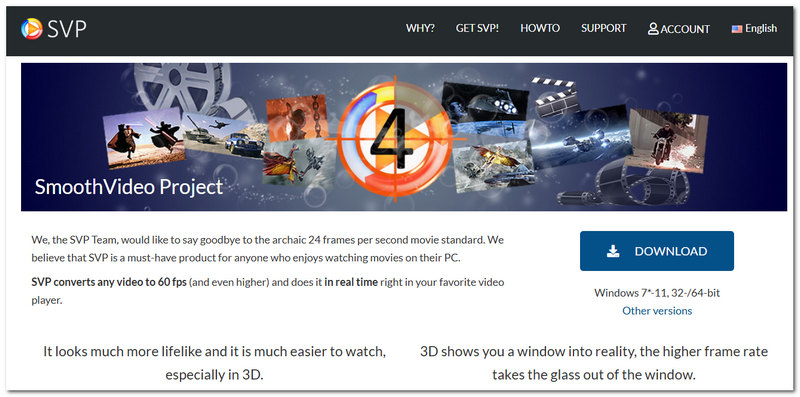
SVP 4 Pro is unlike most tools on this list in that it only focuses on real-time frame interpolation during the video play. It doesn't process and produce a new video but rather creates additional frames instantly that make the video smoother to the eyes. When tested, it was able to provide fluid playback, and it was in particular effective for cinema, TV, and regular video content. If a real-time frame interpolator is what you need, SVP 4 Pro is one of the most powerful options available.
Pros
Cons
Best For: Expert editors and content producers who have already produced videos with Adobe Premiere Pro.
Score: 4/5
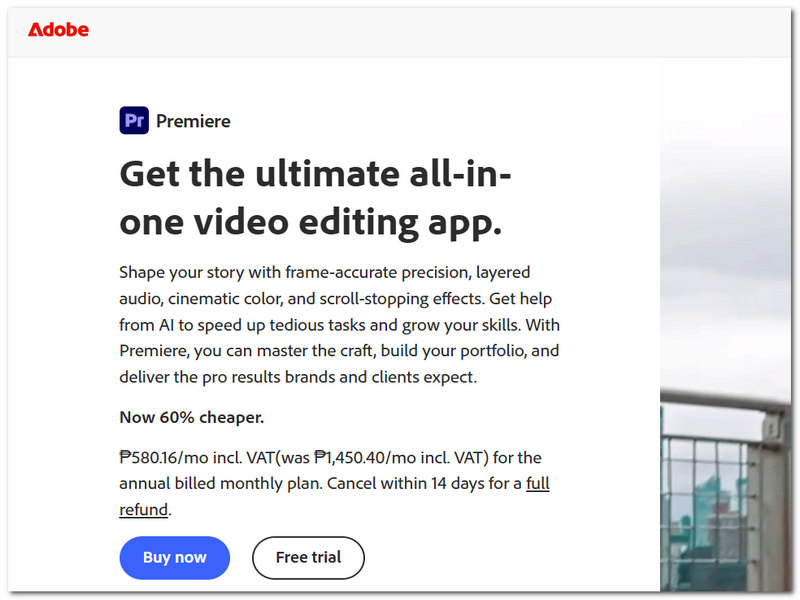
Adobe Premiere Pro has an embedded Optical Flow feature, which also interpolates frames between existing frames to increase motion quality and upsample cine. Being integrated into the editing environment itself allows users not to have to jump to another program simply to do frame interpolation. Based on the testing on a wide variety of footage, it worked well for a number of clips and was quite useful for projects being edited in Premiere Pro. It is a good option for editors who need a frame interpolation option and are in a professional editing environment.
Pros
Cons
Best For: Users who wish to combine AI upscaling with frame interpolation, animation producers, and anime fans.
Score: 4/5
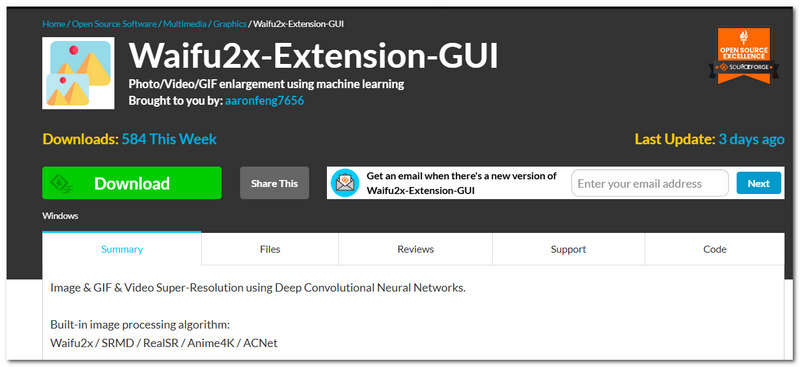
Waifu2x-Extension-GUI is an all-in-one solution for video enhancement that can do AI upscaling, noise reduction, and frame interpolation at the same time. It is a favorite among anime fans and people who use animated content as a source, where smoother motion and higher resolution can make a big difference in the quality of viewing. It was tested with various types of videos and showed good results with cartoons, anime, and other stylized videos, which made it stand out from regular frame interpolation software.
Pros
Cons
What kind of videos are the least suitable for frame interpolation?
Videos that have motion blur to an extreme degree, rapidly flashing lights, or highly compressed ones with visible artifacts might be the least likely to get improved with frame interpolation, as the tool won't have enough accurate motion data to work on.
What are the consequences of setting the output frame rate too high?
By raising the frame rate too high, it not only takes longer to process the video and the file size becomes bigger, but most of the time, one won't be able to tell any difference when it comes to smoothness.
Can frame interpolation be used alongside video compression?
Really! The usual workflow for many people is to perform the frame interpolation on the video first and afterwards compress the final output for straightforward storage or sharing purposes.
Conclusion
The most suitable frame interpolation tool varies based on what you want, your budget, and your level of expertise. For example, if you prefer one simple and versatile tool, Aiseesoft Video Converter Ultimate would be a great option. At the same time, Topaz Video AI and Flowframes have advanced AI-powered frame interpolation. In fact, any of these motion interpolation software tools helps you improve the quality of choppy, low-FPS video footage and render videos that look smoother and more pleasing to watch.
 Capture Video Screenshot on Windows & Mac (2026)
Learn how to extract a high-quality still frame from a video using Aiseesoft Screen Recorder, VLC, Windows Snipping Tool and more.
 SVP Alternatives to Find the Best Frame Rate Conversion Tool
Does SVP work with VLC? What is the best alternative to SmoothVideo Project? Review the frame interpolation capabilities of SVP and get three SVP alternatives.
 Top 4 Frame by Frame Video Players for Smooth Playback
Can I move frame by frame in Windows Media Player? How do you play a video frame-by-frame in VLC? Check the 4 best frame by frame video player recommendations.
 Leave your comment and join our discussion
Aiseesoft Video Converter Ultimate supports AI frame interpolation, upscaling, conversion and editing for Windows/Mac.
100% Secure. No Ads.
100% Secure. No Ads.

*Required field
*Please enter a valid email
