
Best for: Quick video-to-MP3 conversion
Score: 4.8/5
Video Converter Ultimate
 100% Secure. No Ads.
MP3 is one of the most compatible audio formats because it offers a great balance of sound quality and file size. If you need to convert video to MP3, shrink an audio file into a more compact format, or prepare music for other players, a free MP3 converter can help. Nevertheless, all programs have certain limitations. Some run in a web browser, while others must be installed on your computer. Some converters support batch conversion, while others are fast and easy to use. This article provides an overview of eight free MP3 converters and their features.

How We Test and Review
When assessing each MP3 converter, we consider input and output formats, conversion time, audio quality, the ability to process multiple files at once, user-friendliness, cross-platform compatibility, and file size limits. For web applications, we look at upload convenience and whether registration is required.
The first thing to consider when choosing a free MP3 converter is where the conversion happens. Online converters are convenient because they don't require installation, while desktop converters are usually more efficient for large files, regular conversions, and offline use. Check the converter's compatibility with your original file format (for example, MP4, WAV, M4A, FLAC, MOV). Consider output quality, available bitrates, batch conversion capacity, maximum file size, and privacy.
| Tool | Type | Ease of Use | Best for |
| Aiseesoft Free Video Converter Online | Online | Very Easy | Quick video/audio-to-MP3 conversion |
| FreeConvert | Online | Easy | Flexible online conversion |
| CloudConvert | Online | Easy | Advanced output settings |
| Convertio | Online | Very Easy | Simple browser-based conversion |
| VLC Media Player | Windows, Mac, Linux | A little complex | Basic offline conversion |
| FFmpeg | Command Line | Complex | Advanced and batch conversion |
| Aiseesoft Video Converter | Windows, Mac | Very Easy | Easy desktop conversion |
| HandBrake | Windows, Mac, Linux | Complex | Video conversion and audio extraction |
Best for: Quick video-to-MP3 conversion
Score: 4.8/5
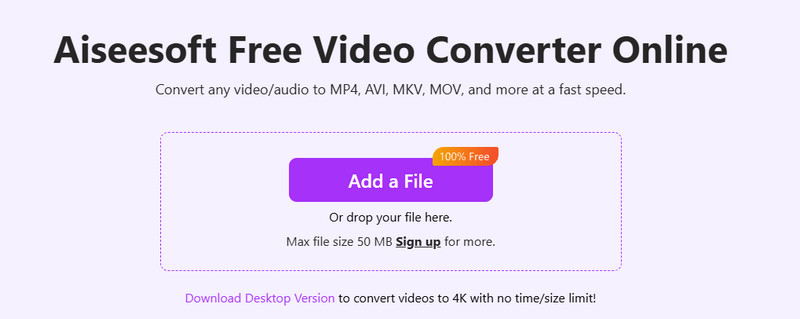
Aiseesoft Free Video Converter Online is a web-based application used for converting videos and audio without downloading any desktop application. This tool is capable of handling various types of file formats and can be very useful when you wish to convert your video into an MP3 file. With its easy-to-use interface, it is very convenient for users to convert their videos through a few clicks.
PROS
CONS
Best for: Flexible online conversions
Score: 4.6/5
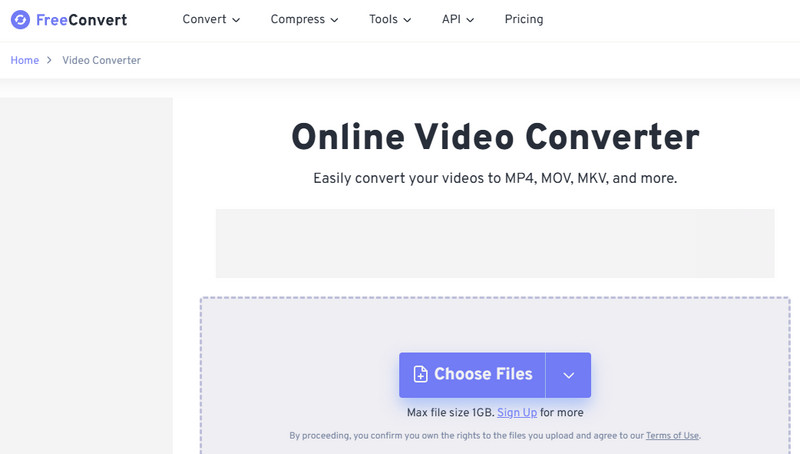
FreeConvert is a website for file conversion which supports many types of audio and video files. It has an MP3 converter which enables the user to upload files and modify various output settings before converting them. It is helpful for those who require more control than offered by simple converters.
PROS
CONS
Best for: Format and quality control
Score: 4.6/5
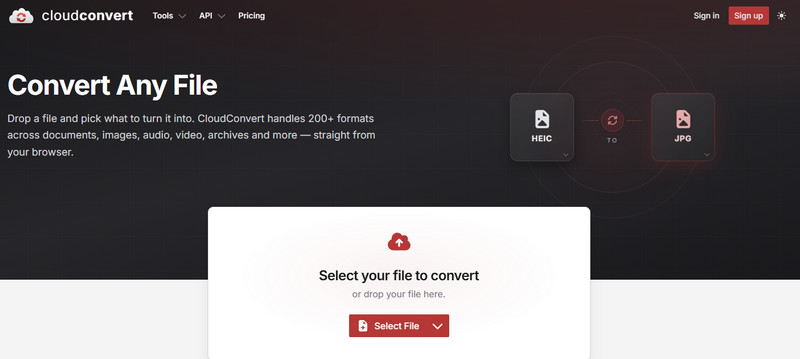
CloudConvert is an online conversion tool that supports many file formats. The audio converter lets users convert to MP3 and provides instructions for settings like bitrate, sampling rate, and number of channels. This makes it convenient when you need specific output specifications rather than just fast conversion.
PROS
CONS
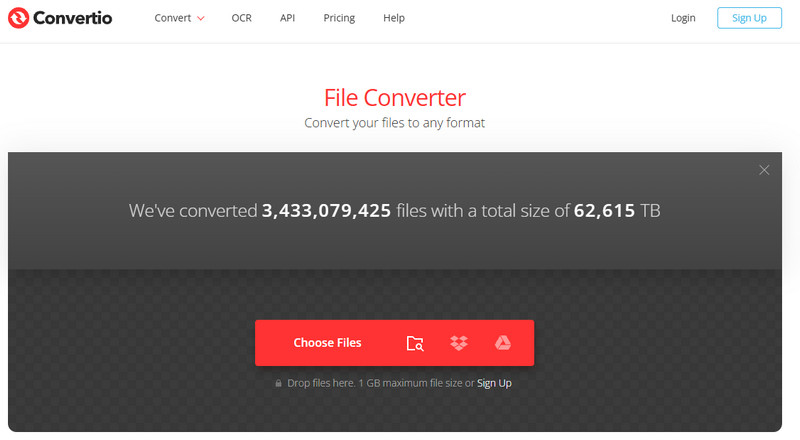
Best for: Simple browser-based conversion
Score: 4.5/5
Convertio makes conversion easy with an intuitive interface for audio and video files. Just upload the file, choose the desired format (MP3), and start the conversion. This tool also supports cloud storage providers.
PROS
CONS
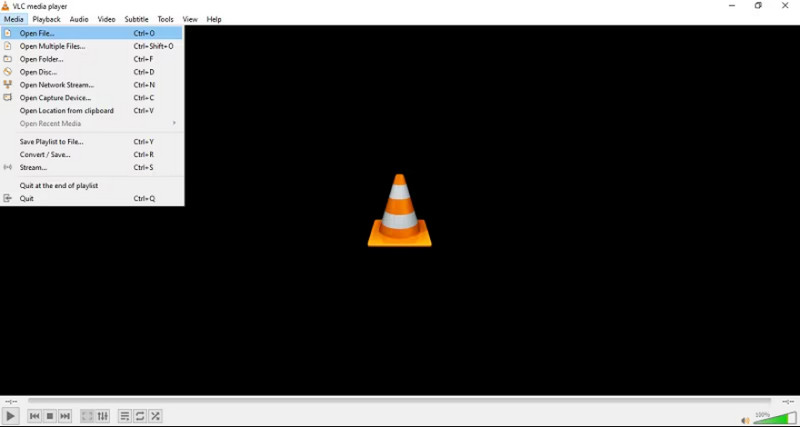
Best for: Converting media files locally
Score: 4.7/5
In addition to being a free media player, VLC Media Player also offers conversion options. With VLC, you can convert the audio files it supports into MP3 format without uploading them to any online platform. Besides, you can also use VLC to convert videos to MP4, MOV, MKV, etc.
PROS
CONS
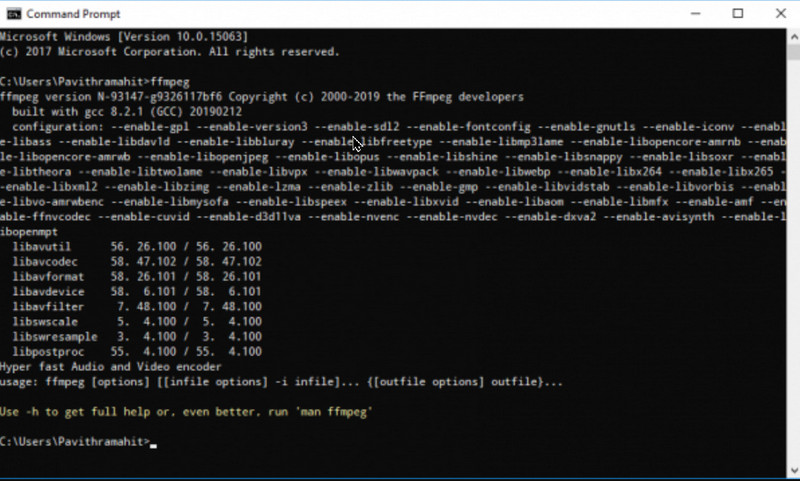
Best for: Advanced and batch conversion
Score: 4.8/5
FFmpeg is a versatile multimedia tool for manipulating audio and video data. Unlike GUI converters, FFmpeg is mostly a command-line tool, giving users maximum flexibility to adjust codecs, bitrates, sample rates, channels, and many other parameters. This tool suits experienced users and developers best.
PROS
CONS
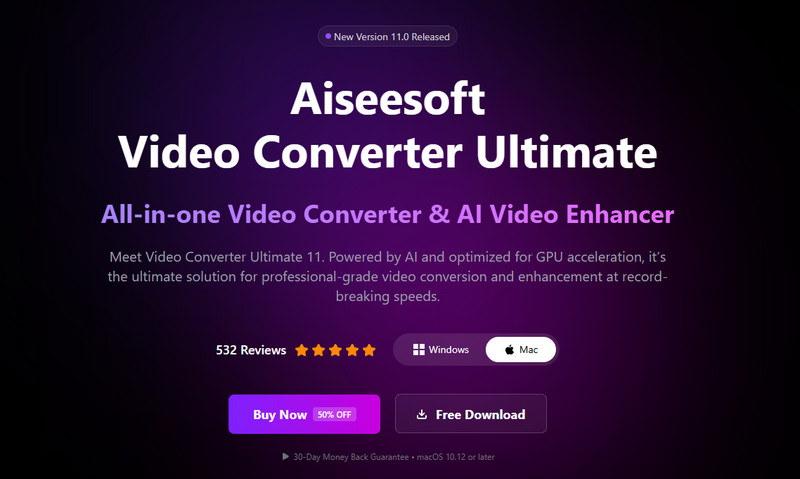
Best for: Easy desktop audio and video conversion
Score: 4.8/5
Aiseesoft Video Converter Ultimate is a desktop application which offers graphical user interface for conversion of videos and audio files. The tool can convert media files to MP3 without using the internet file upload function. The application has a user interface that is meant for those who want additional features from their online converters but without using command-line options. It offers free trial to evaluate its features before purchase.
100% Secure. No Ads.
100% Secure. No Ads.
PROS
CONS
Best for: Converting video files and extracting audio
Score: 4.5/5
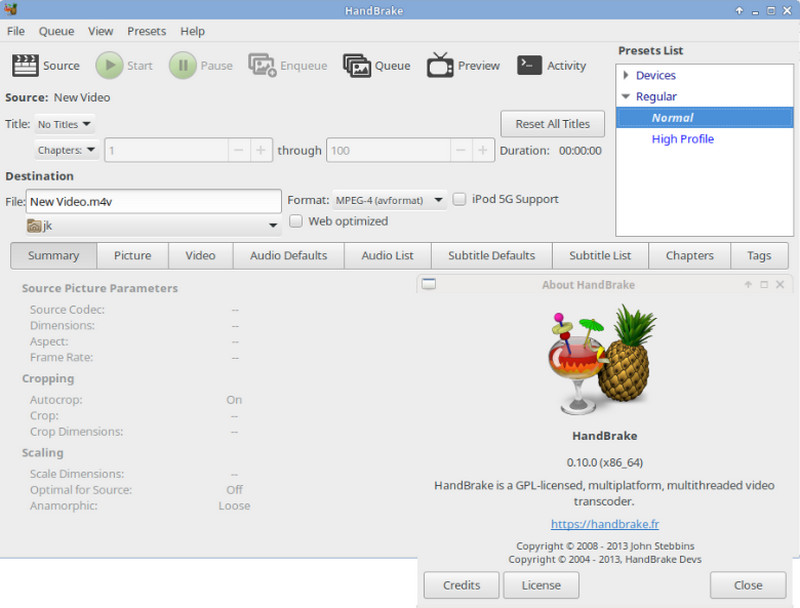
HandBrake is an open source, free video transcoder for Windows, Mac, and Linux computers. This software is basically used for video transcoding, but not for MP3 transcoding. HandBrake proves to be helpful in case you are working with video files and need to extract or convert their audio track.
PROS
CONS
What is the best free MP3 converter?
The best one is based on the user's preference. The online converters like Aiseesoft Free Video Converter Online, FreeConvert, CloudConvert, and Convertio make the task easy when you want to convert the file without having to install any software. In offline conversion, VLC and Aiseesoft Free Video Converter are easy for beginners, whereas FFmpeg has more control features.
Can I convert MP4 to MP3 for free?
Yes. There are many free MP3 converters which provide the functionality of MP4-to-MP3 conversion. In online conversion, it can be done in the browser itself, but in desktop applications, VLC, FFmpeg, and Aiseesoft Free Video Converter are used to do the conversion locally.
Does converting a file to MP3 reduce audio quality?
Yes. As MP3 is a lossy audio format, converting from a lossless audio format may cause loss of some audio data because it reduces audio data. However, with higher bitrates, it can maintain much more audio information.
Is an online MP3 converter safe to use?
It depends upon the service provider. Prior to using the online converter, one should know about the privacy policy of the converter, file retention and any file upload limitations that may come along with the service.
Conclusion
Free MP3 converters come in both online and offline versions, and the best option depends on how you plan to convert. Online converters like Aiseesoft Free Video Converter Online, FreeConvert, CloudConvert, and Convertio are handy for those who don't want to install software. Other offline converters, like VLC Media Player and Aiseesoft Free Video Converter, work well for those who want to process files offline. FFmpeg is also a strong option for those who need detailed control. Consider HandBrake if you need to transcode videos.
 Audio Converter App - Extract MP3 from Any Video and Audio
Converting video to audio will save you much space in your local disc and portable device. Learn how to convert video to audio with Aiseesoft Audio Converter.
 Best Video/Audio to MP3 Converter: Desktop & Online
Looking for the best video/audio to MP3 converter? We tested desktop and online MP3 converters for speed, output quality and price so you can pick the right one.
 How to Convert MP3 to MP4 (Online and Desktop)
The article shows how to convert MP3 to MP4, the comparison between online MP3 Converters and Aiseesoft MP4 Converter.
 Leave your comment and join our discussion
Convert/Download/Edit SWF
1.1 SWF 1.2 SWF to MP4 1.3 SWF to GIF 1.4 SWF to MOV 1.5 SWF to HTML5 1.6 SWF to AVI 1.7 SWF to WMV 1.8 SWF to 3GP 1.9 SWF to DVD 1.10 SWF Converter Mac 1.11 Edit SWF
Video Converter Ultimate is excellent video converter, editor and enhancer to convert, enhance and edit videos and music in 1000 formats and more.
100% Secure. No Ads.
100% Secure. No Ads.

*Required field
*Please enter a valid email