
Video Converter Ultimate
 100% Secure. No Ads.
100% Secure. No Ads.
Contents
Not every video we make turns out perfect. Sometimes the lighting is off, the colors look dull, or the footage isn’t as sharp as we would like. That is why users choose to use a video enhancer app. With the right app, you can quickly increase video quality, improve color, and make your videos look more complete, all from your phone. We have collected the best apps for Android and iPhone in this blog, along with their features, advantages, and disadvantages, and user ratings. At the end, you will know which instruments can do the trick with your videos without you having to spend hours editing.
Looking for ways to make your videos look sharper, more vibrant, and professional on your iPhone? This part highlights the top tools you can use to enhance video app performance on iOS. Each of these apps is highly rated and trusted by users for quickly and easily improving video quality.
InShot is often referred to as the top video editing app for iPhone. Part of its charm comes from a simple user interface and an extensive toolset. It's the perfect tool for anyone looking to quickly spruce up their videos for social media, a personal project, or professional use.
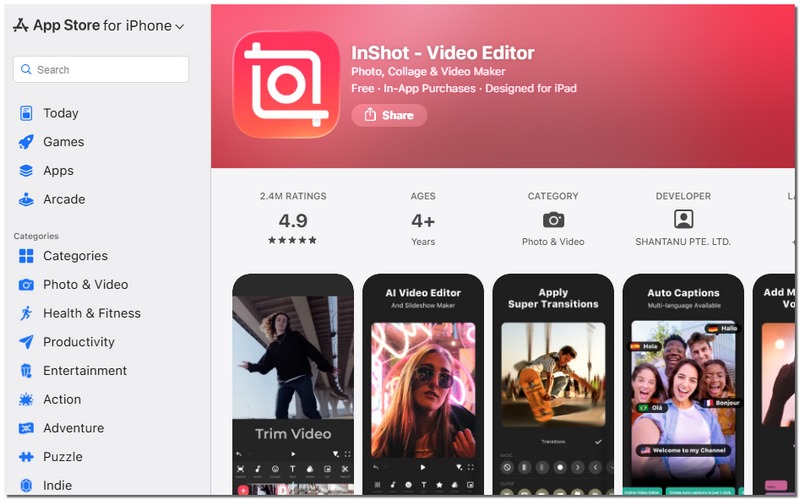
User Rating (App Store): 4.8/5
Key Features
Pros
Cons
Best For
VN Video Editor is a practical, easy-to-use application that provides iPhone users with a range of sophisticated video-editing tools, without requiring desktop software. The app is perfect for creators who want to elevate the look of their videos to a professional level while still maintaining a straightforward workflow.
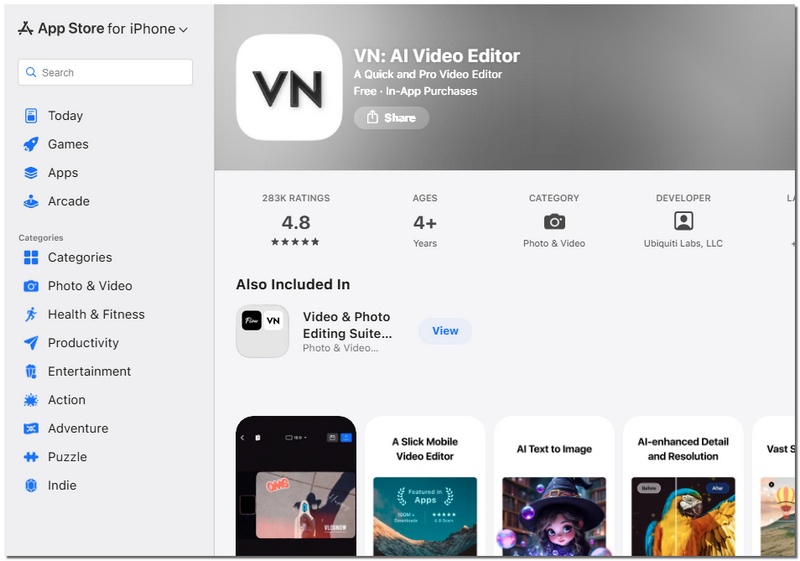
User Rating (App Store): 4.7/5
Key Features
Pros
Cons
Best For
Videoshop is a great iPhone video editing app that is simple to use and mainly concentrates on fast enhancements and creative effects. It is an ideal selection of users who desire visually appealing videos but do not want to deal with complicated tools or invest time in mastering advanced editing skills.
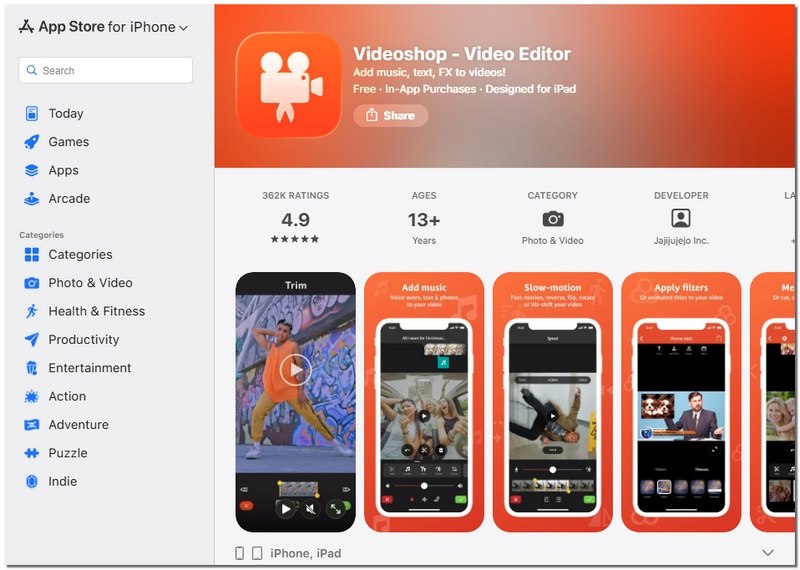
User Rating (App Store): 4.6/5
Key Features
Pros
Cons
Best For
Android users also have access to equally powerful tools to enhance the appearance of their videos. If you are after sharper visuals, richer colors, or quieter plays, AI video enhancer apps are your go-to tools for delivering results you can share with the world directly from your phone. These three top-notch Android apps are the best in terms of stability, usability, and functionality.
CapCut is one of the most popular editing tools on Android, primarily because it offers a strong feature set and an easy learning curve. Beyond simple trimming and cutting, CapCut has features that make your videos look cleaner, more vibrant, and more polished. This is how it has become the best video enhancer app for mobile creators.
User Rating (Google Play): 4.5/5
Key Features
Pros
Cons
Best For
KineMaster is a popular Android video editor that offers users direct control over the appearance of their videos. KineMaster is a great option for consumers who prefer greater control from a Android video enhancer app over one-tap fixes because it allows you to manually adjust graphics, unlike apps that mostly rely on presets.
User Rating (Google Play): 4.3/5
Key Features
Pros
Cons
Best For
PowerDirector is an advanced Android editor made for people who desire smooth performance and top-notch results without having to wait for a long time to process their work. The app concentrates on speed and reliability, which is why it can be considered a great video enhancer app for mobile users who want to upgrade their videos quickly and easily.
User Rating (Google Play): 4.4/5
Key Features
Pros
Cons
Best For
This table makes it easy to compare the top video enhancer apps for Android and iPhone. You can quickly see which app meets your needs by looking at the supported platforms, speed and quality, free version limits, pricing, preview options, and other factors without delving into the details.
| App Name | Platform | Upload & Processing Speed | Output Quality | Free Version Limitations | Price | Preview Features |
| InShot | iOS | Fast | Up to 4K | Watermark & ads in free | In-App purchases | Real-time preview |
| VN Video Editor | iOS | Moderate | Up to 4K | Some advanced tools locked | Free | Full timeline preview |
| Videoshop | iOS | Fast | HD | Watermark in free | Subscription | Immediate preview |
| CapCut | Android | Fast | Up to 4K | None | Free | Real-time preview |
| KineMaster | Android | Moderate | Up to 4K | Watermark in free | Subscription | Multi-layer preview |
| PowerDirector | Android | Fast | Up to 4K | Some tools locked | Subscription | Timeline and instant preview |
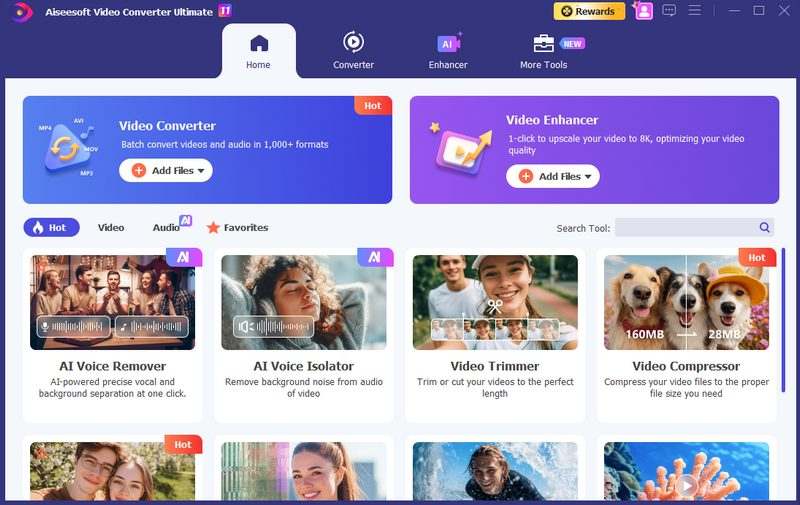
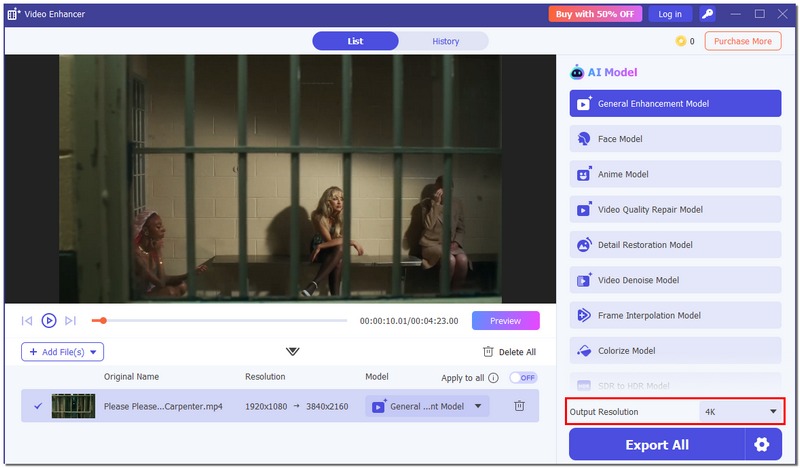
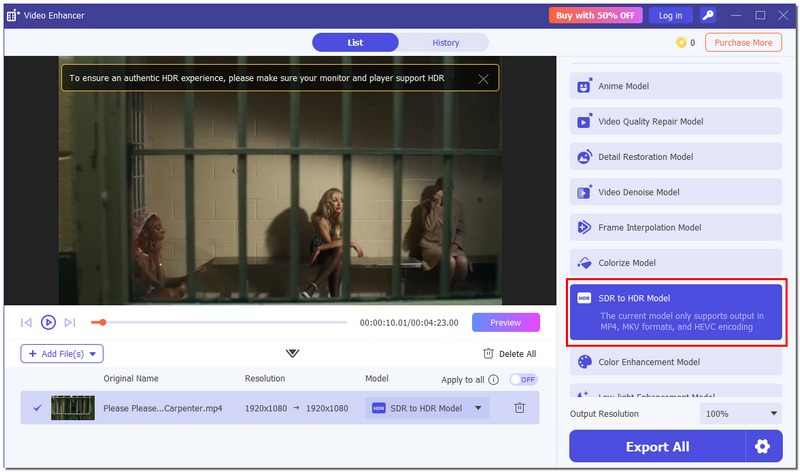
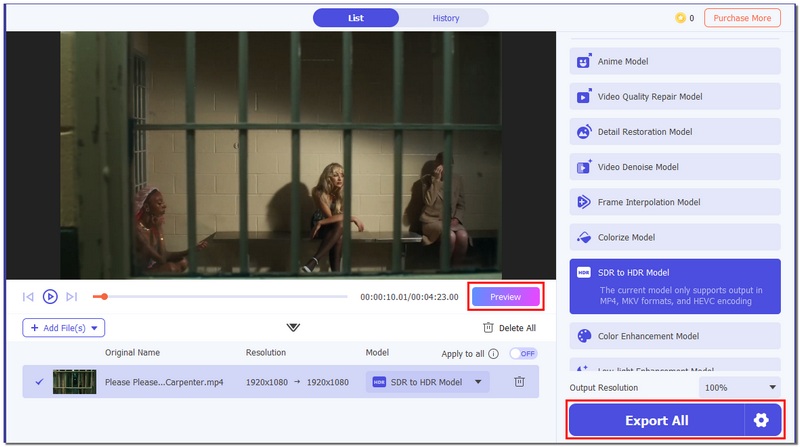
Although mobile apps are perfect for quick tweaks, they are limited in what they can do, especially when you want to take a video to the next level. If you're handling longer videos, higher resolutions, or want cleaner, more consistent results, a desktop tool is usually the best option. This is the reason why Aiseesoft Video Converter Ultimate is different.
Downloads
Aiseesoft Video Converter Ultimate
100% Secure. No Ads.
100% Secure. No Ads.
How to Enhance Videos Using Aiseesoft Video Converter Ultimate
Can video enhancer apps also improve audio quality?
Most video enhancer apps are purely visual. Although some provide basic audio tools, a separate audio editing app is typically needed for significant audio enhancement.
Do video enhancer apps support portrait and landscape videos equally?
Although most apps support both formats, some enhancement tools or effects may perform better in landscape mode.
What should I avoid when enhancing videos on mobile apps?
Don't maximize every enhancement setting at once. Videos with excessive contrast or sharpness may appear harsh and unnatural.
Conclusion
The first step in selecting the best video enhancer is figuring out exactly what you need. If you only want to do quick fixes, minor adjustments, or create videos for social media, then mobile apps are perfect. On the other hand, if you require more control and cleaner results, sophisticated software would be the right choice for you. Whether it's quick processing or AI-driven advancements, each solution has advantages, so knowing what you need can help you save time and space. In the end, the best enhance video app is one that works with your workflow, device, and budget, allowing you to easily improve video quality without adding needless complexity.
 Simply Convert Video for Android Phone/Tablet With Ease
This post shows you how to use an Android video converter to convert videos for Android-supported formats MP4, 3GP, and other video formats in 5 steps.
 Top 20 Free Video Makers with Music and Pictures You Should Know
How to make videos with music files and pictures in excellent quality? Here are the top 15 free video makers for different platforms you should know of 2021.
 MP4 VS MOV - The Comparison between MP4 and MOV
It is a comparison between MP4 and MOV. Find the similarities and the differences between MP4 and MOV. You can find the detail from the article.
 Leave your comment and join our discussion
Video Converter Ultimate is excellent video converter, editor and enhancer to convert, enhance and edit videos and music in 1000 formats and more.
100% Secure. No Ads.
100% Secure. No Ads.

*Required field
*Please enter a valid email

