
Video Converter Ultimate
 100% Secure. No Ads.
100% Secure. No Ads.
There are many online converters out there that will do the job quickly and easily, but in my personal experience, what you get out of them isn't always quite what you expect. For this review, I wanted to see a product in particular designed for the job at hand, so I decided to take a look at the Zamzar MP4 to MP3 converter. When I test something out, I want to know not just what is possible but how smoothly it feels to go through the process and if I will encounter any limitations. If you are wondering if Zamzar is a tool you want to use yourself for converting your MP4s, then read on.
How We Test and Review
We used Zamzar to convert various MP4 files to MP3, evaluating its performance for speed of conversion, quality of the output files, ease of use, limitations on the files to be converted, and workflow. We took into account the free features as well as the pros and cons compared to other more familiar conversion programs.
Zamzar vs. Other MP4 to MP3 Converters: Feature Comparison
| Feature | Zamzar | Aiseesoft Video Converter Ultimate | Kapwing | FreeConvert |
| MP4 to MP3 Conversion | Yes | Yes | Yes | Yes |
| Platform | Online | Desktop | Online | Online |
| Installation Required | No | Yes | No | No |
| Conversion Speed | Good | Fast | Good | Good |
| Output Quality Control | Basic | Advanced | Basic | Advanced |
| Audio Editing Options | Limited | More extensive | Basic | Moderate |
| Batch Conversion | Limited | Yes | Limited | Yes |
| Best For | Quick online conversions | Frequent & flexible conversions | Browser-based editing | Online file conversion |
| Main Advantage | Simple workflow | More control and features | Editing + conversion | Many supported formats |
| Main Limitation | Free-use restrictions | Desktop installation needed | More focused on editing | Free limits |
Summary: Zamzar is convenient for speedy web conversion, but if you want greater control over quality, batch conversions, and extra audio/video features, then Aiseesoft Video Converter Ultimate is the better choice. If editing is needed, then Kapwing is preferable, and for basic online conversion, FreeConvert is an option.
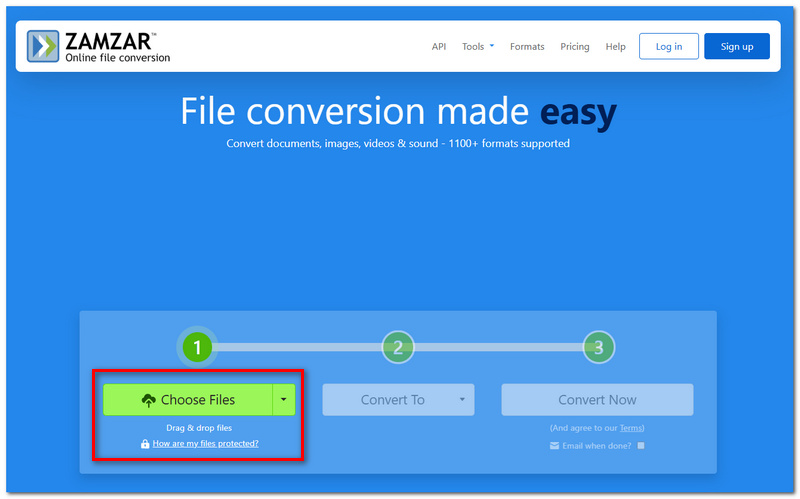
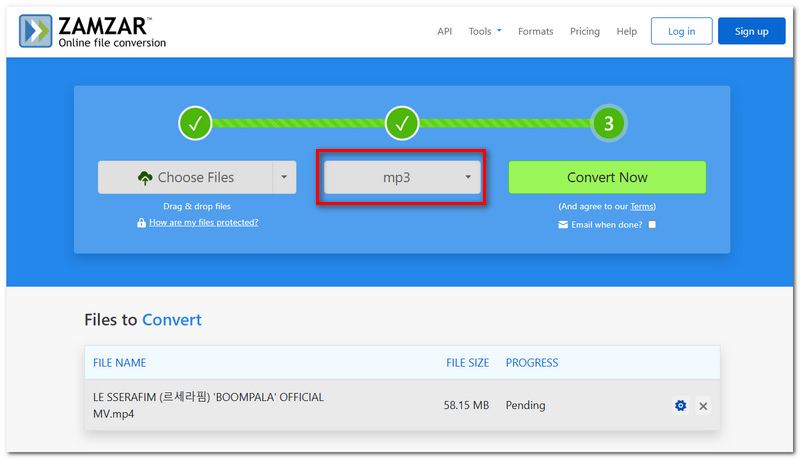
Zamzar makes it easy to convert MP4 to MP3, so you don't have to download any software to do it. Current procedure:
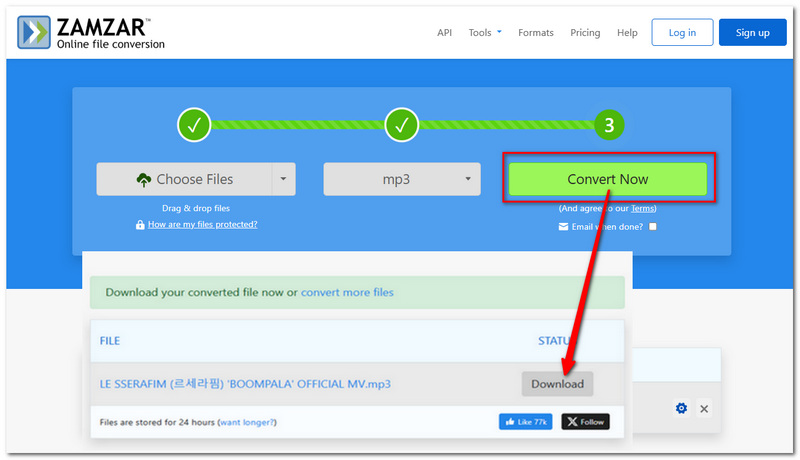
If all you need is the audio from a video, verify the downloaded MP3 before removing your original MP4 to confirm the conversion went as intended.
Zamzar is handy if you want to convert files from MP4 to MP3 rapidly, without hassle and without installing extra programs. But a few of its shortcomings appear when you seek better control.
Pros
Cons
Zamzar is good if you want a fast conversion, but the best choice to use, of course, depends on whether you'll be looking at the output on a desktop computer or in a browser, and how much control you want over the result. Some possibilities:
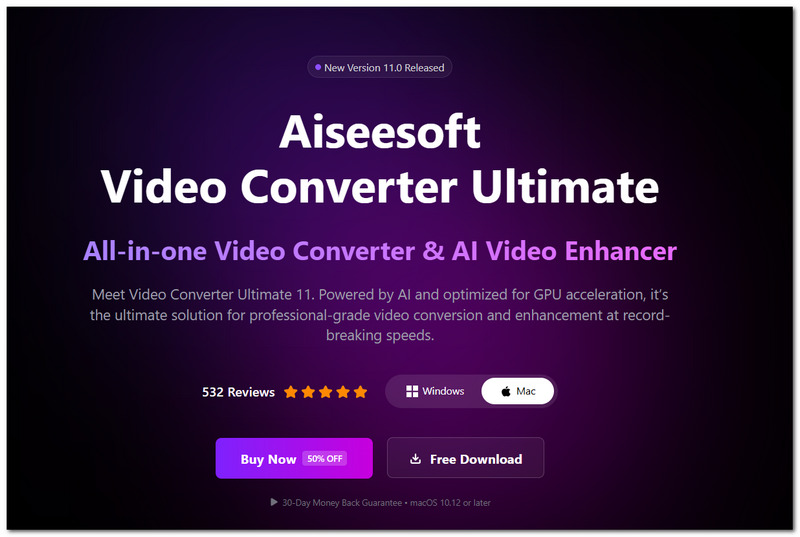
If you're looking for something more advanced than simple MP4 to MP3 conversion, Aiseesoft Video Converter Ultimate may be what you need. It gives you more options in the output, as well as providing some useful tools for working with audio and video files.
Pros
Cons
100% Secure. No Ads.
100% Secure. No Ads.
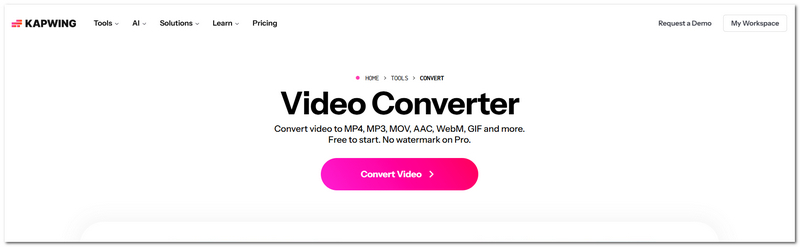
Kapwing is a handy alternative when your conversion is for editing purposes as well. As it is web-based, you are able to open and alter your media without downloading any desktop applications.
Pros
Cons
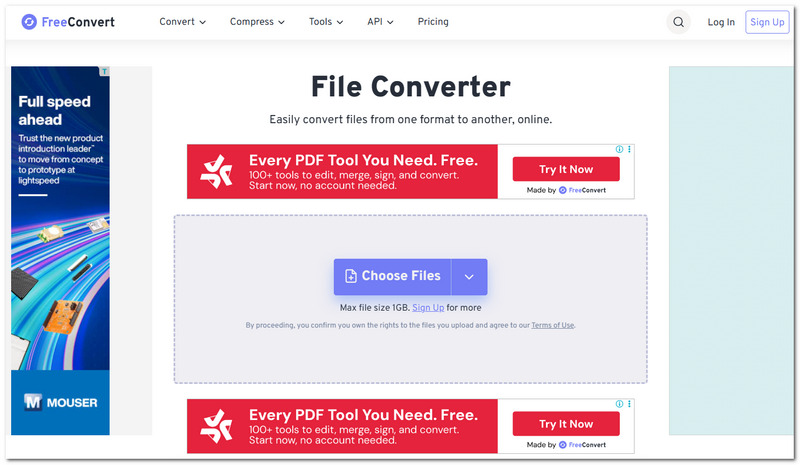
FreeConvert is good if you'd like to keep everything online but have a little more influence over the captured audio. It offers more options than most simple browser converters.
Pros
Cons
What will happen if I close the browser while Zamzar is in the process of converting?
It isn't necessary to have the conversion page open. You can enter your email address during the conversion if you like, and Zamzar will email you a link when the conversion is complete.
Why am I unable to download my Zamzar MP3 when the conversion has been completed?
The file may have expired if a long time has passed since the conversion. Zamzar states free converted files are stored for a maximum period of 24 hours.
Is it possible to convert a password-locked MP4 with Zamzar?
Conversion may not be possible for protected or otherwise restricted source files, and Zamzar names these as potentially unsuccessful conversions. Protected files include those with password protection and DRM protection.
Conclusion
Following an overview of Zamzar's conversion process, advantages/disadvantages/alternatives, the biggest point is that it is definitely convenient for one-off operations where you just want a quick MP4-to-MP3 conversion and don't want to install any additional software. Though, if you'd like to fine-tune audio parameters or are considering regular conversions, then perhaps other software/tools are more suitable. Overall, though, for a simple Zamzar convert MP4 to MP3 command-line operation, it is, of course, an option to consider.
 10 Best MP4 to MP3 Converters (Free & Online)
What is the fastest way to convert MP4 to MP3 for free? Compare the 10 best MP4 to MP3 converters for Windows, Mac, and online — with speed, price, and file limits tested.
 MP3 VS MP4: How about Their Audio Quality and File Size?
MP3 is generally audio-only file while MP4 is a multimedia facilitator. This article will tell you the differences, so that you can use them properly.
 How to Remove Sound from MP4 File (Online/Desktop)
Want to remove audio track from MP4 video? You can learn how to remove audio from MP4 online and remove audio from video with best audio remover in this post.
 Leave your comment and join our discussion
Video Converter Ultimate is excellent video converter, editor and enhancer to convert, enhance and edit videos and music in 1000 formats and more.
100% Secure. No Ads.
100% Secure. No Ads.

*Required field
*Please enter a valid email

