Aiseesoft iPhone Unlocker
 100% Secure. No Ads.
100% Secure. No Ads.
If you bought a secondhand iPhone or used a company-issued iPad, you might have encountered a prompt during setup: “This device is managed by [organization] remotely.” This is the MDM lock. It prevents you from using an iPhone or iPad that belongs to an organization. 3uTools is a popular iOS management tool that offers a free MDM bypass method.
This 3uTools MDM bypass guide explains how it works, its limitations, and the key legal and security risks you must consider. Moreover, a great 3uTools alternative is recommended to help you easily bypass or remove this MDM activation barrier.
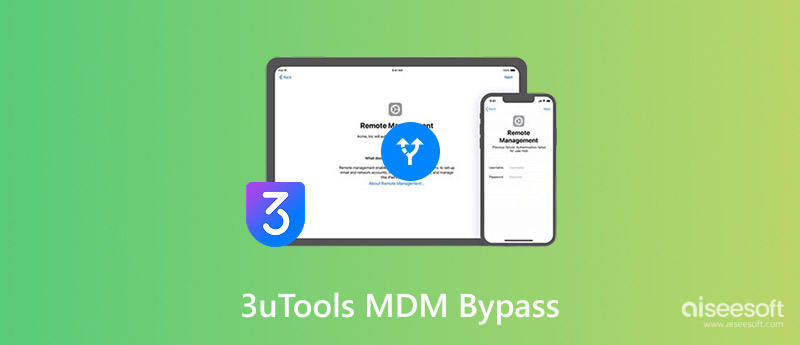
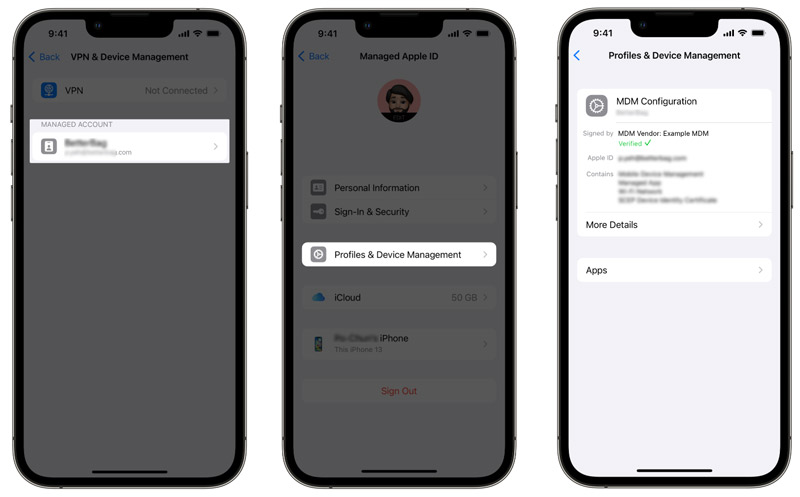
MDM is a system that businesses and schools use to remotely manage Apple devices, such as iPhones, iPads, and Macs. When an organization sells or decommissions a device, they are supposed to remove the MDM profile. However, in some cases, you may receive a device that boots straight to a Remote Management screen. You must have the organization’s credentials to unlock it.
3uTools is a free utility (for Windows, macOS, iOS, and Linux) originally designed to manage iOS devices. It can help you install firmware, bypass MDM profile, jailbreak iOS device, and adjust system settings. 3uTools offers an MDM bypass feature that lets you skip the management screen on certain devices and iOS versions (iOS 14, 15, and 16). It can remove or hide the MDM profile, allowing you to use the device as normal.
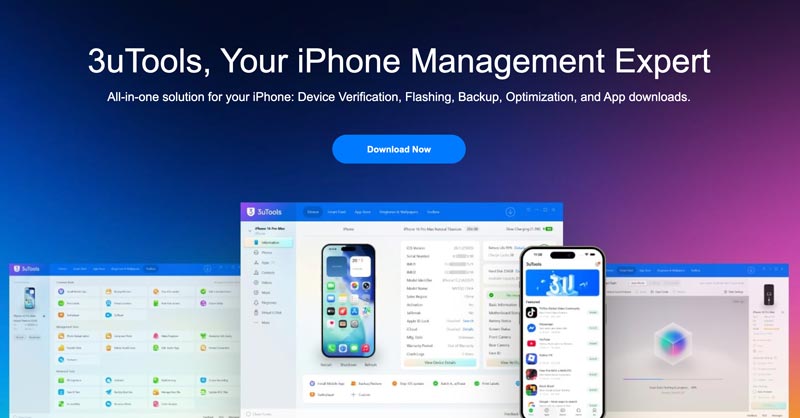
You should know that 3uTools supports Windows, macOS, and Linux computers. However, its newer versions (primarily for Macs) lack the MDM bypass tool.
If you want to bypass MDM from an iPhone (iOS 17 or earlier), you need a Windows PC, a Lightning or USB-C cable, and an older version of 3uTools.
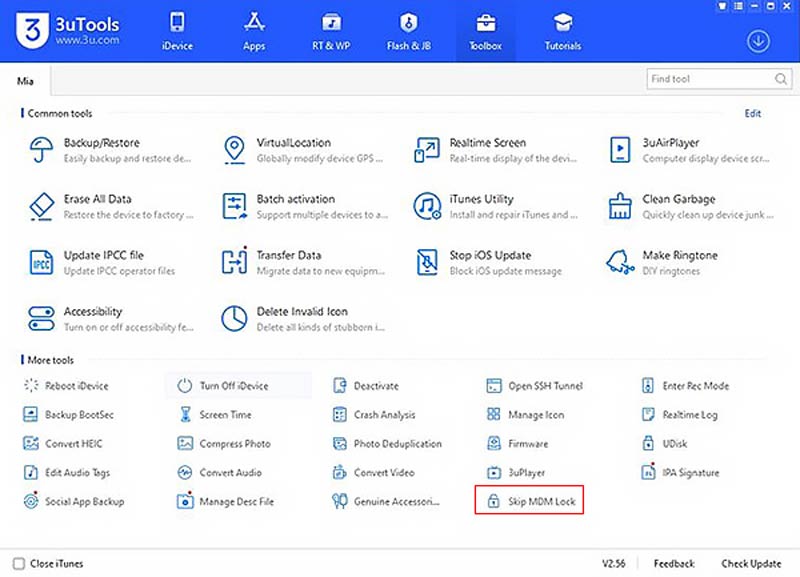
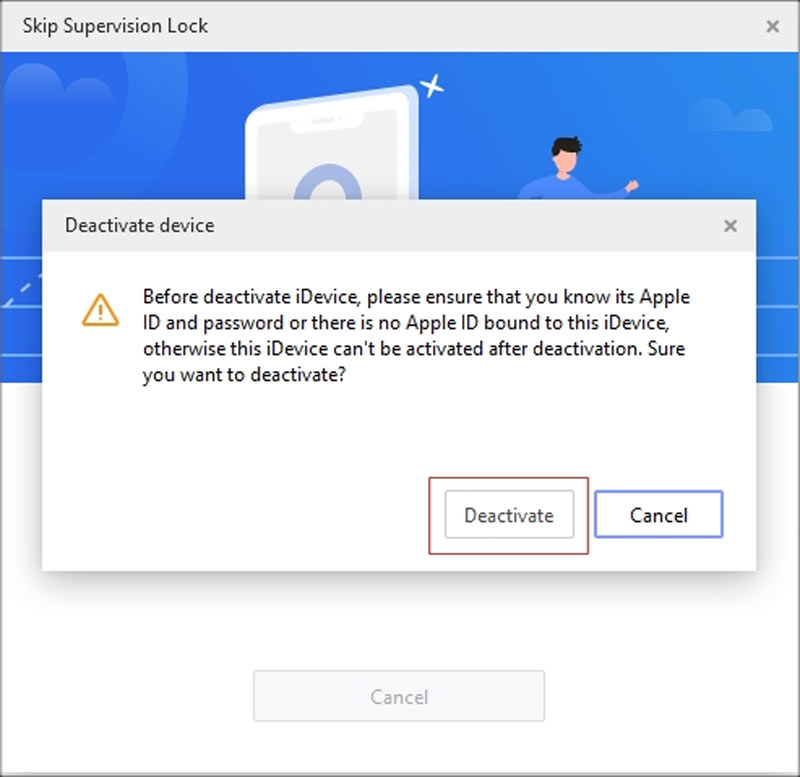
When the process finishes, 3uTools will prompt you to restart your iPhone. Disconnect and reconnect the device if needed. After reboot, you can use your iPhone normally, and the MDM screen should be gone.
3uTools MDM bypass on iOS 17 or later is inconsistent and frequently fails. Moreover, after the bypass succeeds, any factory reset or software update will restore the MDM lock.
The 3uTools MDM bypass often fails, especially on newer iOS or iPadOS versions. What’s more, depending on the specific versions for Windows, Mac, or Linux, you may encounter different issues. Here are the most common problems and how to handle them.
This often happens due to an incompatible iOS version. You can restart both your computer and the iOS device. If the device is on iOS 17 or later, the bypass may not work. There is no reliable fix for that. You will need an alternative tool, such as Aiseesoft iPhone Unlocker.
In some cases, the 3uTools MDM bypass appears to succeed, but the MDM screen returns after a restart. This often means that the iOS device has a newer firmware version than 3uTools can fully handle. You can try putting your iPhone into DFU mode before running the bypass.
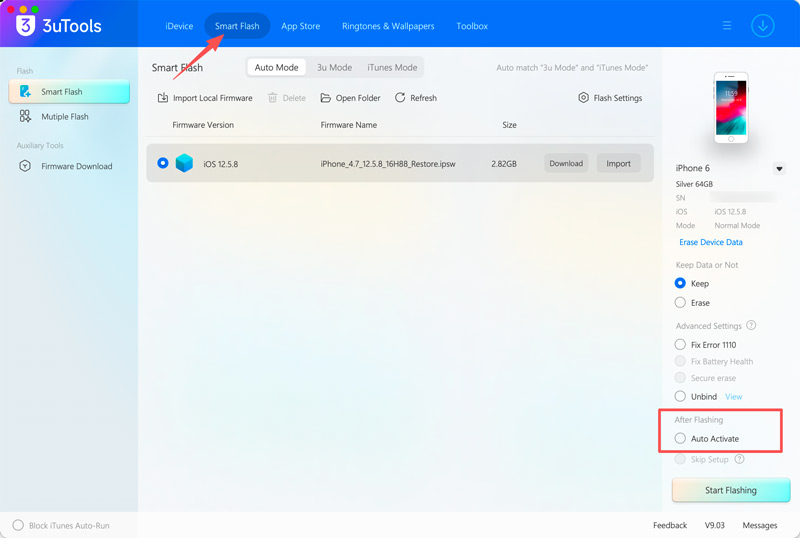
As mentioned, in some newer versions of 3uTools, the “Bypass MDM”, “Skip MDM Lock”, or “Remove MDM Lock” tool has been removed. You also cannot find it in Mac versions. In that case, you can try activating your iPhone via its Smart Flash or Batch Activation/Erase tool. Test if the activation process can remove MDM from your iPhone.
When 3uTools fails on newer Apple devices or iOS versions, turn to the most reliable alternative, Aiseesoft iPhone Unlocker. It is a reliable MDM removal tool that can handle all commonly used iPhone and iPad models across a wide range of iOS versions, including iOS 26, iOS 18, iOS 17, and earlier. More importantly, it handles MDM removal with no data loss.
100% Secure. No Ads.
100% Secure. No Ads.
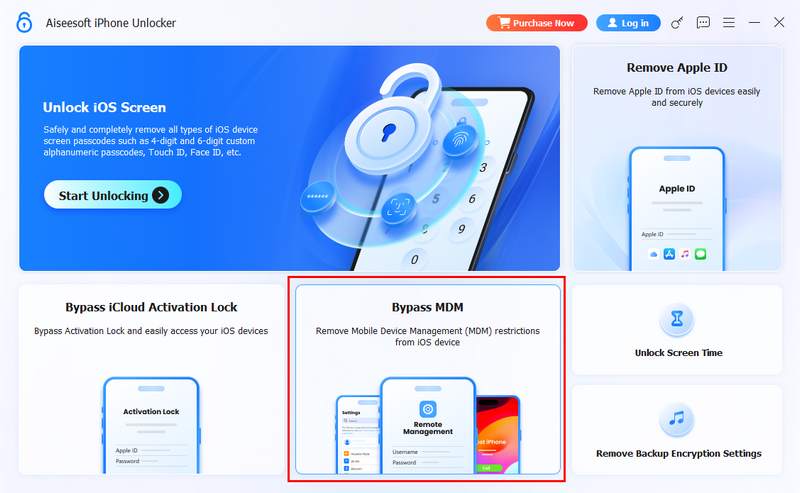
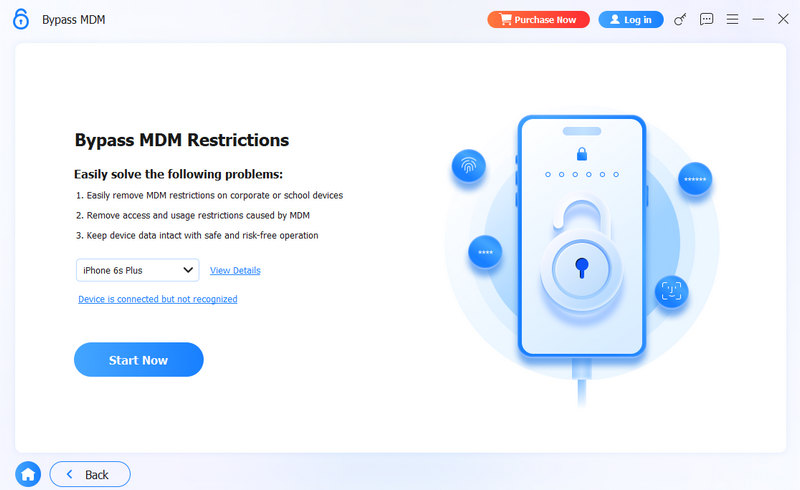
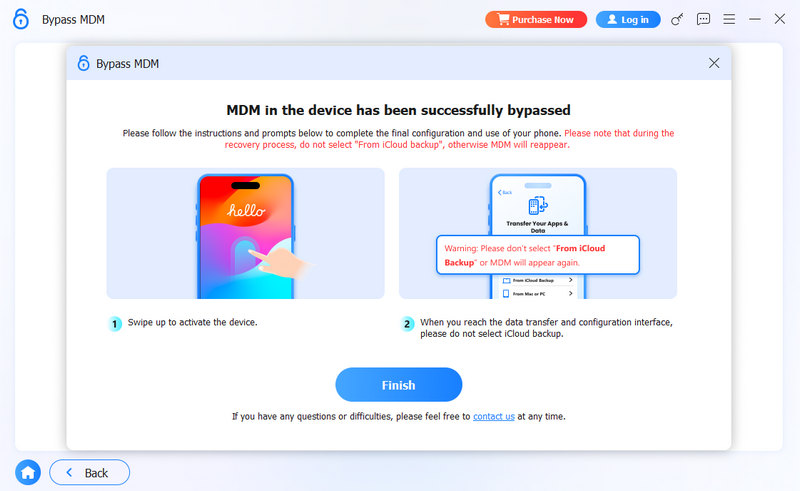
Compared to competitors, this iPhone Unlocker provides a permanent bypass. Moreover, it requires no jailbreak or complex setup. You can get clear step-by-step guidance within the software. Besides, the software handles Screen Time passcodes, Apple ID locks, iCloud activation locks, and various password-forgotten issues. Just download it to start your free trial.
Does 3uTools MDM bypass work on iOS 17?
If your iPhone runs iOS 17.2 or later, 3uTools is unusable. It cannot bypass MDM successfully. However, some users report success on iOS 17.0 or 17.1.
Is 3uTools MDM bypass free?
Yes, 3uTools is free to download and use. It allows you to bypass MDM for free. There are no hidden charges for the MDM bypass. However, the tool contains ads and may prompt you to install some third-party paid software during installation.
Can I bypass MDM on an iPad with 3uTools?
Yes, if you use an older iPad running iOS 14, 15, or 16, you can use 3uTools to bypass MDM with ease. However, if your iPad runs iOS 17 or later, use Aiseesoft iKnockin instead.
Conclusion
3uTools offers a free MDM bypass for older iPhones and iPads running iOS 14-16. It is a solid first attempt if you have a suitable device. If you use a newer Apple device or it fails to remove the MDM lock, turn to the recommended iPhone Unlocker. This 3uTools MDM bypass alternative supports all commonly used devices and iOS versions, consistently delivering a high success rate.
 How to Bypass MDM on iPhone and iPad [Free/No computer]
What does MDM locked mean and how to perform MDM bypass to access the iOS devices with no limitations? Here you can find the answers.
 3uTools Review, Features, Pricing, Download, and Alternative
Is 3uTools free? What is 3uTools used for? Why is 3uTools banned? Can I use 3uTools on an iPhone? Check the full 3uTools review and get a 3uTools alternative.
 Full SimpleMDM Review You Needed to Understand If You Use iOS & Mac
SimpleMDM became a needed tool to organize complex tasks and take control over the fleet of devices you have enrolled. Read this article to know more!
 Leave your comment and join our discussion
To fix iPhone screen locked, wiping password function can help you a lot. And you also can clear Apple ID or Screen Time password easily.
100% Secure. No Ads.
100% Secure. No Ads.

*Required field
*Please enter a valid email

