iPhone UnlockerAiseesoft iKnockin

Locked Out? We Have the Key for Every Scenario.

An All-in-One iOS Bypass: What Can iKnockin Do?
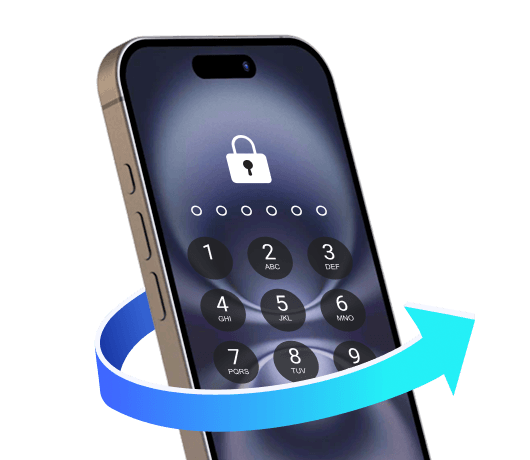
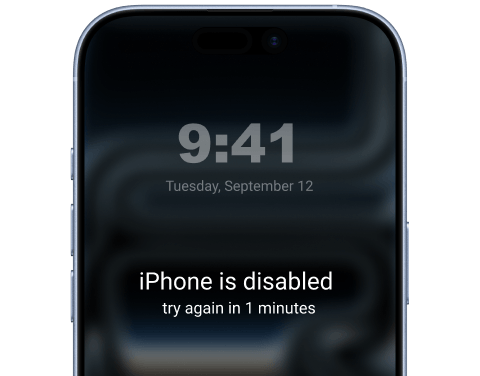
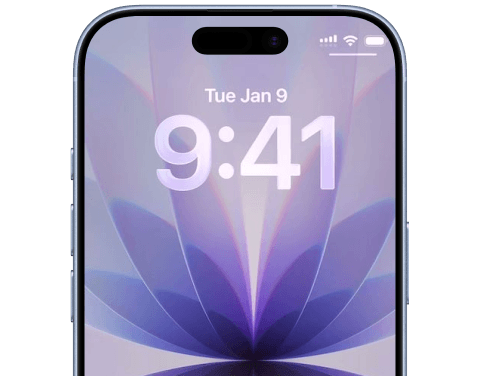
Remove Any iPhone Screen Lock With iKnockin iKnockin Remove Face ID iKnockin Remove Finger iKnockin Bypass iPhone

Bypass Any Screen Lock with Ease

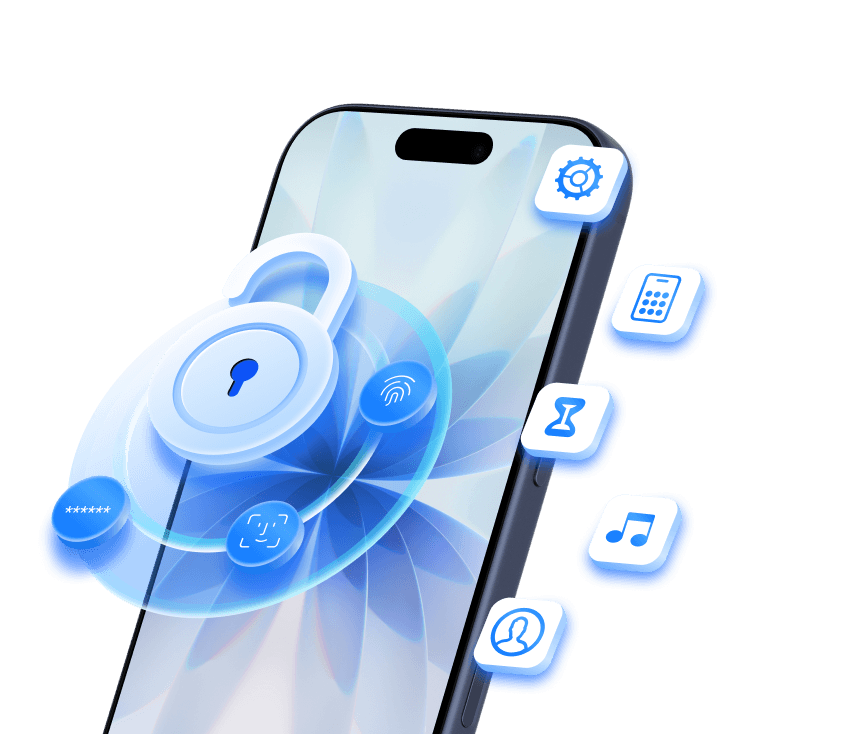
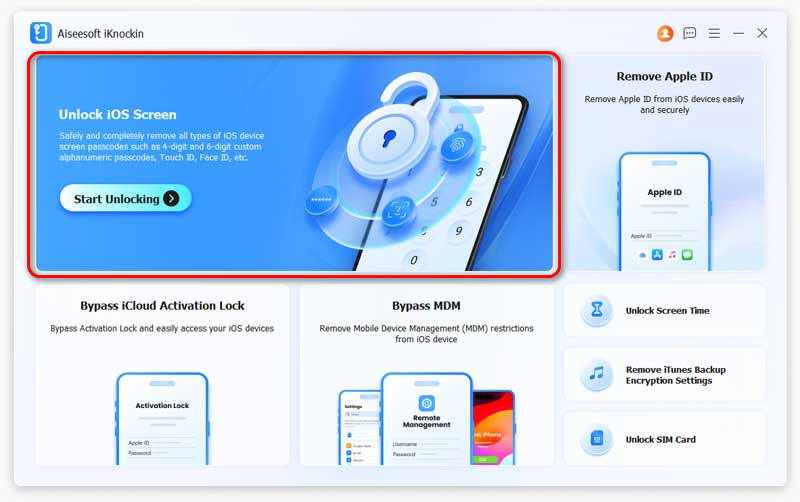
Whether it's a 4-digit/6-digit passcode, custom alphanumeric code, Touch ID, or Face ID, iKnockin removes the lock screen in just a few clicks. Regain full access to your iOS device effortlessly.

Remove Apple ID Without Password

Stuck on iCloud activation or forgot your Apple ID password? iKnockin helps you remove the existing Apple ID completely. Once removed, you can log in with a new account to download apps and enjoy all iCloud services.
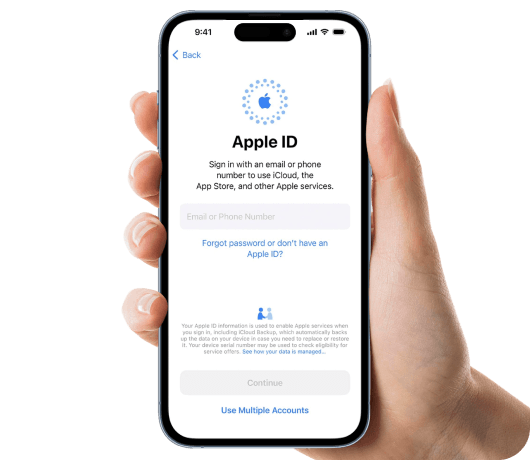

Remove Apple ID With iKnockin Remove Program Delete Apple ID
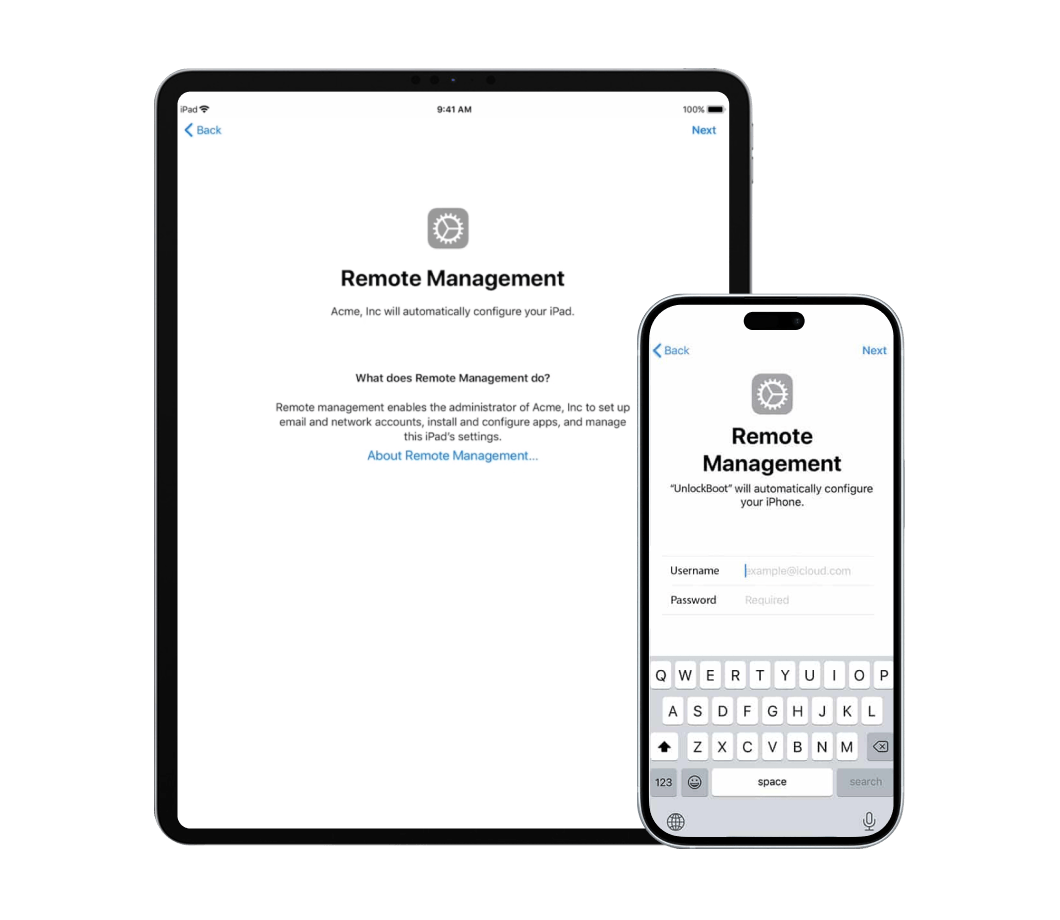
Remove MDM Lock With iKnockin Delete Apple MDM Bypass MDM Safe Remove MDM With iKnockin

Bypass MDM (Mobile Device Management) Instantly

Locked by a remote company or school profile? Bypass MDM locks and remove device supervision without losing your data. Take full control of your device back.

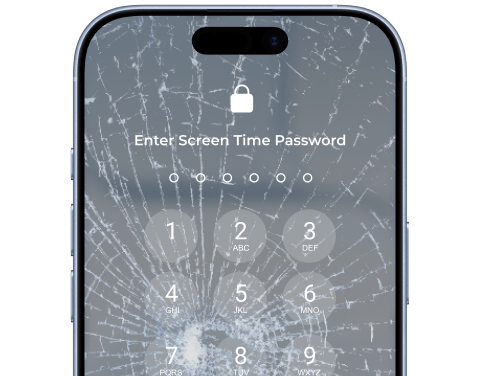
Remove Screen Time Passcode (No Data Loss)

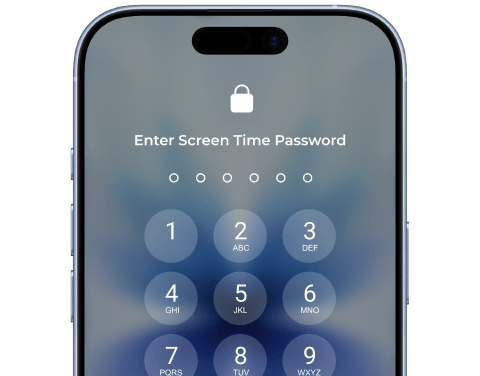
- Forgot your Screen Time restriction passcode? iKnockin safely removes the passcode without erasing your precious photos, messages, or apps.
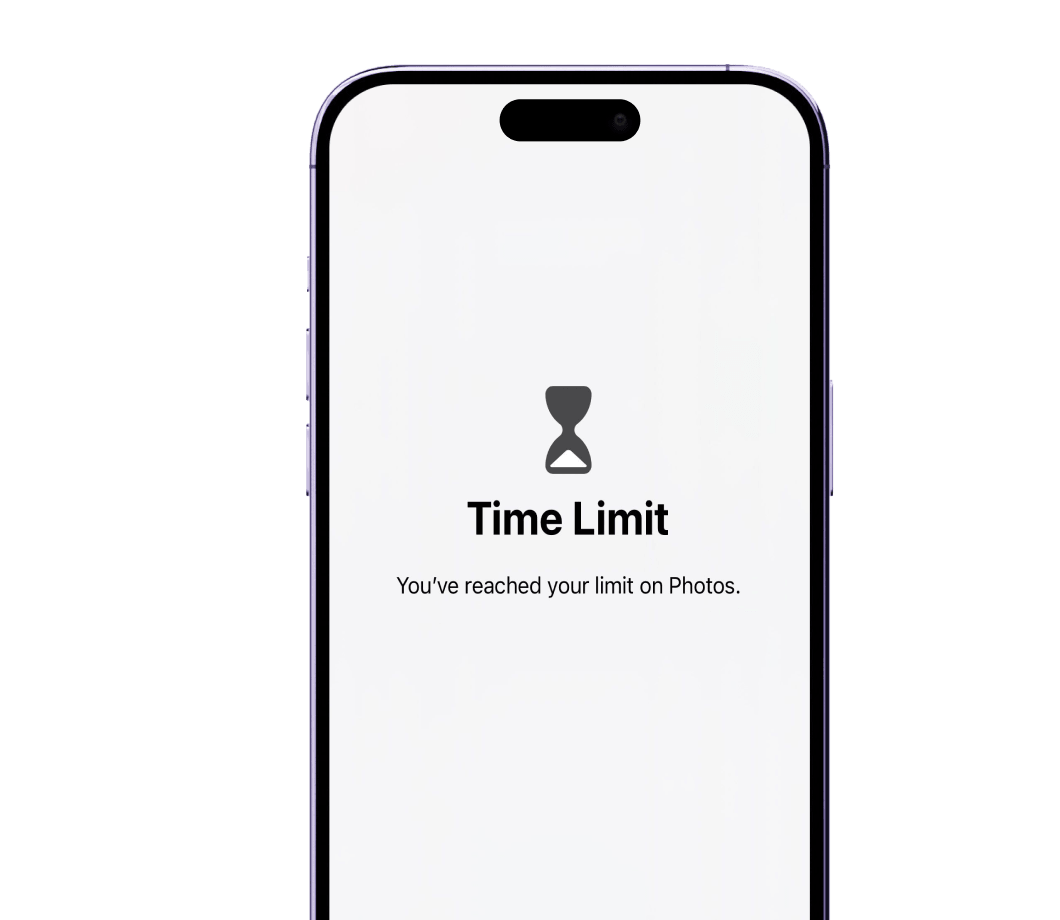

Remove Screen Time Passcode With iKnockin Apple Images Apple Messages Apple Contacts Safe Remove
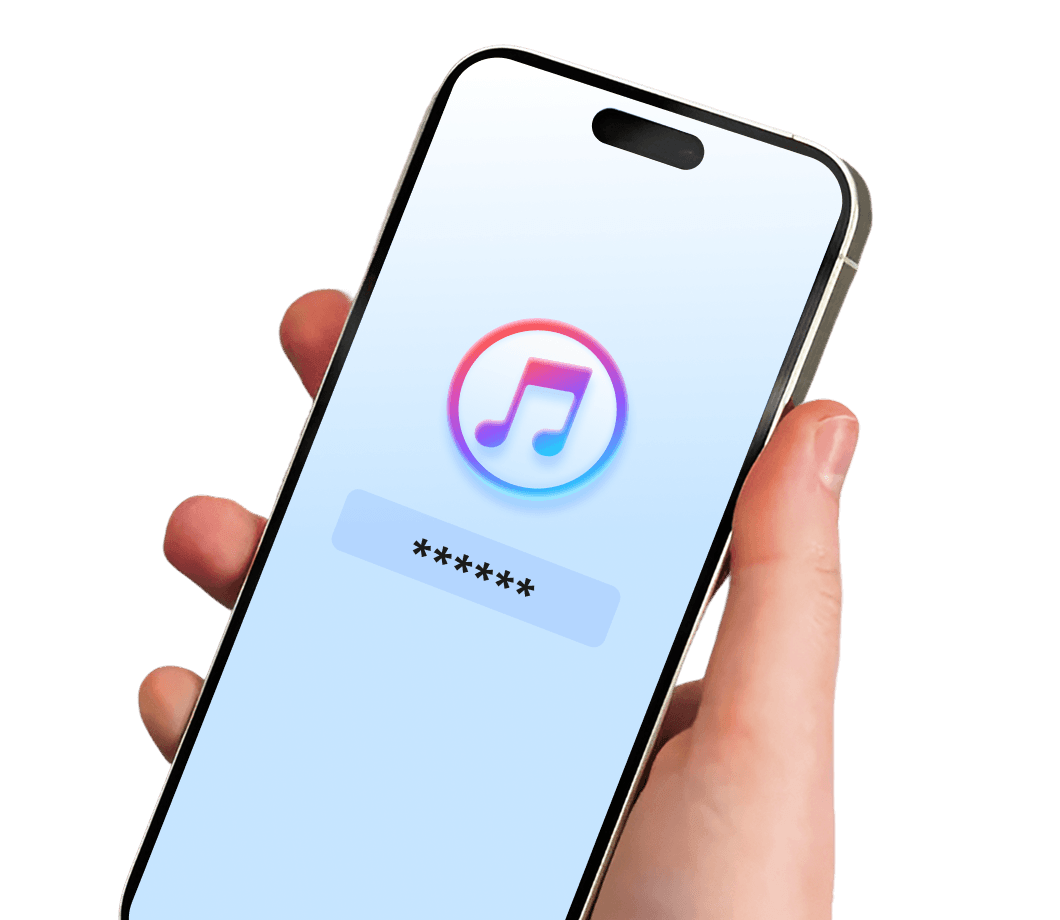
Remove iTunes Backup Password With iKnockin Safely Remove iTune Backup Lock iTune Backup Music Contact iTune Backup Music Message iTune Backup Music

Remove iTunes Backup Password To Decrypted Backup

Can't remember the iTunes backup password when restoring iPhone? Don't panic. iKnockin is specifically designed to fix the 'forgot iTunes/Finder backup password' issue. In just a few clicks, you can easily remove the backup encryption settings.
How it Works

Enter Your Device in 3 Simple Steps. No Tech Knowledge Required.

01

Connect Device

Launch iKnockin. Choose Bypass iOS Screen and connect your iPhone/iPad to the computer via USB cable.

02

Download Firmware

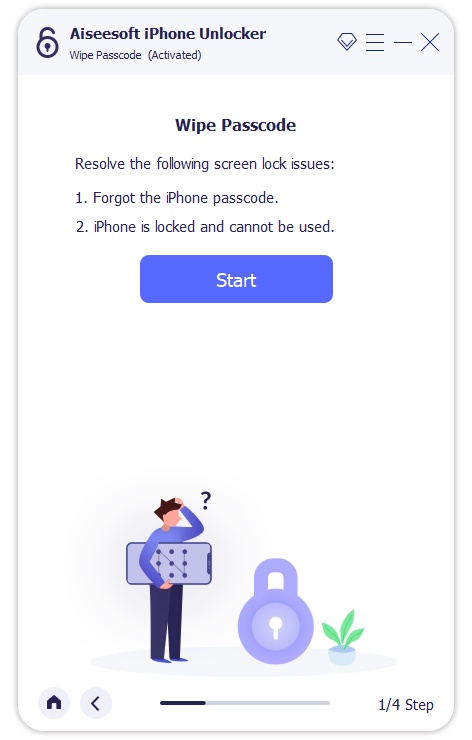
Click the Start Now button and download the matching iOS firmware package.

03

Start Bypassing

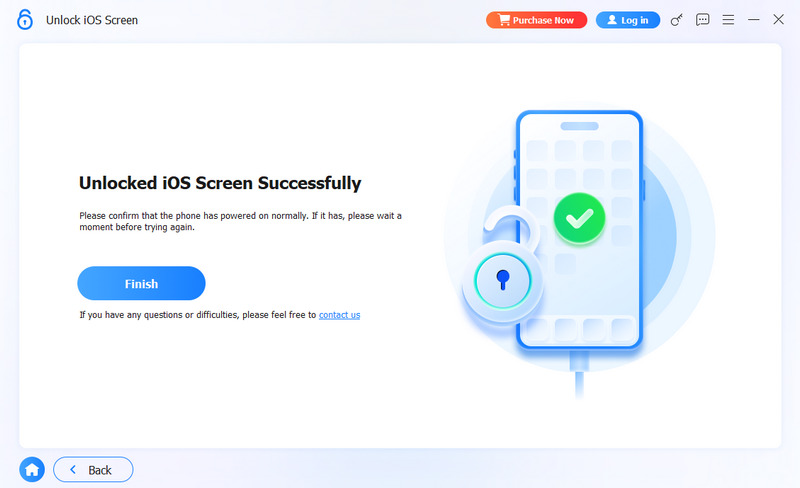
Confirm bypassing and wait a few minutes. Your device will reboot as good as new!

Remove iPhone Lock And Connect Devices Start to Wipe Passcode Unlocked Successfully

Broad Compatibility. Works Globally.

What Our Global Users Say

Frequently Asked Questions

Will remove my iPhone screen lock erase my data?

If you are removing the screen passcode or bypassing a disabled screen, all data will be erased as per Apple's security system. However, removing a Screen Time passcode or bypassing MDM will NOT cause data loss.

Is it legal to use Aiseesoft iKnockin?

Yes, it is completely legal for personal use on your own devices (e.g., if you forgot your password). Using it to unlock stolen devices is strictly prohibited.

Does it support the latest iOS 26?

Absolutely. Aiseesoft iKnockin is continuously updated and fully supports the latest iOS 26 and iPhone 16 series.

More Solutions You May Need

Explore More Recommendations from Aiseesoft

iPhone Cleaner iPhone Cleaner

Permanent data eraser to wipe all content and settings on iPhone, iPad, and iPod Touch in three erasing levels.

iPhone Data Recovery iPhone Data Recovery

Recover deleted data from iPhone directly and restore lost data from iTunes and iCloud backup without device optionally.

iPhone Transfer FoneTrans

A better alternative to iTunes or iCloud to transfer contacts, messages, photos, videos, music and more for iPhone, iPad and iPod.

Ready to Use Your iOS Device?

Join over 5,000,000 users who have successfully regained access to their Apple devices.

Buy Now 20% Off

30-Day Money Back Guarantee

Free Download

Windows 11, 10, 8, 7 Supported

Buy Now 20% Off

30-Day Money Back Guarantee

Free Download

Mac OS X 10.10 or higher