Video Converter Ultimate
 100% Secure. No Ads.
100% Secure. No Ads.
Converting video to audio can help to compress the file size and give pure audio enjoyment as well as wider compatibility. And in this post, we will show you how to extract a song or episode from a video. Here are 3 methods that all work today: one online tool that needs nothing installed, one that run entirely on your own machine for free, and one desktop converter for when you want a finished file without touching a setting.
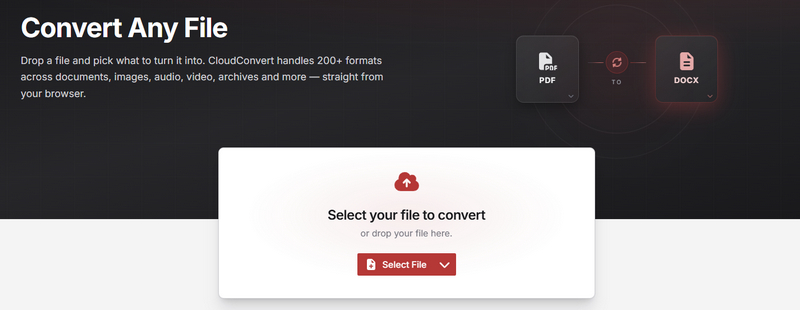
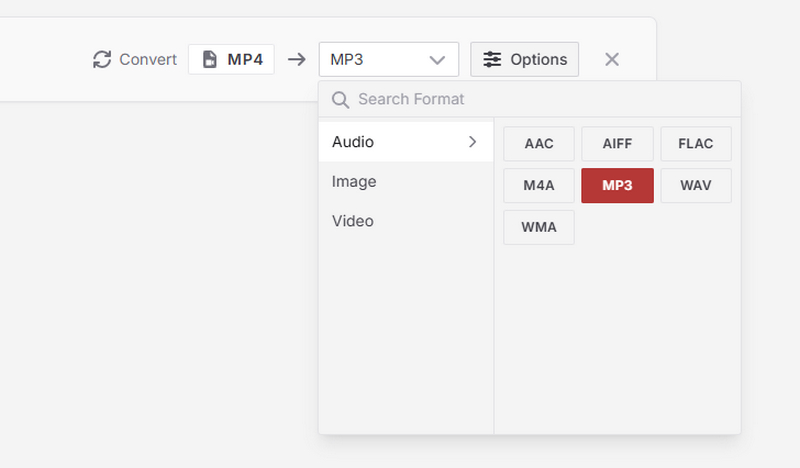
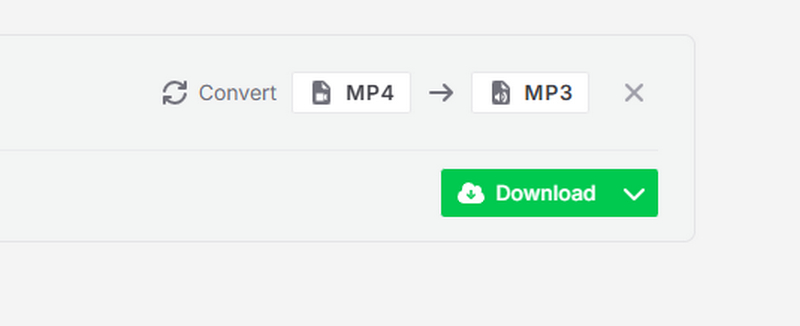
A online video converter is the right choice exactly once: you have a single small file and one time conversion. Free online converter like CloudConvert allows your upload the video file online and convert it to any audio formats including MP3, FLAC, AAC, etc. However, this online converter only allows 10 free conversions every day and has a file size limitation. If you do not mind these limitations, following the steps and try it.
How to use CloudConvert:
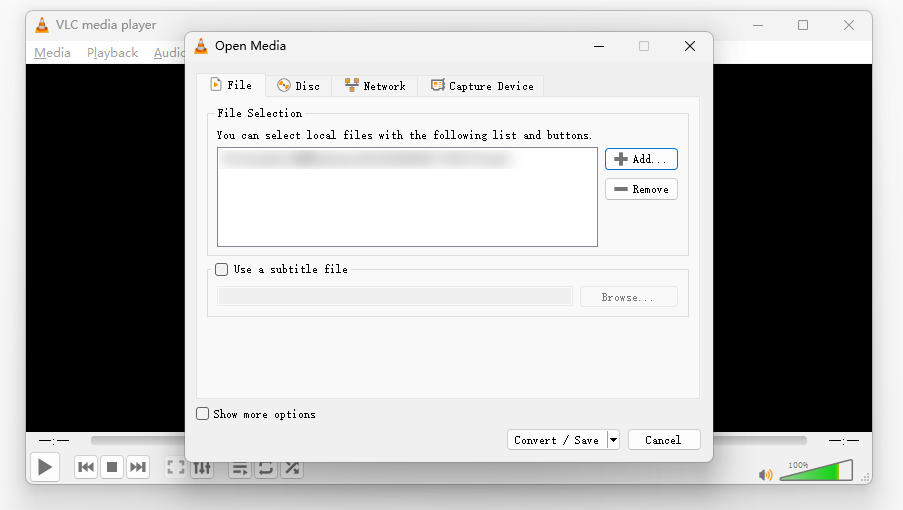
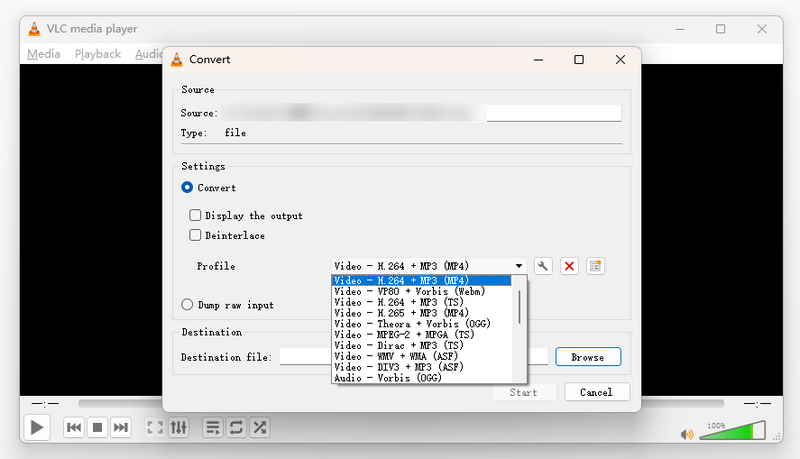
VLC is one of the most powerful media players supporting video, audio, DVD, CD, etc. It is a free, open source and offline software. Besides video playback, it also contains video conversion function. Its converter includes dedicated audio presets, so you can pull an MP3 out of a video in three clicks.
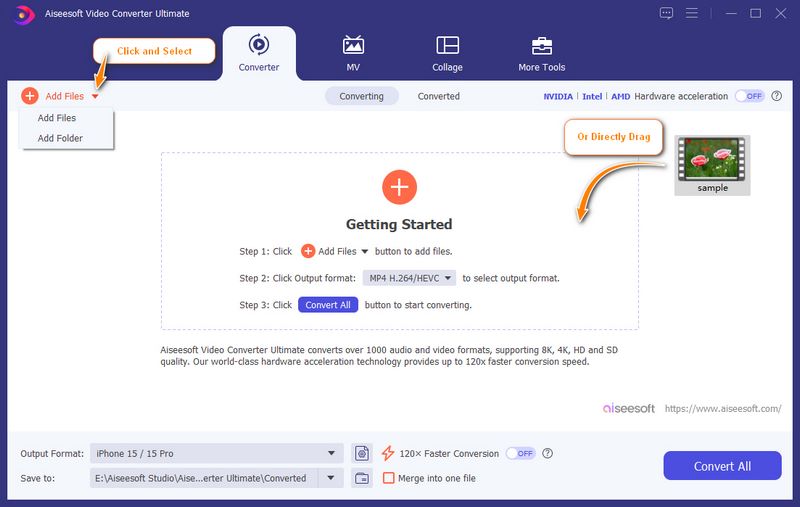
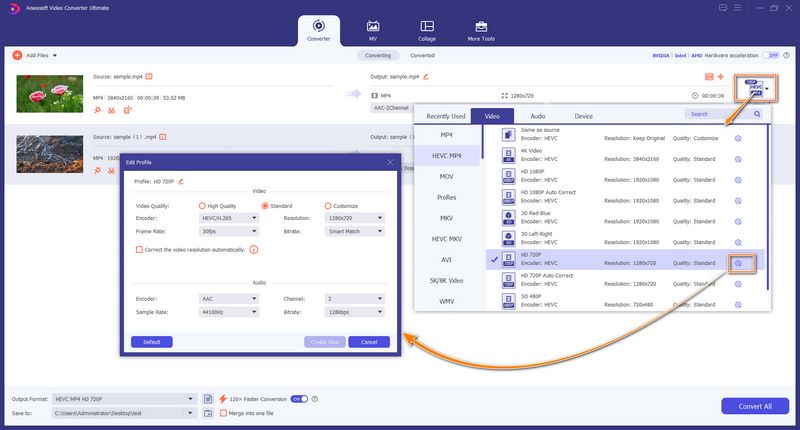
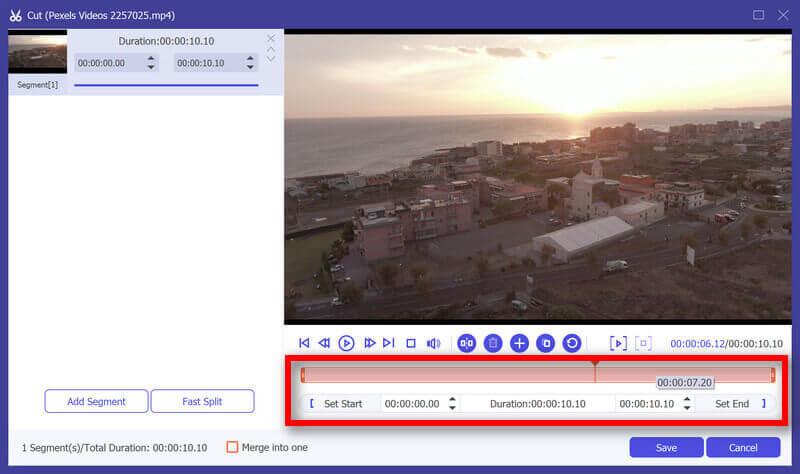
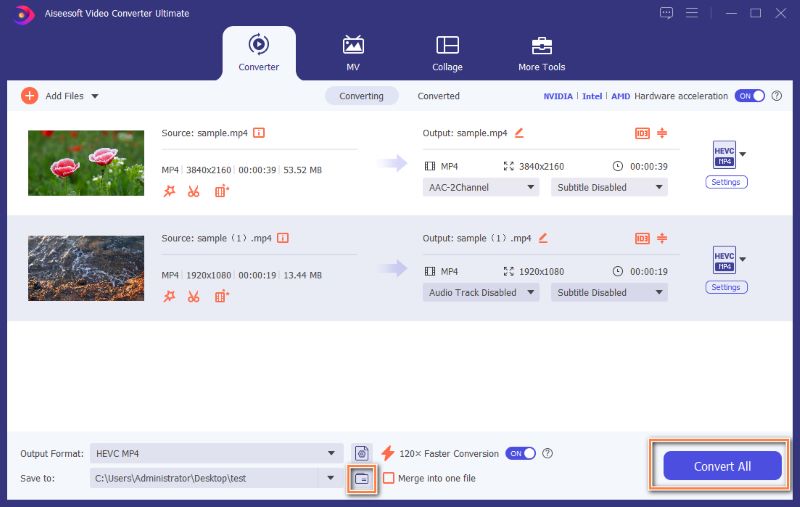
For batch conversion with powerful editing. Aiseesoft Video Converter Ultimate does the conversion and the clean-up in one window, with hardware acceleration that keeps long jobs short. It also covers full video and audio editing toolkit for completed file conversion.
100% Secure. No Ads.
100% Secure. No Ads.
| Method | Install? | Uploads your file? | Lossless option | Batch | Best for |
| CloudConvert | No | Yes | No | Limited on free tier | One small file, on a computer that is not yours |
| VLC | Usually already there | No | FLAC preset | No | A single file, offline, no setup |
| Video Converter Ultimate | Yes | No | FLAC / WAV export | Yes | Editing, volume fixes and a finished file without learning a tool |
Should I convert to MP3 or FLAC?
MP3 if you are going to listen or share it; FLAC if you plan to edit it or want to archive the original quality. FLAC files are roughly two to three times the size of a high-bitrate MP3.
Can I convert a YouTube video to MP3?
Only where the platform's terms and your local law allow it. For content you own, download the file first and then convert it locally with VLC — the process is identical for any MP4.
Can I convert several videos at once?
Yes — Video Converter Ultimate has a batch queue, and free online converters cap batch jobs aggressively on their free tiers.
Conclusion
Converting a video to audio is a one-minute job. For a single file, an online converter or the VLC preset gets it done. And if the job includes trimming, fixing a quiet recording or finishing a file properly, Aiseesoft Video Converter Ultimate can help.
 3 Simple Ways to Convert MXF to MP3 [Free & Professional]
How to convert MXF to MP3 free? Is there any simple and free way to convert MXF to MP3 with high audio quality? This post shows 3 MXF to MP3 converters including 2 free ones to help you easily make the MXF to MP3 conversion.
 How to Remove Subtitles
Want to get rid of subtitles? You can learn how to turn off subtitles and how to add subtitles to video in this post.
 Free Online Video Cutter Service for You to Cut Video
This article introduces top 5 best free online video cutters. Choose one suitable online video cutter to edit your video.
 Leave your comment and join our discussion
Convert Video
1.1 Convert Video on Mac 1.2 Convert Video to Audio 1.3 Convert Video to AVI 1.4 Convert Video to GIF 1.5 Convert Video Files 1.6 Video to iPad Air on Mac 1.7 Convert Video for iPod 1.8 Convert Video to iPad 1.9 Video to Galaxy Tab 1.10 Convert Video for Android 1.11 Convert Video for Pocket PC
Video Converter Ultimate is excellent video converter, editor and enhancer to convert, enhance and edit videos and music in 1000 formats and more.
100% Secure. No Ads.
100% Secure. No Ads.

*Required field
*Please enter a valid email

