Aiseesoft iPhone Unlocker
 100% Secure. No Ads.
100% Secure. No Ads.
Contents
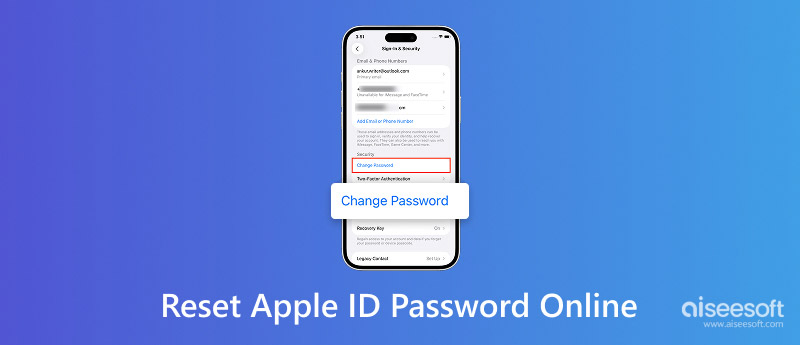
When you forget your Apple ID password, you cannot use various services. For instance, your iCloud photos will stop syncing, iMessage, FaceTime, and Apple Pay will be unavailable, and your App Store purchases will become inaccessible. The good news is that Apple provides a straightforward method to reset Apple ID password online. In this guide, I walk through three helpful methods to reset your forgotten passcode and regain access to your Apple account.
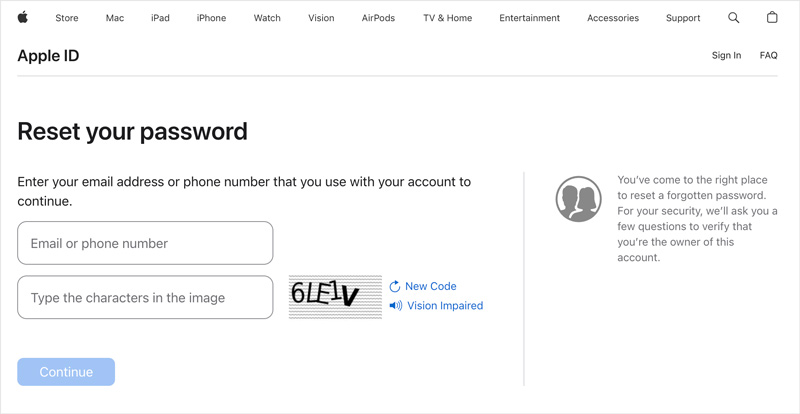
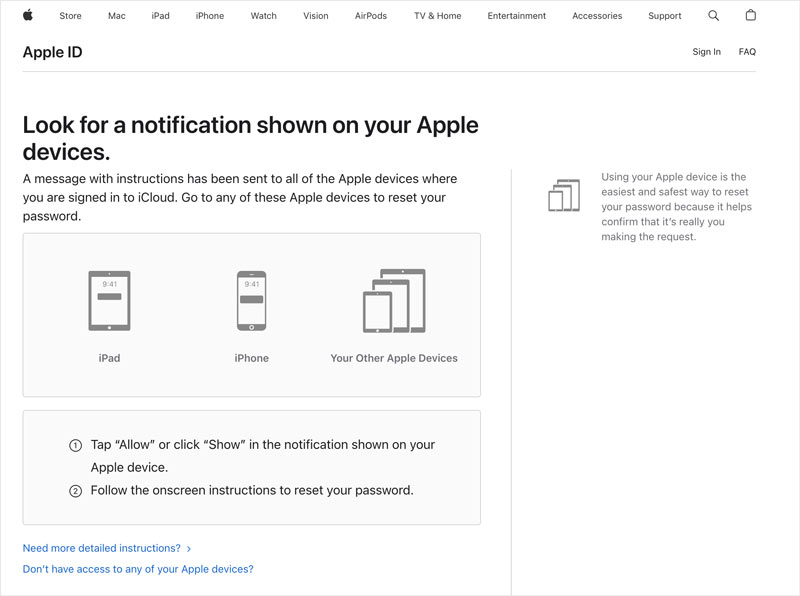
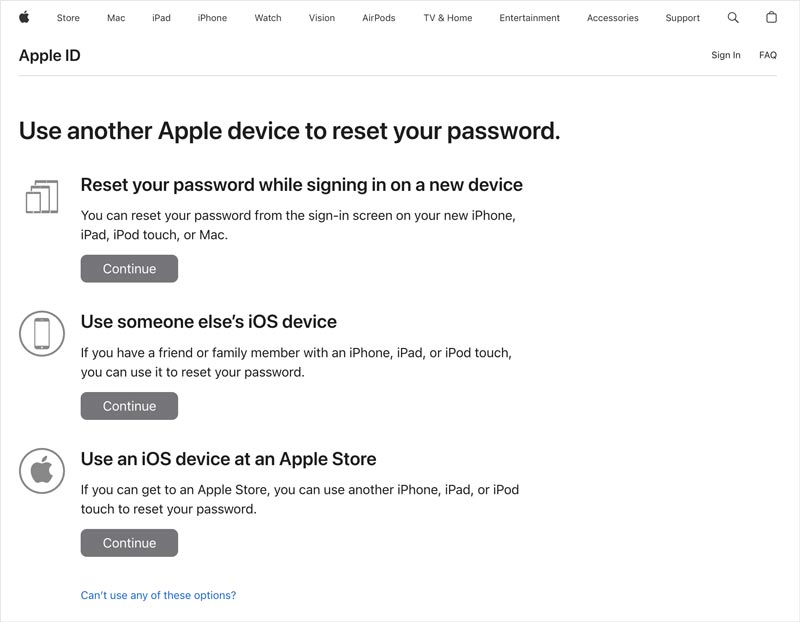
Apple has a dedicated recovery portal at iforgot.apple.com to help you reset your forgotten password. This is the fastest way to Apple ID password reset online.
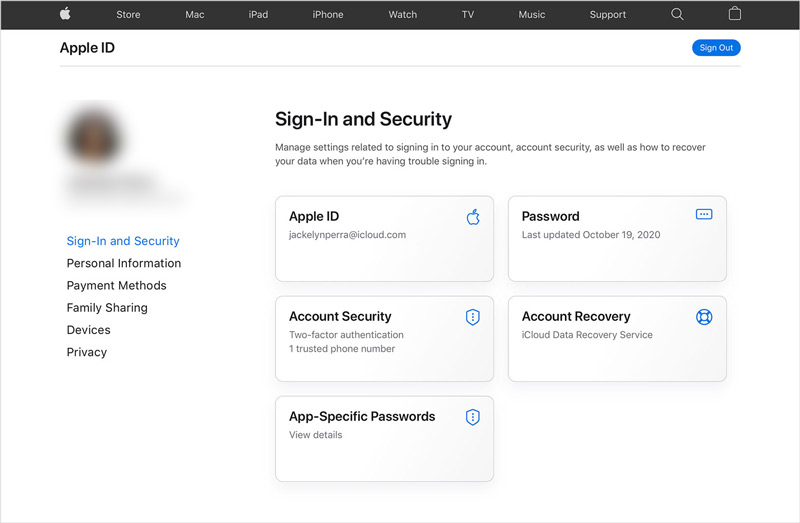
If you know the current Apple account password, you can change or update it through the Apple Account management page. Compared with the first method, it is faster because it skips the identity verification step.
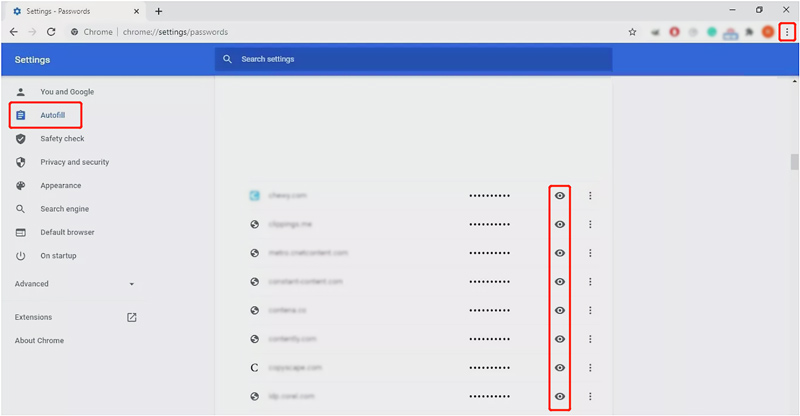
If you have ever saved your Apple ID password in a browser’s password manager, such as Safari, Chrome, or Firefox, you can directly retrieve it without any reset process. This section takes Chrome as an example to show you how to recover your Apple ID password.
Open your Chrome browser, go to Settings > Autofill > Passwords. Scroll down to find appleid.apple.com or icloud.com. Click the eye icon to show the saved password.
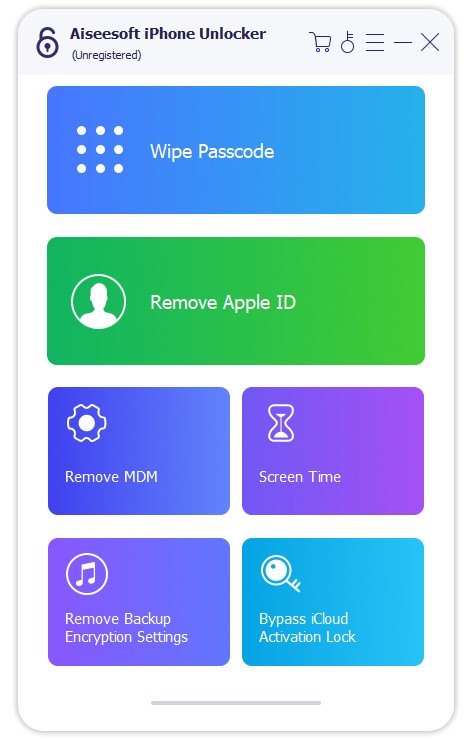
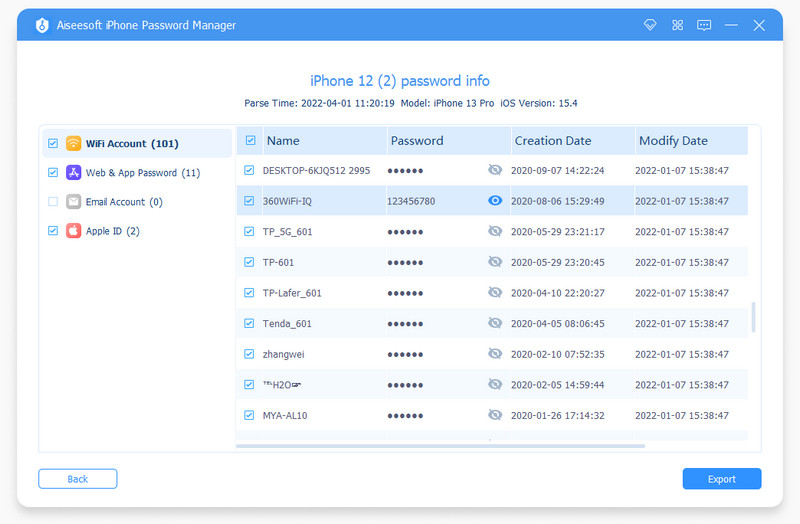
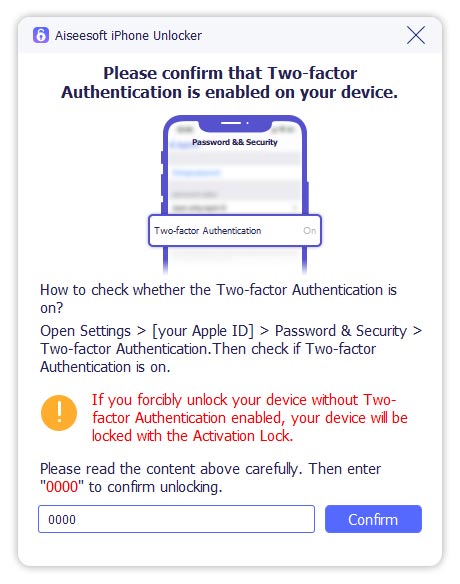
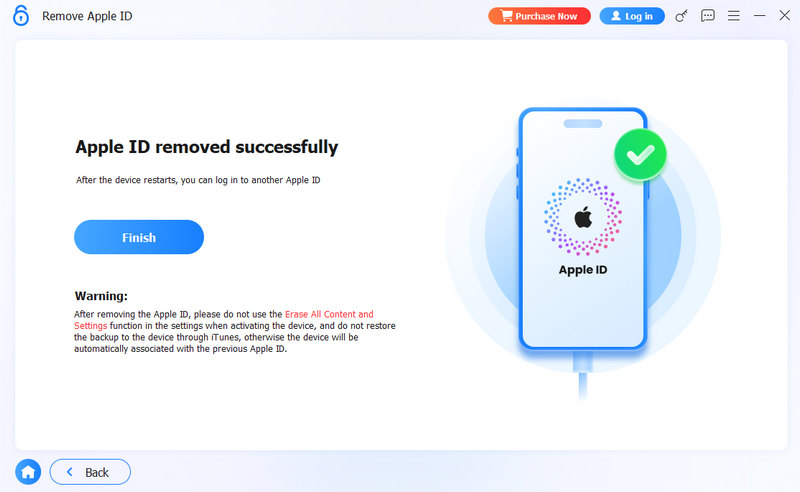
If you fail to reset your password online and don’t have access to your trusted email or phone number, turn to the dedicated third‑party unlocking tool, Aiseesoft iPhone Unlocker. It is specifically designed to remove the forgotten Apple ID password, device passcode, and various restrictions.
100% Secure. No Ads.
100% Secure. No Ads.
Can I change or reset my Apple ID password online without a phone?
Yes. As mentioned, you can use the iforgot.apple.com method and choose “Email” as your verification option. The password reset link will be sent to that email address. If you have no rescue email and no phone number, Apple’s account recovery process is another option.
Can I directly reset my Apple ID password online on an iPad?
Yes. The iforgot.apple.com page works on any device with a browser app, including iPads. To do that, open Safari on your iPad, tap the URL, and follow the same steps to reset your Apple ID password.
Does a password reset delete my iPhone data?
No. After you reset your Apple ID password, all the personal files, including photos, videos, documents, notes, and various settings, will be safe. Your data is encrypted and tied to your Apple ID, not your password. After resetting, you sign back in and everything syncs normally.
Conclusion
You can learn three methods for resetting an Apple ID password online. Based on whether you know your current credentials, select the easiest way to recover your Apple account. The iforgot.apple.com way is ideal for most users who want to quickly reset their password. If you cannot remember the security questions and have no access to the linked email or phone number, third‑party tools like Aiseesoft iPhone Unlocker provide a reliable way to remove the forgotten Apple ID password.
 How to Reset Apple ID Password by Email and More Options
This article introduces how to reset apple ID by email and how to do so without email, covering 4 methods corresponding to different situations.
 Forgot iCloud Password? Here are 6 Proven Solutions
Forgot iCloud Password? This article focuses on how to recover an iCloud password. Six methods are included in this article. Read and have a try.
 Learn How to Change Apple ID Without Losing iOS Data
Can you change your Apple ID without losing everything? How to change Apple account on iPhone and iPad? Check the detailed guide on how to change Apple ID.
 Leave your comment and join our discussion
To fix iPhone screen locked, wiping password function can help you a lot. And you also can clear Apple ID or Screen Time password easily.
100% Secure. No Ads.
100% Secure. No Ads.

*Required field
*Please enter a valid email

