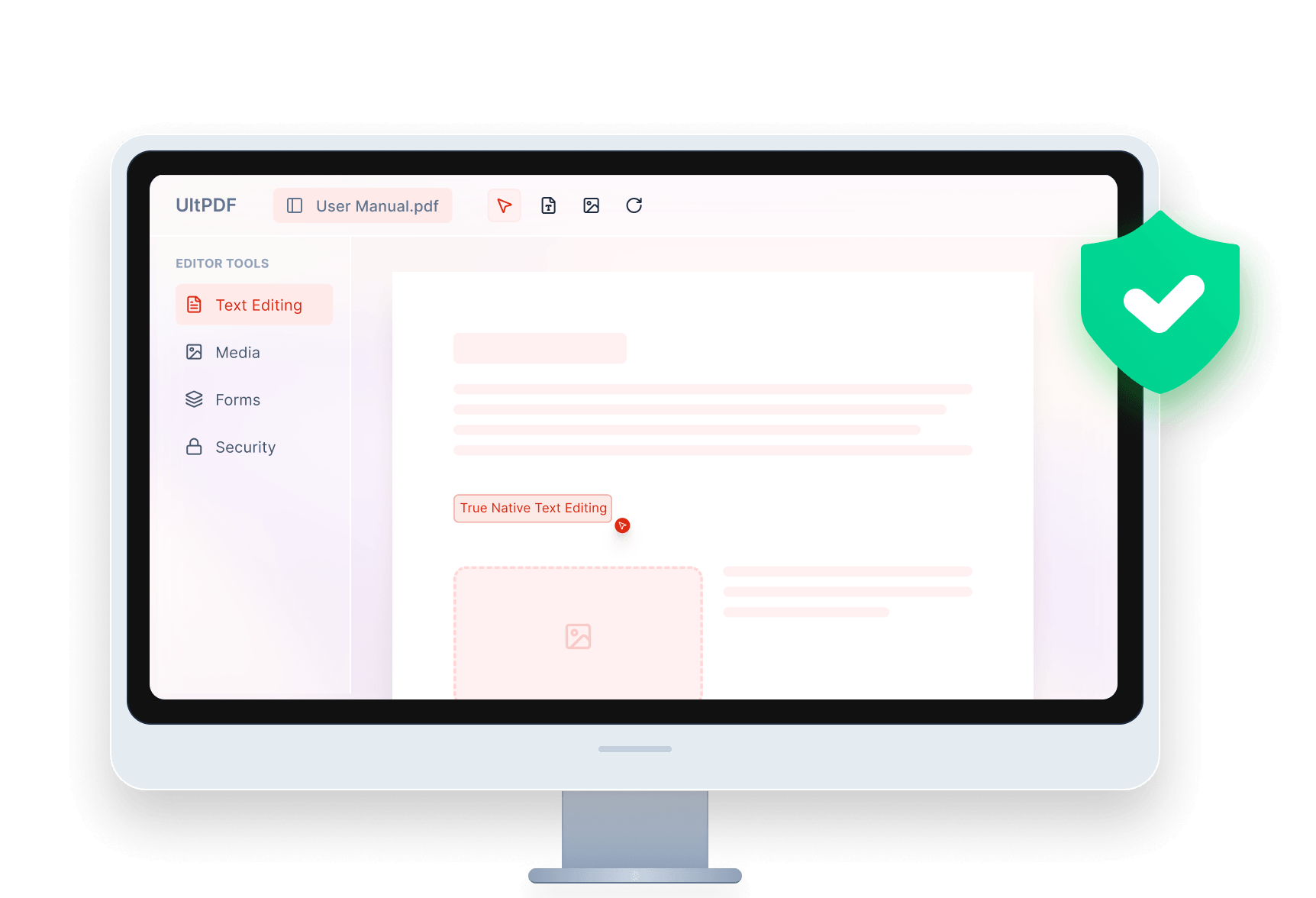
UltPDF LogoUltPDF

Best PDF Editor with Everything You Need

PDF Text Editor

Modify PDF text content directly.Type, edit, delete and add any new words to a PDF freely.

PDF Image Editor

Add new images to enrich your PDF file.

Text Transformer

Select text and drag to enlarge and transform.

Lossless Native PDF File Editor: Preserve Layout Integrity

Edit in place, right in the source paragraph, without the fear of disrupting layouts. Our editor ensures 1:1 formatting fidelity – fonts, margins, and styles are never touched. Get the best 'Zero-Error' editing experience – what you see is precisely what you get!
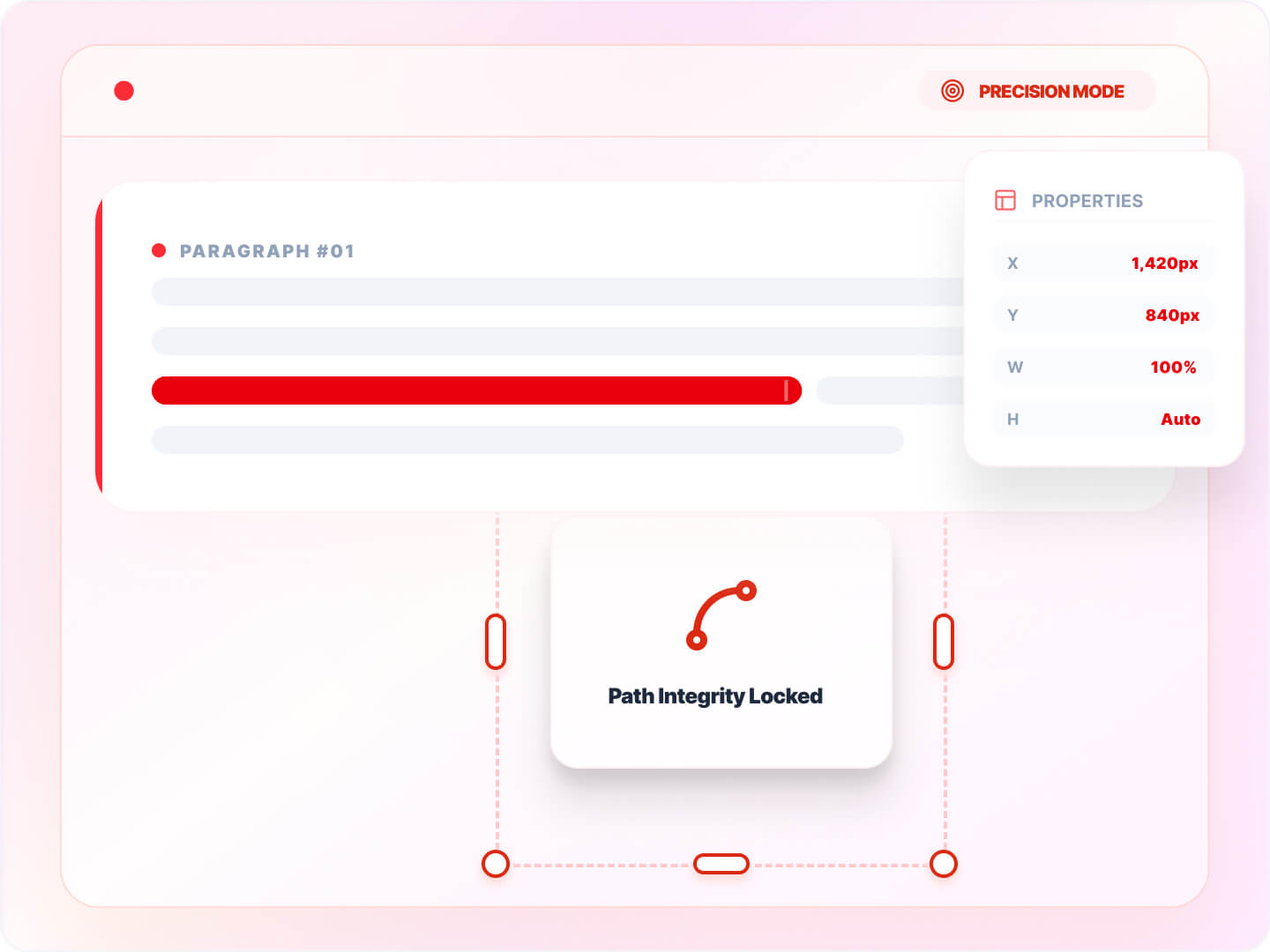
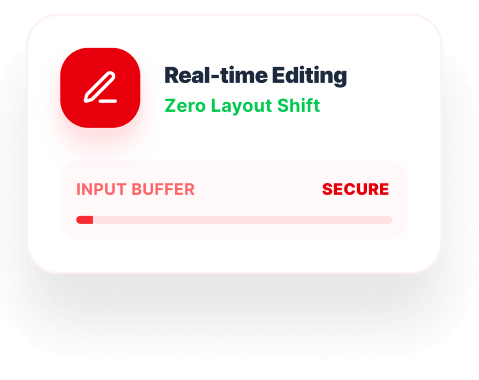
Native Editing Zero Layout Shift Text Edit
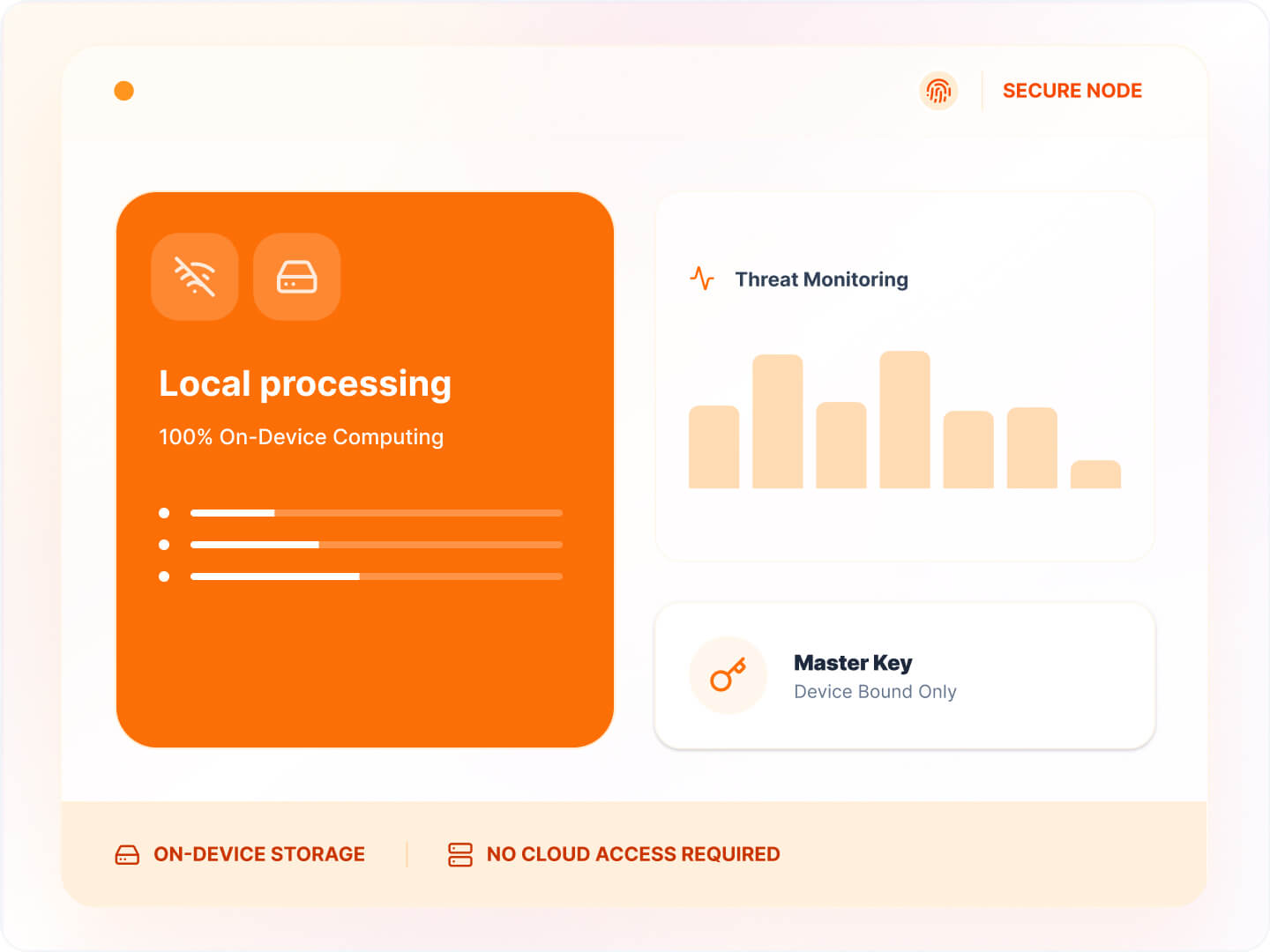
Local Processing Secure Safe Edit

Local-First Security: Protect Your Data 100%

Your data never leaves your workstation. With all processing happening entirely offline, there are no cloud-based security risks. Every document is protected by highly secure local encryption, so your information stays safe and private.

Why Choose UltPDF Free PDF Editor Software

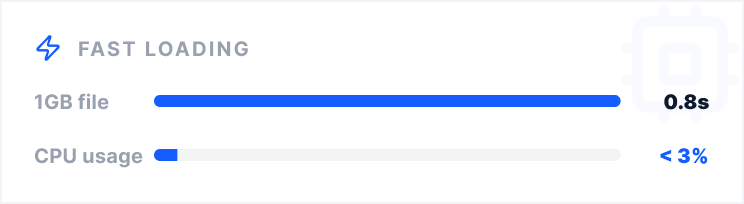
Fast Loading for Large File

Optimized for performance

Open, edit, and save even 1000-page PDFs in seconds.

Fast Load

Highly Cost-Effective

Premium features, low cost

Get premium, professional-grade PDF features at low cost.

Cost Effective

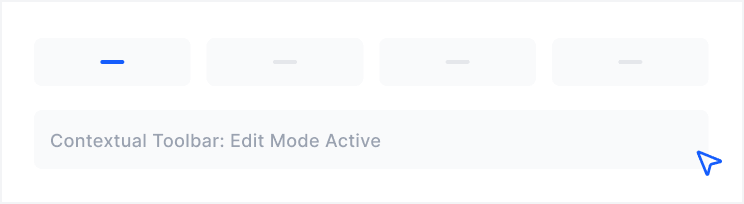
Intuitive Interface

Clean & Modern UI

Designed for both beginners and pros, no steep learning curve.

High Speed Loading

Explore More Recommendations from Aiseesoft

PDF Merger

Merge multiple PDF files into one professional document with preserved formatting and high quality.

Learn More
Data Recovery

Recover lost photos, messages, and files from any storage device with advanced deep scanning technology.

Learn More
iPhone Data Recovery

Recover lost or deleted contact, message, media file and document from iPhone.

Learn More

Frequently Asked Questions

Can I edit PDF files offline without an internet connection?

Yes. Once you download and install our PDF editor, you can edit completely offline. This is ideal for professionals working in high-security environments, during travel, or in areas with unreliable internet connections.

What are the system requirements Aiseesoft PDF editor?

Our software is optimized for high performance on Windows 7 and above. It requires a minimum of 1GB RAM. Because it is a native desktop app, it utilizes your local CPU for faster rendering of heavy graphical PDFs compared to browser-based editors.

Can I use ULTPDF offline?

Yes, ULTPDF works completely offline without requiring an internet connection.

Is it safe to edit sensitive documents in a PDF editor?

Yes, it is safe to edit sensitive documents as long as you choose a PDF editor with professional-grade security protocols like Aiseesoft UltPDF.

Your Ultimate PDF Helper for Work and Study