
Highlight: Easy and fast AI video enhancer with high-quality output. Best for all users with or without skills.
VidHex Video Enhancer
 100% Secure. No Ads.
100% Secure. For MacOS.
Contents
You don’t need to edit your low-resolution, blurry, or outdated videos to improve their quality. Whether you want to increase clarity, upscale resolution, remove background noise, enhance color accuracy, or even create additional frames and add details, you can rely on an AI video enhancer. Nowadays, when you search for a way to edit videos and improve quality, you will get many recommendations for AI-powered video enhancement software. This article introduces you to eight compelling AI video quality enhancement tools, both free online and professional desktop tools.
How to Choose the Best Video Enhancer?
| Name | Best for | Platform | Rating | Pricing | Output Resolution |
| VidHex | High-quality video enhancement for new users | Desktop | 4.5/5 | $79.92/year | 8K |
| Topaz Video AI | Professional editors and studio | Desktop | 4.8/5 | $299/year | 16K |
| AVCLabs Video Enhancer AI | Model-based video enhancer with customization for advanced users | Desktop | 4/5 | $95.96/year | 8K |
| VideoProc Converter AI | Light-weighted video enhancer | Desktop | 3.8/5 | $39.95/year | 8K |
| Picwand | Casual user who wants simple and fast video enhancement | Online | 4.5/5 | $67.92/year | 8K |
| Vmake AI Video Enhancer | No sign up short video enhancement. | Online | 4/5 | $69.99/year | 4K |
| AirBrush AI Video Enhancer | 4K, 30 FPS video enhancement | Online | 3.5/5 | $99.95/year | 4K |
| Cutout.pro AI Video Enhancer | 2K online video enhancement for short video | Online | 3.5/5 | About $0.143/second | 2K |
Highlight: Easy and fast AI video enhancer with high-quality output. Best for all users with or without skills.
Score:4.5/5
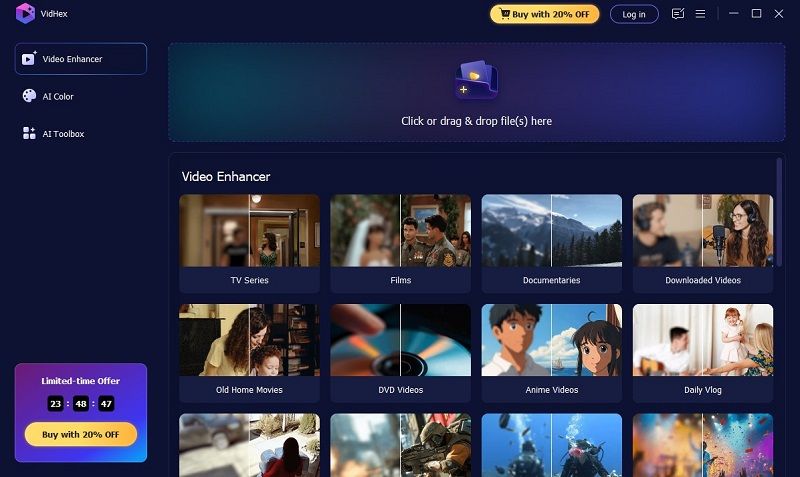
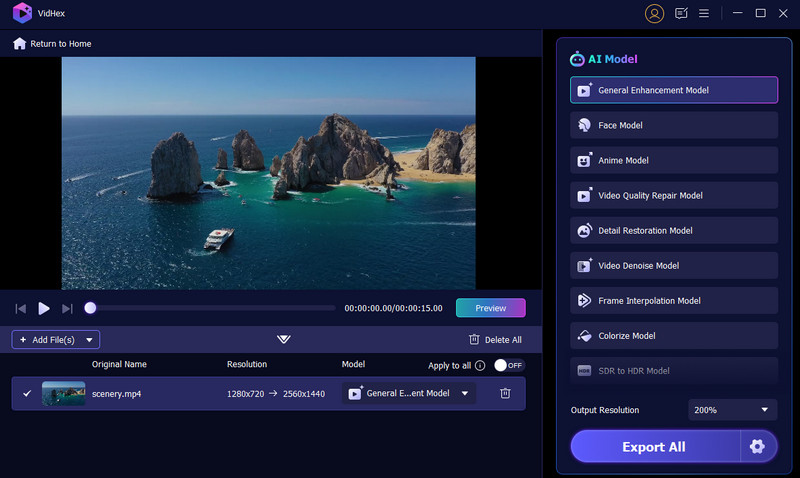
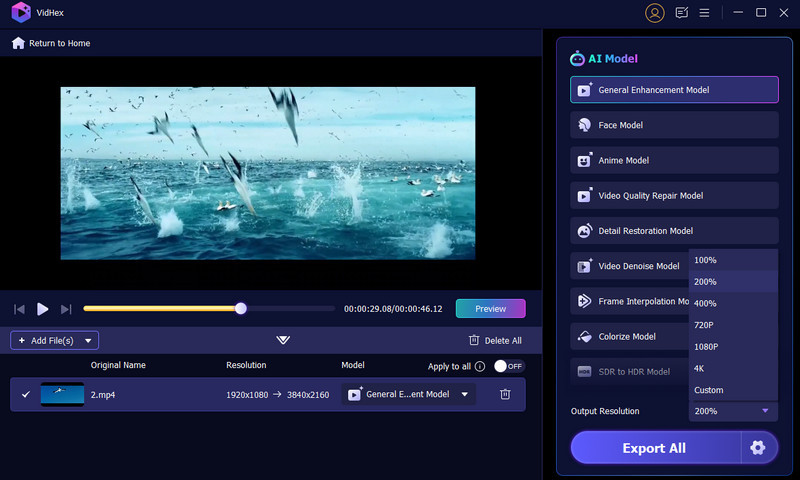
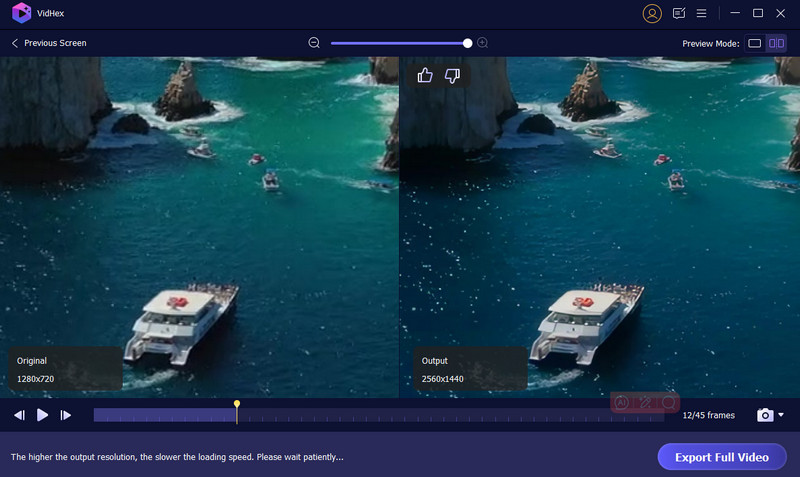
VidHex is an AI-powered video enhancement software designed to upscale, denoise, sharpen, and colorize videos. It can transform your video with better clarity, resolution, and color. It is also a simple way to enhance your old, blurry, pixelated, low-resolution, and other poor-quality videos.
VidHex offers different scenarios for different kinds of videos, covering almost all kinds of videos. You don’t need to adjust any settings, only to enjoy the enhanced videos. Its GPU acceleration and cloud acceleration enable you to process large files faster.
100% Secure. No Ads.
100% Secure. For MacOS.
Pros
Cons
Highlight: Professional video enhancer with detailed adjustment. Best for professional editors, filmmakers and studios.
Score:4.8/5
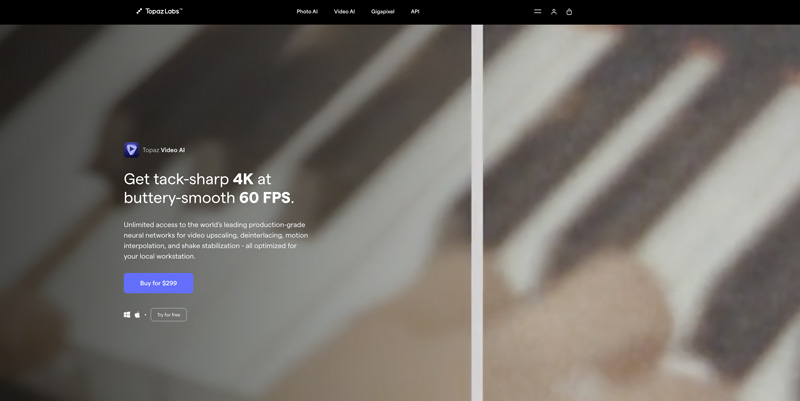
Topaz Video AI AI is one of the greatest professional AI video enhancers for upscaling and restoring in very high resolution. It takes your SD clips to 8K quality, or even 16K if you want to go all out! It has a variety of advanced AI models to effectively reduce noise, improve detail, and stabilize your footage. Topaz also has batch processing capabilities to keep things moving quickly. However, its high price and heavy system requirements make it less ideal for casual users.
Pros
Cons
Highlight: Enhance video with different models and add multiple effects to one video. Suitable for basic-skilled users.
Score:4/5
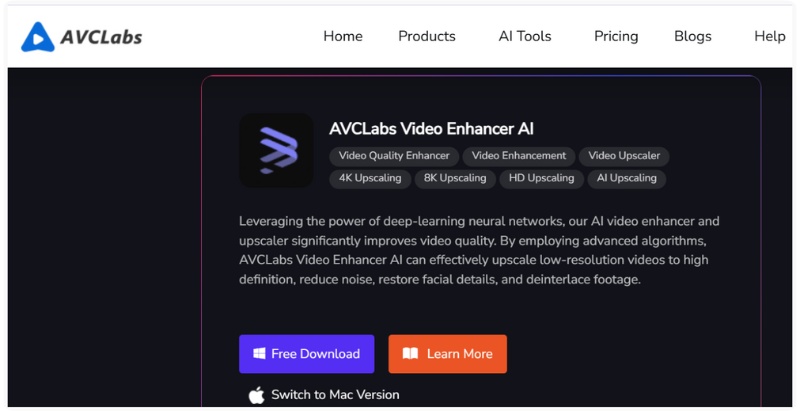
AVCLabs Video Enhancer AI is an advanced AI video enhancer that increases video resolution to 4K or 8K while enhancing details and clarity. Leveraging deep learning-based intelligence, it automatically denoises, color-corrects, and enhances facial information. It contains four kinds of enhancement features with different models and video settings and you can apply multiple effects to one video and adjust parameters until you get the perfect video.
Pros
Cons
Highlight: Lightweight video enhancer, along with rich video editing tools. Best for fresh video editors.
Score:3.8/5
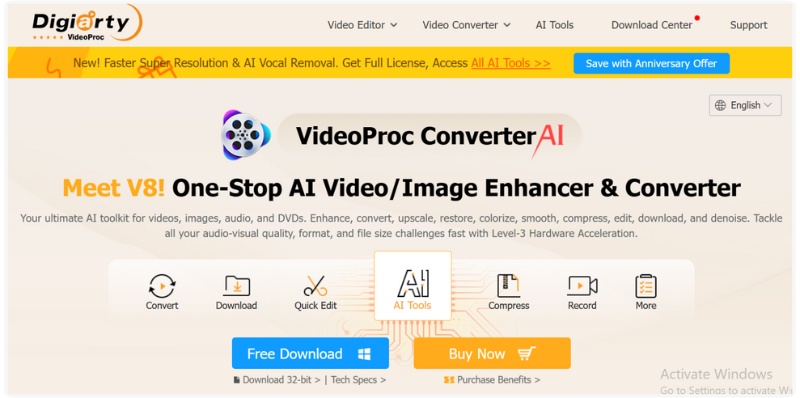
VideoProc Converter AI is a wide video processing solution that combines AI-enhanced video enhancement, video editing, and video conversion. It runs on intelligent algorithms that can increase resolution, stabilize shaky video, remove noise, and clarify blurry video – all quickly. Using GPU-acceleration technology, VideoProc Converter AI can easily process larger videos while maintaining quality, reliability, and stability. VideoProc Converter AI supports many video formats, making it perfect for everyday users and content creators.
Pros
Cons
Highlight: Enhance video online with fast speed and 8K quality. Suitable for all users pursuing easy enhancers.
Score:4.5/5
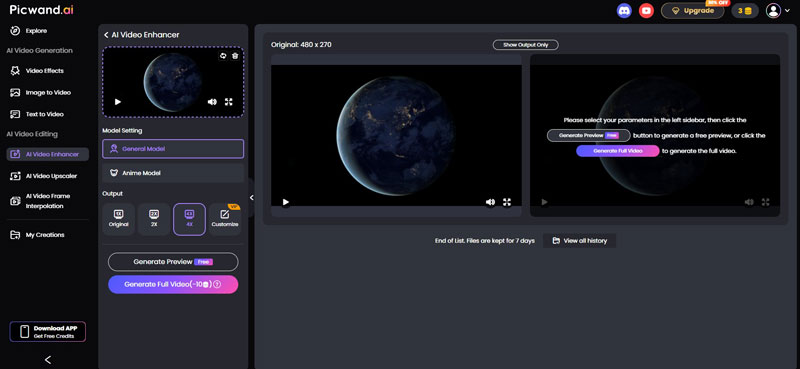
Picwand offers a stunning online platform for video enhancement. It requires no installation and allows you to enhance video with clicks. It is designed for both new users and skilled ones who want to get high-quality and easy video enhancement. You can choose output up to 8K resolution, which is seldom supported by online enhancers.
Pros
Cons
Overview: Portrait, game and anime enhancers for short video and social media content.
Score:4/5
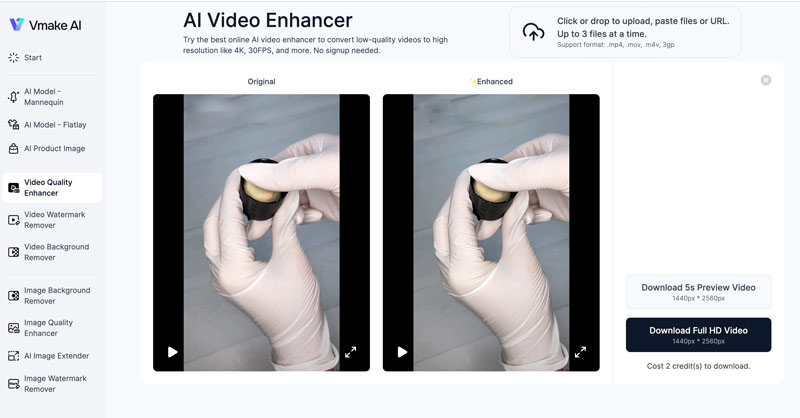
Vmake AI Video Enhancer is a popular video enhancement tool primarily used for video enhancing and upscaling. This online AI video quality improver can easily transform your low-resolution videos into high-quality ones. You can simply upload your video to Vmake AI, and it will automatically complete the upscaling and enhance it.
It offers 2 general enhancing models with 2K and 4K upscaling. You can also use other models to deal with the special video, including portrait, game and anime.
Pros
Cons
Highlight: Preset video enhancement with no adjustment. Best for casual users to enhance short video.
Score:3.5/5
AirBrush AI Video Enhancer is designed to turn your blurry, old, or low-resolution videos into 4K, 30FPS, and beyond, online. It can help you adjust various visual aspects, such as brightness, contrast, saturation, sharpness, and more, to enhance image quality. This online AI video quality improver will automatically customize video parameters for optimal results and this free AI video enhancer tool is best for users who want a quick upgrade without a complex setup.

Pros
Cons
Overview: Quick and convenient online video upscaling.
Score:3.5/5
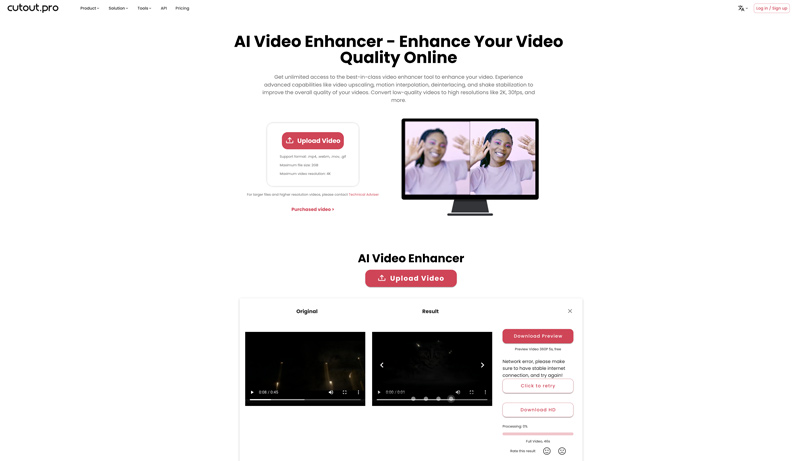
Cutout.pro AI Video Enhancer is another strong contender for improving online video quality. It provides a simple way to upscale video resolution, reduce noise, increase clarity, stabilize shake, and interpolate frames. This online AI video enhancer lets you edit videos up to 2GB in size and 4K resolution. Like the AirBrush introduced above, Cutout.pro allows you to preview and download a 5-second video for free. You are required to purchase credits for downloading the full file.
Pros
Cons
Can AI fix a blurry video?
Yes. AI video enhancers can fix different kinds of video problems, including blurry video. However, not all video enhancer has special models and presets for this. You can use VidHex or Topaz AI video enhancer to unblur videos.
Are AI video enhancers safe to use?
Most reputable AI video enhancers like Topaz, VidHex, Picwand, etc. are safe to use. However, you should always pay attention to the privacy policy to see whether it is safe to use.
Are online AI video enhancers better than desktop software?
Online AI video enhancers are easier and faster to use, but they may take a longer time to process large videos and be short in functions and control. Desktop AI Video Enhancers often have more AI models and editing tools. In addition, you can enhance video offline for security.
Conclusion
This article recommends eight AI video enhancer software worth trying to improve the overall quality of your videos quickly. Even though these AI video enhancement tools offer benefits, they also come with drawbacks and challenges. If you are a new user who just wants to try out the video enhancer, or you are actually in need but do not have too much skill, you can use VidHex Video Enhancer to enhance video with ease. For a professional editor who needs advanced settings, Topaz may be the first choice.
Anyway, you’d better try different video enhancers, compare their features, check related user reviews, and then select the one that suits you most.
 Top 10 AI Chatbots to Revolutionize Your Chatting Experience [2025]
With these 10 AI chatbots, you can now master your writing craft into the max potential. There is no need for a desktop with these applications mentioned.
 What Is AI Highlight Video Maker: Introductions and Tools
For creating amazing highlight videos, many AI tools can come to help. This post lists the 3 best AI highlight video makers for you with their pros and cons.
 Top 5 AI Video Restoration Tools to Enhance Old Footage
Can AI repair old videos and restore details? How can I restore the quality of old videos? This post shares 5 AI video restoration tools to enhance quality.
 Leave your comment and join our discussion
VidHex is an AI-powered video enhancer that upscales, denoises, colorizes stabilizes, and improves video quality in 1 click.
100% Secure. No Ads.
100% Secure. For MacOS.

*Required field
*Please enter a valid email
