
Video Converter Ultimate
 100% Secure. No Ads.
100% Secure. No Ads.
When you search for a quick way to enhance your videos or remove unwanted image backgrounds, you may easily get the Vmake AI recommendation. It is a popular online platform designed to simplify video and image editing. It offers several AI-powered tools for E-commerce businesses, content creators, and individuals alike. This detailed Vmake AI review will tell you its core features, pros, cons, pricing, and other associated information.
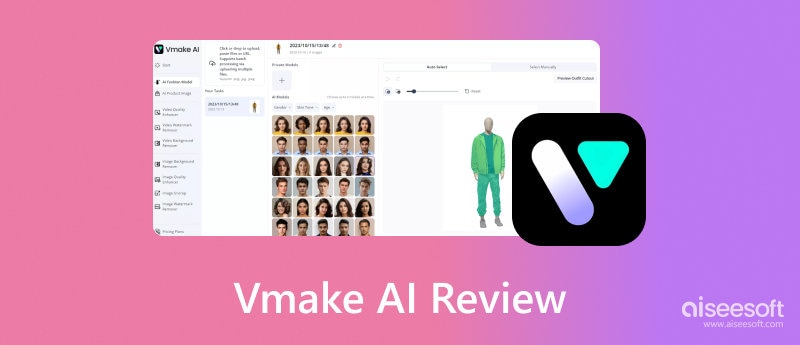
Vmake AI is an online platform that offers several AI-powered tools to edit and enhance videos and images. It specializes in image and video enhancement, particularly for e-commerce businesses. Vmake AI lets you easily generate AI models, remove unwanted backgrounds and watermarks, and enhance quality. It aims to provide effective solutions for producing high-quality visual content.
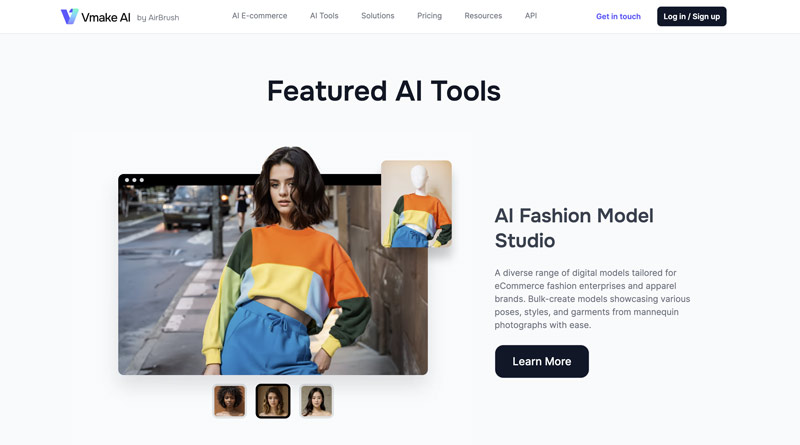
As mentioned above, Vmake AI utilizes advanced AI algorithms to analyze the image and video content, and then process related editing or enhancement operations. Once you upload your image or video file to the Vmake AI platform, the AI will analyze the uploaded content and identity specific areas for improvement, such as noise, resolution, color, and more. Based on the analysis, Vmake AI will automatically apply algorithms to improve the overall quality.
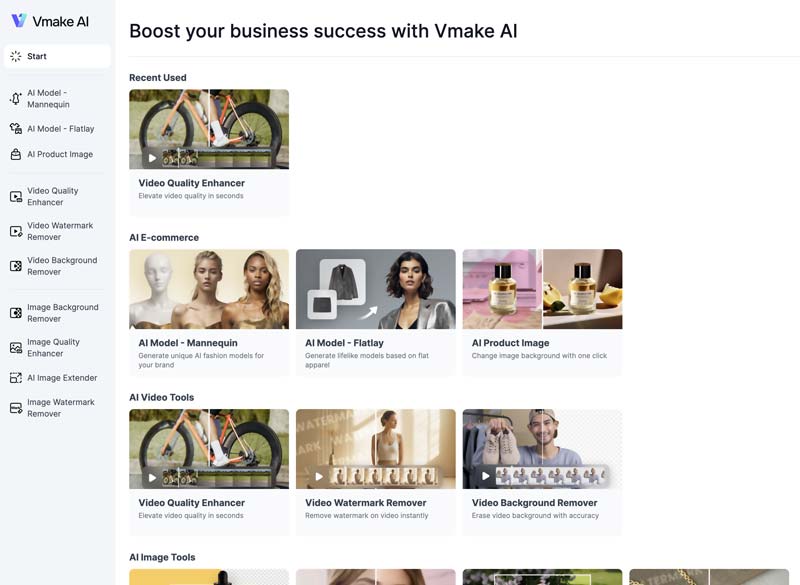
Vmake AI allows you to create AI models for certain features. You can then use these generated AI models for various purposes like fashion or product demonstrations. Vmake AI also offers background and watermark removal tools. They use AI to accurately identify and remove backgrounds or unwanted objects.
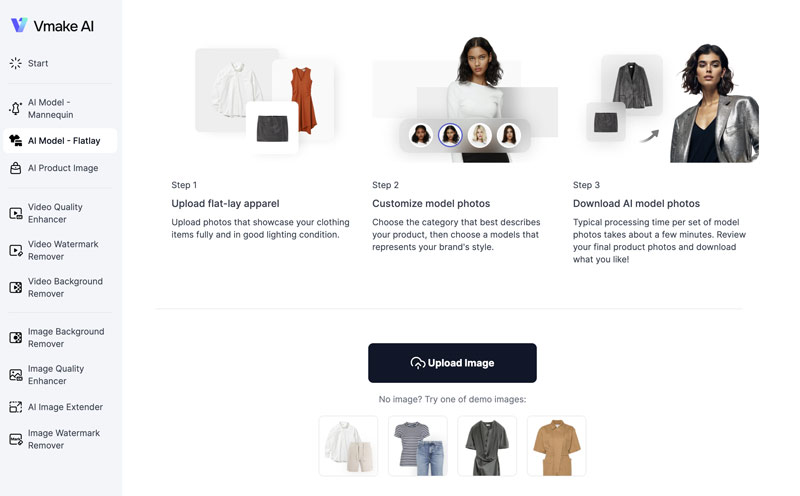
Vmake AI provides different tools for related editing or enhancement. You can start with the free version of one selected tool and try using its basic functions.
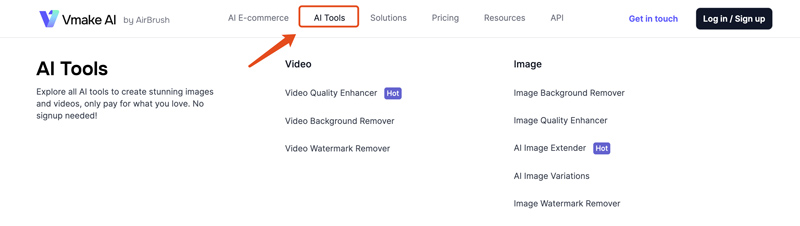
Vmake AI carries various features to edit and enhance your visual content. When you reach the official Vmake AI website, you can click the top AI Tools tab to display AI-powered video and image tools. As you can see, Vmake AI can help you enhance the quality of your video and image files, remove unwanted backgrounds and watermarks, and generate AI models for fashion, advertising, and product demonstrations.
Pros
Cons
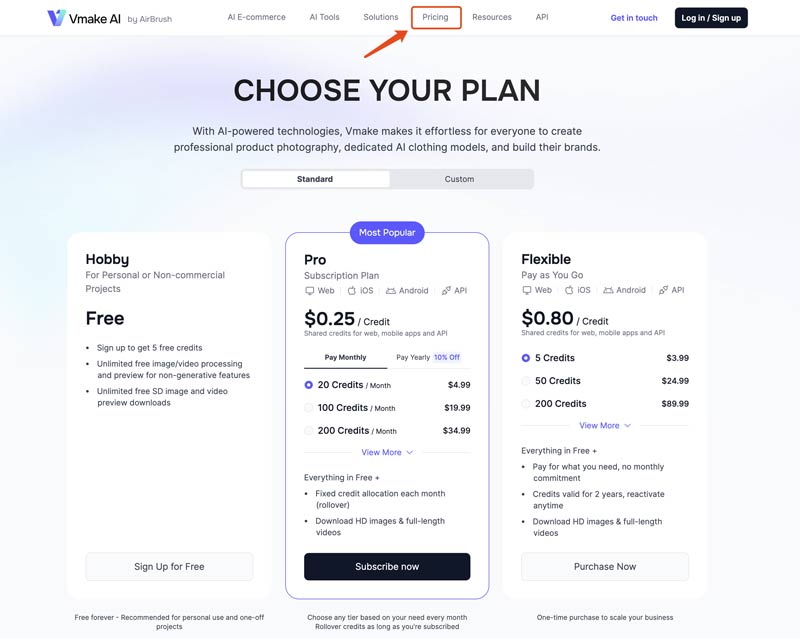
Vmake AI gives you 50 free credits to try using various functions. You are required to sign up for an account to gain these free credits.
As a free user, you can only generate SD image and video preview downloads. If you want to access advanced AI features and output high-quality results, you must upgrade to the Plus or Pro plan. You can click the top Pricing tab to check the current pricing information for different plans.
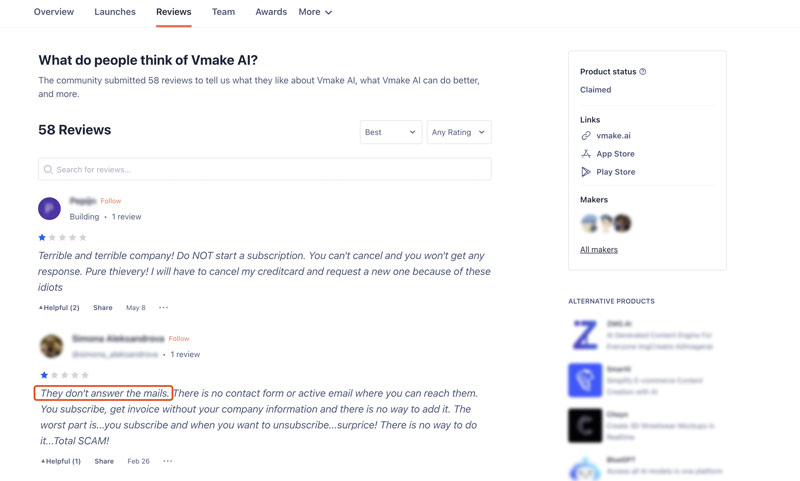
Vmake AI provides customer support through both email and online chat. However, the quality and responsiveness of customer support can vary. You can see many Vmake AI user reviews complain about the email response problems.
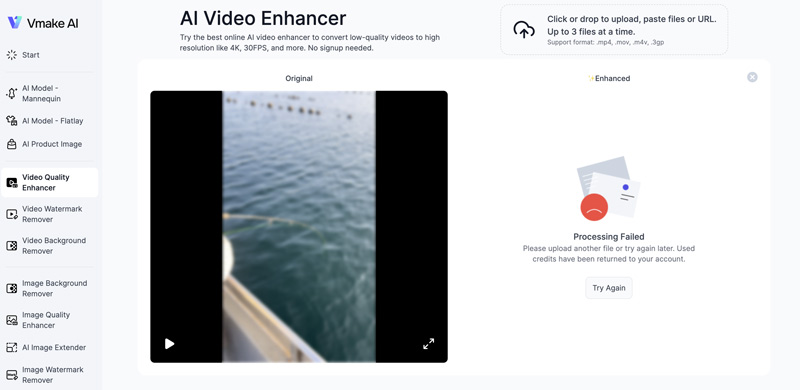
You can select the specific Vmake AI tool based on your needs and then start a free trial. You will be required to sign in to your account and then upload the video or image file to the platform.
Through my test of its AI Video Quality Enhancer, I got the Processing Failed issue. In some cases, I was required to upload my video several times to finally make the upload.
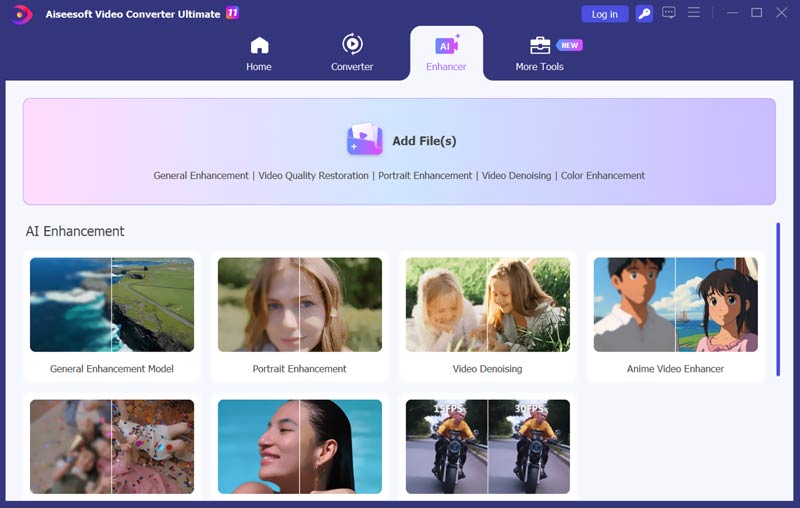
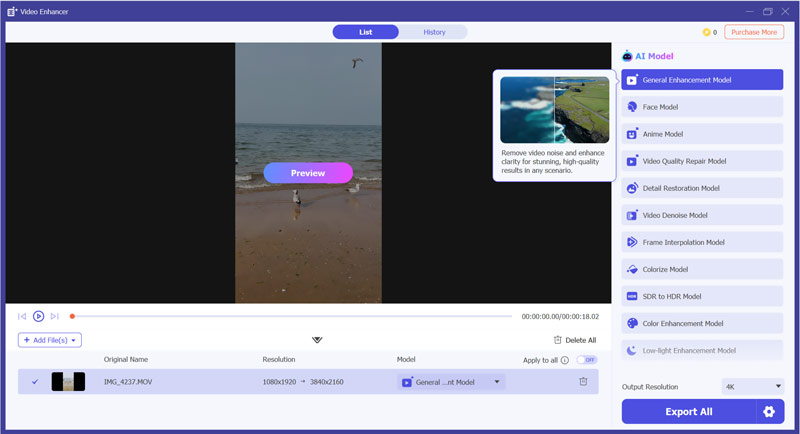
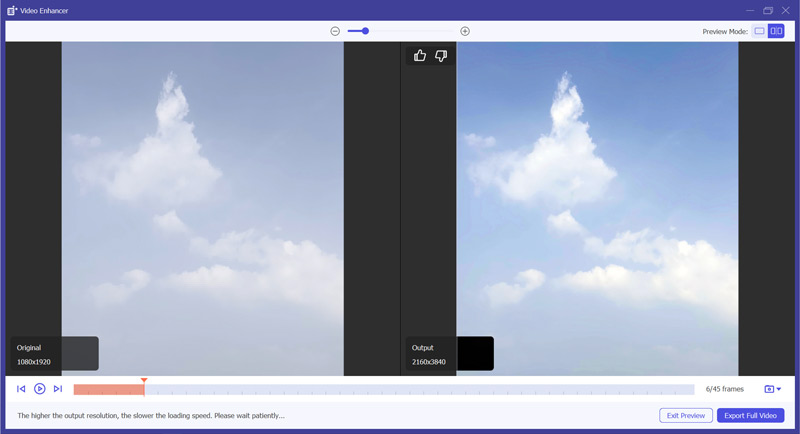
Whatever the reason, if you are unsatisfied with Vmake AI, you can try using its Video Quality Enhancer alternative, Aiseesoft Video Converter Ultimate. Compared with Vmake AI, it can generate enhancement results with higher resolution, clarity, and quality. It uses advanced artificial intelligence to upscale resolution, sharpen blurry and pixelated areas, remove noise and grain, adjust color and brightness, and even add details to improve overall quality.
100% Secure. No Ads.
100% Secure. No Ads.
Does Vmake AI have an app version for iOS and Android?
Yes, Vmake AI has mobile apps for both iOS and Android devices. You can easily locate and install the Vmake AI Fashion Model Studio app from the App Store or Google Play Store on your phone. Its app allows you to access and utilize Vmake AI's features conveniently on your portable devices.
Can Vmake AI enhance photos?
Yes, Vmake AI has an individual Image Quality Enhancer tool for you to effectively enhance photos. It offers various image enhancement features. Vmake AI uses advanced AI algorithms to analyze the original image data and automatically improve photo quality in various aspects. As it claims, it can generate sharper details, higher resolution, and vibrant colors for high-quality photos.
Which video format does Vmake AI support?
Vmake AI supports several commonly used video formats, such as MP4, MOV, M4V, 3GP, and others. It offers AI-powered tools to edit and enhance videos, including Video Quality Enhancer, Video Background Remover, and Video Watermark Remover. All these Vmake AI tools can support these mentioned video formats above. However, the popular AVI, MPEG, MKV, and TS can’t be supported.
Conclusion
After reading the full Vmake AI review, I hope you can get a deeper understanding of this AI-driven platform and related tools. You can start a free trial and use some basic functions to test its capabilities. Before purchasing credits or upgrading to a paid plan, try using the introduced Vmake AI alternative. Compare their upscaling results and then select your preferred tool.
 3 AI Video Upscalers to Improve Video Quality (2025)
This is a comprehensive review of 3 best AI video upscaler tools. Use them to optimize your videos effortlessly.
 Top 8 AI Video Enhancers to Improve Video Quality in 2025
Here are 8 AI video enhancers with unique features, pros and cons. See how to choose the best video enhancer for you and enhance your video to a higher quality.
 Topaz Video AI Review: Features, Pros & Cons, and Best Alternative
Complete Topaz Video Enhance AI review: features, pros/cons, and usage guide. Discover a powerful alternative for perfect video upscaling.
 Leave your comment and join our discussion
Video Converter Ultimate is excellent video converter, editor and enhancer to convert, enhance and edit videos and music in 1000 formats and more.
100% Secure. No Ads.
100% Secure. No Ads.

*Required field
*Please enter a valid email

