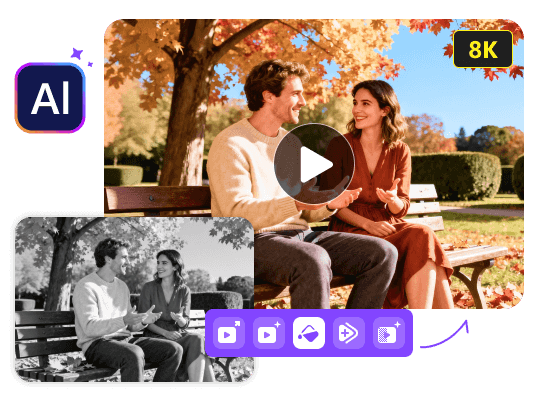
Best Video Enhancer: Upscale Video to 4K/8K
 100% Secure. No Ads.
100% Secure. No Ads.
When you search for a professional video editor, DaVinci Resolve is often a top contender. Besides editing, you may need some enhancement functions, such as 4K upscaling, shaky footage stabilization, color correction, blur and noise removal, and more. Enhancing video quality is a common challenge, especially when working with grainy, low-resolution footage.
This leads many to ask: Does DaVinci Resolve have a built-in AI video enhancer? What is DaVinci Resolve AI video enhancer?
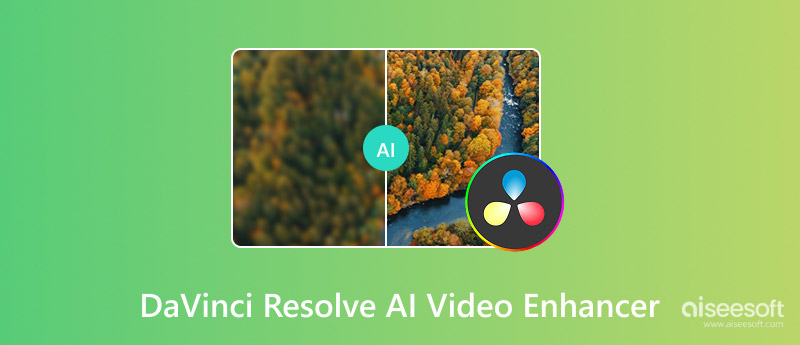
First, it should be clear that DaVinci Resolve does not have a single button labeled “AI Enhancer” or “AI Video Enhancer”. Instead, it offers a suite of AI tools that can dramatically improve video quality under its DaVinci AI Neural Engine. DaVinci Resolve, specifically its paid Studio version, can be considered an AI video enhancer.
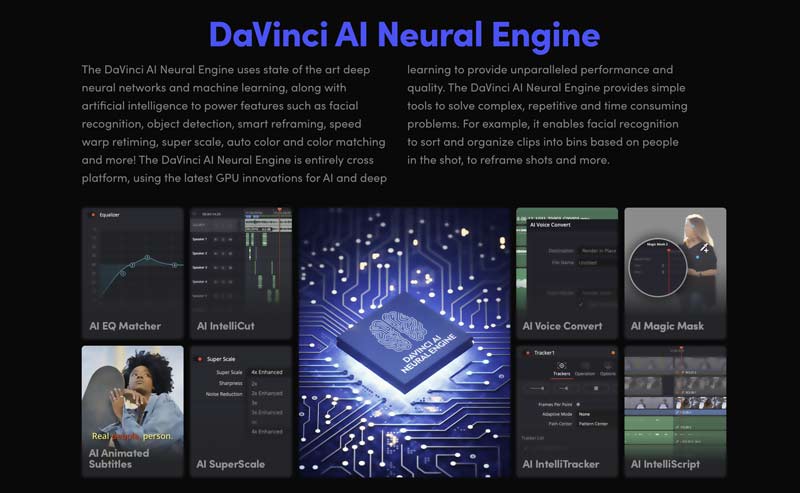
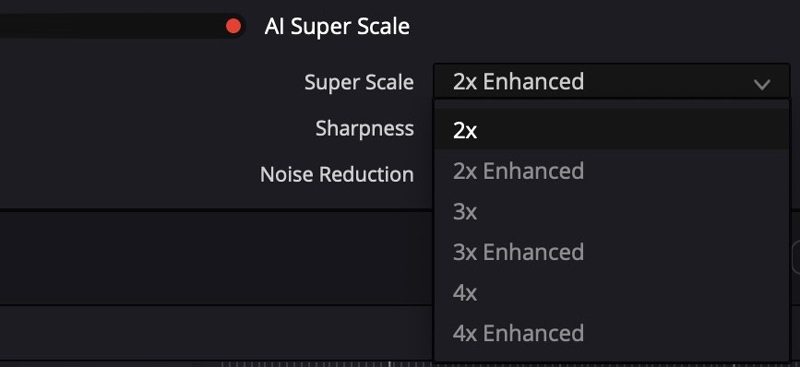
DaVinci Resolve AI video enhancer often refers to its related AI tools or functions. These intelligent features use powerful machine learning to analyze and enhance footage. Two primary tools within DaVinci Resolve are designed for video enhancement: AI Super Scale and Noise Reduction. They can increase the video resolution and remove unwanted noise.
DaVinci Resolve is a professional-grade video editor that carries all the necessary editing and enhancement functions. As mentioned, DaVinci Resolve AI video enhancer mainly refers to its enhancement tools in the DaVinci AI Neural Engine.
Pros
Cons
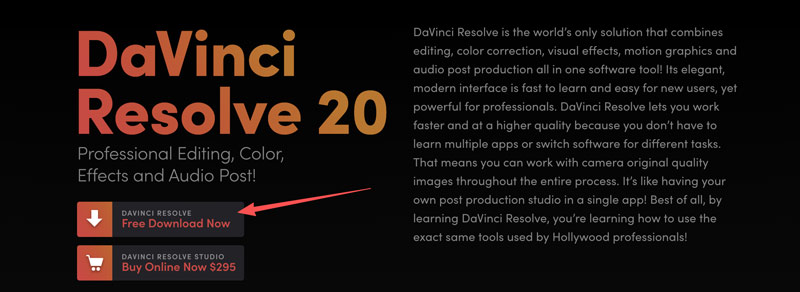
To use the DaVinci Resolve AI video enhancer, you should navigate to the official Blackmagic Design website and download its latest version. Start with the free version by clicking the Free Download Now button.
While DaVinci Resolve’s toolkit is powerful, the professional software is extremely hardware-intensive and requires a steep learning curve. It is not a good choice for many users, especially for those who only want to quickly upscale footage and fix some basic video quality issues. In that case, a dedicated AI video enhancer like Aiseesoft VidHex is a direct alternative.
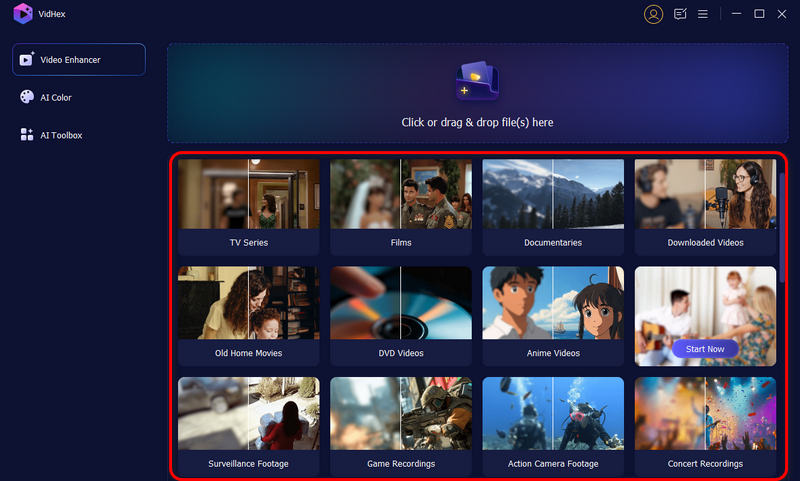
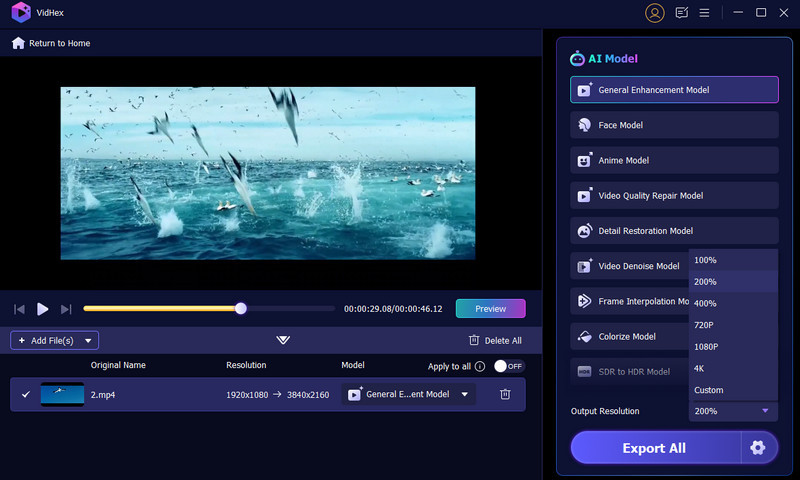
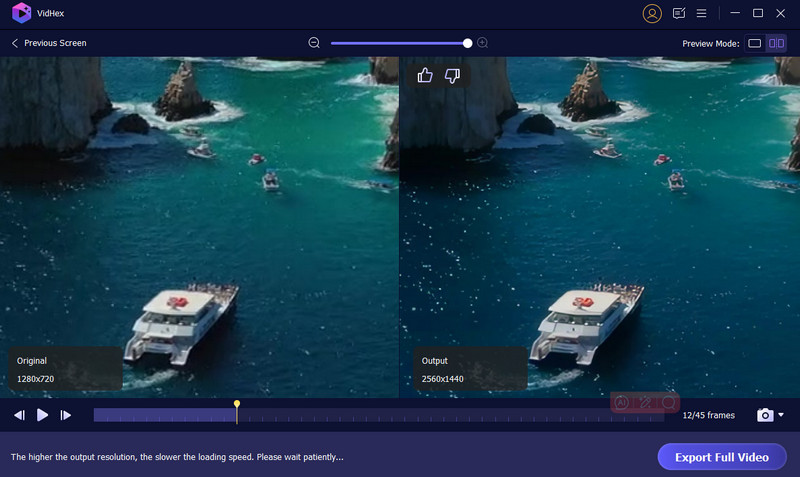
VidHex is mainly used to enhance videos using AI. It provides multiple AI models for dealing with different tasks. Compared to DaVinci Resolve, it often generates higher-quality results, especially for upscaling, sharpening, restoration, and stabilization. Moreover, it offers a one-click way to directly apply AI models/filters to perform related enhancements.
100% Secure. No Ads.
100% Secure. No Ads.
Question 1. Does DaVinci Resolve have a built-in AI upscaling tool?
Yes, DaVinci Resolve includes a built-in AI upscaling tool called Super Scale. This feature can intelligently increase the resolution of your footage. You can find and use the Super Scale option within the Color page of DaVinci Resolve Studio.
Question 2. Does DaVinci Resolve offer a free trial version?
Yes, DaVinci Resolve offers a free, fully functional version. Blackmagic Design provides the DaVinci Resolve (Free) version for you to use indefinitely. It includes core editing, color correction, visual effects, and more. Compared with the paid Studio version, the free version limits some advanced functions, AI tools, and output settings.
Question 3. Is DaVinci Resolve better than CapCut?
You cannot simply say DaVinci Resolve is better than CapCut, or CapCut is the better one. Compared to CapCut, DaVinci Resolve is more powerful, especially for professionals. If you need advanced functions, professional AI tools, and maximum control, choose DaVinci Resolve. You can start with the free version. However, the software can be overwhelming for beginners. It also requires a more powerful computer to work well. If you only want to quickly create trendy social media content and make some basic edits, CapCut is a better choice.
Conclusion
After reading the DaVinci Resolve AI Video Enhancer review, you can learn necessary information about this professional program. If you have a modern, powerful computer, start with the free version and test its enhancement capabilities. If you only want a quick way to improve quality, a dedicated AI video enhancer like VidHex is a better choice.
 Upscale Video in DaVinci Resolve with These Easy Steps
A complete guide on how to upscale video in DaVinci Resolve. Improve video quality fast and see the best alternative for stunning results.
 Final Cut Pro vs. Davinci Resolve and Get the Best Editor
Which is better, DaVinci Resolve or Final Cut Pro? Do YouTubers use DaVinci Resolve? This post compares Final Cut Pro with Davinci Resolve in different aspects.
 A Detailed Guide to DaVinci Resolve Stabilize Videos
Can DaVinci Resolve make an unstable video run smoother? How do you stabilize a video in DaVinci Resolve? Learn to use Davinci Resolve to stabilize your videos.
 Leave your comment and join our discussion
VidHex is an AI-powered video enhancer that upscales, denoises, colorizes stabilizes, and improves video quality in 1 click.
100% Secure. No Ads.
100% Secure. No Ads.

*Required field
*Please enter a valid email

