
Highlight: AI-powered enhancement for clear and accurate video evidence

Video Converter Ultimate
 100% Secure. No Ads.
100% Secure. No Ads.
Forensic video enhancement is a term that those who do a detailed examination of CCTV or any such critical video evidence often come across. It is a method that is somewhat in contrast with simple video editing, where the focus is mainly on the visual appeal and storytelling. This method of enhancing the video is more like a scientific approach, and the main purpose is to make the faces, number plates, and other elements more visible while ensuring that the content is not altered in any manner. In fact, one has to be very careful in maintaining the chain of custody so as to have the footage admissible in court or investigating contexts. Even more significantly, the enhancement process should be such that it can be documented and repeated by other experts who would be able to get the same results, and thereby, verification of the results can be done. Here, in this article, we are going to take a look at the main methods, leading software, and handy hints for responsibly making the video clearer.
| Software | Target Audience | Supported Platform | Enhancement Effectiveness |
| Aiseesoft VCU | LE / Civilian | Windows, Mac | High (AI-powered clarity) |
| Amped FIVE | Law Enforcement | Windows | Very High (industry standard) |
| MotionDSP (Ikena) | LE / Analysts | Windows | High (real-time deblurring & stabilization) |
| Topaz Video AI | Prosumer / Civilian | Windows, Mac | Medium-High (AI-enhanced, use cautiously in legal cases) |
| Adobe Photoshop/Premiere + Forensic Plugins | LE / Civilian | Windows, Mac | Medium (manual enhancement, plugin-dependent) |
| DaVinci Resolve | LE / Civilian | Windows, Mac | Medium (manual stabilization & color correction) |
The software options, compatibility, target audience, and efficacy of each instrument for forensic video enhancement are briefly summarized for readers in this table.
Anyone who uses CCTV footage, bodycam recordings, or any other video evidence should definitely master the main techniques of forensic audio and video enhancement. These techniques help in making the details clear without changing the original stuff, which is the main point in the case of law or investigation.
1. Deblurring
It is one of the major issues encountered. Deblurring programs are able to bring back the recognition of faces, texts, or license plates by examining the pixels to lessen the motion or focus blur.
2. Super-Resolution
Enhances the quality of low-resolution videos by generating more detailed images. It is a great way to enlarge small objects without losing the sharpness.
3. Stabilization
Unstable or handheld shooting may hide essential elements. Stabilizing video eliminates the camera shakes, so the viewers can clearly see the object or the movement and not miss the surroundings.
All these methods are the core of forensic video enhancement. They help a professional to get the necessary data without loss of credibility or tampering with the evidence.
Improving vital video evidence can be very challenging, especially if you lack proper tools. That is why forensic image and video enhancement software is equipped with cutting-edge algorithms and AI technologies to help users distinguish objects, minimize noises, and stabilize video sequences, while keeping the original file unchanged. This section aims to review the key strengths of the solutions that are law enforcement officers, security staff and power users who are willing to learn more about each solution's strength, target audience and performance for various investigation and analysis purposes, most frequently used to perform functions.
Highlight: AI-powered enhancement for clear and accurate video evidence
Score:4.5/5
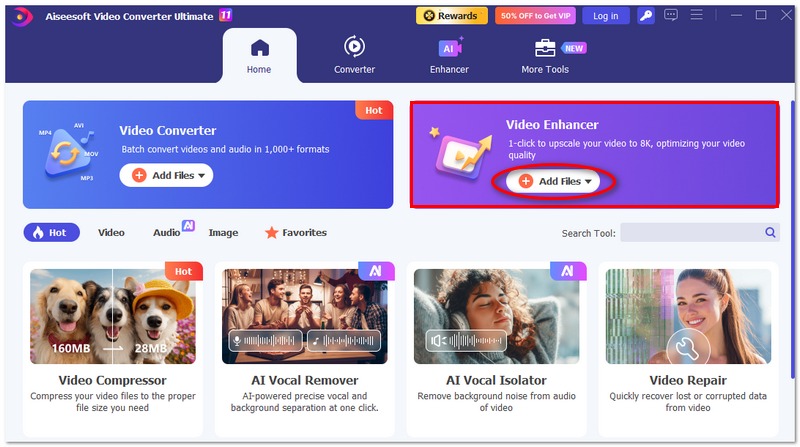
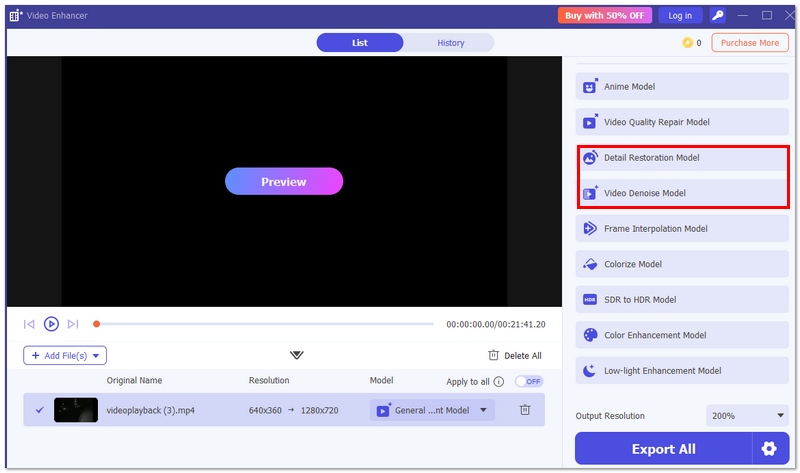
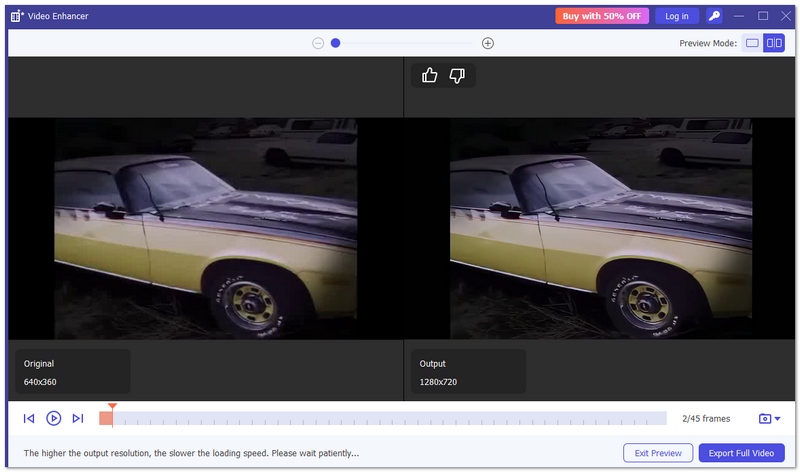
Aiseesoft Video Converter Ultimate is generally recognized as the best forensic video enhancement software in the market. This exceptional software enhances the clearness of videos, stabilizes scenes, and allows the extraction of important pieces of information from less clear videos. Besides that, it preserves the genuineness of the initial file and delivers changes of professional quality. Being my own brand's product, it merges easy-to-use features and effective code for steady and trustworthy outcomes.

Downloads
100% Secure. No Ads.
100% Secure. No Ads.
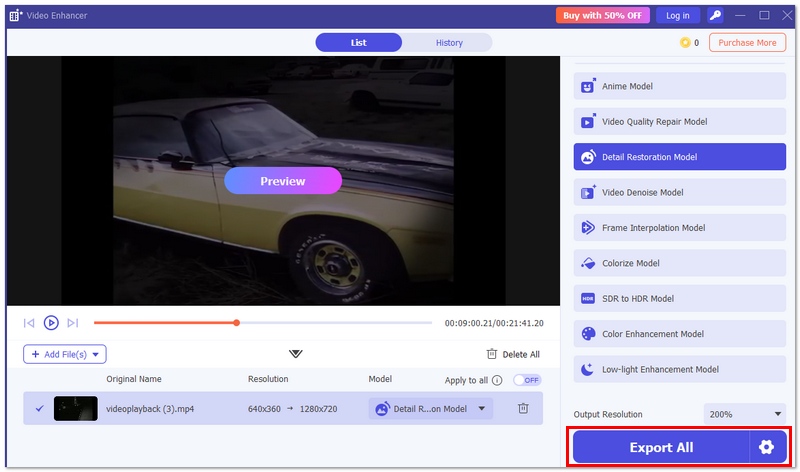
Pros
Cons
I highly recommend Aiseesoft VCU to anyone looking for the best forensic video enhancement software because it is the most dependable and feature-rich solution overall.
Highlight: Trusted by law enforcement and forensic experts worldwide
Score:4.8/5
Amped FIVE is well known as the amped five forensic video enhancement software that is used by police officers and forensic analysts. It provides a full package of tools that are made specifically for evidence processing, such as elaborate filters, reporting features, and rigorous compliance with forensic standards. This is why it is a preferred option among professionals who need precise, clear, and admissible results.
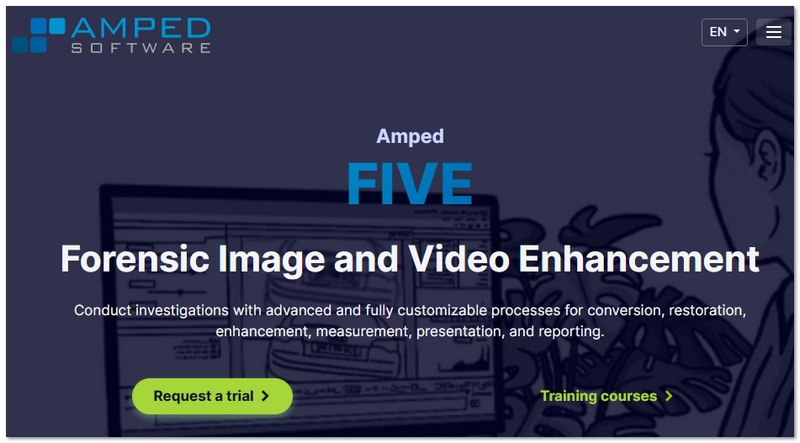
Pros
Cons
Amped FIVE is an excellent option for professionals in need of dependable and legally sound video augmentation.
Highlight: Advanced motion-based enhancement for surveillance footage
Score:4.6/5
MotionDSP (Ikena) is a great option for examining security and surveillance film because of its potent motion enhancement technology. While it’s not exactly the best free forensic video enhancement software, it is often recognized for delivering high-quality results in professional environments, especially when dealing with moving subjects and low-quality video.
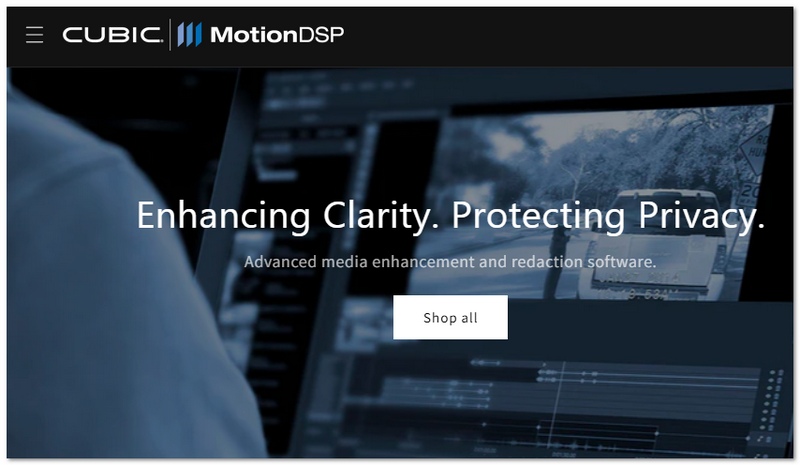
Pros
Cons
Although it might not be the best choice for novices, MotionDSP (Ikena) is often a good choice for experts who require sophisticated motion-focused improvement.
Highlight: Powerful AI upscaling and enhancement for high-quality results
Score:4.5/5
Topaz Video AI is gaining the attention of prosumers and content creators mainly because it offers powerful forensic AI video enhancement features. It relies on sophisticated AI algorithms to increase resolution, diminish noise, and enhance details so that poor-quality videos will appear much clearer.
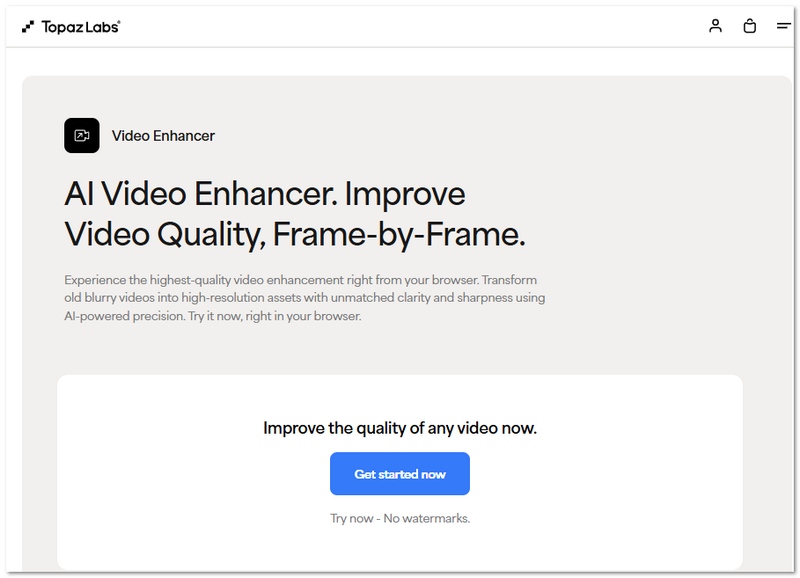
Pros
Cons
Although Topaz Video AI is a potent visual augmentation tool, it is better suited for non-legal or preliminary analysis than for rigorous forensic use.
Highlight: Flexible manual enhancement with professional editing tools
Score:4.3/5
Using forensic plugins in Adobe Photoshop and Adobe Premiere Pro is a versatile way to enhance images and videos. On their own, the software is not designed explicitly for forensic tasks. However, with the correct plugins and methods

Pros
Cons
This combination is perfect for customers who desire exact control and customization, but without other tools, it might not entirely satisfy stringent forensic criteria.
Highlight: Professional-grade color correction and manual video control
Score:4.4/5
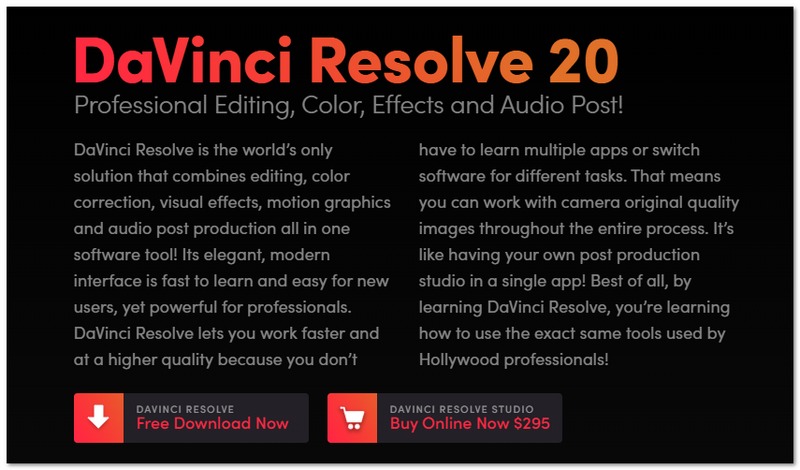
DaVinci Resolve is a great video editor that many users rely on for its deep color grading options and manual upgrade tools. Obviously, it is not a tool aimed at forensic usage, but with some tweaking, it will help you see better what is going on in the video. It is a program that works well with users who, when improving video quality, want to have full control and not depend solely on the software's automatic features.
Pros
Cons
DaVinci Resolve is an excellent choice for manual video editing; nonetheless, it is more appropriate for visual enhancement than rigorous forensic analysis.
Is enhanced video admissible in court?
Certainly, if carefully done following forensic standards and ensuring the continuity of the custody chain, the procedure can be replicated, and the results will be reliable, then the courts will admit enhanced video.
What file formats are best for forensic analysis?
Preferably, lossless or original formats (say, RAW or uncompressed files) are used to save the greatest amount of detail and to prevent any further data loss.
Can enhancement recover completely missing frames?
No, enhancement can improve existing frames but cannot truly recover data that was never recorded.
Conclusion
Using the right techniques and tools, forensic audio and video enhancement can clarify important details while preserving evidence integrity. Choose tools based on your needs, follow proper processes, and keep the original files for reliable results.
 How to Permanently Delete Snapchat Pictures: The Ultimate Guide
This tutorial is the full guide to deleting Snapchat photos. You can delete the unopened Snapchat pictures from chat and photos from Snapchat memories permanently.
 Best Unblur Photo Apps to Sharpen and Fix Your Blurry Photos
What is the best free app to fix blurry pictures? Which app can make pictures clearer? Check the best unblur photo apps for computers and mobile phones.
 How to Recover Deleted Android Contacts
Follow this article to recover your deleted contacts from Android phone.
 Leave your comment and join our discussion
Video Converter Ultimate is excellent video converter, editor and enhancer to convert, enhance and edit videos and music in 1000 formats and more.
100% Secure. No Ads.
100% Secure. No Ads.

*Required field
*Please enter a valid email
