
Best For: Users who desire quick, automatic color improvement without the requirement for expert editing knowledge.

Video Converter Ultimate
 100% Secure. No Ads.
100% Secure. No Ads.
Contents
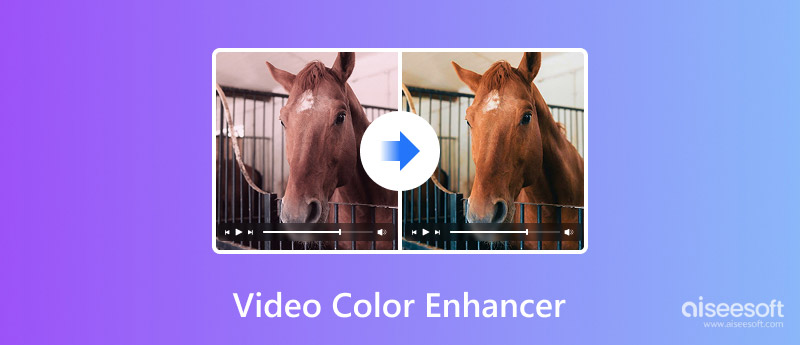
I have handled a lot of videos that first recorded nicely, but when viewed on the computer, looked dull, faded, and dimly lit. Sometimes the colors get desaturated, or the shots simply don't have the expected visual impact. This is when a very good video color enhancer tool can be a great help.
For this review, I experimented with several well-known video-enhancing applications to evaluate their ability to enhance color brightness, contrast, and the overall quality of the images. I will share my final thoughts on the topic, so it should not be difficult for you to choose a tool that makes your videos look stunning again.
How We Test and Review
To judge each video color enhancer, I gave it a try with videos with dull colors, low brightness, and bad lighting conditions, for that matter. Generally, I looked at four main points: AI precision, speed of doing things, variety of formats supported, and ease or user-friendliness of UI.
So I measured the degree of color and contrast enhancement, duration of the color enhancement process, variety of supported formats, and ease of use for both beginners and professionals. The ranking of these items is based on actual performance rather than the mere listing of features.
Before diving into detailed reviews, we provide here a quick comparison of the tools covered in this guide. This table will point out the main differences in price, platform support, speed of rendering, and performance. Some people even use these tools in combination with a video color enhancer extension or a browser-based solution, but dedicated desktop software usually brings better results and more control.
| Tool | Price | Platform | Render Speed | Render Performance |
| Aiseesoft Video Converter Ultimate | Paid (Free Trial) | Windows, Mac | Fast | Excellent |
| Topaz Video AI | Paid | Windows, Mac | Moderate | Excellent |
| AVCLabs Video Enhancer AI | Paid | Windows, Mac | Moderate | Very Good |
| DaVinci Resolve | Free & Paid Version | Windows, Mac, Linux | Fast | Very Good |
Best For: Users who desire quick, automatic color improvement without the requirement for expert editing knowledge.
Star Rating:5/5
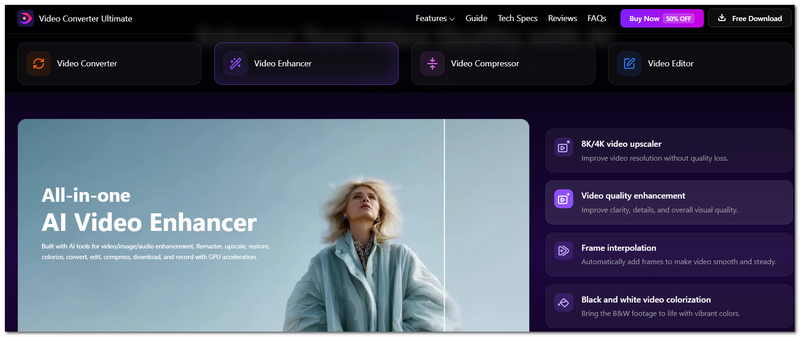
Aiseesoft Video Converter Ultimate is the best choice for this review because it has a great mix of AI-driven video editing tools, quick processing times, and a very easy-to-use interface. In our tests, it always managed to transform dark and low-lit videos into good-looking ones with hardly any manual work. Those looking for an easy substitute for a video color enhancer on Google will find the software very handy, as it can enhance color, brightness, and general video quality at a great speed.
100% Secure. No Ads.
100% Secure. No Ads.
Pros
Cons
Best For: Content creators and professionals who want high-quality AI enhancement and restoration tools.
Star Rating:4.5/5
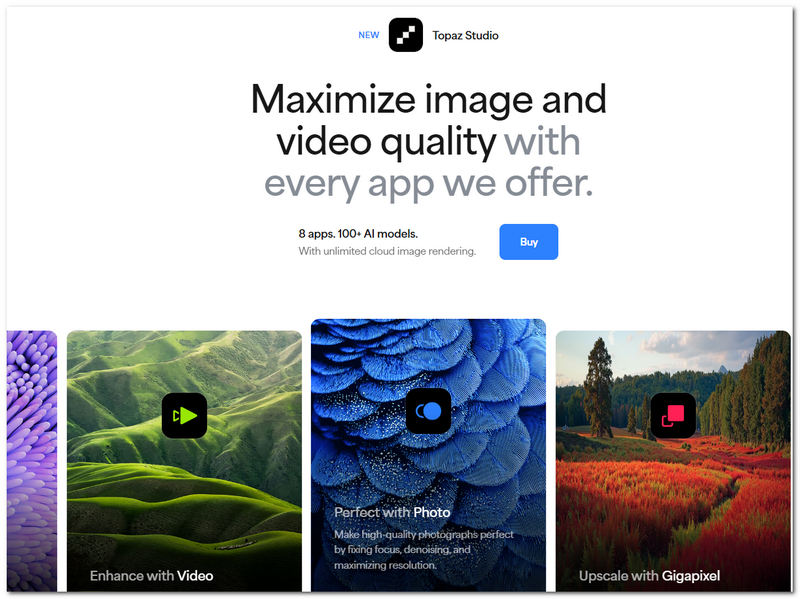
Topaz Video AI is a product for those who desire a cutting-edge artificial intelligence system and full control at the same time when it comes to their video enhancement. A mere color adjustment is not what it does. In fact, it studies the video and applies machine learning models to the color detail, sharpness, and even the overall visual quality of the footage. Some people might be searching for a video color enhancer online, but Topaz Video AI is capable of way stronger enhancements than most of the tools available on the web.
Pros
Cons
Best For: Users who seek rapid, low-effort improvements and prefer automated video enhancing.
Star Rating:4/5
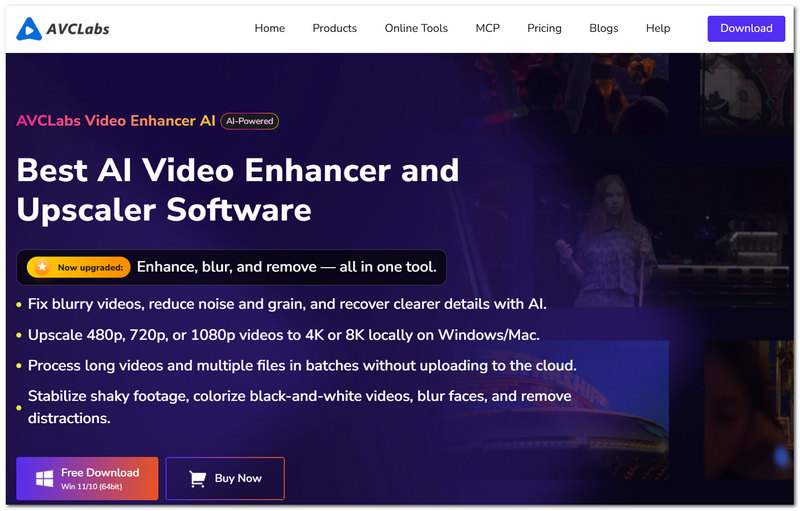
AVCLabs Video Enhancer AI is dedicated to making the process of enhancing videos as simple as possible through automation. It relies on AI techniques to upgrade colors, sharpness, and overall image quality with very little user involvement. If you are a user in search of a dependable video color enhancer, AVCLabs strikes a nice balance between automation and the quality of enhancement without demanding a deep understanding of editing.
Pros
Cons
Best For: Expert colorists and editors who require total control over the color and visual appeal of videos.
Star Rating:4.5/5
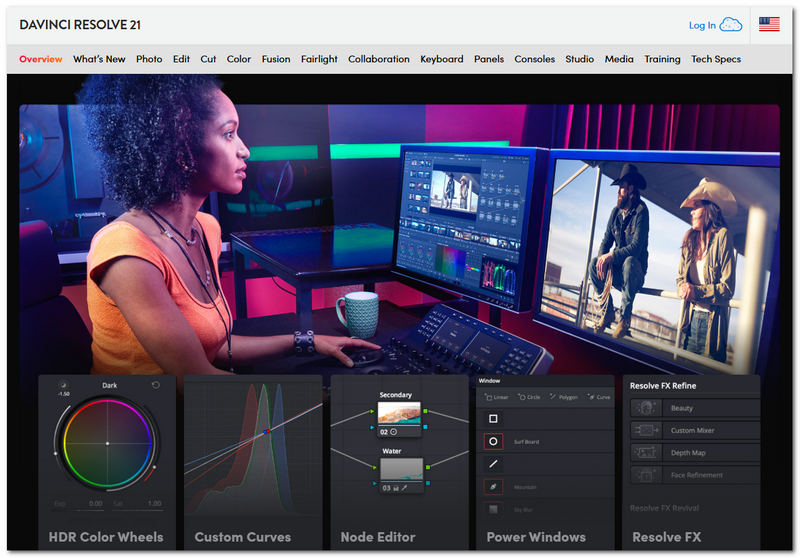
DaVinci Resolve is mainly known for its outstanding and advanced color correction and grading features in the film industry. Compared to a mere video color enhancer Chrome extension, Resolve offers exact adjustments for color contrast, exposure, and overall visual style. Although it takes more time to master than software powered by artificial intelligence, it produces the highest-level professional results.
Pros
Cons
Can a video color enhancer fix colors that were affected by tinted sunglasses or colored windows?
In some instances, yes. Superior enhancement software is capable of lessening color casts and making the colors look more natural again, though drastic color changes might still necessitate manual corrections.
Can color enhancement help to improve footage taken through fog or haze?
Up to some extent. Making the contrast and color separation stronger can help to give scenes a clearer look, although it will not be able to totally eliminate severe atmospheric conditions.
Why do underwater videos usually get more advantages from color enhancement?
The reason is that water selectively absorbs certain colors, mainly reds and oranges; this is why underwater imagery can often look lifeless. Color correction can bring back the natural colors of the scene.
Why do sunrise and sunset videos need different enhancement settings from midday videos?
The lighting and natural color balance during the golden hours are quite distinctive, so if the enhancement is too strong, it can cause these scenes to appear unnatural very quickly.
Conclusion
An excellent video color enhancer has a great influence on the appearance of your video. It is in particular helpful when you want to brighten up the colors, make the video brighter, or simply give it a neater look. This review determines that the most suitable video color enhancement tool varies based on your requirements, expertise, and financial plan. Although a video color enhancer extension might be sufficient for a few basic changes, separately developed software is usually higher in quality, gives more control, and has stronger AI enhancement features for generating videos with a professional look.
 4 Top Ways to Make a Dark Video Brighter [AI Brighten Video]
How do you edit a video to lighten background for free? Which app can change the contrast and brightness of a video? Learn 4 methods to make a dark video brighter.
 5 Best Video Quality Enhancer Chrome Extensions in 2025
What is the best Chrome video enhancer? How do you improve Chrome video quality? This post shares the top 5 video quality enhancer Chrome extensions for you.
 How to Add, Blur, Change, Remove, and Use CapCut Background
How can I put a background on CapCut? How do you make a CapCut background wallpaper? This post tells how to add, blur, change, and remove CapCut backgrounds.
 Leave your comment and join our discussion
Video Converter Ultimate is excellent video converter, editor and enhancer to convert, enhance and edit videos and music in 1000 formats and more.
100% Secure. No Ads.
100% Secure. No Ads.

*Required field
*Please enter a valid email
