Aiseesoft iKnockin - iPhone Unlocker
 100% Secure. No Ads.
100% Secure. No Ads.
If you forget your lock screen password and use the wrong passcode multiple times, you will finally see the “iPhone Unavailable Try Again in 1 Hour” message. The 1-hour security delay on your lock screen is frustrating. This guide will share five helpful tips to fix it and regain access.
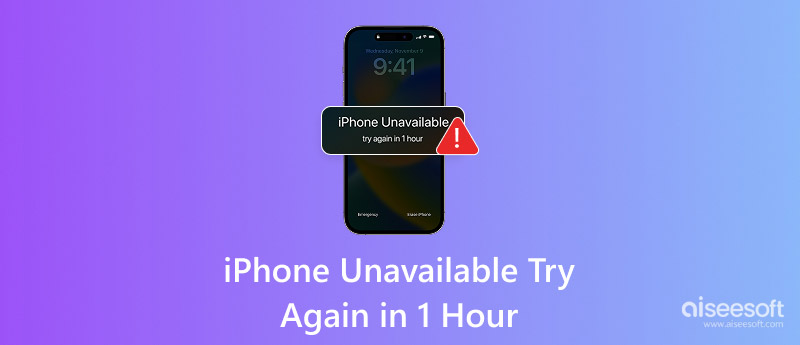
When you see the “iPhone Unavailable Try Again in 1 Hour” message, that means you have entered the wrong passcode too many times in a row. Apple’s security system progressively increases lockout durations to prevent unauthorized access and brute-force attacks.
By default, after five incorrect attempts, your iPhone will become disabled. You must wait for one minute and try again. Six incorrect entries will disable your iPhone for 5 minutes. The seventh trigger a 15-minute lock, and the eighth failed attempt leads to a dreaded one-hour lockout. In that case, you will see the “iPhone Unavailable Try Again in 1 Hour” prompt mentioned above.
When your iPhone is unavailable and displays the “Try Again in 1 Hour” message, you can use the following five methods to solve the problem.
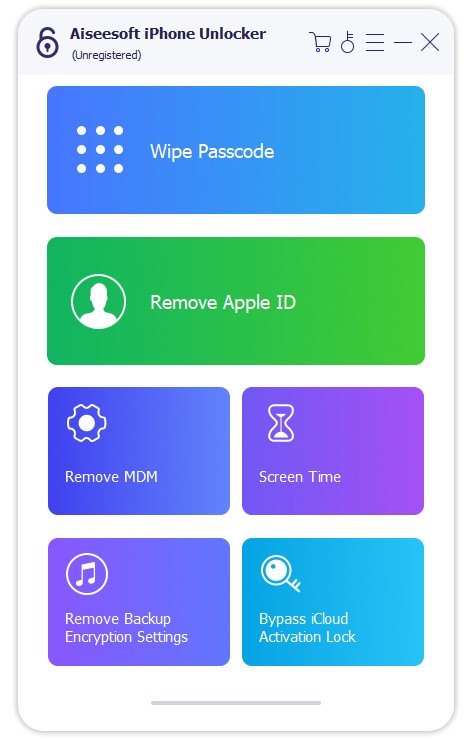
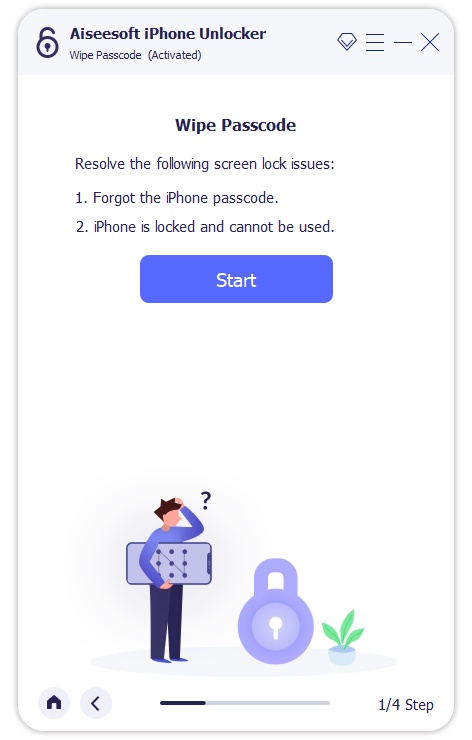
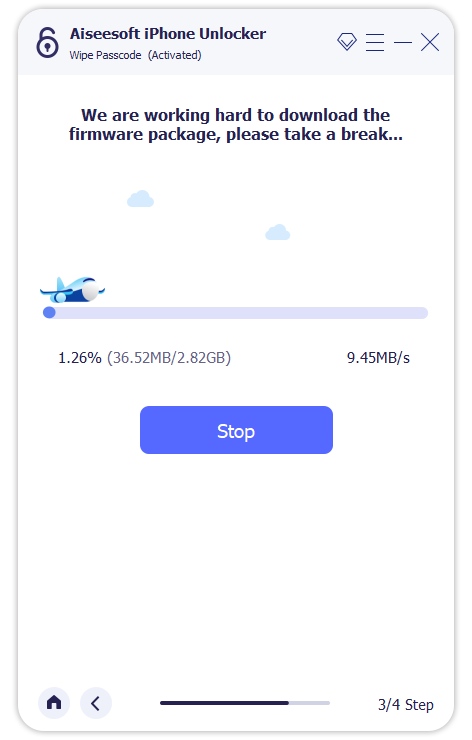
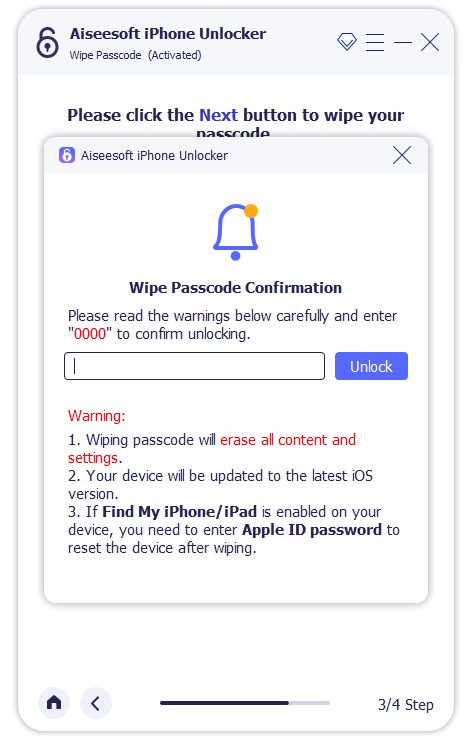
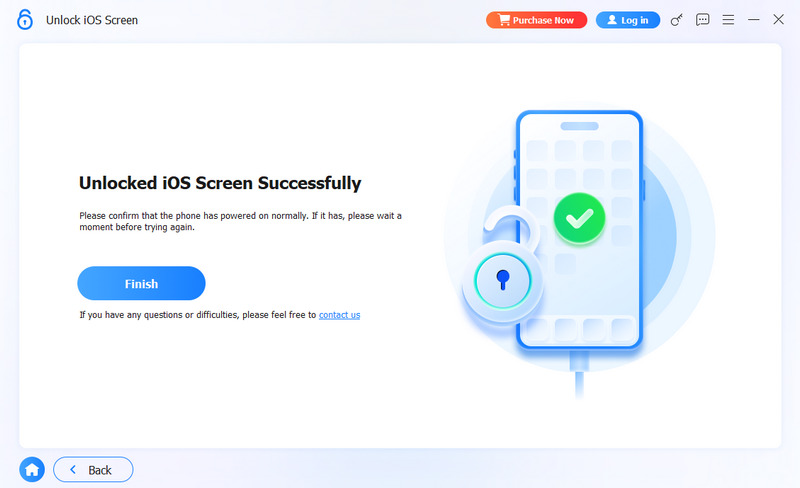
Aiseesoft iPhone Unlocker is a reputable program designed specifically for removing various locks without a password. It supports all iPhone models, iOS versions, and lock screen types. The software can easily get your device out of the “iPhone Unavailable” state.
100% Secure. No Ads.
100% Secure. No Ads.
If you have totally forgotten the current password for your iPhone screen lock, you can use the built-in “Erase iPhone” option to factory reset the device.
On your iPhone’s lock screen, tap Erase iPhone (iOS 15/16) or Forgot Passcode? (iOS 17 or newer) and follow the prompts to proceed. You can confirm the action by entering your Apple ID password.
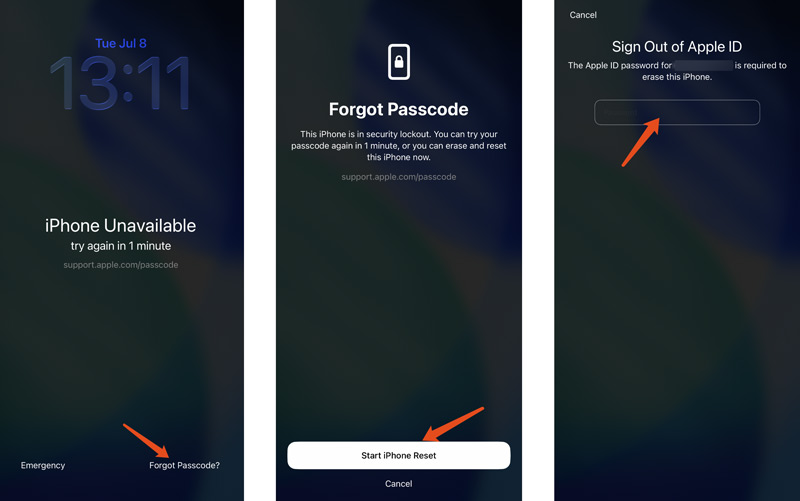
This method will immediately wipe all data and settings from your iPhone. After that, you can regain access without a password. If you have a suitable iCloud or iTunes/Finder backup, restore your iPhone from it after the setup process.
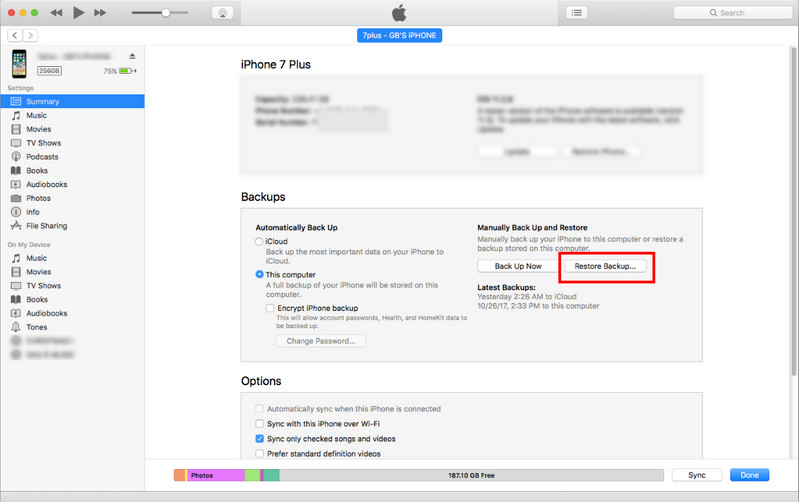
Connect your unavailable iPhone to a computer you have previously trusted. You can rely on iTunes on a Windows PC or Finder on a Mac to restore the device.
Once the device is recognized, go to Summary and choose Restore iPhone from the window. A confirmation prompt will warn that all data will be erased. Click Restore to proceed.
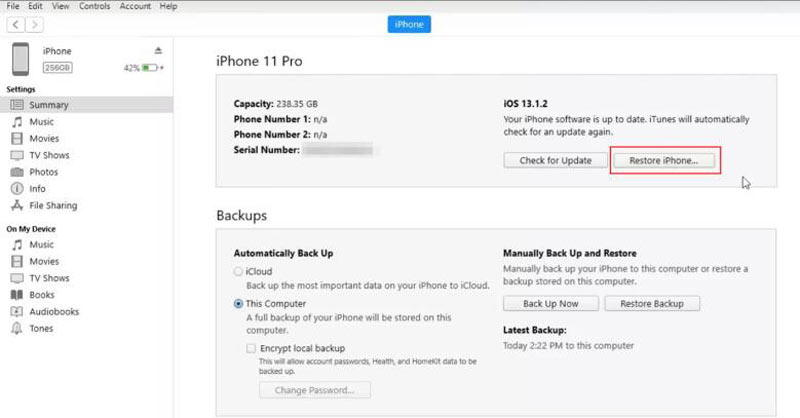
iTunes/Finder will download the latest iOS firmware and reinstall it on your locked iPhone. After the restore completes, you can set up the iPhone as new or restore from a backup.
Apple’s iCloud website offers a remote wipe option that can unlock your iPhone. It will factory reset the device to get it out of the unavailable status. This way requires you to remember your Apple ID and password. Moreover, you should enable the Find My iPhone feature.
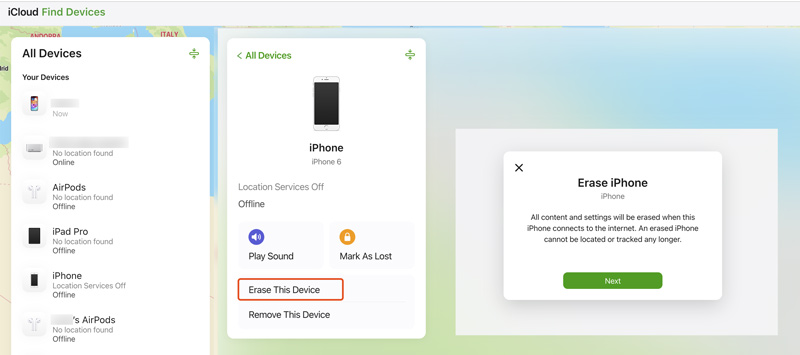
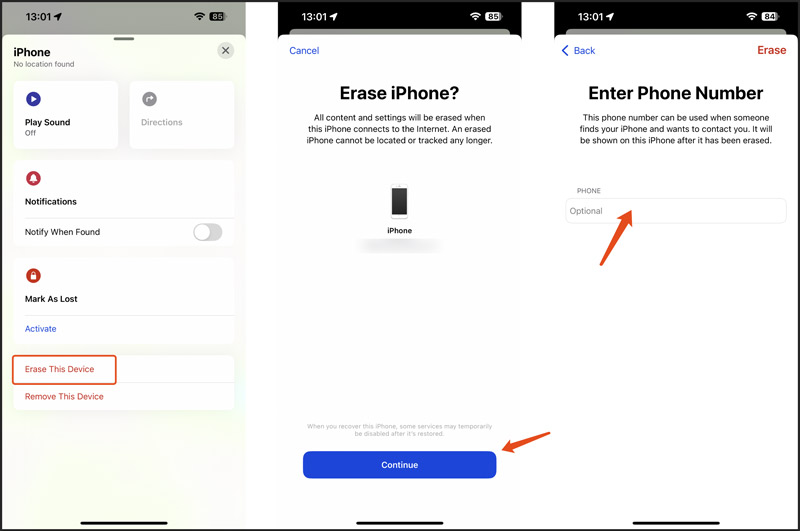
If you have another Apple device at hand, such as an iPad, Mac, or another iPhone, you can use the Find My app to remotely erase your locked iPhone. The app should be signed into the same Apple ID.
Can I bypass the 1-hour countdown if I restart my iPhone?
No. Restarting your locked or disabled iPhone will not remove or reset the countdown timer. The lockout is enforced at the system level unless you perform a factory reset.
Can I bypass the iPhone unavailable 1-hour lockout without losing data?
All the methods above will erase your iPhone data and personal settings. If you have a recent backup, you can restore the device from it.
Why is my iPhone stuck on "iPhone Unavailable Try Again in 1 Hour" and not counting down?
This often happens if your disabled iPhone is not connected to Wi-Fi or cellular data, or if the system clock is incorrect. You can force restart your iPhone and check whether the problem is resolved.
Conclusion
The “iPhone Unavailable Try Again in 1 Hour” lockout is an easily solvable problem. However, all the methods will wipe your disabled iPhone and erase all your personal iOS files. So, you should ensure you have a suitable backup to restore them. If you are stuck with the iPhone Unavailable issue and need quick access, select the method that matches your setup and get started. For most users, iPhone Unlocker offers the most straightforward experience.
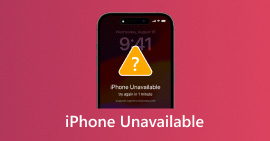 How to Fix 'iPhone Unavailable' in 2026 (iOS 26 Supported)
What does iPhone unavailable mean? How long does iPhone unavailable last? Learn what to do when iPhone says unavailable on the lock screen and tips to avoid it.
 Ultimate Guide to Fix Disabled iPhone: Unlocking & Recovering Methods
Learn how to fix a disabled iPhone using the discovered methods we have added in this article. Plus, we added information on how to avoid future disabling and more.
 5 Tips to Troubleshoot iPhone Force Restart Not Working
Why is my iPhone 15 force restart not working? How can I force restart my iPhone 14 when frozen? Get 5 helpful tips to fix iPhone force restart not working.
 Leave your comment and join our discussion
To fix iPhone screen locked, wiping password function can help you a lot. And you also can clear Apple ID or Screen Time password easily.
100% Secure. No Ads.
100% Secure. No Ads.

*Required field
*Please enter a valid email

