
Best for: Users seeking an MP3 to MOV converter that is easy to use and offers many features.

Video Converter Ultimate
 100% Secure. No Ads.
100% Secure. No Ads.
Imagine you have only an MP3 file and your project calls for a video format. You can save the situation by converting it into MOV. Though MP3 to MOV basically denotes a format change, which converter you pick may determine how convenient or challenging the task seems, as well as what use you would make of the output file. The features, usability, and overall user experience of four converters, which are desktop and online, respectively, will be assessed in this review. At the end of the study, you will be able to select your own tool based on what you need.
MP3 and MOV file formats serve very different purposes in your digital life. MP3 is just an audio standard, while MOV is not just any file format. It is Apple's standard multimedia container for video files most of the time. Because of this, converting an MP3 to a MOV file does not mean changing the audio format only. It usually puts the audio into a video container with a still image or a video frame added to it so that a video portion is created.
The type of a good converter mainly depends on what you're going to do with the resulting file. If all you need is a fast conversion, an online tool should be sufficient. Then again, if you need to be able to control the output settings more or do many conversions, it may be more efficient to use a desktop converter.
If you are planning to choose a computer-based or online tool, you can expect these options to be a representative sample. If you like desktop software that offers more extensive capabilities, then the Aiseesoft Video Converter Ultimate will definitely catch your attention. However, the web-based applications will do the job if your goal is to convert the film rapidly without the inconvenience of downloading a program.
| Feature | Aiseesoft Video Converter Ultimate | HandBrake | FreeConvert | Convertio |
| Platform | Desktop | Desktop | Online | Online |
| MP3 to MOV | Yes | Yes, with suitable video output setup | Yes | Yes |
| Ease of use | Easy | Moderate | Easy | Easy |
| Batch conversion | Yes | Yes | Yes | Yes |
| Output controls | Extensive | Extensive | Good | Basic |
| Video editing | Yes | Basic | Limited | Limited |
| Internet needed | No | No | Yes | Yes |
| Best for | Feature-rich conversion | Advanced users | Quick online conversions | Simple browser conversions |
Desktop converters can offer you greater control and a more efficient workflow if you prefer working with files directly on your computer. Here are two things to think about.
Best for: Users seeking an MP3 to MOV converter that is easy to use and offers many features.
Rating:5/5
As it turns out, Aiseesoft Video Converter Ultimate is our top recommendation if you're looking for a trustworthy MP3 to MOV converter that brings more than just basic conversion features. It merges an easy-to-use interface with a vast array of tools, so you can convert MP3 files to MOV, customize output settings, and do simple edits without changing programs constantly. It's also compatible with hundreds of different formats and works in the background, so it is very handy software if you frequently work with video and audio.
100% Secure. No Ads.
100% Secure. No Ads.
Key Features
Best for: People who need full control over how they encode their videos.
Rating:3.5/5
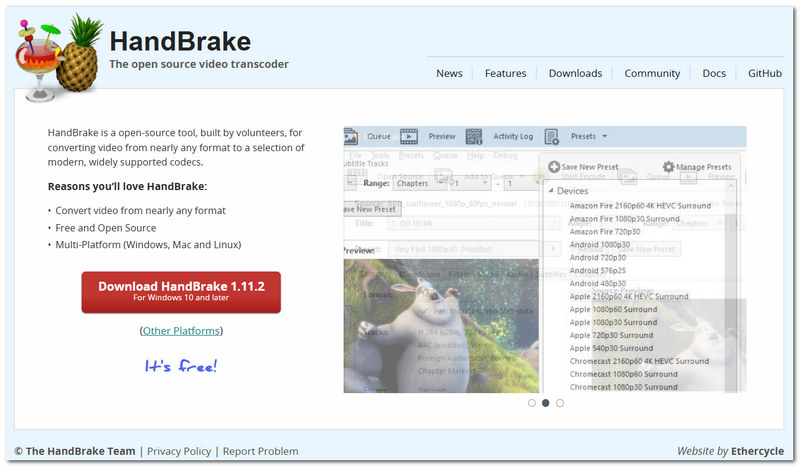
HandBrake is a free and open-source software that is mainly focused on video transcoding - transforming one kind of video into another. Besides, it offers a rich set of features and options for those who really care about the final product details, like quality parameters, codecs, filters, and other options. The downside is that it doesn't allow output of videos in the MOV container format, and because of this, it is really not ideal for use cases where the MOV format is required.
If you are one of those who are unwilling to install software on your PC, an online converter can offer you a rapid alternative method of turning an MP3 file into an MOV video. Since online converters don't require a download or installation, you can operate them right from your browser, which makes them extremely easy for quick conversions or when you are working on a different computer.
Best for: People who are keen on converting an online MP3 file to MOV quickly.
Rating:4.5/5
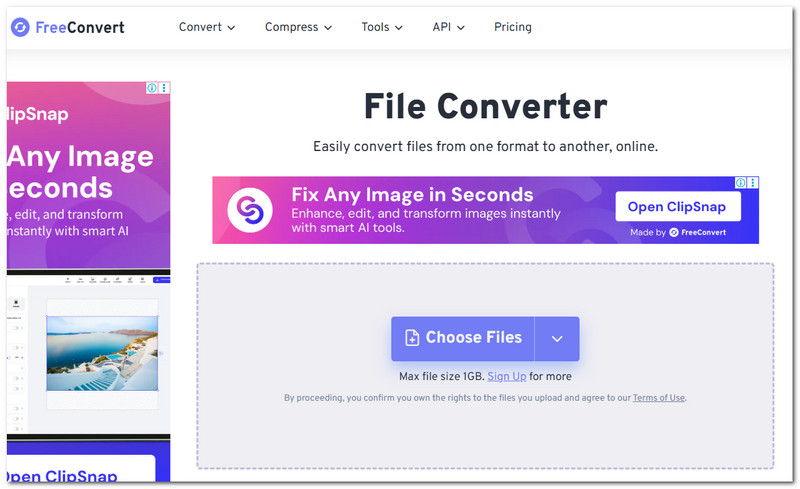
FreeConvert is a no-nonsense tool for online file conversion. The app converts MP3 to MOV or MOV to MP3 and allows you to upload files from your device, cloud storage, or URL. Before converting, you will also be able to customize the settings to choose the video codec, resolution & frame rate.
Best for: Those who are looking to convert MP3 to MOV and do some editing work on the result.
Rating:4.5/5
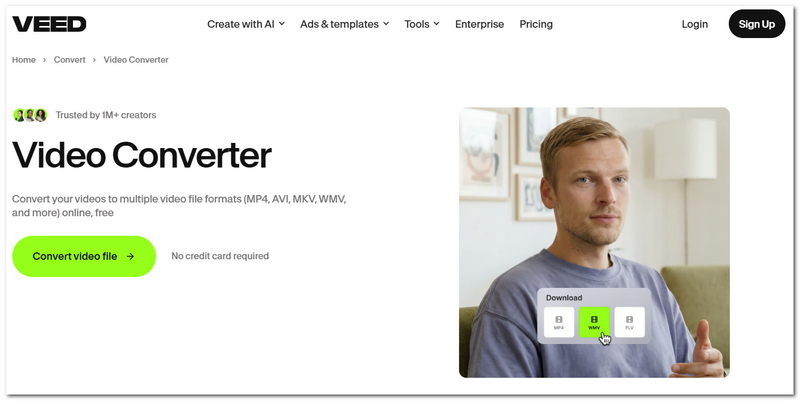
VEED offers its users many functions. You only need to upload an MP3 file and choose MOV as the output format. Then, you can download the resulting video without having to open it in a viewer. Besides, VEED supports users in further editing the finished video by adding text, subtitles, images, and other things.
How We Test
For a fair comparison, we converted the same MP3 file into MOV format with different software and examined them one by one. The elements that we scrutinized were the user-friendliness of the UI, the time required for the conversion, the quality of the resulting MOV file, and the presence of some add-ons like batch processing, editing tools, and file name options.
How to Choose the Right MP3 to MOV Converter
Depending on your intended use, the ideal choice can vary. IfIf you rarely deal with MP3 conversion, it's probably sufficient to use a web-based converter like FreeConvert or VEED. However, if you're often handling audio/video content and are looking for enhanced capabilities, you'll get more flexibility out of a computer-based video converter like Aiseesoft Video Converter Ultimate.
Will converting MP3 files to MOV videos somehow make the result have better audio?
No. Converting an audio or video file to another format can never increase or improve the audio quality. As is the case with an MP3 file, if there were lossy compression involved, you won't really get anything better, but you'll probably get an identical audio track with the MOV conversion.
Can the cover image of an album be the video portion in the MP3 to MOV file?
Of course. That's literally one of the easiest techniques to transform a pure audio file into video. You can choose the album picture, an image, a logo, or any other static image as the visuals while the audio plays through the MP3.
Is it possible to insert a series of images into the MP3 to MOV video?
Yes, certain tools allow users to generate a moving picture by combining multiple images with a single MP3 playing in the background. It's not only great for music videos but also for making albums of pictures, sharing stuff on social networks, etc.
Conclusion
When deciding on the right MP3 to MOV converter software, you have to look at what matters to you the most, be it ease of use, customizability, or fine-tuned settings. Now that the comparison has been made, readers will most likely have a clearer idea of the tool that matches their expectations and which aspects are really important. As far as the universal choice goes, Aiseesoft Video Converter Ultimate is the top option.
 7 Best MP3 Recorders for Music, Voices, Lectures, and Podcasts
How can I save my screen recording to MP3? What is the best MP3 voice recorder online? Check the top 7 MP3 recorders for music, podcasts, lectures, and others.
 Simple and Best Samsung MP3 Music Players for S8/S9/PC[Free/Paid]
This article will introduce 2021 top 5 Samsung MP3 music player apps and cross platform music players except Samsung default music player for Samsung users.
 5 Best Portable MP3 Players in 2026 (Cheap & Hi-Fi Starting at $45)
Looking for the best portable MP3 players and Hi-Fi DAPs in 2026? Compare budget, sports, mid-range, and high-end music players.
 Leave your comment and join our discussion
Video Converter Ultimate is excellent video converter, editor and enhancer to convert, enhance and edit videos and music in 1000 formats and more.
100% Secure. No Ads.
100% Secure. No Ads.

*Required field
*Please enter a valid email
