Aiseesoft Screen Recorder
 100% Secure. No Ads.
100% Secure. No Ads.
Online games are filled with many exciting moments that you want to keep, such as incredible multiplayer fight scenes, hilarious actions in the game, and amazing winning shots. However, sometimes it's a challenge to take a clear and smooth screenshot of your gameplay online; for instance, lag or poor-quality images put a damper on the moment. The great thing is there are quite a few very simple ways to snap high-quality screenshots without compromising your gameplay performance. This article will show you the best built-in ways, browser utilities, and top-level screenshot programs to take crisp and professional-looking online gameplay screenshots at your fingertips.
Using built-in screenshot tools is probably the simplest method for saving online gaming moments without the need to install any additional programs. These functionalities come standard on most PCs, so you can very quickly take screenshots of browser game levels, multiplayer games, or key in-game milestones without hardly lifting a finger.
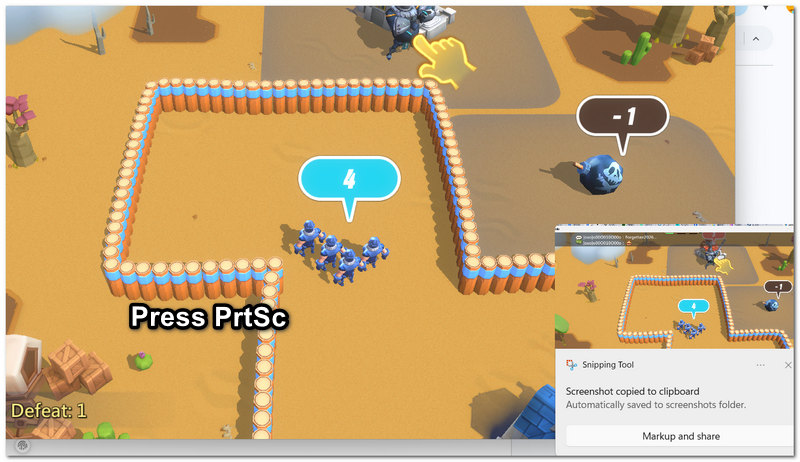
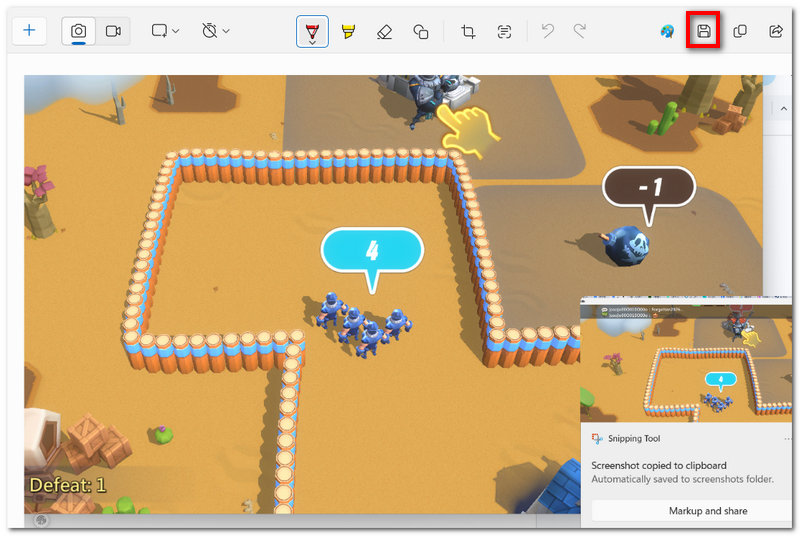
Print Screen shortcut is perhaps one of the simplest and quickest methods for capturing an online gameplay screenshot without resorting to any additional software. It is compatible with most Windows PCs and great for finally saving precious game moments, multiplayer victories, or browser game scenes.
Compared to the very basic built-in methods, software-based screenshot tools can offer much better quality pictures, smoother operations, and more versatile capture options. In fact, they are great for online games when players want to take very pretty screenshots without these pictures causing a lag or a gameplay interruption.
Those who want high-quality gameplay screenshots without slow down of their systems in online gameplay can see Aiseesoft Screen Recorder as a wonderful tool for screenshotting and recording. Without any hiccup, it can support capturing high-resolution images and allow you to take a screenshot at will for browser and online multiplayer games.
Downloads
100% Secure. No Ads.
100% Secure. No Ads.
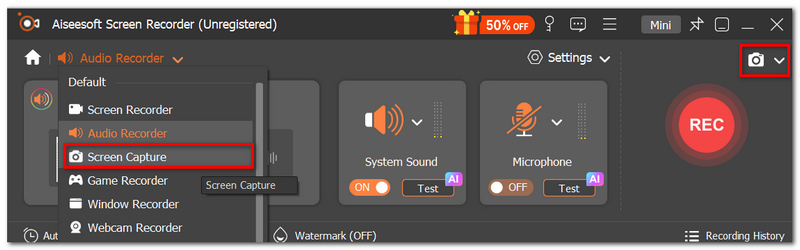
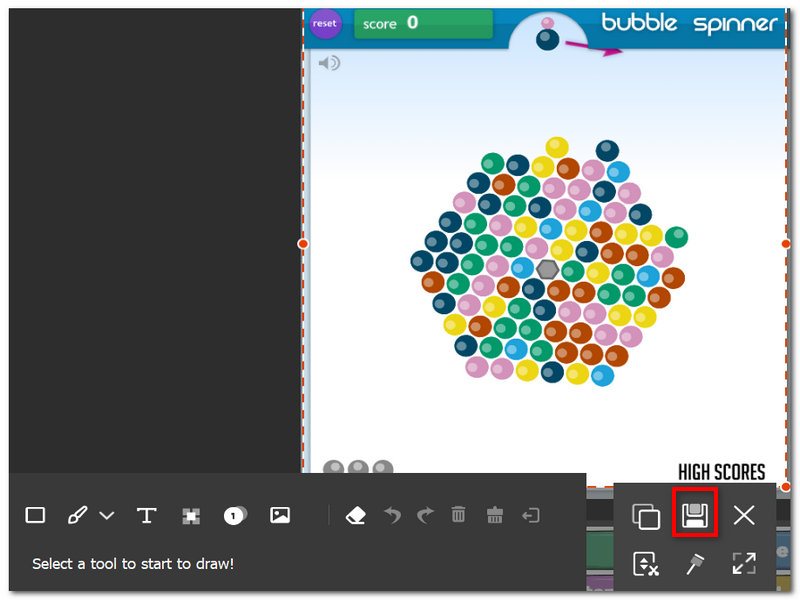
By adjusting its output quality, codec, and more, you can use this tool to take high-quality screenshots with ease.
Browser-based screenshot tools offer a handy means for capturing perfect moments in online games without downloading heavy software. As these are accessed directly from the web browser, they are fast, light on the system, and easy to handle. Browser screenshot tools, in particular, come in handy for those gamers who want quick snaps or full-page screenshots while playing on browser-based games or cloud gaming services.
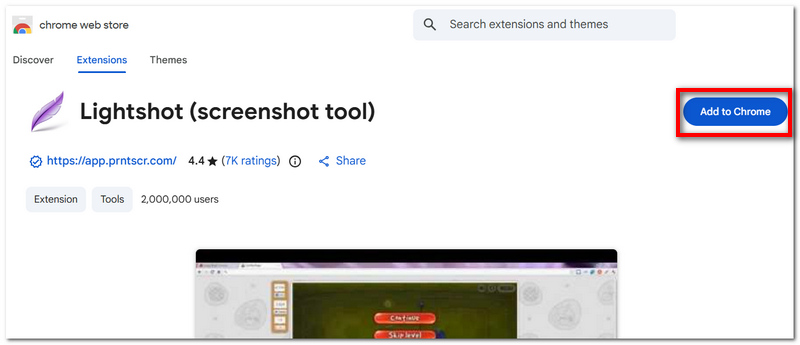
A simple and lightweight extension for browsers, Lightshot is designed to facilitate instant screenshot capturing. Its quick screen selection feature with the ability to easily make edits, and rapid saving or sharing, are some of the reasons why gamers heavily rely on it. Besides, its interface with very few features only, makes it perfect for recording moments in online browser games as well as gaming platforms that are cloud-based.
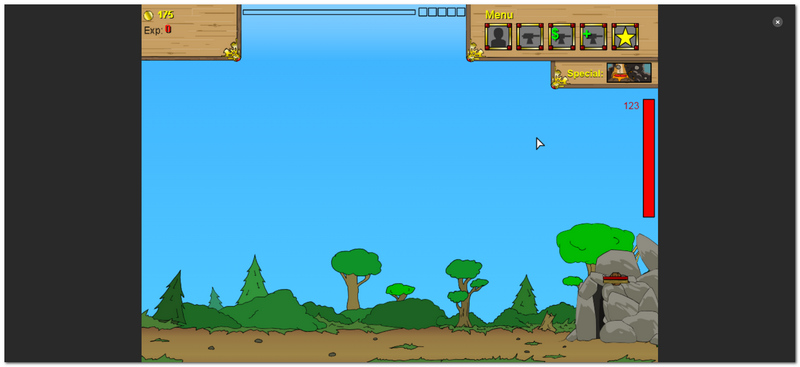
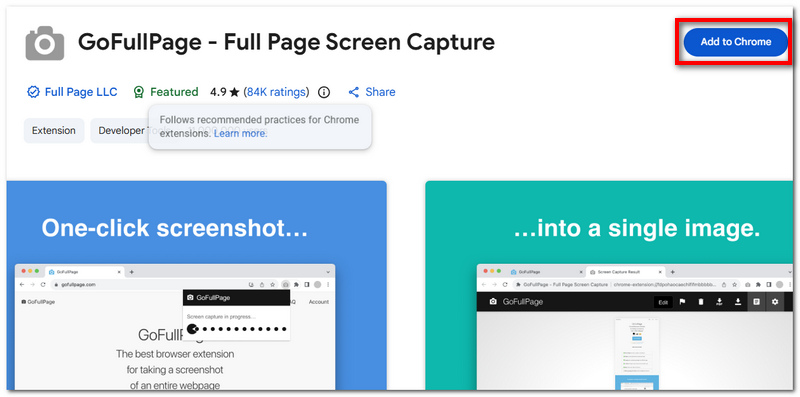
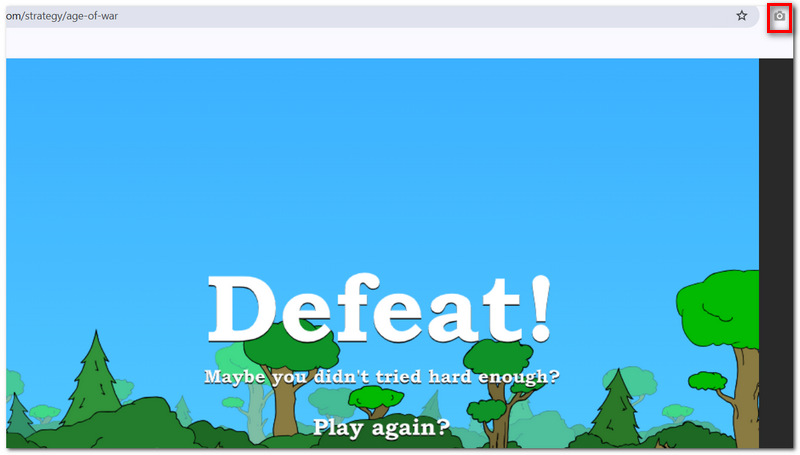
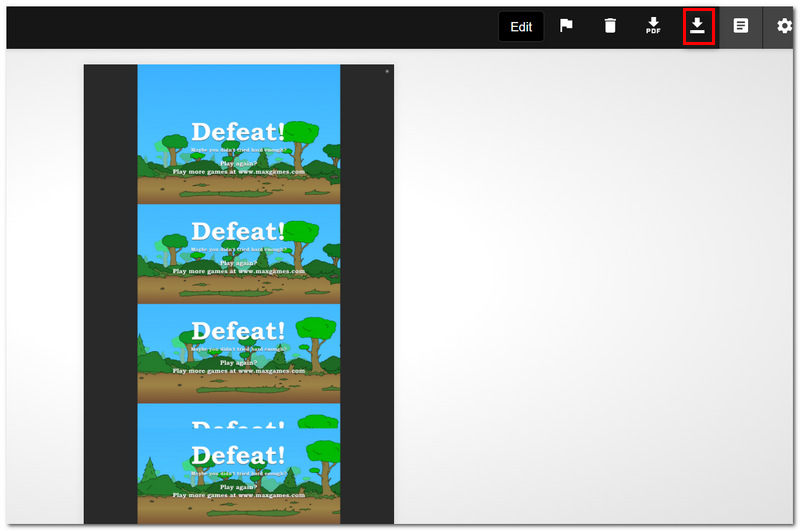
One of the most famous browser extensions, GoFullPage, has been developed as a tool to take screenshots of entire web pages at once. It works by getting the page to scroll on its own, photographing it in pieces, and then putting those pieces together. It is perfect for those who want to capture the graphics and text of long gaming web pages, leaderboards, tutorials, or any other type of browser game content without losing any part of the page. The main features of the extension are that it is easily accessible, operates swiftly, and there is no need for manual scrolling.
Is it possible to take screenshots of gameplay if the game blocks right-click or screen selection?
Yes. Most screenshot applications do not rely on right-click features. Tools like GoFullPage and Lightshot are capable of obtaining an image of what's visible on your screen, even if the website is blocking basic user interactions.
Can I take screenshots during gameplay if I am using multiple monitors?
Yes, in fact, it is even possible to specify which screen to capture. While some tools only perform a capture of the active monitor, there are also those which can cover all connected displays.
Will online games find out if I take screenshots?
Generally speaking, no. Taking a screenshot is an operation on the system or browser level, meaning that games would normally not be able to detect it unless they have implemented some sort of special anti-capture mechanism.
Conclusion
Nowadays, recording gameplay videos is so easy, in particular when you use built-in capturing tools, software like Aiseesoft Screen Recorder, or even browser extensions. That is why online game play screenshot capturing is an extremely easy, quick, and readily available way to everyone.
 How to Record Yourself Playing Video Games on PC, Console & Mobile
Learn how to record yourself playing video games with gameplay and facecam on PC, console, and mobile using simple step-by-step methods.
 3 Easy Ways to Record VR Gameplay on Computer and Laptop
Looking for the easiest way to record your favorite VR gameplay on computer or laptop? You are lucky since this guide identifies three easy options with detail.
 How to Play Android Games on PC with Best Android Emulator
How to play Android games on PC? An Android emulator for PC is OK. Read this article and find the best Android emulator for PC to enjoy games on a big screen.
 Leave your comment and join our discussion
Aiseesoft Screen Recorder is the best screen recording software to capture any activity like online videos, webcam calls, game on Windows/Mac.
100% Secure. No Ads.
100% Secure. No Ads.

*Required field
*Please enter a valid email

