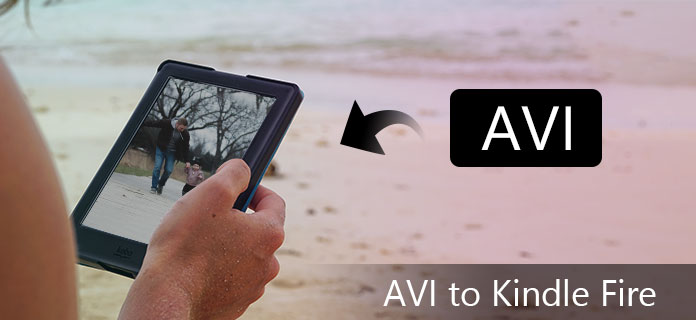
Amazon Kindle Fire is easy to use and economic Kindle tablet, with one touch, you can enter Amazon's extensive library and browse through 18 million movies, TV shows, songs, apps, magazines and books. You will always have the most recent content at your fingertips with the new Kindle Fire. However, Kindle Fire only supports MP4 and VP8 video formats, so we need to use the Kindle Fire MP4 Converter to put AVI and other videos on Kindle Fire directly.
Aiseesoft Free MP4 Video Converter is the perfect and user-friendly AVI to Kindle Fire MP4 Converter software for you, which has the ability to convert AVI, WMV, and HD video to MP4 for Kindle Fire with excellent converting quality. You can free download and install Aiseesoft MP4 Video Converter on computer and then run the application.
Step 1 Add AVI video
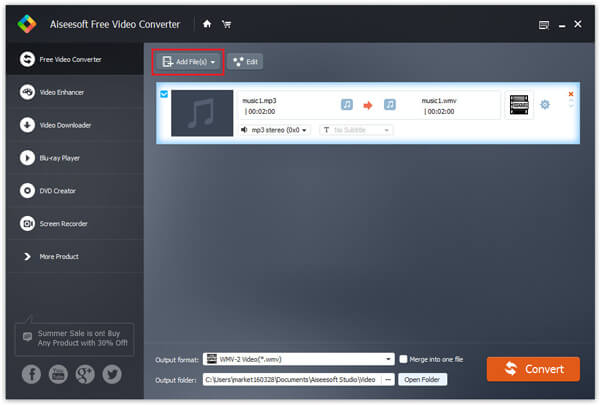
There are three ways to add video file, you can click "Add Video" button, or click "File" menu on the main interface to add the video file. Also you can just drag and drop your video file to the AVI to Kindle Fire MP4 Converter.
Step 2 Customize output settings
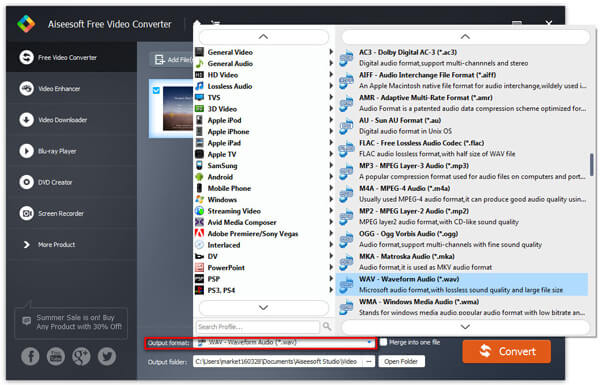
You can customize output settings, such as Video Bitrate, Encoder, Frame Rate, Resolution, Aspect Ratio and Audio Bitrate, Encoder, Channel, Sample Rate for your Kindle Fire by clicking the "Settings" button. From "Profile" drop-down list you can choose your output profile according to your Kindle Fire.
Step 3 Set output destination
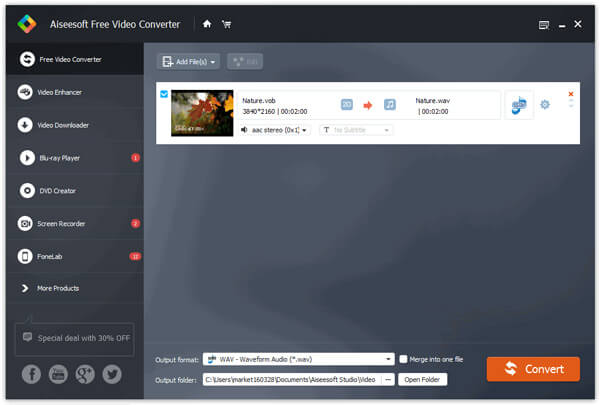
Click the "Browse" button to define the file folder to put the output video file.
Step 4 Start conversion
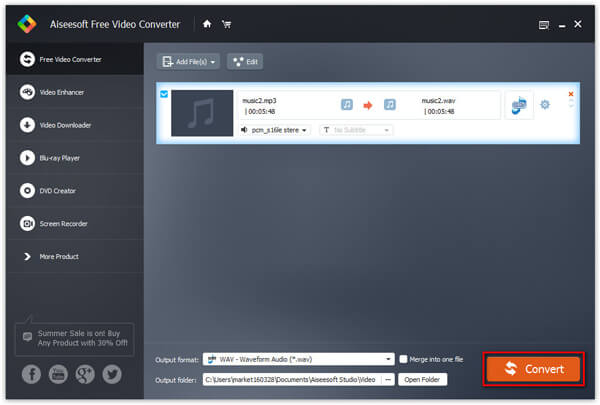
After you have done all the steps above, you can click "Convert" button to start your conversion.
Aiseesoft Video Converter Ultimate is a dedicated video converting software for you to convert various videos formats (including MOD, TOD, AVI, WMV, FLV, MOV, MKV, VOB, etc.) to video format on PC/Mac, so that you can watch more interesting videos on the go.
You can check the video tutorial as below:


December 16, 2020 15:37 / Updated by Jenny Ryan to Convert Video
 How to Convert AVI to MP4 on Mac for Playback on iPhone
How to convert AVI to iPhone MP4 on Mac with excellent Aiseesoft iPhone Video Converter for Mac.
 How to Convert Any Video to MP4
If you have videos like MOV, M2TS, VOB, and more, you may want to read this post to convert video to MP4 for watching easily on any player.
 A Simple Guide to Convert SWF to MP4
You can learn more detail about the wonderful SWF to MP4 converter and how to convert SWF to MP4.
 Leave your comment and join our discussion
