Aiseesoft Video Converter Ultimate is the best and most powerful video converter software to convert RMVB to AVI. Besides acting as professional converter RMVB to AVI, it also assists you to convert other video or extract audio from video files with excellent sound and image quality.
In addition, this RMVB to AVI files converter supports almost all popular portable devices such as PSP, iPod, iPhone, PS3, etc and comprises multi editing functions of Trimming, Cropping, Effect, Merging and so on. You can download Aiseesoft Video Converter Ultimate right now.

Step 1 Free download Aiseesoft Total Video Converter, and then launch it
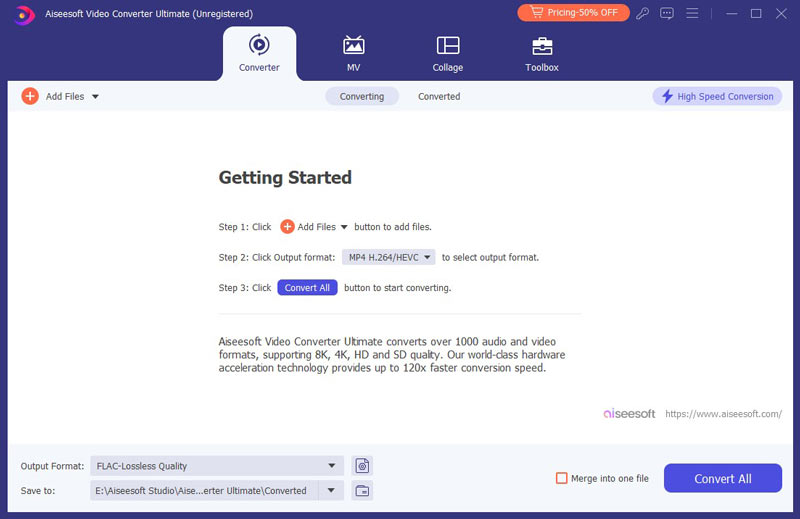
Step 2 Add file(s)
Click on the "Add File" button to select RMVB file you want to convert.
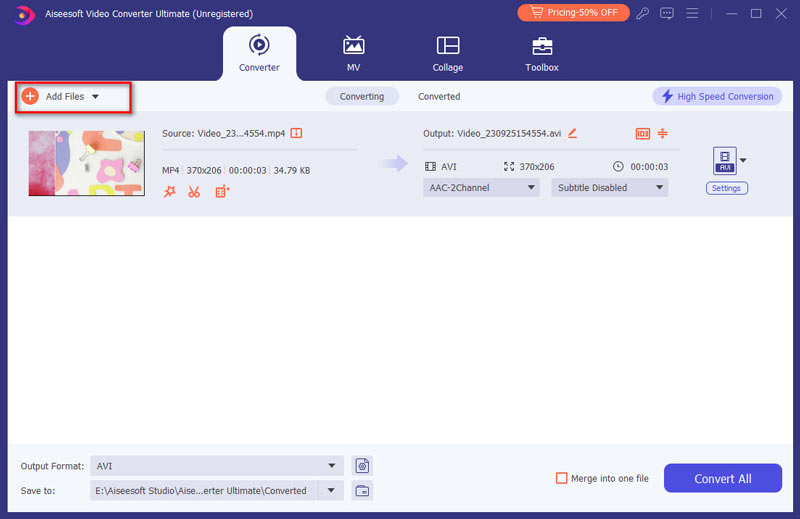
Step 3 Choose the output format and destination
Want to convert RMVB to AVI files? Choose AVI as the output format and click Browse button to set the path where you want to save the converted file.
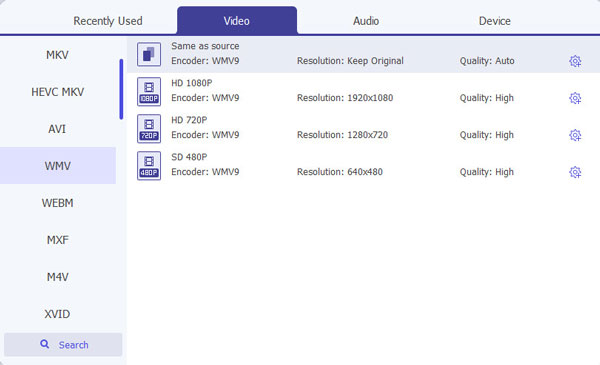
Step 4 Customize output files
It is optional for you to further edit the output AVI file, including: trim video in any-time length clips by clicking Edit button, crop the video file through playing area using Crop function, set advanced output parameters pressing Setting option, and rotate the video file by clicking the Rotate button, and more.
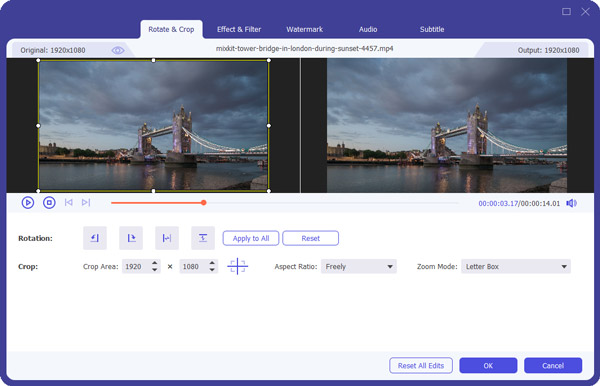
Step 5 Start conversion
The last step is to press the Convert button at the bottom of file menu to start RMVB to AVI conversion.

May 17, 2018 17:11 / Updated by Jenny Ryan to Convert Video
 How to Convert RMVB to 3GP for Watching on Your Phone
You can learn more detail about how to convert 3gp to 3gp for Watching on Your Phone.
 How to Convert RM to MP4 with RM Converter
In this article, you can learn how to convert rm to mp4 format with RM Converter.
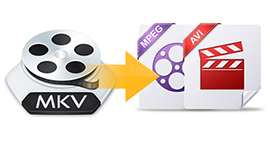 Best Way to Convert MKV to AVI and MPEG
This article will show you how to convert MKV to AVI, MPEG and other popular video formats.
 Leave your comment and join our discussion
