Can't play SWF video on your computer? Don't know which media player can help you play SWF file? This post will show you how to convert SWF to AVI for better playback.
Standing for web format, SWF file contains various animation quality and audio codec. Though this format is useful, SWF file format can only be compatiable with Flash player. Want to convert SWF files to AVI? This article shows you the best SWF to AVI converter to help you out.
SWF to AVI Converter provides users with powerful video converting functions of converting SWF file to AVI format with perfect output quality and amazing speed. You can keep reading to check more detailed information about this video converter and specific steps to convert SWF to AVI.
Besides of the basic SWF to AVI converting feature, this SWF to AVI Converter also possesses strong video editing functions. Users can trim video length, crop video playing area, watermark video, join videos together and define video brightness, saturation and contrast.
Step 1 Download SWF to AVI Converter
With the download button above, you can easily download this powerful SWF to AVI converting software on your computer. Then you can install and run it for the SWF to AVI converting.
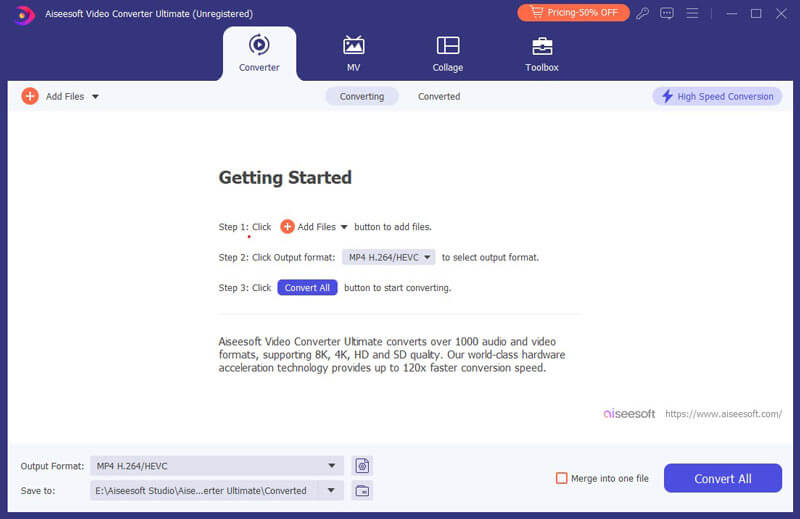
Step 2 Input SWF file
Click the "Add File" button to input the source SWF file. Batch conversion feature enables you to convert many SWF files to AVI at a time.
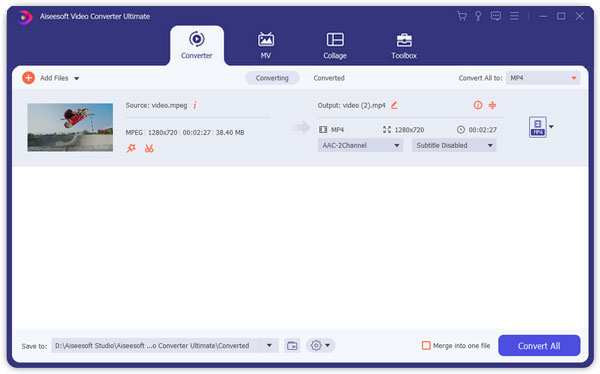
Step 3 Customize video effect
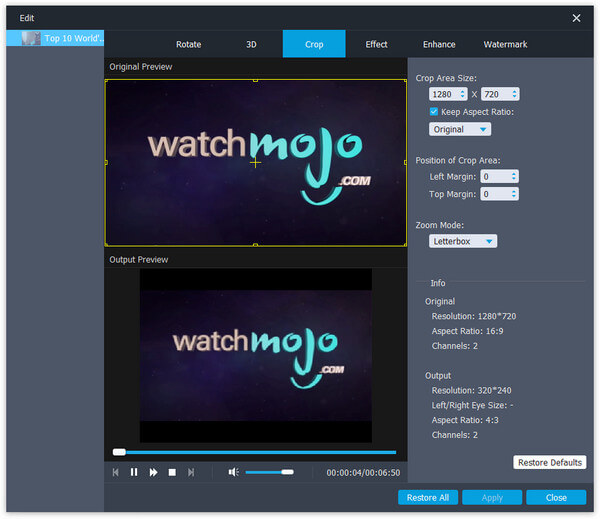
This SWF to AVI Converter provides users with powerful video editing functions. Users can define the video start and end time to convert the specified SWF video clip. Also you can crop video playing area and adjust video aspect ratio. You can add any text or image watermark and adjust its position and transparency. Even you can modify video brightness, saturation and contrast.
Step 4 Adjust output settings
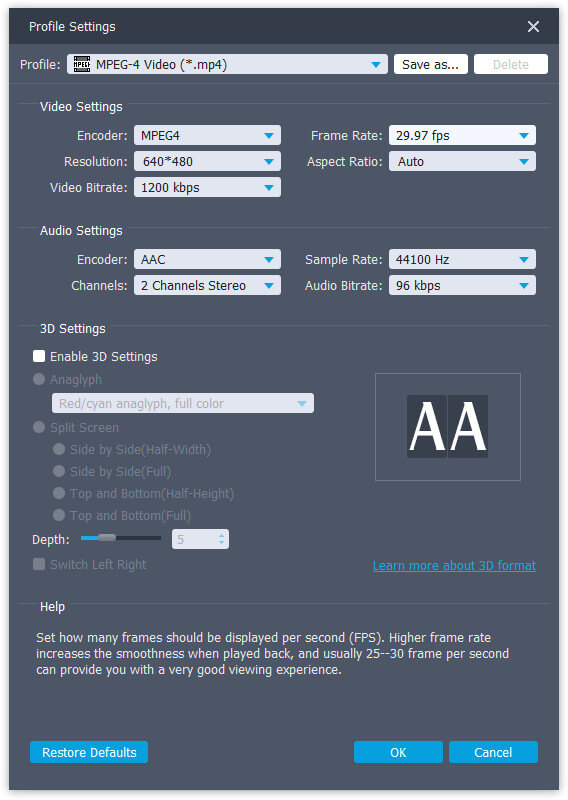
Click the "Settings" button to do some further settings. There, users can adjust Video Resolution, Video Bitrate, Frame Rate, Encoder and Audio Channels, Sample Rate, Encoder, and Audio Bitrate. Also you can choose audio track and subtitle for the output file.
Step 5 Convert SWF to AVI
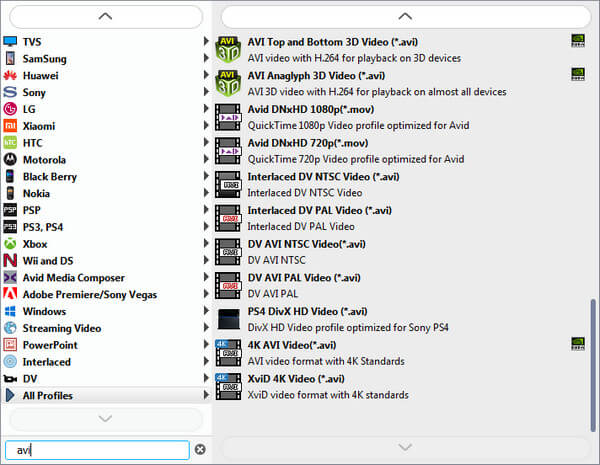
Choose the output AVI format and finally click the "Convert" button to begin the conversion from SWF file to AVI file.
In this article, we recommend you the best SWF to AVI Converter for effective SWF to AVI conversion. Just download this program, and you are able to more powerful features.

June 29, 2018 10:37 / Updated by Jenny Ryan to Convert Video
 Best Video Converter to Convert AVI to 3GP
Want to convert AVI to 3GP? Read this article and get a reputable Free AVI to 3GP converter to change AVI format to 3GP.
 Best Way to Convert SWF to 3GP
How to convert SWF to 3GP? This article will show you the best SWF to 3GP Converter to change SWF to 3GP effectively.
 How to Free Convert VOB to AVI
Want to find a free VOB to AVI converter to convert VOB files to AVI? Read this article and find a Free Video Converter to help you out.
 Leave your comment and join our discussion
