








Android Unlocker LogoAiseesoft Anock
Remove Android Screen Lock Bypass Android Lock Bypass Android Fingerprint Lock Remove Android Face Lock Remove Android Pattern Password Remove Android Pin Code

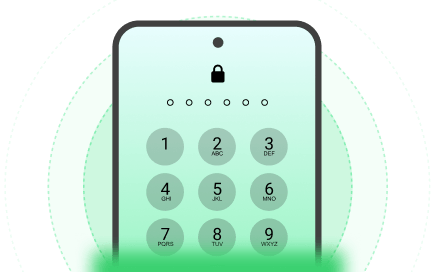
Erase Any Screen Lock on Android Device

No matter how you secure your device, our software provides a direct path to regain control. One seamless process handles all major screen security measures without requiring any technical expertise.

Bypass FRP Restrictions Effortlessly

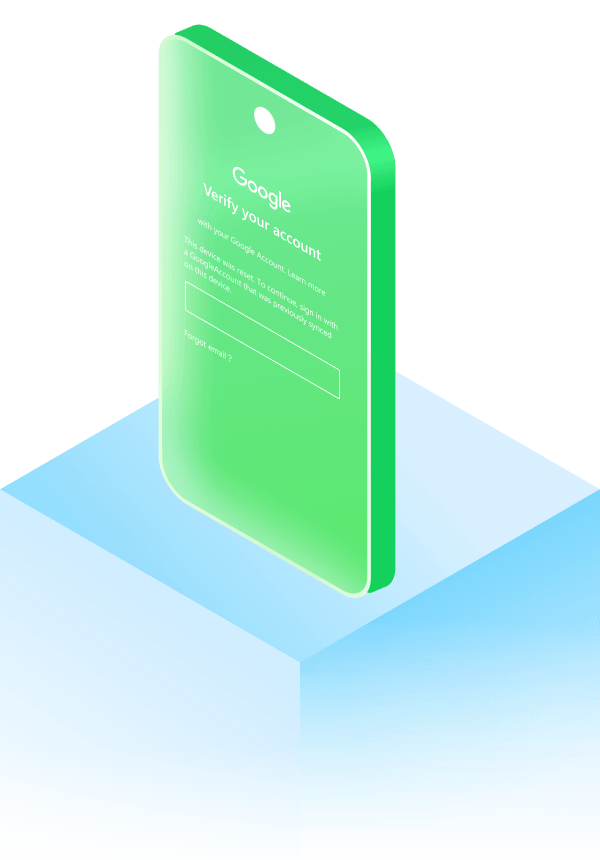
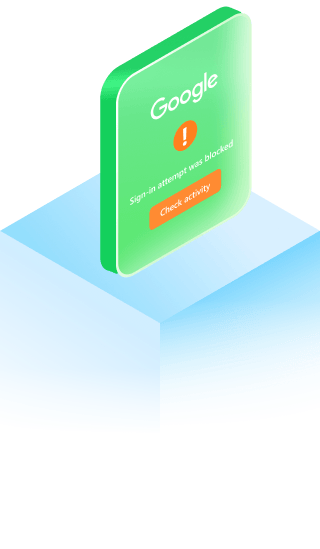
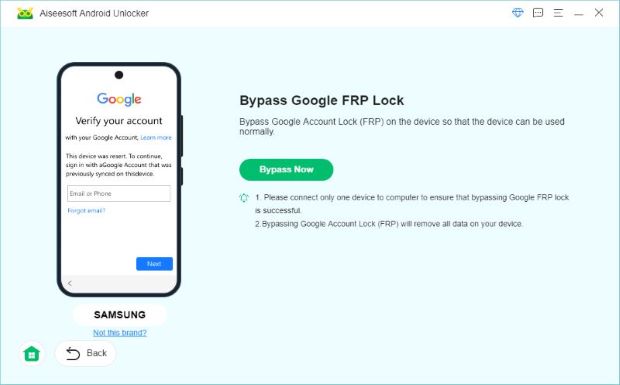
Stuck on the "Verify your account" page after a factory reset? Google Account Verification (FRP) is designed for security but can be a headache if you forget the original email or password. Our software simplifies the process, allowing you to bypass this verification step completely. Set up your phone as a brand-new device without any previous account limitations.

Google Frp Bypass Remove Frp Google Frp Removal Goole Frp Lock Removal Google

Best Android Bypass Tool in Any Scenario

Unforeseen circumstances can block you from your daily driver. This tool adapts to your specific situation, ensuring you never lose control of your device.

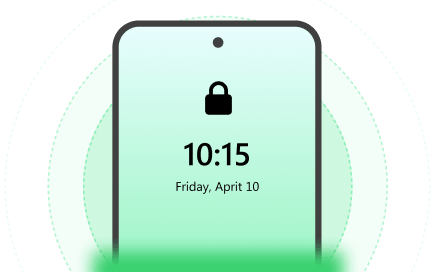
Forgotten Passcode

It happens to everyone. When your memory fails, the software steps in to wipe the forgotten credentials, restoring device usability immediately.

Anock Bypass Android Forgotten Passcode

Second-Hand Device

Purchased a used phone with a leftover screen passcode? Erase the previous owner's restrictions completely to make the device truly yours.

Anock Bypass Second Hand Android Lock

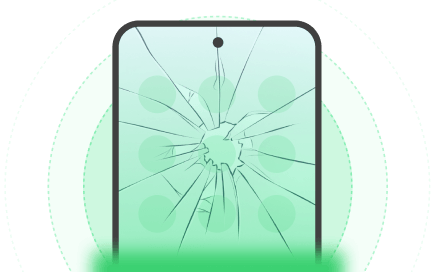
Broken Screen

A cracked or unresponsive screen prevents you from swiping or typing. Use your computer to bypass the prompt directly without touching the phone display.

Anock Remove Broken Android Screen Lock

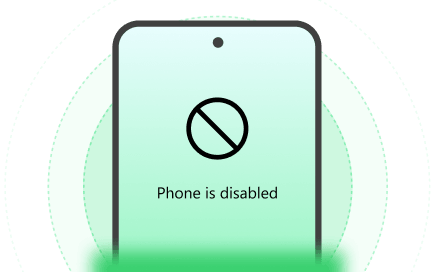
Disabled System

Entered the wrong passcode too many times until the system disabled itself? Clear the error state and start fresh in a secure environment.

Anock Bypass System Error Lock

Why Choose Us for Device Access?

Regain Access in 3 Simple Steps

  • Remove Android Password
  • Bypass Google FRP
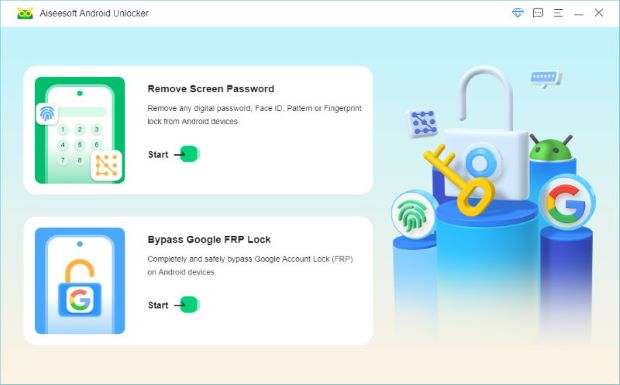
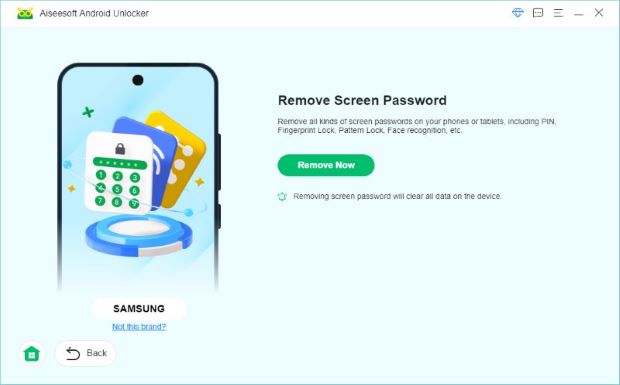
  • Step 1. Once you've launched Aiseesoft Anock, choose Remove Screen Password, and connect your Android to the computer.

    Step 2. The program will automatically recognize your device brand. If you have confirmed the device information, click the Remove Now button to continue.

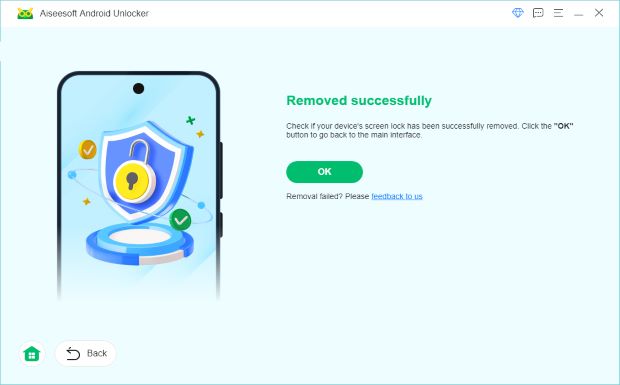
    Step 3. The password removal process is automatic and will begin shortly. Wait a few minutes till the process ends. You can access your locked phone again.

    Get Complete Guide Here ->
  • Step 1. After launching Anock, select Bypass the Google Account Lock (FRP) on the home interface.

    Step 2. Connect your Android to the computer via a USB. Click Bypass Now to start the removal process.

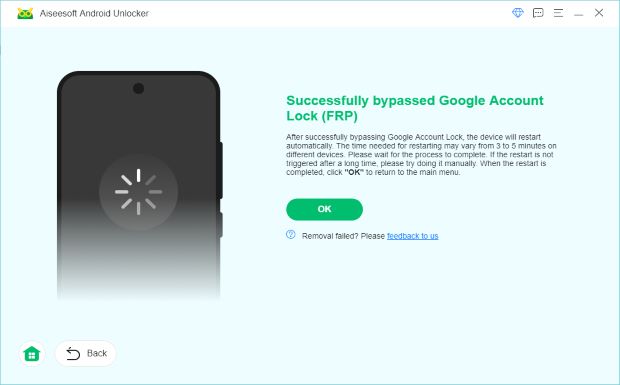
    Step 3. Follow the instructions on screen and see your FRP lock removed successfully.

    Get Complete Guide Here ->

Tech Specifications

System Requirements for Android System Requirements for OS Switch to OS > Switch to Android >

Supported Android:

Android 6.0 to Android 16

CPU:

1GHz Intel/AMD CPU or above

RAM:

1 GB RAM or more

Supported OS:

Windows 11/10/8.1/8/7, Mac OS...

CPU:

1GHz Intel/AMD CPU or above

RAM:

1 GB RAM or more

We Are Highly Trusted by

More Solutions You May Need

Explore More Recommendations from Aiseesoft

FoneEase FoneEase

Seamlessly transfer, manage, and back up data across both iPhone and Android devices.

Android Data Backup & Restore Android Data Backup & Restore

Selectively and flexibly backup Android data to computer and restore back to Android devices.

FoneLab for Android FoneLab for Android

Recover deleted messages, contacts, photos, etc. from Android phone/SD card/tablet.

Regain Full Control of Your Android Device

Buy Now20%OFF

30-Day Money Back Guarantee

Free Download

Windows 11, 10, 8, 7 Supported

Buy Now20%OFF

30-Day Money Back Guarantee

Free Download

Mac OS X 10.7 or higher