
Video Converter Ultimate
 100% Secure. No Ads.
100% Secure. No Ads.
We all know that every phone comes with a built-in media player, Android phone is no exception. Even though the default video player for Android is able to play the casual video formats like MP3, MP4, AVI, you may find it insufficient when it comes to play MKV, MOV, FLV or HD video. That is why we need to choose one best video player for Android.
In the following, we have collected 10 best Android video player apps. With the help of best HD video player for Android, you are able to watch movies with any format smoothly.
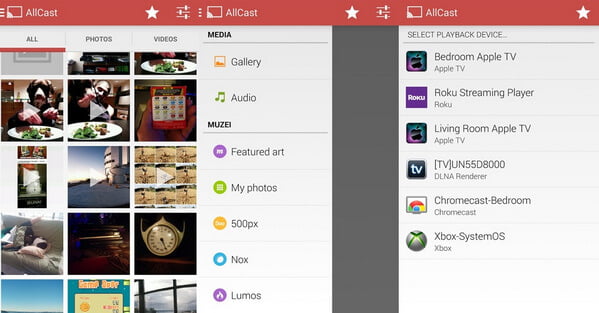
AllCast is a movie playing app that designed to take full advantage of your Android. With this video player for Android, you can work with streaming sticks and boxes such as Chromecast, Roku, Apple TV and other devices supporting DLNA, then play the video on a larger screen. Get this best video player for Android, you'll get a whole home-theatre experience.
Key Features for free version:
In case you have videos on your computer, and want to convert them to your Android phone in brand of Samsung, LG, Sony, Huawei, xiaomi, Motorola, HTC and so on, you can choose Video Converter Ultimate to help you convert any video to Andorid.
100% Secure. No Ads.
100% Secure. No Ads.
You can learn more about best video converter for Android and convert more videos for your Android phone with it.

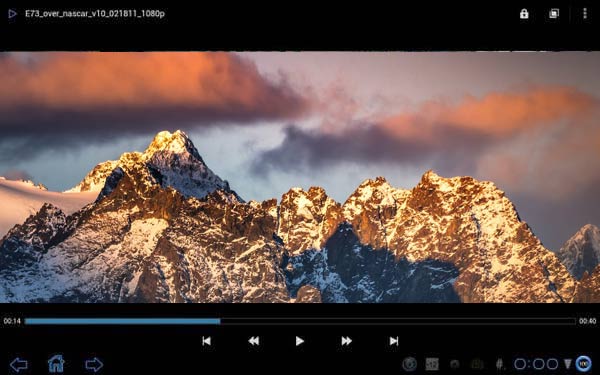
MX player for Android is the most popular video player app for Android. As a free media player, MX player offer so many features than you think. It was among the first to include things like hardware decoding, hardware accelerated playback. Besides, subtitle controls, variable aspect ratio and a screen lock are all within reach of the main view screen.
Key Features for free version:
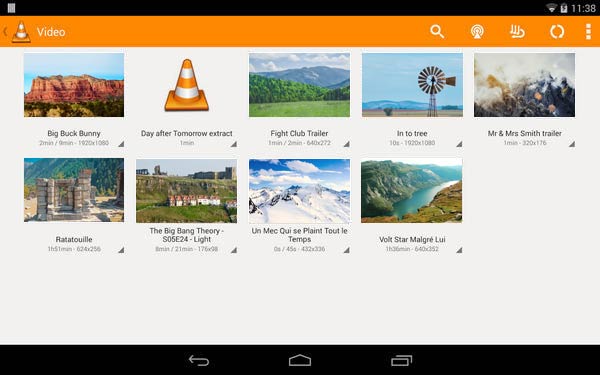
VLC for Android is also a versatile, all-in-one media player that plays any file format on Android. Apart from the basic function to act as a MP4/AVI/WMV/MOV/MKV/FLAC video player, it can also play some obscure video formats like DVD ISOs. VLC for Android also supports network streaming if you have URL. Unlike other Android movie player, VLC has its codecs built-in without need for Additional plugin downloads. If you are interested in such player, you can check more VLC alternatives here.
Key Features for free version:
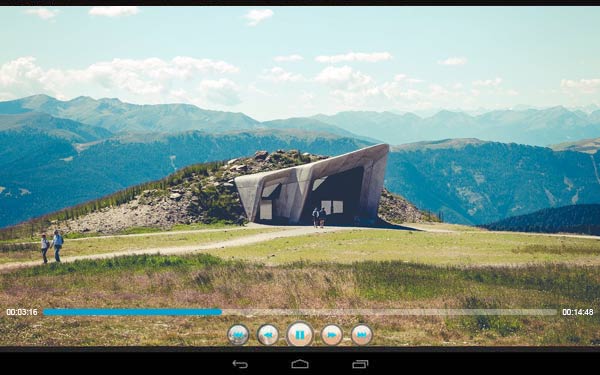
BS Player Pro for Android is another solid video player for Android. It features hardware and software decoding to play all popular video formats. BS Player Pro enables users to customize video playback with various skins. The most appealing feature is that BS Player Pro can provide you a "pop out" viewer, so that you can watch videos above your other apps on Android.
Key Features for free version:
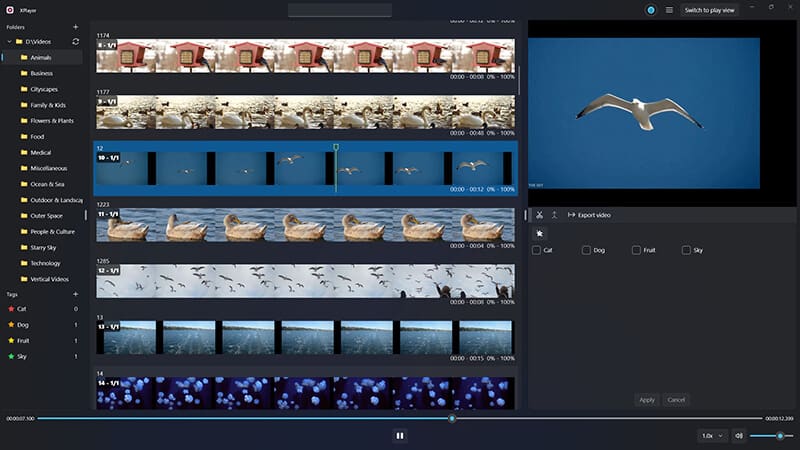
XPlayer is a highly-rated video player designed to be the definitive, all-format solution for Android mobile users. It distinguishes itself by combining comprehensive playback capability with essential features optimized for mobile viewing, such as intuitive screen gestures and multi-tasking options. The tool is known for effortlessly handling high-definition formats, including 4K and Ultra HD, ensuring a smooth and high-quality viewing experience on any device. Furthermore, XPlayer strongly caters to user privacy by offering a unique secure folder feature, making it a reliable choice for managing all types of personal media content securely.
Key Features for free version:
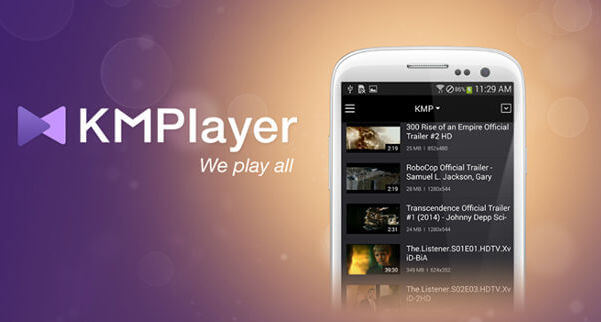
MKV, WMV, MOV, AVI and more. KM Player Plus for Android features subtitle support, library sorting, and you can adjust the playback speed for speeding up or slowing down video playback on Android. You are also allowed to use a floating screen for multi-tasking.
Key Features for free version:
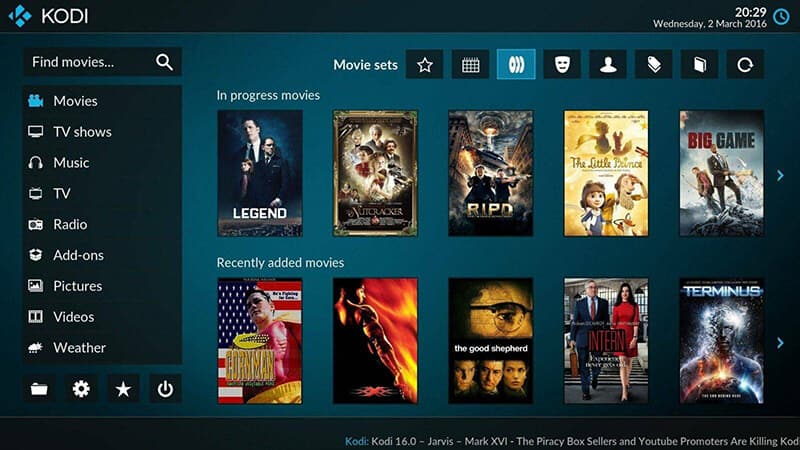
Kodi is far more than a simple player; it is a powerful, free, and open-source media center application that transforms any device into a customized entertainment hub. Designed with a "10-foot interface" for easy use with remote controls in a living room setting, it excels at managing and organizing vast libraries of personal media. While it requires users to provide their own content from local storage or network shares, its immense customization through community-created add-ons and skins is unmatched. If the users cannot provide that, then videos will not play on Android. Kodi is the ideal platform for advanced users looking to centralize their entire collection of videos, music, and photos into one visually appealing package.
Key Features for free version:
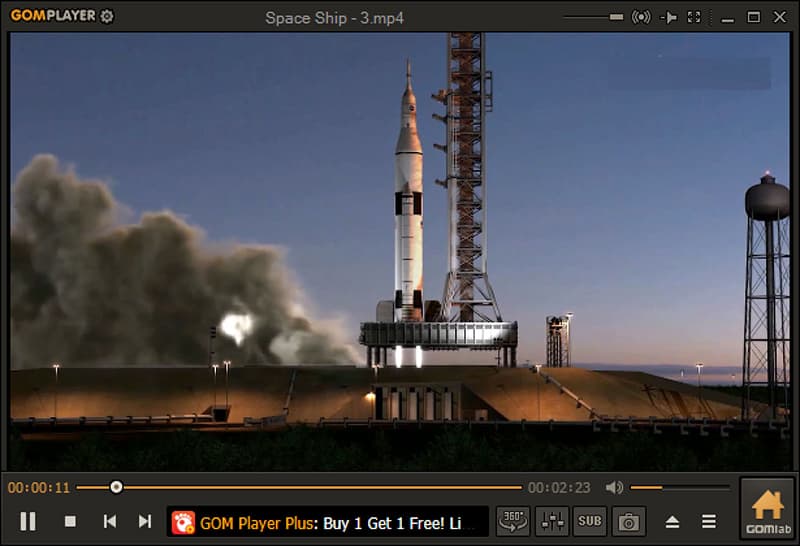
GOM Player offers a sophisticated media playback experience, building on its reputation as a reliable desktop player with unique features tailored for modern media consumption. Its interface is designed to be clean and simple while retaining access to advanced controls for fine-tuning the viewing experience. GOM stands out by supporting emerging technologies like 360-degree video, which allows users to navigate immersive content by rotating their device. The player is a versatile option for users who demand strong format support combined with unique playback capabilities.
Key Features for free version:
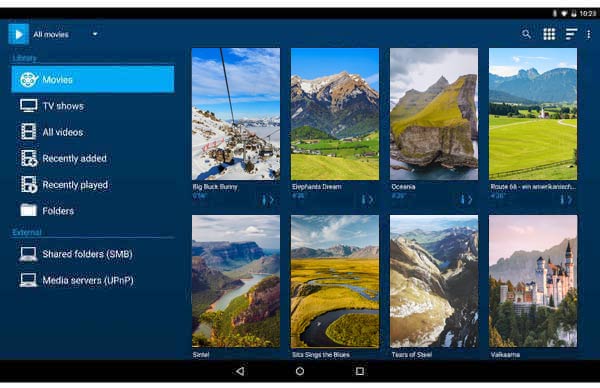
Archos Video Player for Android is another powerful android video player, which supports hardware accelerated playback on numerous video formats and devices. It is one of few players which supports both srt and sub/idx subtitle formats perfectly. It also comes with some plenty of advacned features including network playback support, automatic retrieval of show and movie detials and a visually impressive library view.
Key Features for free version:
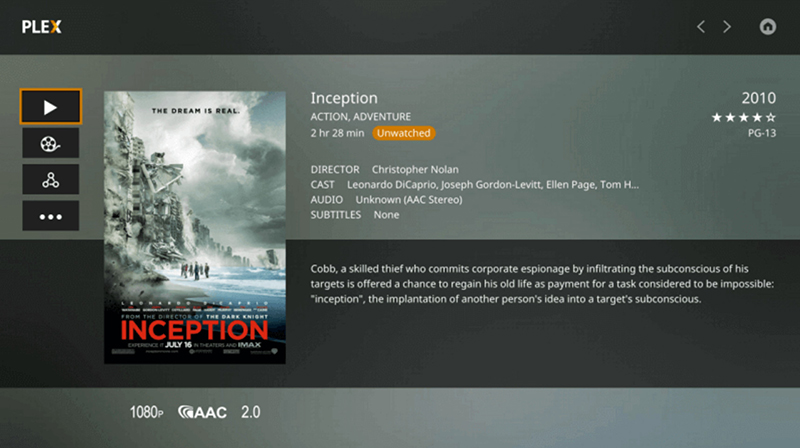
Plex is a powerful media organization and streaming solution built around a robust server-client architecture. The Android media player app acts as a client, allowing users to connect to their own Plex Media Server (hosted on a separate computer or NAS) to access their curated media library. The service is renowned for giving personal media a professional, magazine-like interface, automatically enriching files with metadata, posters, and episode summaries. Plex's free model allows users to enjoy their personal content locally and also access Plex's growing catalog of free, ad-supported streaming movies and live TV channels.
Key Features for free version:
Conclusion
In this article, we have mainly introduced 10 best video player for Android. Choose one you like and free download the Android media player, enjoy the movies on Android phone/tablet smoothly!
 Best Adobe Flash Player for iPhone/iPad/iPod (iOS 18 included)
Want to get an adobe flash player for iPhone? Can't install Adobe Flash Player on iPhone? This article will help you to get one iPhone Adobe Flash Player or get a way to play flash on iPhone.
 20 Best Lock Screen Apps for Android
Looking for Best Lock screen app and widget for Android phone? This article lists 20 best Android lock screen apps and widgets.
 [Updated] 10 Best Video Player Apps for Android Tablet
Want to find a video player for Android tablet? This article lists 10 best video player for Android tablet.
 Leave your comment and join our discussion
Video Converter Ultimate is excellent video converter, editor and enhancer to convert, enhance and edit videos and music in 1000 formats and more.
100% Secure. No Ads.
100% Secure. No Ads.

*Required field
*Please enter a valid email

