
Best For: Professionals and novices seeking a low-configuration all-in-one HDR-to-SDR conversion solution.

Video Converter Ultimate
 100% Secure. No Ads.
100% Secure. No Ads.
Contents
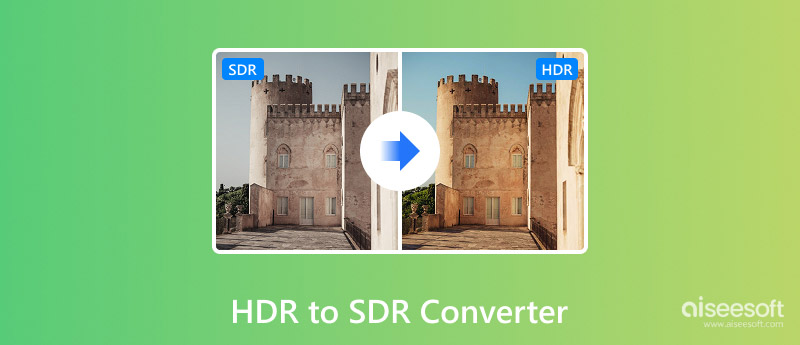
A few days ago, I recorded some HDR videos on my phone and was keen to show them off. Still, after viewing the videos on an ordinary monitor and even sharing them with friends, the images seemed lifeless, washed out, and totally unrecognizable from what I had captured. That was the point when I realized that HDR materials are not always correctly shown on SDR screens, and a good conversion can tremendously help.
To get the right answer, I tried out multiple HDR-to-SDR converter tools and analyzed their tone mapping effectiveness, speed, user-friendliness, and final output. This round-up will take you through the best choices and assist you in making a decision that fits your requirements. Besides that, I will discuss other relevant workflows, for example, cases when users may want to convert SDR to HDR to ensure better compatibility with advanced displays.
How We Test and Review
In order to make this review, I personally tried every HDR to SDR converter by playing back HDR videos that had been shot on Camera phones and other recording devices. I then rated each product by looking at how faithful the tone mapping was, the transformation speed, user-friendliness, capability for batch processing, and general quality of results. In addition, I examined how well each software or hardware solution could maintain details in the brightest and darkest areas of the image after conversion.
During running the tests, I remained really focused on scenarios where people use such devices in their lives, like content sharing, video playback on SDR displays, and simple editing workflows. Even though this tutorial is about HDR-to-SDR conversion only, I also thought about features which might be attractive to people who are searching for how to add HDR to video or those who are working with different color formats. All the scores and recommendations made here are strictly based on hands-on testing and not on advertising claims.
| Tool | Tone Mapping Quality | Batch Processing | Price | Conversion Speed | Rating |
| Aiseesoft Video Converter Ultimate | Excellent | Yes | Paid | Very Fast | 5/5 |
| Shutter Encoder | Very Good | Yes | Free | Fast | 4/5 |
| Adobe Media Encoder | Excellent | Yes | Subscription | Very Fast | 4.5/5 |
| DaVinci Resolve (Color Space Transform) | Outstanding | Limited | Free / Paid | Moderate | 4.5/5 |
| FFmpeg | Excellent | Yes | Free | Fast | 4.5/5 |
Best For: Professionals and novices seeking a low-configuration all-in-one HDR-to-SDR conversion solution.
Score:5/5
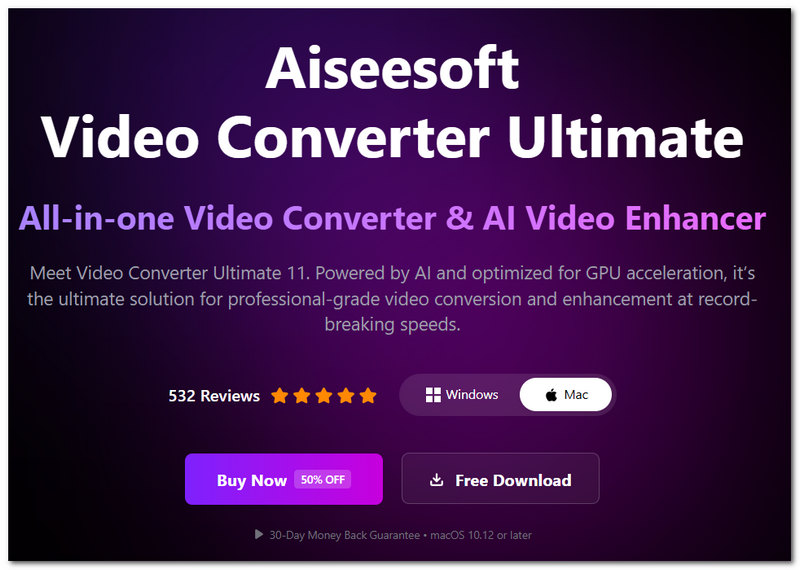
My first choice among tools that convert HDR to SDR in the simplest way and at the same time are full of power is Aiseesoft Video Converter Ultimate. When I checked it, it constantly showed the output with the colors in good balance, did not lose the details of the bright areas, and also was capable of converting at a speed much higher than many other competitors' products. Irrespective of whether you are editing an HDR video that has been taken from an iPhone, an action camera, or a professional camera, this is an HDR to SDR converter that even novices can use without any problems.
100% Secure. No Ads.
100% Secure. No Ads.
Pros
Cons
Best For: Consumers on a tight budget who are looking for a free HDR-to-SDR converter with sophisticated conversion features.
Score:4/5
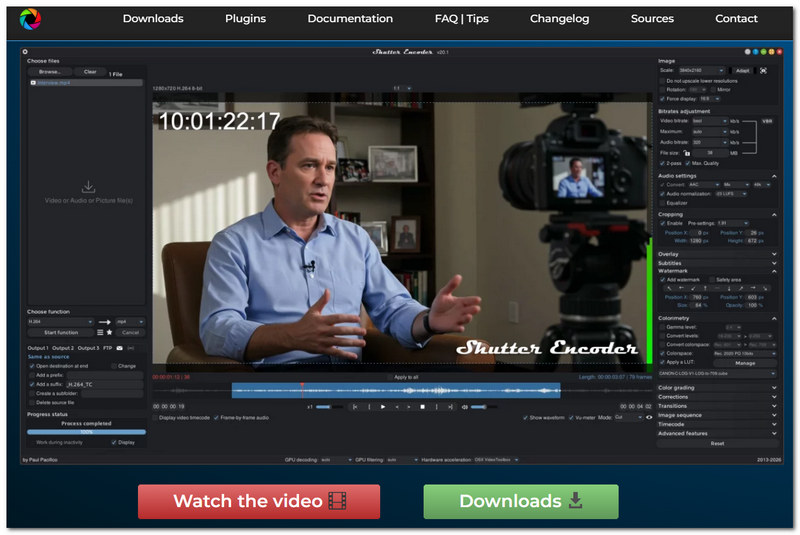
If you want to convert HDR to SDR and you don't want to spend money, Shutter Encoder is a great option. It is based on FFmpeg, so it offers strong conversion features but is still very simple to use. I tried it, and it gave me good tone mapping results. It was also very efficient at processing batch conversions. Also, if you regularly deal with various video formats or if you are looking for ways to convert video to HDR, then this will be a good choice for you too.
Pros
Cons
Best For: Adobe Creative Cloud applications are frequently used by video editors and content producers.
Score:4.5/5
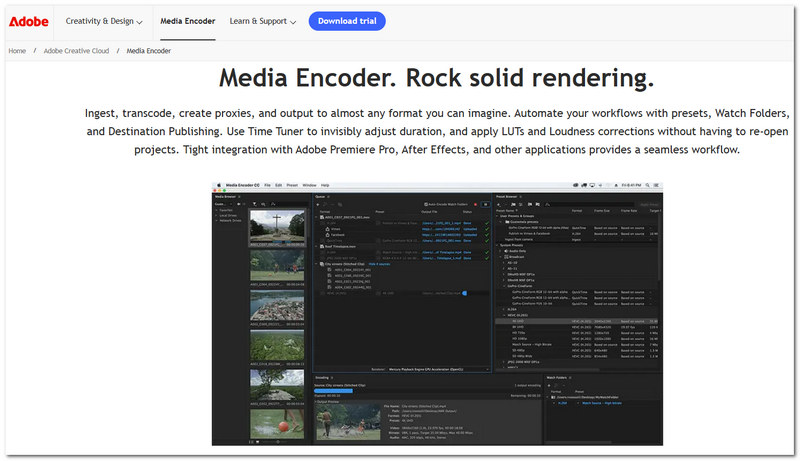
Adobe Media Encoder offers a great option for users who are already part of the Adobe ecosystem. It works very well with Premiere Pro and After Effects, so switching HDR to SDR could be made very easily through your normal editing workflow. We found that it produced very stable results, was able to handle large projects without any problems, and was very dependable when exporting. Besides that, it can be used even by those who are knowledgeable in color workflows and want to test the AI SDR-to-HDR transformation methods that are currently being developed.
Pros
Cons
Best For: Advanced users, colorists, and professional editors who require complete control over HDR-to-SDR conversion.
Score:4.5/5
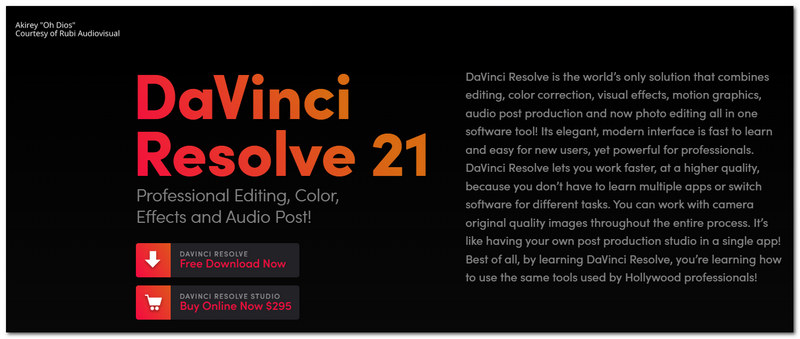
It is a fact that DaVinci Resolve is one of the best pieces of software for color correction and color grading. Because of this, it is one of the ideal options for HDR-to-SDR conversion. With its Color Space Transform (CST) feature, users can exactly decide the mapping of HDR footage to SDR and get very accurate colors and highlight details that are well preserved. In our tests, it generated some of the most natural-looking conversions among the tools on this list. In case you are wondering what the best software for converting HDR video to SDR is, then DaVinci Resolve is definitely one of the best, most versatile, and most powerful.
Pros
Cons
Best For: Technical users, developers, and video experts who desire complete control over the conversion process.
Score:4.5/5
FFmpeg is a robust open-source multimedia system that gives users full control over HDR-to-SDR conversion just by typing commands. The main difference between this and other video converters is that FFmpeg calls for users to set up everything manually, which, when it comes to knowledgeable users, gives them an opportunity to tune tone mapping, encoding settings, and output quality perfectly. During tests, it surpassed conversion excellence and showcased its high speed of processing efficiency. It is also suitable for more complex tasks such as a pipeline of AI converting SDR to HDR or automated video processing.
Pros
Cons
Do subtitles or audio get affected when doing an HDR-to-SDR conversion?
No. Usually, the conversion only changes the color information of the video, and subtitles or audio tracks embedded with the video will not be changed.
Is it possible to do HDR video conversion from multiple cameras in one project?
Actually, one thing to remember is that each of the different cameras' footage may need to be color-graded independently to harmonize the overall look of the final video.
Will HDR-to-SDR conversion result in older TV compatibility?
Yes. Converting videos to SDR can be an effective way of making sure that the video will be displayed correctly on older TVs that only have the capability of displaying SDR content and not HDR.
Conclusion
What is the right HDR to SDR converter varies according to your requirements and skill. For the great majority of users, Aiseesoft Video Converter Ultimate remains the all-round best pick. Then again, Shutter Encoder, Adobe Media Encoder, DaVinci Resolve, and FFmpeg present distinct pros. Besides, by picking up a good software, you will be able to get your HDR videos converted to SDR, and the results can be very close to the original ones for color fidelity and video quality.
 HDR vs 4K: What’s the Difference and Which Should You Choose
HDR vs 4K explains how these technologies differ in color, resolution, and performance to help you decide which delivers a better viewing experience.
 How to Upscale 1080p Blu-ray to 4K with Panasonic UB820
How to use Panasonic UB820 to enhance 1080p Blu-rays into stunning 4K. Complete guide with detailed steps and alternative tools.
 Final Cut Pro Enhance Video Quality Tutorial for Better Results
Find out how Final Cut Pro enhances video quality tools and learn pro methods to improve exposure, color, sharpness, and final export quality.
 Leave your comment and join our discussion
Video Converter Ultimate is excellent video converter, editor and enhancer to convert, enhance and edit videos and music in 1000 formats and more.
100% Secure. No Ads.
100% Secure. No Ads.

*Required field
*Please enter a valid email
