An easy-to-use and free volume booster to control the volume of the video.
Download App to enjoy more features without limits!
Turn Video Volume Up/Down in 3 Simple Steps
1Choose the video by clicking the Add a File button.
2Slide the Volume bar or input the percentage.
3Save the video to your PC by clicking the Save button.
Turn the Volume Up or Down as You Like
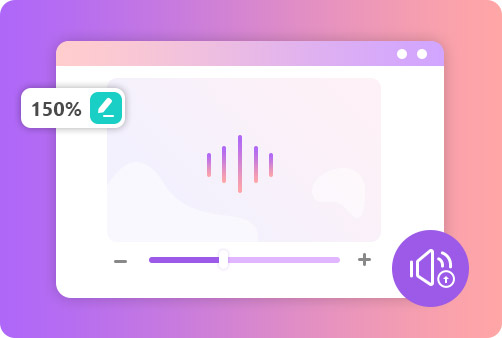
Suppose you have a video, but the highest volume is still a little low for you. In that case, you can increase your video volume using Aiseesoft Volume Booster, enabling you to control volume based on your needs. Apart from moving the spot of the Volume bar, you can also enter the original volume percentage or click up/down next to the Volume bar to change your video volume.
Control Volume Without Video Format Limitation
Aiseesoft Volume Booster supports uploading all kinds of widely-used videos, including MP4, AVI, MKV, MOV, 3GP, MPEG, FLV, etc. So, you can use this volume control app to increase or decrease the video volume no matter what your video format is. Furthermore, Aiseesoft Volume Booster is an absolutely online tool, and you do not have to install anything to use its all features.
Full of Great Features
Aiseesoft Volume Booster can help you turn your video volume up or down without hassle. You can find more advantages of this tool on the right.
Ad-free Interface
There is no advertisement in this tool, making a clean screen.
Free Volume Booster
This free volume booster does not charge you anything for use.
Use on Any Browsers
Whether your browser is Chrome, Firefox, Safari, etc., you can use it.
Watermark-free
You can use this volume booster to export videos without any watermarks.
Preview Videos
After changing the volume of your video, you can preview it to check if it is okay.
Original Quality Output
Aiseesoft Volume Booster lets you export your video in high quality.
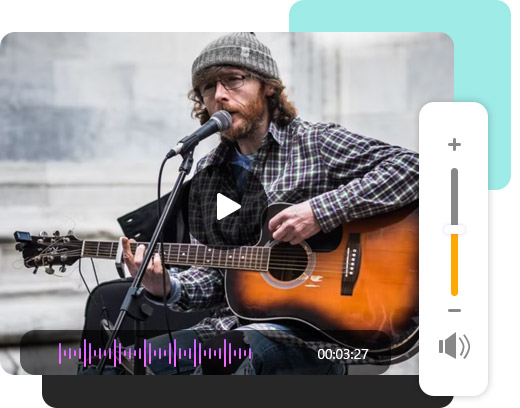
Enter Aiseesoft Volume Booster, click the Upload File button to import the video you want to turn the volume up, then you can slide the Volume bar to the right to increase the volume beyond 100% efficiently.
How to adjust the volume on the TikTok video?
After recording the video using TikTok but before uploading it, you can control the volume by moving the Original sound bar or the Added sound bar.
Which volume booster is the easiest to use?
Aiseesoft Volume Booster is incredibly easy to use for beginners because it only takes three steps to adjust the volume of your video.
What Our Users Say
IR
Irene
I really like using Aiseesoft Volume Booster to turn up my video volume because it does not need me to download any software on my computer.
RE
Rex
I recorded a video when I had a lecture, but its volume was too low. Luckily, I used Aiseesoft Volume Booster to increase its volume successfully.
VI
Vivian
I always couldn't find a suitable tool for me to change my video volume before. However, I found Aiseesoft Volume Booster finally! It is a helpful and straightforward tool.






 DOWNLOAD NOW
 DOWNLOAD NOW