
Best for: anyone who converts video or audio to MP3 regularly and wants batch conversion, quality control and light editing in one app.

Video Converter Ultimate
 100% Secure. No Ads.
100% Secure. No Ads.
Author’s Pick
The best overall video/audio to MP3 converter: Aiseesoft Video Converter Ultimate
Free desktop option: VLC Media Player
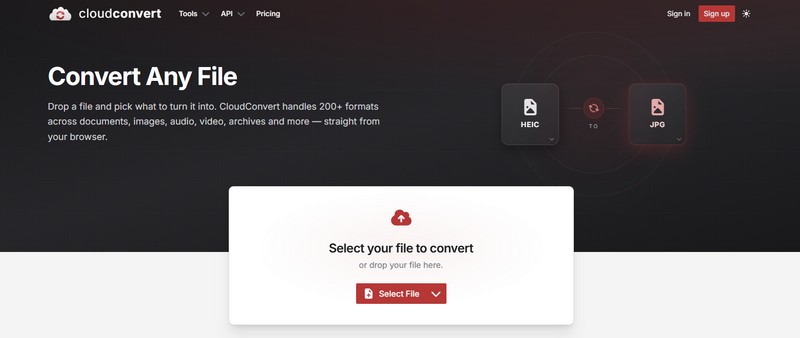
Best online converter: CloudConvert
Sometimes people need to convert videos/music to MP3, so that they can listen on MP3-compatible devices like iPhone, iPod, Mac, PC, Android smartphone/tablet and so on. With so many a MP3 converter overrunning the internet and market, both desktop software and online audio converters, how can you find a suitable and reputable video/audio to MP3 converter? This article is prepared for you, which lists the best desktop-based and online-based MP3 converters for you to convert video/audio to MP3 with ease.
| Tool | Type | Best for | Output formats | Price |
| Aiseesoft Video Converter Ultimate | Desktop (Win/Mac) | Best overall: batch + editing | MP3, M4A, WAV, FLAC, 100+ | Free trial |
| VLC Media Player | Desktop (Win/Mac) | Best free, no extra app | MP3 and more | Free |
| Fre:ac | Desktop (Win/Mac) | Best free batch audio converter | MP3, AAC, FLAC, WAV | Free |
| CloudConvert | Online | Reliable general converter | MP3, WAV, FLAC, more | Free tier |
| Convertio | Online | Simple one-off conversion | MP3 and 300+ formats | Free tier |
An MP3 converter lets you turn video or audio files into MP3 format, which is smaller and work with most phones, computers, and music players, making them easy to store, share, and play.
You may need to convert video/audio to MP3 for:
Extract audio from videos: Separate the audio track from a video, movie, or screen recording as an MP3 file for sharing or editing.
Convert audio formats: Change WAV, FLAC, M4A, or AAC files to MP3 so they work on more devices and apps.
Save storage space: Reduce the size of large audio files to free up space on your phone, computer, or SD card.
Create audio for different uses: Prepare music or sound clips for podcasts, ringtones, or CDs.
Best for: anyone who converts video or audio to MP3 regularly and wants batch conversion, quality control and light editing in one app.
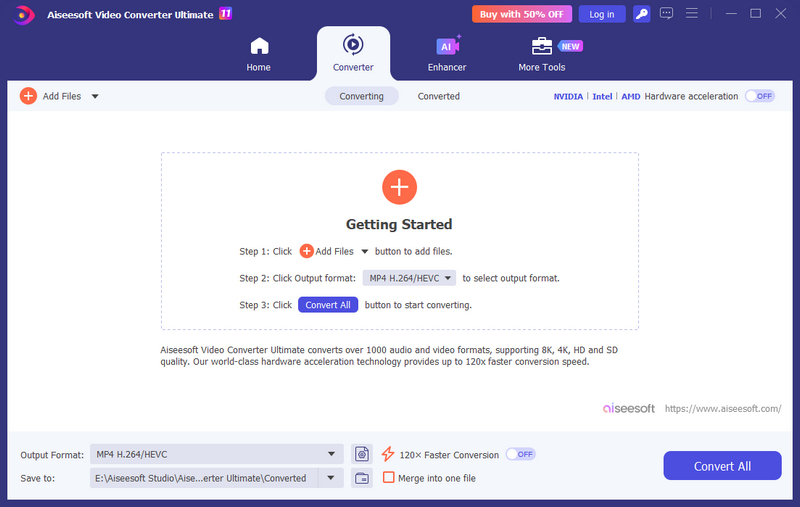
Aiseesoft Video Converter Ultimate converts video and audio to MP3 and 1000+ other formats for Windows and Mac, with hardware acceleration you can converter multiple video file with fast speed. In addition, it offers power editing function, you can set the MP3 bitrate up to 320 kbps, trim or clip the audio before exporting. Moreover, its toolbox contains colorful tools such watermarks, denoise, metadate changer, etc. You can finish all editing within one software.
Best for: users who want a free way to extract audio to MP3 without installing another program.
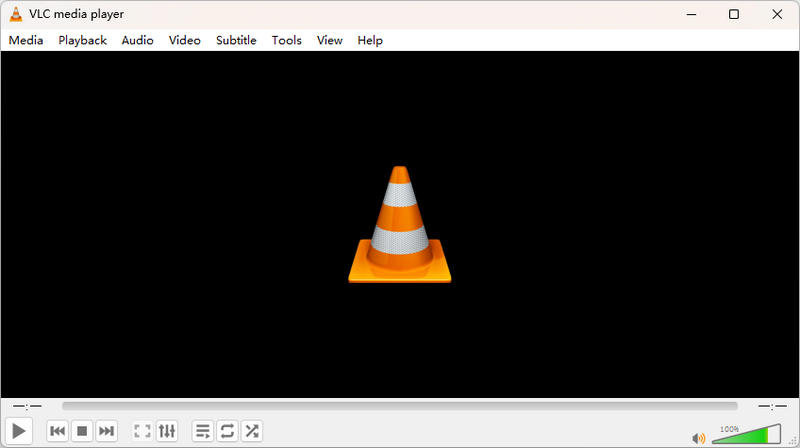
VLC is better known as a media player, but its convert feature also can help export video or audio to MP3 for free on Windows, Mac and Linux. You can also add multiple files at a time. But since VLC media player is not built for large video conversion. It may take longer time than Video Converter Ultimate for large and batch video processing. If you make wrong setting, VLC converted file may have errors.
Best for: anyone converting many audio files including audio in CDs at once to MP3 (or FLAC/AAC) for free.
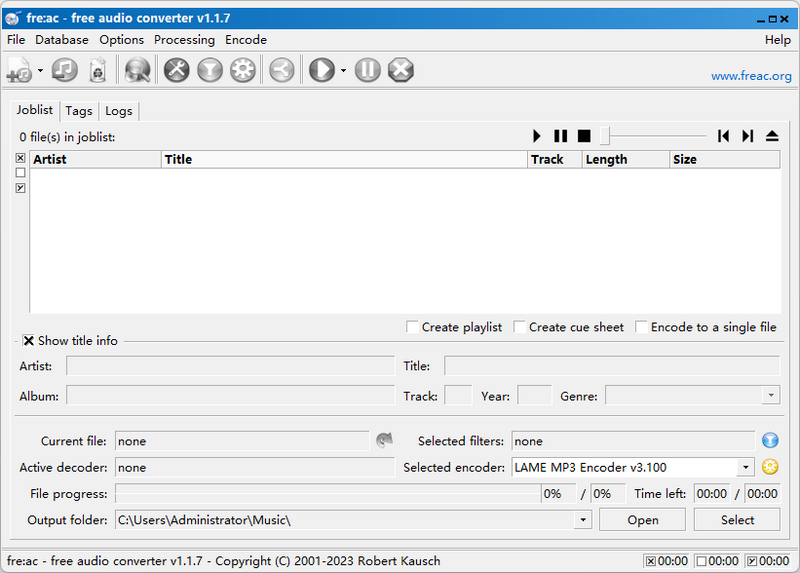
Fre:ac is free and open-source audio converter and CD ripper for Windows, Mac and Linux. It supports MP3, AAC, FLAC, Opus, WAV and more, CD ripping and multi-core batch conversion. If you want to convert a whole folder, Fre:ac can do it quick and free. This software has not been updated for a long time, and its interface is out of date. But it is very easy to learn and use, you can still try it for CD ripping and conversion.
Best for: anyone who want to video to MP3 conversion with no software installed.
Cloud Converter is a dependable all-round converter with an MP3 preset; free tier has a daily conversion-minute limit. It is clean and simple, supports 300+ formats with a 100 MB free cap. Both handle video and audio files and let you set basic quality options.
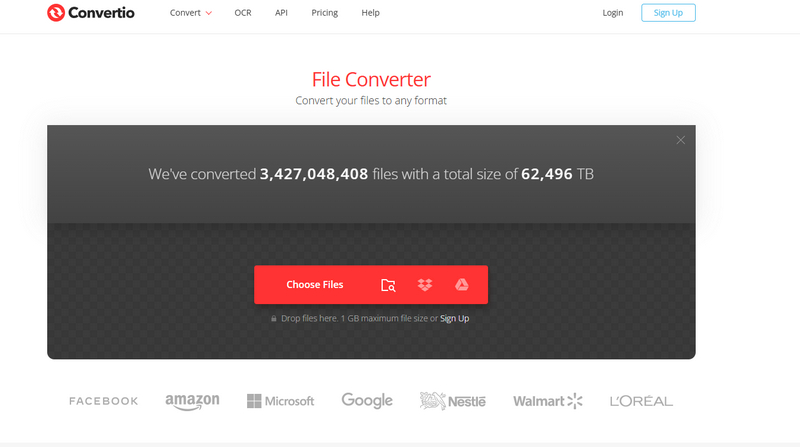
Best for: small online video conversion and online conversion from cloud storage.
Convertio is a free online file converter works across the platform. It has a simple and clean interface allowing to upload file quickly without extra steps. It supports multiple formats including video and MP3 audio. But it also has a large file limitation and you need to subscribe to unlock. Even you have a membership, uploading large file is also depending on your network status.
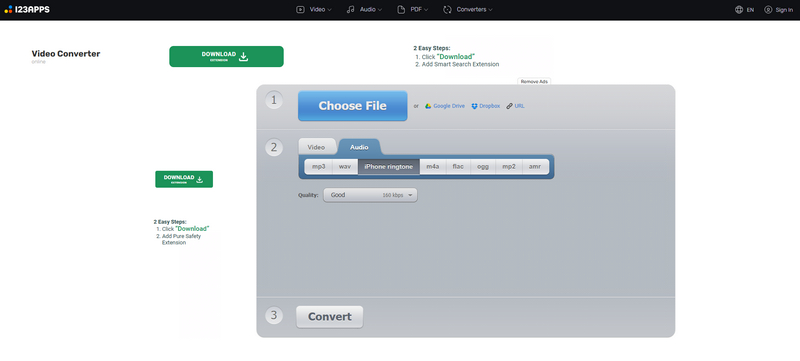
Best for: No signup online video converter, along with many video editing and creating tools.
123apps is a free browser tool for converting and editing audio (MP3, WAV, M4A, FLAC); no install and no account needed. This site only offers 8 limited audio formats. One special point is that you can directly convert video file into iPhone ringtone format with quality control.
How We Tested These MP3 Converters
In this test, each desktop tool was installed on Windows 11 and macOS, and each online tool was tested on Chrome and Safari. For every converter, we convert with the same files and recorded conversion time, the highest MP3 bitrate available, and the actual output file size and quality.
How do I convert a video to MP3 for free?
Use a free desktop tool such as VLC or Fre:ac, or a free online converter. Free online tools usually have size and free conversion limits; desktop tools have no size limit and keep your files private.
Can I convert audio to MP3 without losing quality?
MP3 is a lossy format, so the audio is lossy compressed, you can adjust the kbps to save as high quality as you can. In addition, convert from the highest-quality source you have and choose 320 kbps for music.
Conclusion
If you want to convert video with high quality, Aiseesoft Video Converter Ultimate is your first choice with batch conversion, GPU acceleration and full editing feature. VLC is better if you just want free converter for several files. If you don't want to download any software, CloudConvert is free for small size files.
 How Can You Convert Audio to MP3
How to convert audio to MP3? Want to find an audio to MP3 converting tool? This article introduces the best audio to MP3 converters.
 How to Split MP3 with MP3 Splitter
Want to split MP3 audio files? You can learn how to split up MP3 audios with free MP3 splitter online and best MP3 splitter in this post.
 AMV Converter - 5 Best Free AMV Converter Tools for MP4/MP3 Player
What is the best AMV converter? How to convert AMV format to MP4 or MP3? This post shows 5 best AMV player converters to help you convert MP4, AVI, M4A, MP3 to AMV, or convert AMV to other video audio formats.
 Leave your comment and join our discussion
Convert MP3
MP3 Converter MP3 to WAV MP3 to M4R MP3 to OGG MP3 to MP4 MP3 to MIDI MP3 to DVD What is MP3 MP3 vs MP4
Video Converter Ultimate is excellent video converter, editor and enhancer to convert, enhance and edit videos and music in 1000 formats and more.
100% Secure. No Ads.
100% Secure. No Ads.

*Required field
*Please enter a valid email
