Video Converter Ultimate
 100% Secure. No Ads.
Many audio converters can help you make the conversion from MP3 to FLAC. So if you still search for a way to do that, that often means you want a better conversion experience or need certain advanced functions or controls.
One common need is that you prefer to convert MP3 to FLAC with enhanced sound quality, or at least with no quality loss. This guide explains what the two audio formats are, what happens when you convert MP3 to FLAC, and introduces you to 5 great conversion tools that are worth trying.
MP3 is the most popular audio format. As a lossy format, it permanently discards audio information during encoding, such as high-frequency detail and quiet sounds. This shrinks file sizes dramatically. Compared to an uncompressed WAV, an MP3 file is roughly 23% the size of the same track. You should know that once that data is gone, it cannot be recovered.
FLAC is a compressed lossless format. It reduces file size without removing anything. Unlike MP3, a FLAC file contains every bit of the audio it was created from. The same audio track in FLAC is roughly 40-60% of the WAV equivalent. FLAC carries metadata, cover art, and cue points. That's why it has become the preferred delivery format for lossless streaming services.
Here is the uncomfortable truth about converting MP3 to FLAC: this audio conversion only raises the file size, not the sound quality. The converted FLAC simply stores the decoded MP3 audio in a larger container. Again, the final sound does not improve.
Then, why convert MP3 to FLAC at all?
There are several practical reasons that you may want to make the conversion.
First, if you want to edit an MP3, converting it to FLAC can prevent generation loss. This gives you a stable, lossless workspace.
Second, when your music collection is a mix of MP3, WAV, and other formats, converting them to FLAC can unify the format. The FLAC conversion freezes the current quality in place.
Third, in some cases, you may need the conversion for hardware and software compatibility. Some media servers, DACs, and DJ applications process lossless containers more reliably.
As mentioned, many audio converters are available for the job, including free online ones. We have tested over 30 conversion tools and give you 5 top recommendations.
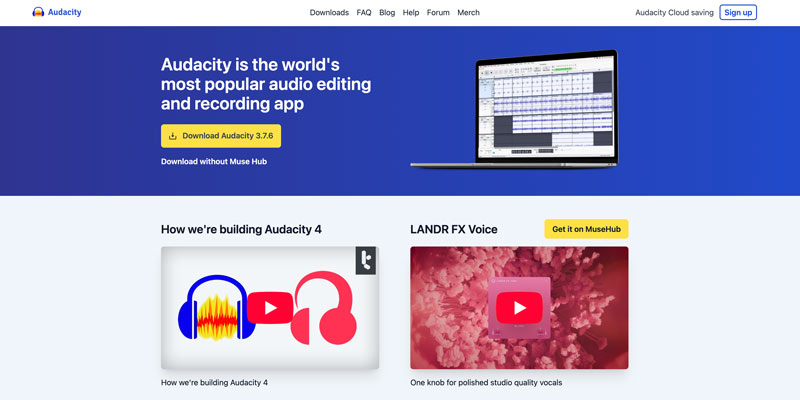
Audacity is a strong contender if you want to edit audio before converting. It can decode audio to a 32-bit float workspace. This allows you to freely cut silence, adjust volume, or apply noise reduction before exporting to FLAC. One drawback of this free MP3 to FLAC converter is batch processing. Audacity can only handle one file at a time.
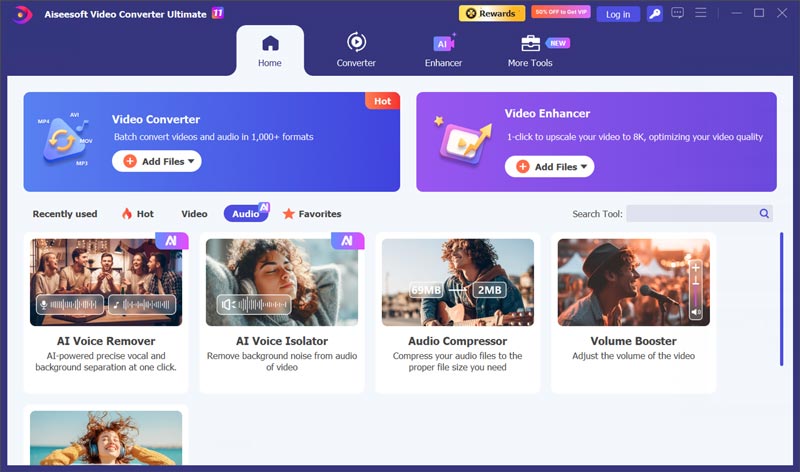
Aiseesoft Video Converter Ultimate is widely used for various video and audio conversion jobs. It supports batch conversion and GPU acceleration. The MP3 to FLAC conversion is straightforward. You can simply add your MP3 files, set FLAC as the target format, and then start converting.
100% Secure. No Ads.
100% Secure. No Ads.
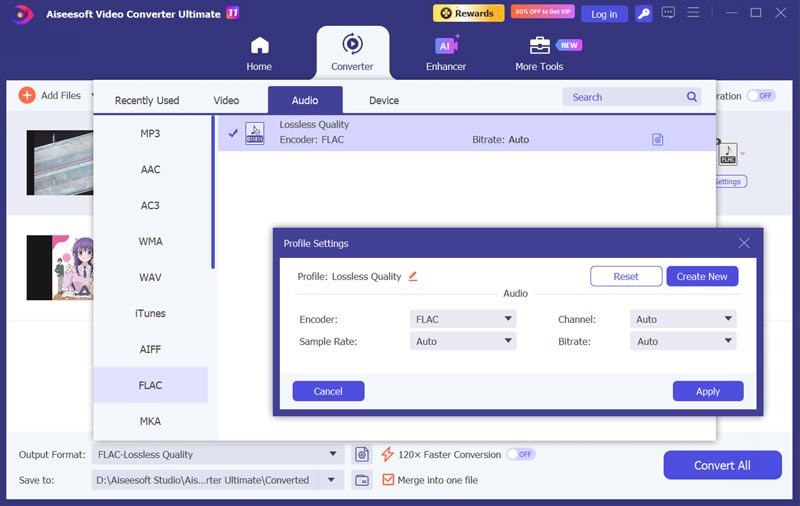
Before converting, you can access the necessary options to edit audio and customize related settings. The software preserves album art and ID3 tags perfectly. Aiseesoft also provides several helpful AI-powered audio tools, such as voice remover, audio compressor, volume booster, and audio sync.
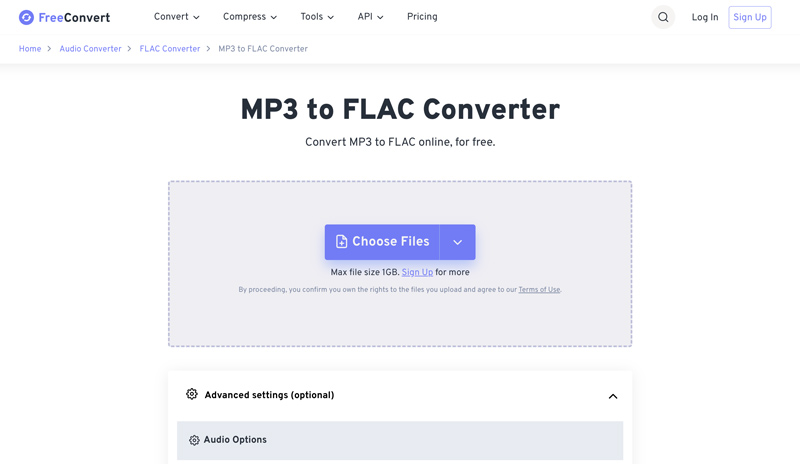
FreeConvert is a popular online file conversion platform. It has an individual MP3 to FLAC Converter tool for your audio conversion. It works in a browser and handles multiple files well. As a free MP3 to FLAC converter, it has a file upload limit of 1 GB. Actually, that is quite enough for occasional use.
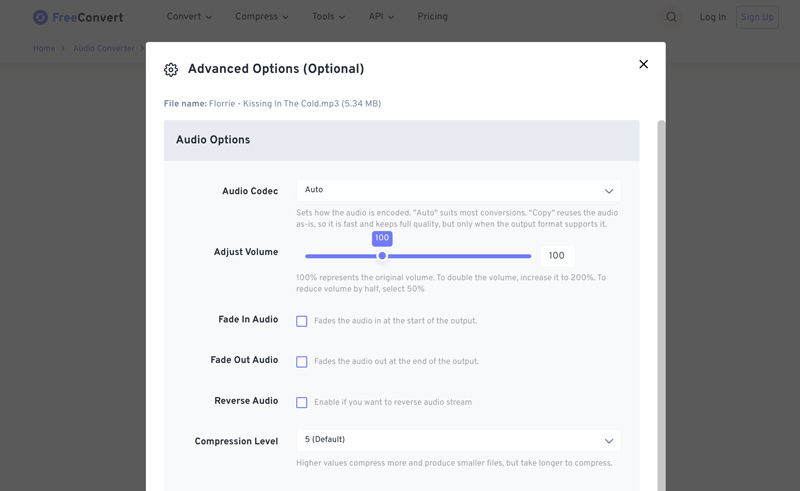
FreeConvert offers several advanced options to adjust, such as audio codec, volume, compression level, and more. Some metadata information, like album covers, may be erased during the conversion.
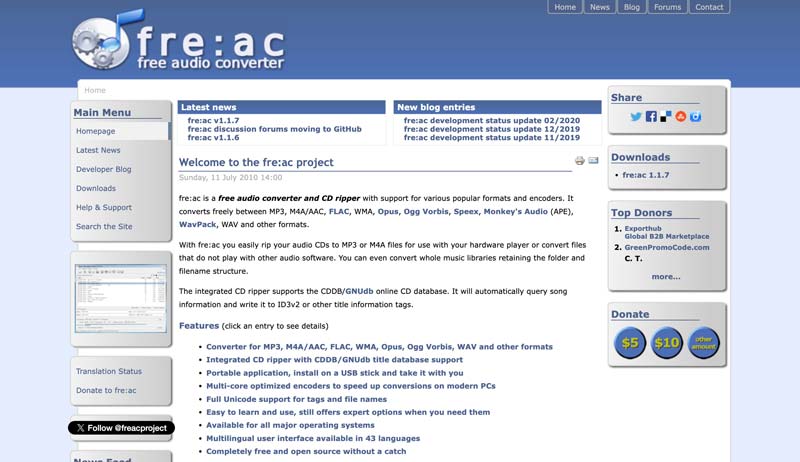
fre:ac is a free, open-source audio converter and CD ripper for Windows, macOS, and Linux. It supports various commonly used audio formats and encoders. It lets you convert MP3 to FLAC with ease and offers tag editing. Compared to Audacity, fre:ac is lighter and more conversion-focused.
VLC is a popular media player that might already be on your computer. Its Convert/Save feature allows you to perform some basic video and audio conversions. You can use it to convert audio from MP3 to FLAC. This free, open-source tool is not a dedicated conversion tool. It is not an ideal choice for handling multiple files or offering advanced editing functions.

Question 1. Does converting MP3 to FLAC improve sound quality?
No. As mentioned above, the conversion cannot restore audio data that MP3 encoding already discarded. The converted FLAC file you get will sound identical to the MP3 source. The process won’t improve sound quality.
Question 2. Does FLAC really sound better than MP3?
FLAC is a lossless format that can deliver a more accurate sound. In general, you can simply say it sounds better. FLAC preserves everything from a lossless master or CD. Compared to a lossy format like MP3, FLAC can often show more details.
Question 3. Can I convert FLAC back to MP3 later?
Yes. Converting FLAC to MP3 can be easily done with the 5 tools above. The process will apply lossy compression and shrink the file size.
Conclusion
MP3 to FLAC conversion cannot restore lost audio detail. So, it seems to be useless or unnecessary to make the conversion. However, for certain reasons, you still need to do that. You get 5 tools in this guide to convert audio. If you often convert hundreds of tracks, start with Aiseesoft. For occasional use of several files, an online converter like FreeConvert, Convertio, or CloudConvert is a better choice.
 Best Video/Audio to MP3 Converter: Desktop & Online
Looking for the best video/audio to MP3 converter? We tested desktop and online MP3 converters for speed, output quality and price so you can pick the right one.
 Find Ways to Compress FLAC Files With Best FLAC Compressors
Read this post and learn how FLAC audio compression is achieved using practical and professional audio compression tools.
 5 Best FLAC Players: Enjoy FLAC Music for Free on Windows and Mac
Here are the 5 top PC FLAC players for Windows and Mac review about their quality, interface, pricing, and ease of use. Come and discover which one is best for you!
 Leave your comment and join our discussion
Convert/Download/Edit SWF
1.1 SWF 1.2 SWF to MP4 1.3 SWF to GIF 1.4 SWF to MOV 1.5 SWF to HTML5 1.6 SWF to AVI 1.7 SWF to WMV 1.8 SWF to 3GP 1.9 SWF to DVD 1.10 SWF Converter Mac 1.11 Edit SWF
Video Converter Ultimate is excellent video converter, editor and enhancer to convert, enhance and edit videos and music in 1000 formats and more.
100% Secure. No Ads.
100% Secure. No Ads.

*Required field
*Please enter a valid email