Crop MP4, AVI, WMV, or other video files online. No watermark added.
Download App to enjoy more features without limits!
Crop Video in 3 Simple Steps
1Upload your video to this video cropper.
2Crop any part of your video in one click.
3Save the cropped video after previewing it.
Crop Any Part of Your Video for Free
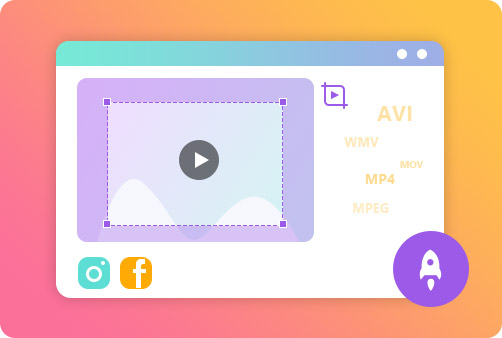
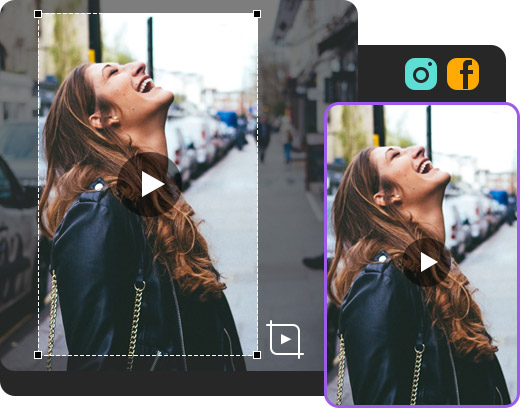
With this tool, you can make your video any size you prefer and remove unwanted parts for Instagram and YouTube. It allows you to choose an aspect ratio to help you perfectly crop video to suit any social media platform and device. Also, you can manually set the crop area to your desired dimensions.
Support All Popular Video Files
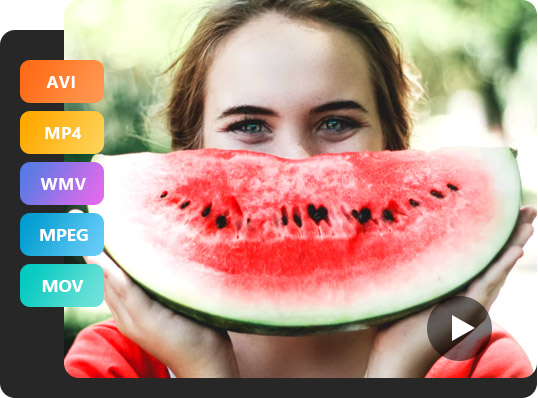
The video cropper allows you to upload any file format, such as MP4, WMV, MOV, 3GP, MKV, AVI, and many others. You can quickly export the result in MP4, AVI, WMV, YouTube, Instagram, and more when you finish cropping.
Process the Video within Seconds
This video cropper utilizes advanced processing technologies. You can upload and start cropping your desired area instantly. And no downloads and installations of the third-party tool are required.
Full of Great Features
Aiseesoft Video Cropper is your handy video editing tool to perfect your video content instantly. Also, this online tool has numerous features worthy of exploring.
Works for Any Aspect Ratio
It offers various preset aspect ratios for a crop box, including 1:1, 4:3, 16:9, and more.
Easy to Use
Simply upload the video and choose a specific aspect ratio to start cropping.
Online
It works on any web browser, including Safari, Google, Bing, Firefox, and more.
Preview
You can use its preview feature to check the result before exporting.
No Watermark
There is no watermark added on the cropped video file. Feel free to use it.
Safe
Your files uploaded to our server are well protected with 256 bit SSL encryption.
Certainly, you just need a video cropping tool, like Aiseesoft Video Cropper to help you corp videos with ease. All you need to do is to upload your video, crop it, and save it.
How do I crop a screen recording video?
This video cropper allows you to crop your screen recordings. There are different aspect ratio values to choose..
How do I crop a video without a watermark?
You need to choose a watermark-free video cropper, just like Aiseesoft Video Cropper. Then watermark won't be added to your cropped videos.
Can I use this video cropper to cut video duration?
If you want to cut or trim the video duration instead of dimension, you should use Video Trimmer instead.
Can I use Aiseesoft Video Cropper offline?
This tool can only be used online. If you prefer to crop a video offline, you can try Aiseesoft Video Converter Ultimate. This application works for Windows and macOS operating systems and endows numerous editing features to perfect your videos.
What Our Users Say
Iain
The video cropper is an excellent tool for video content creation. I always use it to crop my Instagram videos. It is quite easy to use.
Anam
There is no need to download software, and I can crop the video to my desired aspect ratio online. It is so convenient for me. And Aiseesoft has a lot of tools to help me create amazing content in minutes.
Lisa
This tool is very handy to crop out the unwanted parts of my videos, and it supports uploading any video file format. It is a great browser tool with the best support team.





 DOWNLOAD NOW
 DOWNLOAD NOW