 Free Data Recovery
Aiseesoft Data Recovery
Windows 11, 10, 8, 7 Supported
30-Day Money Back Guarantee












Accidental Operation
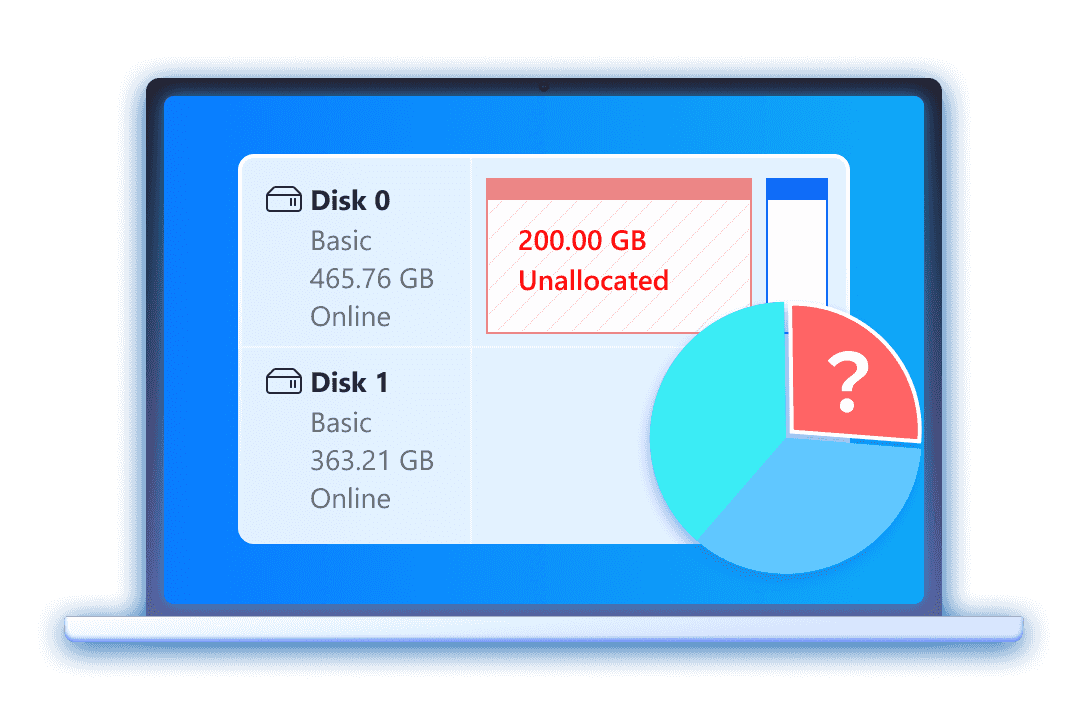
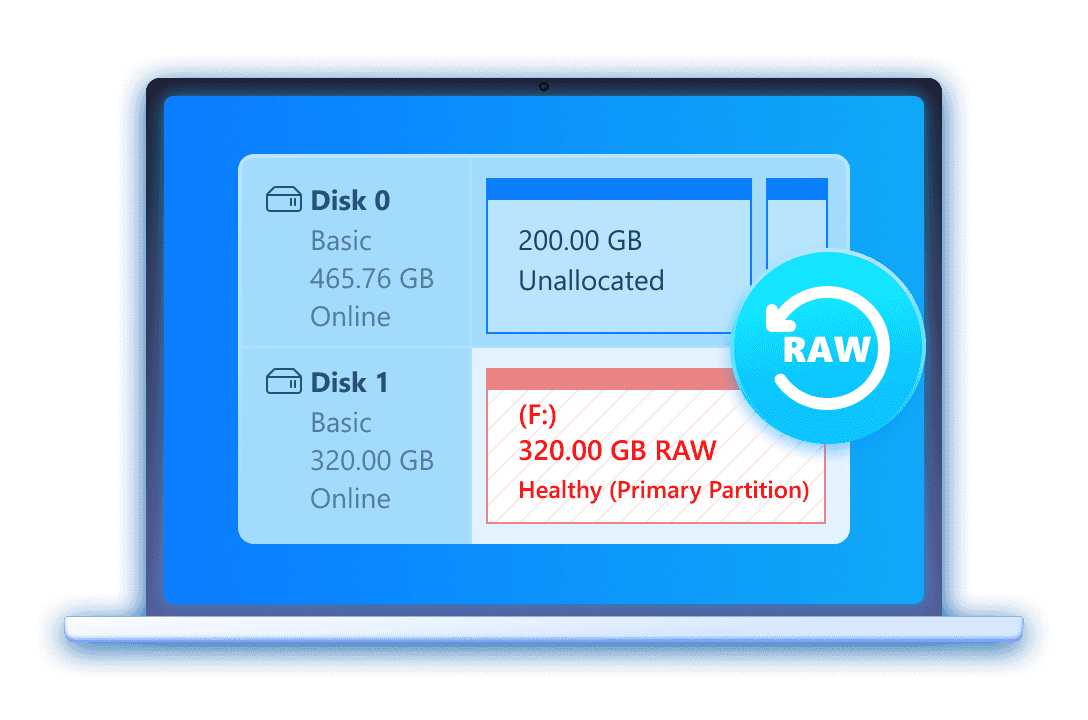
Hard Drive Recovery
External Device Recovery
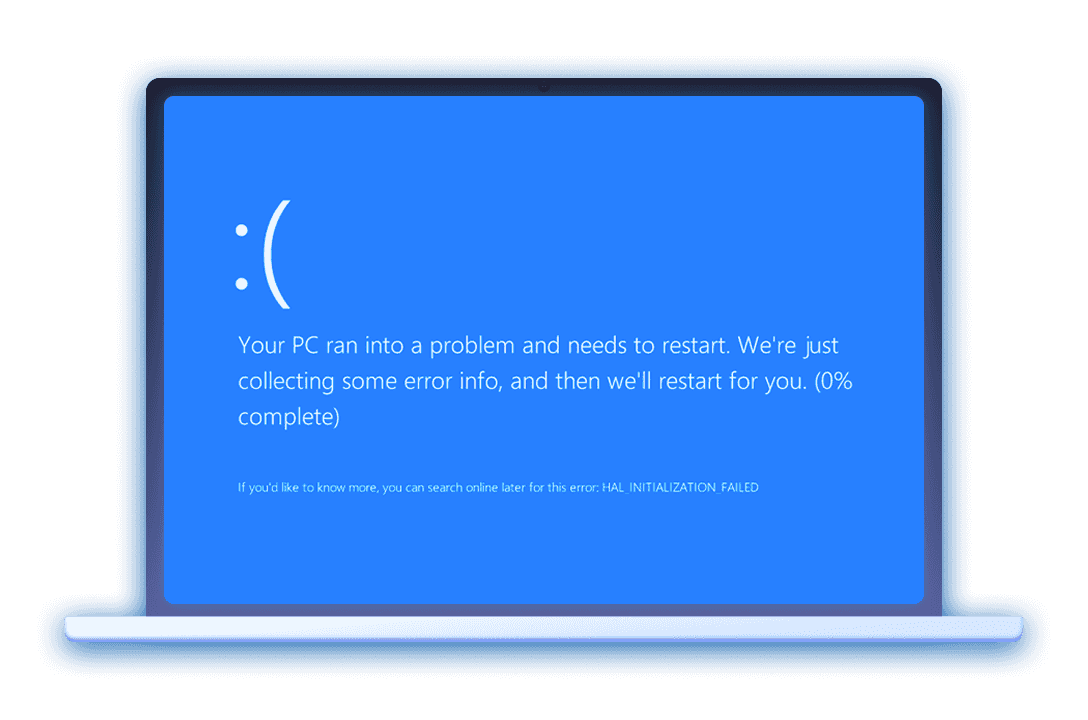
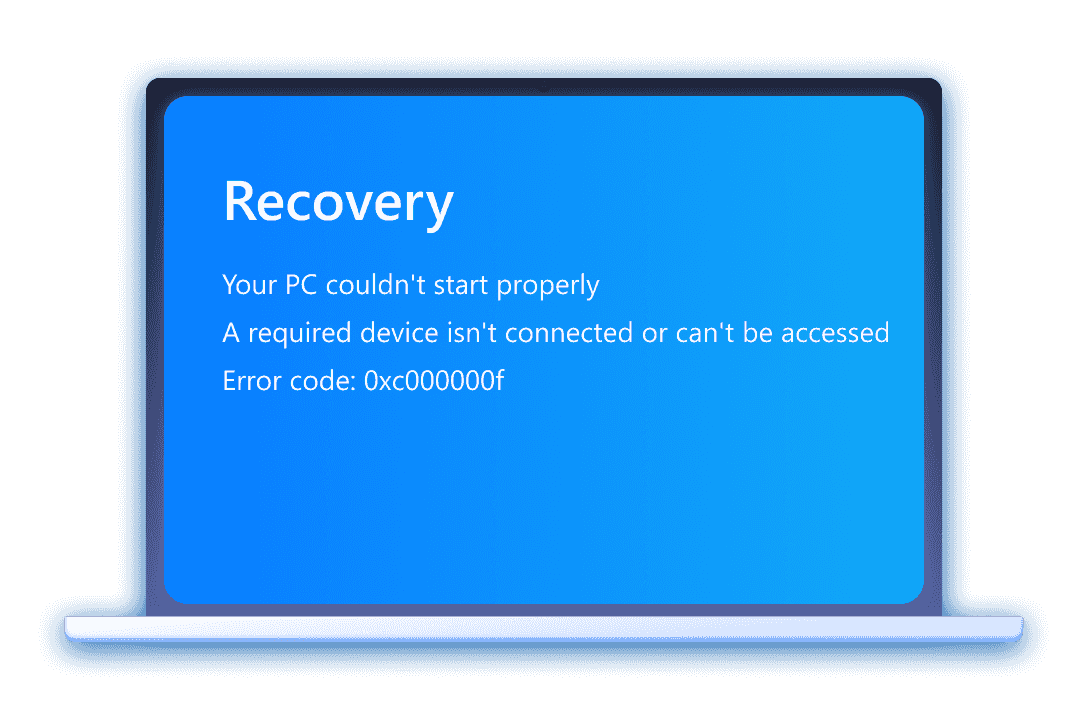
Crashed PC/Mac Recovery
Other Recovery Scenarios

Accidental Operation
Deleted by Shift + Delete
Deleted by Accidental Formatting
Deleted by Emptying Recycle Bin
Accident Deletion
You delete a file, and a second later realize you need it. This happens to everyone. Aiseesoft Free Data Recovery scans the drive, finds the file, and restores it in minutes.
Windows 11, 10, 8, 7 Supported
Memory card
Cover all primary card types, including Secure Digital (SD) cards, MicroSD cards, CompactFlash (CF) cards, and Memory Sticks.
Computer
Free recovery of lost data stored internally on desktop and laptop computers, including system and secondary drives, even after an accidental deletion.
Flash drive
Recover data from all major brands of USB flash drives (e.g., SanDisk, Kingston, Samsung, PNY).
Digital camera
Aiseesoft Free Data Recovery is compatible with storage media used in DSLR, mirrorless, and traditional digital cameras.
Hard drive
Free Data Recovery can recover both internal and external HDD (Hard Disk Drives) and SSD (Solid State Drives).
Drone
Specialized recovery for aerial photos and videos lost from the MicroSD cards used in drones (e.g., DJI, Autel).
Drive recorder
Free Data Recovery supports various video formats to recover footage lost due to continuous loop recording or deletion.
More storage devices
Extend to all other devices that can be connected to a computer as external storage or removable drives, like Zip disks.
Aiseesoft's free data recovery tool is powerful enough to retrieve any data type. Images, videos, audio files, documents, E-mails, packages, etc., are all to be handled with ease. At the same time, this program offers you a Filter feature to precisely view the found data.
Image
JPG, TIFF/TIF, PNG, BMP, GIF, PSD, CRW, CR2, NEF, ORF, RAF, SR2, MRW, DCR, WMF, DNG, ERF, RAW, etc.
Video
AVI, MOV, MP4, M4V, 3GP, 3G2, WMV, ASF, FLV, SWF, MPG, RM/RMVB, etc.
Audio
AIF/AIFF, M4A, MP3, WAV, WMA, MID/MIDI, OGG, AAC, etc.
Document
DOC/DOCX, XLS/XLSX, PPT/PPTX, PDF, CWK, HTML/HTM, INDD, EPS, etc.
PST, DBX, EMLX, etc.
More
ZIP, RAR, SIT, and other data types.










Quick Scan
Aiseesoft Free Data Recovery has the capability to complete the data scanning process quickly. If you know where you lost your important file, its Quick Scan feature can help you get them back within seconds. And before recovery, this best free file recovery software offers a preview window for you to see clearly.











Deep Scan
If you don't know where the lost files originally were, you can use its Deep Scan feature to give your disk or device a complete exploration. This feature can detect lost data in any possible location and retrieve them. Aiseesoft can guarantee you the highest recovery rate.
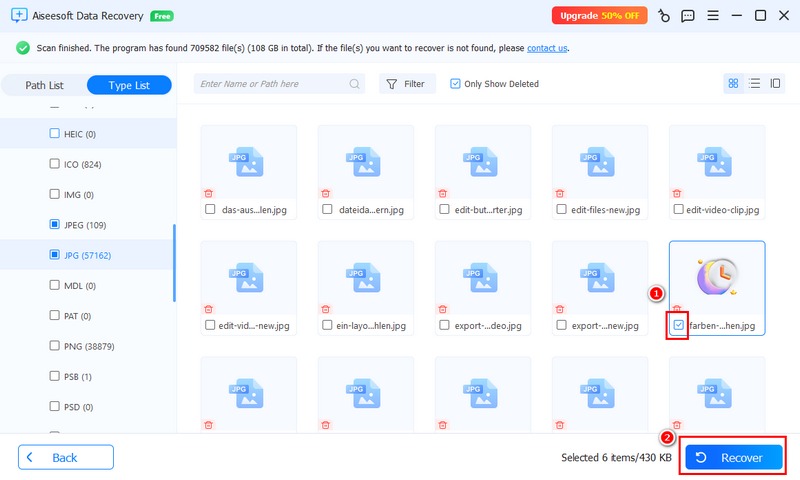
Step 1. Download, install, and run this best free data recovery program on your computer.
Step 2. Select the lost data type(s) and the disk drive, and then start to scan deleted files.
Step 3. Find and preview the lost files, and click the “Recover” button to get them back to the computer.
Get Complete Guide Here ->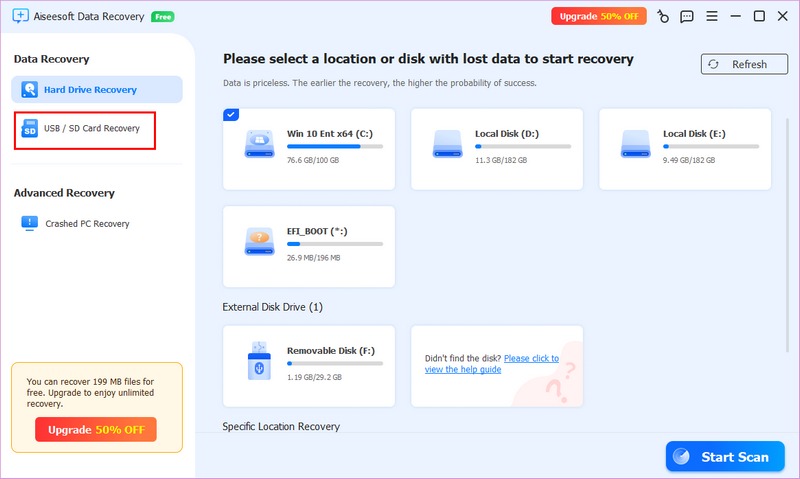
Step 1. Launch this free data retrieval software on a Mac or PC and choose “USB/SD Recovery”—Aiseesoft Data Recovery on your computer.
Step 2. Click “Scan Disk” to scan your USB drive or SD card.
Step 3. Use the “Filter” function to locate the files and click “Recover”.
Get Complete Guide Here ->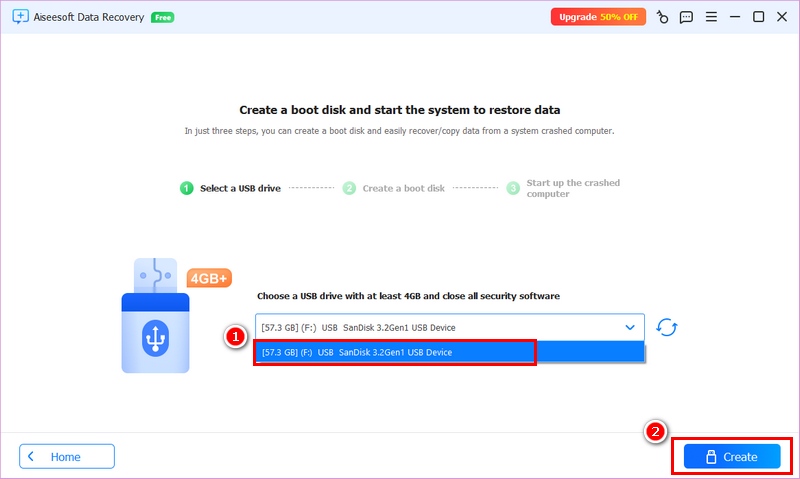
Step 1. Select “Crashed PC Recovery” from the left menu and click “Start Recovery”.
Step 2. Create a bootable USB drive and format it.
Step 3. Plug the USB into the crashed computer and boot it. Then, you can use this data recovery program to scan the disk and recover the lost files.
Get Complete Guide Here ->| Benefits | Free Data Recovery
$0 |
Data Recovery Pro
 hot hot
|
| Recoverable file limit | Up to 200MB | Unlimited |
| Recover any file types | |
|
| Recover lost data from any storage devices | |
|
| Recover data from any file systems | |
|
| Preview before Recovery | |
|
| Crashed PC/Mac Recovery |  |
|
| AI Image Repair | |
|
System Requirement Windows
Supported OS: Windows 11/10/8.1/8/7/Vista/XP (SP2 or later)
CPU: 1GHz Intel/AMD CPU or above
RAM: 512 MB or more (1024MB Recommended)
Hard Disk Space: 200 MB and above free space
 By Sarah Miller
I accidentally deleted my vacation photos, and Aiseesoft recovered them perfectly! It was so easy to use, and I'm incredibly grateful.
 By David Chen
My external drive crashed, and I thought all my work files were lost. Thanks to Aiseesoft, I got everything back. Highly recommend this tool.
 By Emily Rodriguez
I was skeptical about free recovery software, but Aiseesoft proved me wrong. It saved my important documents after a system error. Fantastic!
 By Michael Jones
Aiseesoft’s interface is clean and straightforward. Even for someone like me, who's not tech-savvy, recovering my files was a breeze. Thank you!
One-Stop Data Recovery Tool for PC - Recover Lost/Deleted Data from Various Devices in a Few Clicks
 FoneLab
Recover kinds of deleted and lost files from iPhone/iPad/iPod even without backups and passwords.
 Mac Cleaner
Remove junk files, memory, duplicated photos, etc, to free up storage and improve Mac performance.

*Required field
*Please enter a valid email