
Platform: Windows, macOS, Linux
Best for: Free conversion and batch processing
Video Converter Ultimate
 100% Secure. No Ads.
MKV is a versatile video container that allows you to add more than one audio track, subtitles, and video tracks. But at times, certain gadgets, media players, and editing software might be more compatible with MP4 files. The MKV to MP4 converter will allow you to either change the video container format or even re-code it, depending on your requirements. If you wish to convert movies of large size, many files at once, or even convert videos quickly online, then selecting the correct software will help save you time and effort as well as ensure good video quality. Here is a comparison of 7 MKV to MP4 converters, both desktop-based and online-based.
| Tool | Platform | Batch Conversion | Quality Settings | Ease of Use | Best For |
| HandBrake | Windows, Mac, Linux | Yes | Adjustable codec, resolution, frame rate, and quality | Moderate | Free video conversion and batch processing |
| Aiseesoft Video Converter | Windows, Mac | Yes | Output format, resolution, and other available settings | Easy | Easy conversion and batch processing |
| VLC Media Player | Windows, Mac, Linux | Limited workflow | Available conversion profiles and codec settings | Moderate | Free media conversion |
| FFmpeg | Windows, Mac, Linux | Yes, through scripts | Extensive codec, bitrate, resolution, and stream options | Advanced | Fast remuxing and automation |
| FreeConvert | Online | Plan-dependent | Available codec, resolution, frame rate, and quality options | Easy | Online conversion with advanced settings |
| Convertio | Online | Limited or plan-dependent | Available output and codec options | Easy | Simple, convenient conversions |
| CloudConvert | Online | Plan-dependent | Available video quality and resolution settings | Easy | Flexible cloud-based conversion |
Desktop converters are generally suitable for large video files, batch processing, and offline use. They also tend to offer more control over encoding settings.
Platform: Windows, macOS, Linux
Best for: Free conversion and batch processing
Score:9.2/10
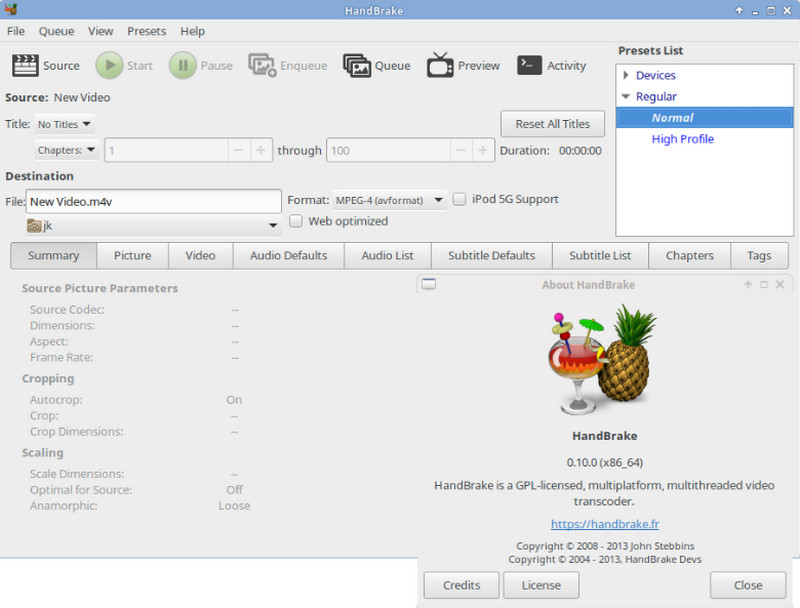
HandBrake is a software program that can be used to convert videos from one format to another. The program can be downloaded freely. It can encode videos from various sources such as DVDs and MKV videos into MP4 formats. It gives various encoding settings to allow users to customize their preferences.
Conversion of the MKV video file is done by opening HandBrake, selecting the video to be imported, choosing the MP4 container and finally proceeding with encoding using a preset of your choice.
Limitations: HandBrake generally re-encodes video instead of simply changing the container. This can take time and may affect quality depending on the settings. Its many options can also be confusing for beginners.
You may also like
Platform: Windows, macOS
Best for: Beginner-friendly conversion and batch processing
Score:9.3/10
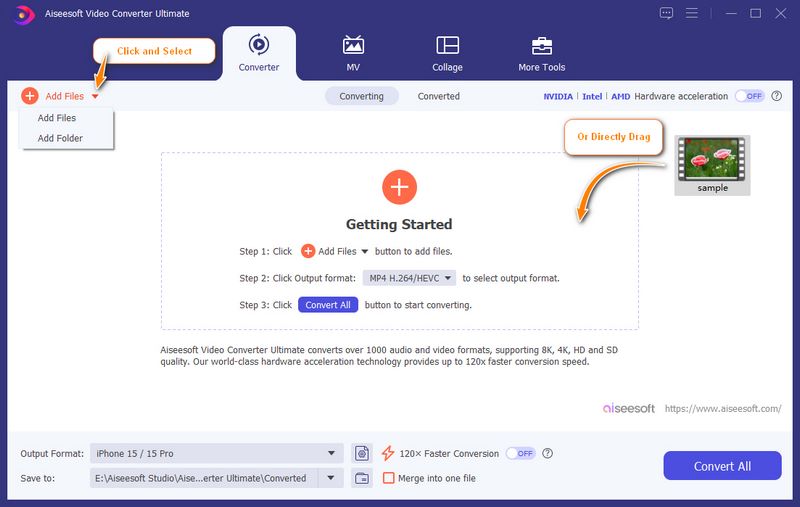
Aiseesoft Video Converter Ultimate is a desktop media conversion program designed for users who prefer a graphical interface. It allows you to work with popular video formats and has an easy process to convert MKV files to MP4 with fast speed. The software can be very helpful if you have to convert several video files at once. Aiseesoft can preserve the original quality, like 4K, 1080p, 720p, etc.
100% Secure. No Ads.
100% Secure. No Ads.
All you have to do is import the MKV file, set the MP4 format from the list of formats, change the settings if required, specify the location, and begin the conversion process.
Limitations: Some features may require a paid license.
Platform: Windows, macOS, Linux
Best for: Free conversion without installing a dedicated converter
Score:8.6/10
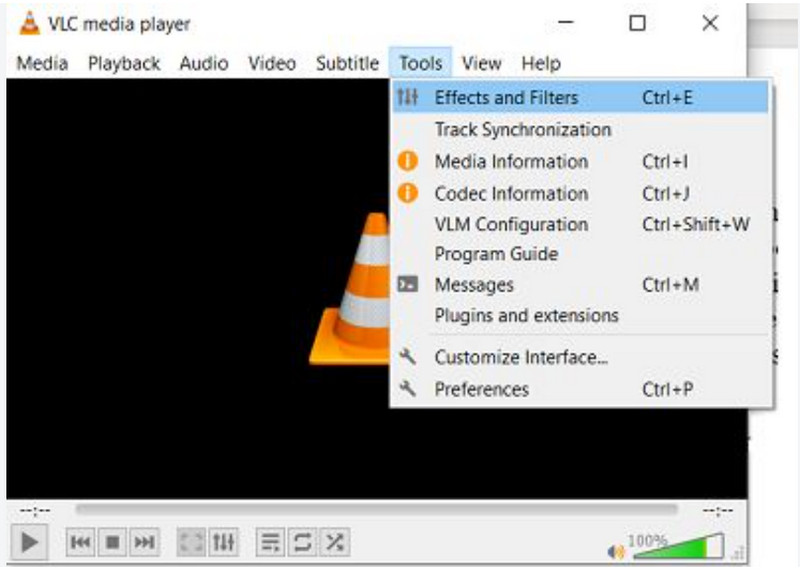
The VLC Media Player is an open-source video player that comes equipped with the ability to convert media files. Using the VLC video player for conversion will save you the trouble of having to install yet another application when you already use it for viewing videos.
In VLC, select the conversion interface from the menu, load your video file, select a compatible profile with MP4 format, give the file name for your converted file, and click on the convert button. Ensure that you have selected the correct profile.
Limitations: Conversion process in VLC is less user-friendly compared to that of a converter software. The available settings could also need tweaking, while some codecs or subtitles might not migrate as expected.
You may also like
Platform: Windows, macOS, Linux
Best for: Advanced users, automation, and fast remuxing
Score:9.1/10
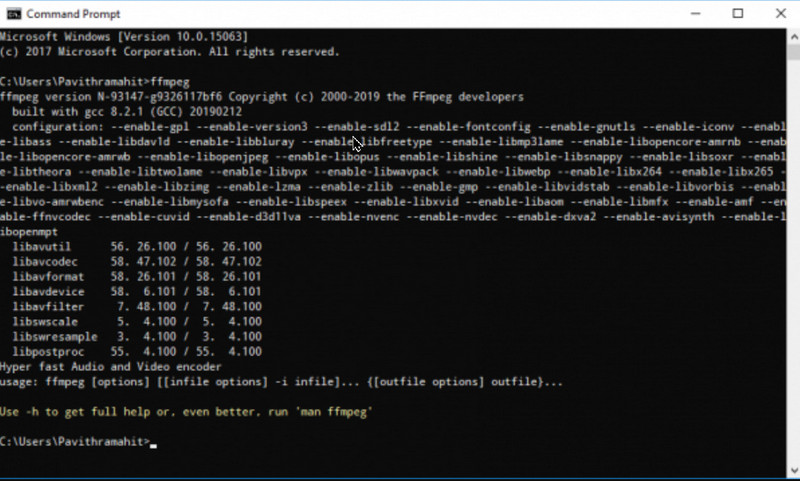
FFmpeg is a free, open-source multimedia tool that supports various containers and codecs. It is especially effective in cases where you have many files to convert or process automatically.
If your MKV file has codecs compatible with those of the MP4 format, then the conversion can be done without re-encoding. This command will help:
ffmpeg -i input.mkv -c copy output.mp4
The software does not encode but only duplicates the audio and video streams. The method is very fast, and there will be no quality reduction if the streams are compatible with the MP4 format.
Limitations: The software operates through a command-line interface and hence may prove difficult for novice users. The stream compatibility should be checked; otherwise, re-encoding of streams might become necessary in case of non-compatible codecs.
It is easy to use online converters where you do not have to download any application. However, the speed at which the conversion takes place is dependent upon many factors.
Platform: Web browser
Best for: Online conversion with adjustable video settings
Score:8.8/10
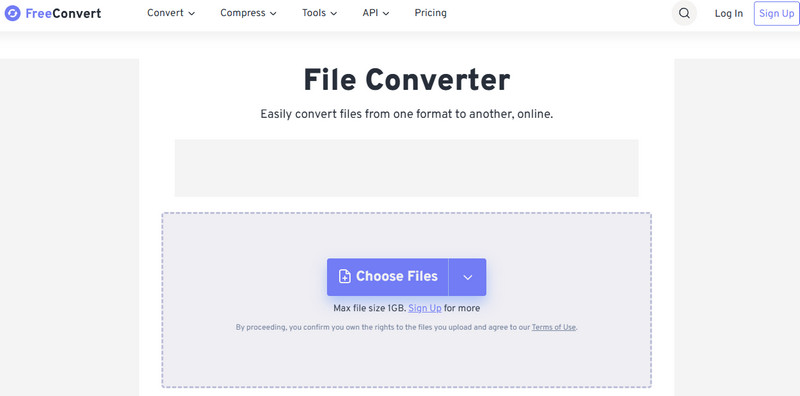
The online MKV to MP4 conversion tool offered by FreeConvert lets you convert your MKV files into MP4 format using the choice of video codecs, resolution, frame rate, and audio settings.
You will be able to select the MKV file to upload from your computer or from a particular cloud storage account.
Limitations: The site mentions that the maximum size for free conversion is 1 GB. Uploading large video files takes time, and special attention needs to be paid while uploading confidential material via an online platform.
Platform: Web browser
Best for: Simple, quick file conversion
Score:8.7/10
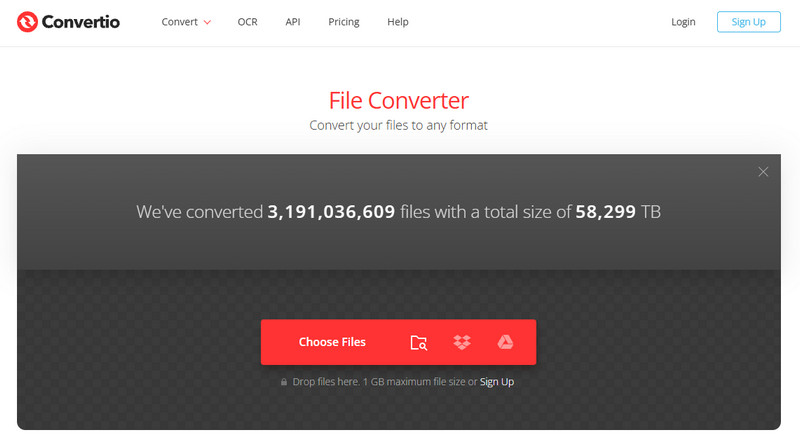
The Convertio online video converter gives the possibility to convert the MKV video file to MP4. One can use this online tool without downloading any software. The user just has to load the file either from the device or from the compatible cloud storage and start the conversion process by selecting the required format.
Additionally, the website gives several coding options that include H.264, H.265, or copy without re-encoding.
Limitations: The free use could be limited to file sizes and conversions. The upload and download times become inconvenient for larger videos, too.
Platform: Web browser
Best for: Flexible online conversion across devices
Score:9.0/10
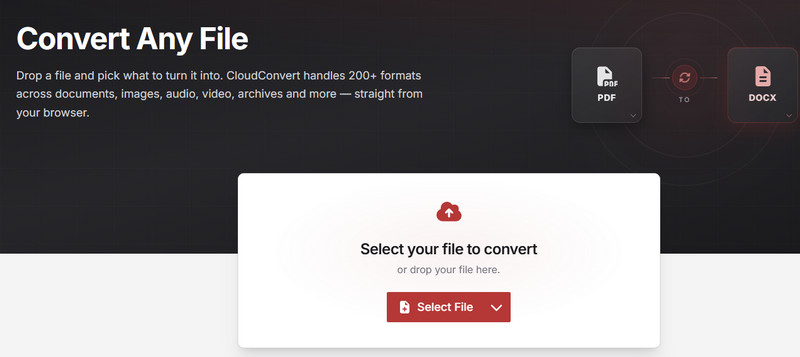
CloudConvert is an online file conversion service that supports MKV-to-MP4 conversion and other media formats. It allows users to adjust available settings, including video resolution, quality, and file size, depending on the conversion options offered.
To use it, upload your MKV file, select MP4 as the output format, configure the available options, and download the converted video. Since it runs in a browser, it is convenient for occasional conversions on different computers.
Limitations: Free usage may be subject to conversion quotas or other restrictions. Large files require uploading, and processing times vary.
1. How do I convert MKV to MP4 without losing quality?
If the video and audio codecs are supported by the MP4 format, you should use a remux approach, which preserves the streams without any re-encoding. You can use FFmpeg program with -c copy command for that. In case of re-encoding, set appropriate quality parameters.
2. Is it faster to convert MKV to MP4 online or offline?
It depends on the size of your file, the computer performance, internet speed, and conversion tool. Offline programs are preferred for large files because there is no uploading or downloading involved. However, online video converters can be faster for small videos if your internet speed is fast enough.
3. Can I convert MKV to MP4 for free?
Sure. You can use HandBrake, VLC Media Player, FFmpeg offline tools for free. FreeConvert, Convertio and CloudConvert are also online services that offer this function, but free usage may be limited for them.
4. Does changing the file extension from .mkv to .mp4 work?
No, renaming will not affect the container format, so some players will not be able to recognize it as an MP4 file. For that, you should use a converter or remuxing service.
Conclusion
All in all, there are 7 great MKV-to-MP4 converters, and the best choice will always be based on personal preferences. HandBrake is an efficient choice among free tools to convert MKVs to MP4s but not beginner-friendly. Alternatively, there is Aiseesoft Video Converter with its simple interface and high quality. VLC could help with occasional free conversions from MKV to MP4, and FFmpeg could be used for remuxing and automation. There are also browser-based tools for converting files such as FreeConvert, Convertio, and CloudConvert. It is possible to save time on a few conversions.
 MKV vs MP4: Compare MKV with MP4 and Choose the Best Format
Is MKV higher quality than MP4? What are the disadvantages of MKV? Does converting MKV to MP4 lose quality? Which one has a smaller size? Check the MKV vs MP4 post.
 MKV Explained: What It Is, How to Play It, Convert MKV to MP4
What is MKV? What will play an MKV file? What is the best MKV file player for PC? Can VLC play MKV? Should I convert MKV to MP4? Learn everything about MKV.
 The Best Free MKV Converter to Transcode MKV Files With Ease
As a popular open source format, you can find and download MKV files. In order to take full advantage of MKV, you have to learn how to convert MKV files.
 Leave your comment and join our discussion
Convert/Download/Edit SWF
1.1 SWF 1.2 SWF to MP4 1.3 SWF to GIF 1.4 SWF to MOV 1.5 SWF to HTML5 1.6 SWF to AVI 1.7 SWF to WMV 1.8 SWF to 3GP 1.9 SWF to DVD 1.10 SWF Converter Mac 1.11 Edit SWF
Video Converter Ultimate is excellent video converter, editor and enhancer to convert, enhance and edit videos and music in 1000 formats and more.
100% Secure. No Ads.
100% Secure. No Ads.

*Required field
*Please enter a valid email