Convert video/audio absolutely free to MP3, AAC, WMA, and more.
Download App to enjoy more features without limits!
Easily Convert Audio in 3 Steps
1Upload the file that you want to convert.
2Select an audio format as the output format.
3Start converting the file on your computer.
Convert Audio Files to Other Popular Audio Formats
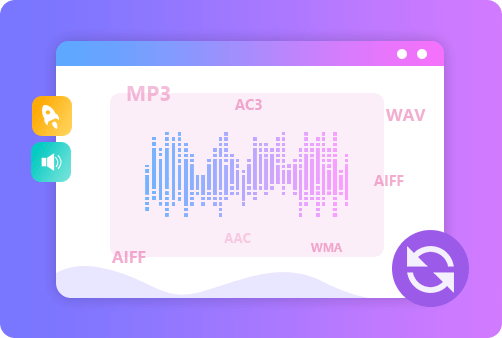
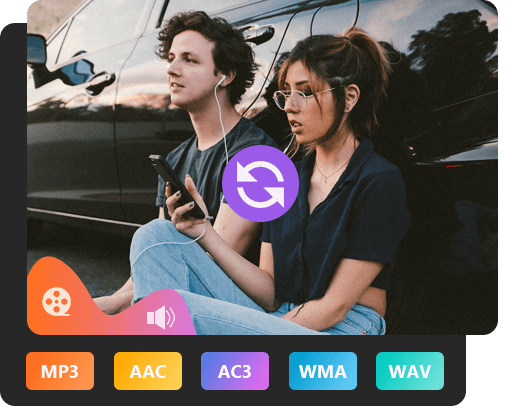
This web app allows you to transform audio files to MP3, M4A, WMA or other audio formats keeping the high audio quality. It supports converting most popular formats including MP3 to WAV, FLAC to MP3, AAC to M4R, etc. Here are the audio formats supported by this free online audio converter.
Adjust Audio Quality, Sample Rate and Bitrate Effortlessly
This audio converter is able to meet your needs for different usages through customizable settings. It provides multiple options for you to adjust output audio quality, sample rate, audio bitrate, audio channel and more. Those flexible audio settings make your conversion under full control. And you can safely play the converted audio on all devices such as smartphones, tablets, computers (Windows, Mac and Linux supported), and more.
Extract Audio from Video files with High Quality
Free Audio Converter Online can directly extract audio from video files like movies, music videos, homemade recordings, interviews, and more, and save the soundtracks fast as the most popular audio formats like MP3, AAC and more. Therefore, it would be far better than an audio recorder which lets you grab the sound in a fuss-free way. This audio converter not only facilitates the efficiency, but also reduces the possibility of the loss of quality.
Full of Great Features
Aiseesoft Audio Converter Online offers so many excellent and useful features that help you convert your files better. You can enjoy the quality output, easy operations, and safe conversion process.
Easy to Use
With simple operations, you can convert your audio files online quickly.
Web-based
You can enjoy a great converting experience without downloading software.
High Quality
You can adjust the output quality of the audio according to your need.
No Plug-ins/Ads
You don't need to suffer from annoying plug-ins and ads when converting.
Preview Output
You can preview the output audio file to confirm the result before saving.
Privacy Protected
Your Privacy is highly protected. All uploaded data will be deleted after.
1. How to extract audio from video with this converter?
Add your video file(s) to this converter, choose output format as the audio format you want. Then start converting. Soon you will get the audio extracted from the video.
2. Is Aiseesoft Free Audio Converter Online completely free to use?
Yes. This tool is 100% free and always will be. And there is no sound quality drop and no virus. You can feel free to use.
3. Is Aiseesoft Free Audio Converter Online able to convert video files to MP3?
Yes, you can use this all-featured audio converter to convert any video including MP4, MOV, MKV, AVI, M4V, and more to MP3 format with high quality.
4. Can I use this free audio converter on my Windows 10/11?
This audio converter works in a browser. You can convert video or audio files on your Windows, Mac, or Linux. There is no limit for system or browser.
What Our Users Say
Claire
This is the best free audio converter that I've ever used. There is no ads, no virus, or even No Sign-up. It also lets you alter the bitrate, sample rate and channels with presets.
Alex
This is the excellent video to MP3 audio converter tool. It provides a simple way to convert my video files to MP3 in just a few clicks.
George
This is just what I've been looking for among various audio converters varied in quality. In this way, I can change the bitrate and sample rate before uploading my converted music to YouTube.





 DOWNLOAD NOW
 DOWNLOAD NOW