
Video Converter Ultimate
 100% Secure. No Ads.
100% Secure. No Ads.
Summary: How to change the audio track or add new audio to a video? This post shows you 11 great apps for you to add audio to video. Whether you want to insert audio into video on a portable Android/iOS device or on your computer, you can easily find your preferred apps here.
"I've been editing a video for hours now, but still can't attach an audio track to a video perfectly. I have a video editor and know the audio-to-video adding process, but I can't figure out how to put audio into a video at a specific spot. Is there any easier way to add music to a video?"
"How can I add audio to video? Is there any good app to add an MP3 song to a video? Actually, I prefer to add soundtracks to a video online without installing a new app on my computer."
Are you searching for a simple way to add audio to video?
Among most video editing inquiries on mobile devices, many people may wonder how to add an audio track to a video on a smartphone directly without using a computer. Here we list the most popular iOS and Android apps to help you add sound to video easily. Moreover, considering that many users still want to edit videos on PC or Mac, we also introduce you to the best video editor.
How We Tested
We tested each add audio to video app across Android, iOS, Windows and Mac devices. We evaluated audio overlay accuracy, multi-track audio support, volume adjustment, audio sync control, export quality, watermark presence, and in-app purchase limits. We tested background music addition, voiceover recording, sound effect insertion and original audio replacement, recording operation difficulty and running stability of each app, to select the most practical tools for adding music to videos for all users.
| CapCut | Android | Social media video editing | AI effects + music sync |
| InShot | Android | Beginner-friendly editing | Simple music + video timeline |
| KineMaster | Android | Advanced mobile editing | Multi-layer audio control |
| VN Video Editor | Android | Clean professional editing | No watermark + precise editing |
| VivaVideo | Android | Quick video creation | Templates + music effects |
| Splice | iOS | Fast mobile editing | Beat-sync music tools |
| iMovie | iOS | Apple users | Built-in free video editor |
| Add Music To Video Editor | iOS | Basic audio overlay | Simple music insertion |
| AddAudio | iOS | Quick sound addition | Fast audio import tool |
| Clipper | iOS | Short video editing | Easy trimming + audio tools |
| Aiseesoft Video Converter Ultimate | Windows/Mac | Desktop editing + audio adding | All-in-one video converter + editor |
Thanks to highly capable mobile editing tools specifically designed for music, voiceover, and sound effects addition, Android users have no trouble beautifying their videos. The apps come packed with intuitive interfaces and clever features, helping new users and content makers to add audio to video with ease and in no time at all.
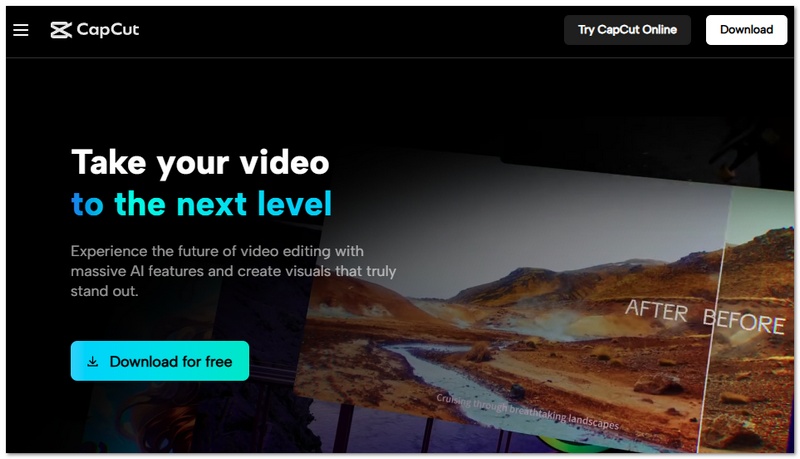
CapCut stands out as a highly popular video editing app nowadays. Besides music, effects, and transitions, users primarily rely on it for making social media content. It equips users with strong AI tools, templates, and a user-friendly timeline editor, so that one can add audio to video online or on a mobile device effortlessly.
Pros
Cons
InShot is an easy-to-use video editing program made for mobile devices that allows for rapid and fluid editing. It allows users to easily add background music, voiceovers, and sound effects while offering basic trimming and video adjustment tools, making it a convenient app to add music to video on Android for everyday use.

Pros
Cons
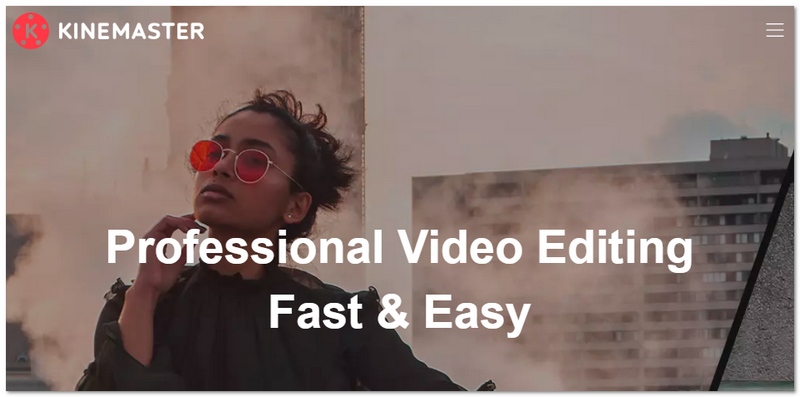
KineMaster is a robust video editing app that fits right into your pocket since it basically offers professional features on mobile phones. Among its cool features, it lets you combine video clips, music tracks, voice recordings, and effects so accurately that it's one of the best adding audio to video apps for those who like to have every detail of the post-production under their control.
Pros
Cons
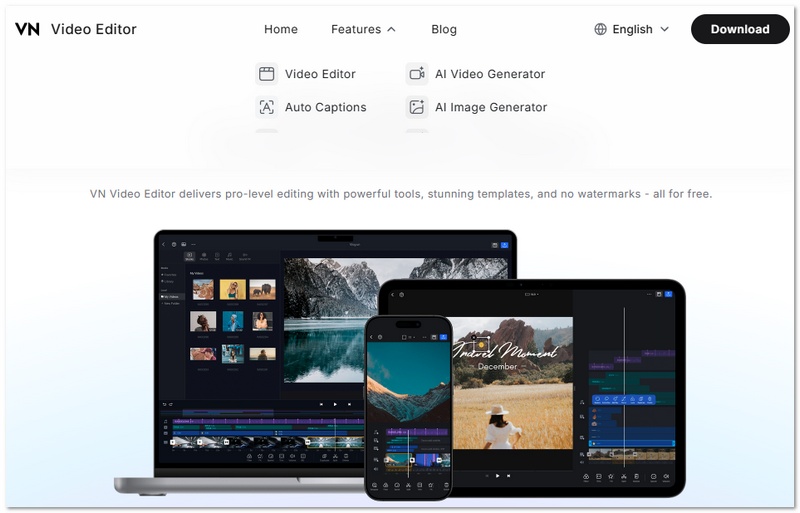
VN Video Editor is a strong, feature-complete tool and is easy to use at the same time. It is a mobile video editing program that offers functionality comparable to that of a professional without being overly complex. It even supports multi-track editing, keyframe animation, and high-quality exports - which means users can just as easily add music, voiceovers, and sound effects. It's a trustworthy and dependable add audio to video app for content creators, indeed.
Pros
Cons
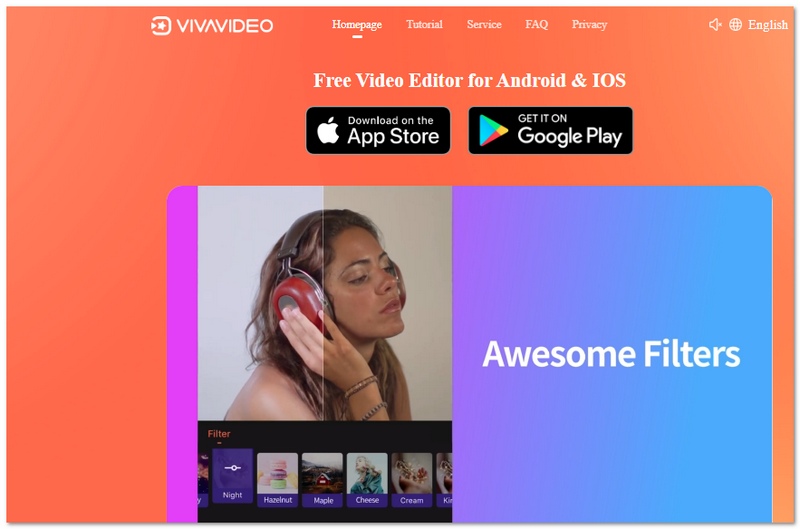
VivaVideo is a feature-rich mobile video editor that combines traditional editing tools with modern AI capabilities. It allows users to easily add music, voiceovers, and sound effects while offering ready-made templates and automated editing features, making it a convenient add audio to video app for quick content creation.
Pros
Cons
Adding music to a video can be made smooth and hassle-free by using reliable & famous video editing apps for iPhone and iPad users. These apps not only run smoothly and come with easy-to-use controls but also include stock audio libraries to help you add sound to a video easily while producing quality content that attracts viewers.
Splice is a sleek and modern video editing app designed for quick and polished video creation. It allows users to easily add background music, trim clips, and sync audio with video using smart editing tools, making it a reliable add audio to video app for iOS users.
Price
Pros
Cons
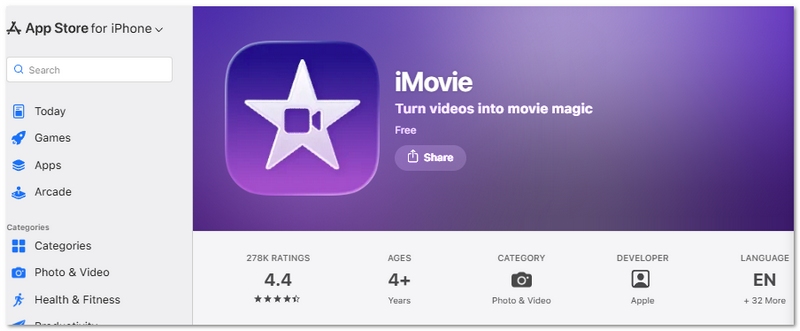
iMovie is a video editing app made by Apple for iPhone and iPad users. It offers a very friendly editing feature that can be enhanced by music, voiceovers, and sound effects from the built-in ones, thereby making it quite easy to do the video editing and audiovisual adding without using third-party ones.
Price
Pros
Cons
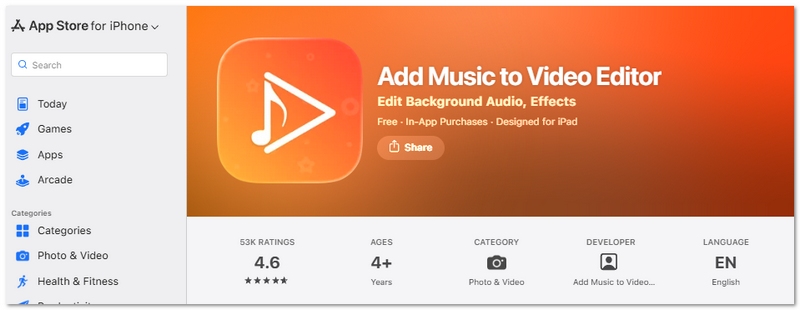
Add Music To Video Editor is a simple, lightweight mobile application that makes it easy for users to add background music or record their own voice over the video. It emphasizes simplicity so that even novices can swiftly edit video clips without having to use complicated editing tools and, at the same time, accomplish clean results suitable for social media content and basic video projects.
Price
Pros
Cons
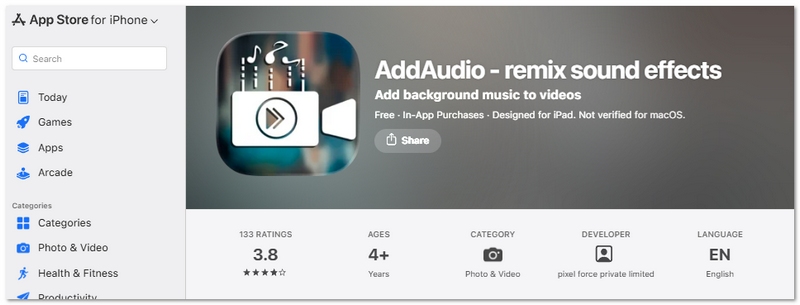
AddAudio is a user-friendly video editing app that enables the combination of several audio tracks with videos. Besides, it lets the user add background music, voiceovers, and sound layers that can be done easily using the app's intuitive interface.
Price
Pros
Cons
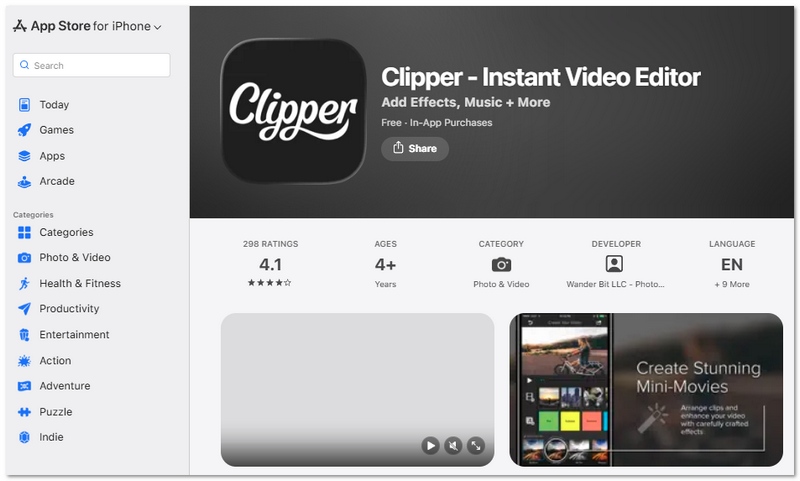
Clipper is a lightweight mobile video editor designed for quick and simple video creation. It allows users to easily trim clips, combine videos, and add background music or sound effects, making it a convenient tool to add audio to video without complicated editing steps.
Price
Pros
Cons
Aiseesoft Video Converter Ultimate is an extremely capable program for your computer, providing functions not only for video conversion but also for video editing. With it, users can effortlessly add background music, substitute the original sound, or add several audio tracks to their video without any hassle. Besides helping users with video cutting, combination, and upgrading, this software can be considered a perfect package for those looking to work with both videos and sounds using only one tool.
Downloads
100%
Secure. No Ads.
100%
Secure. No Ads.
Steps to Add Audio to Video
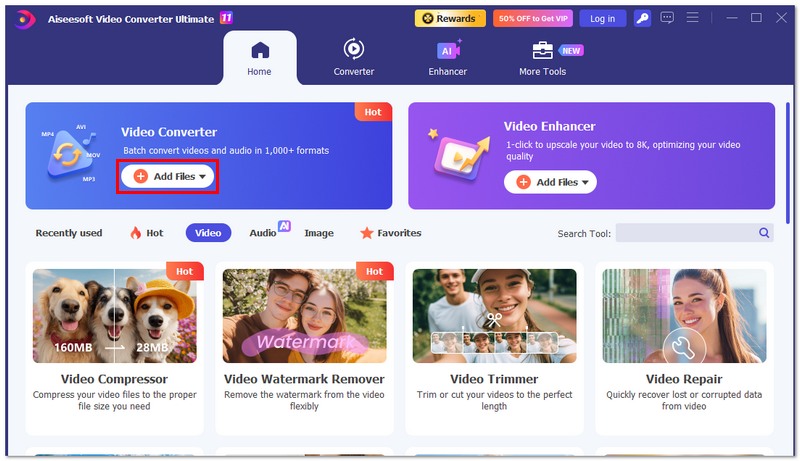
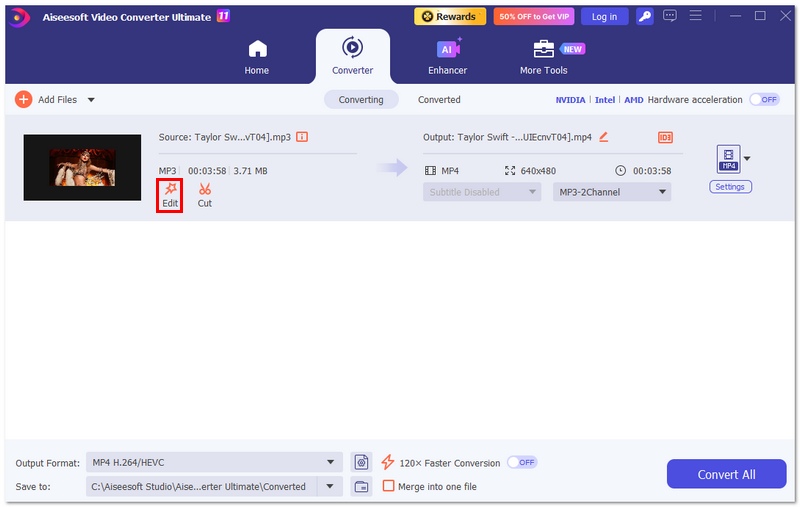
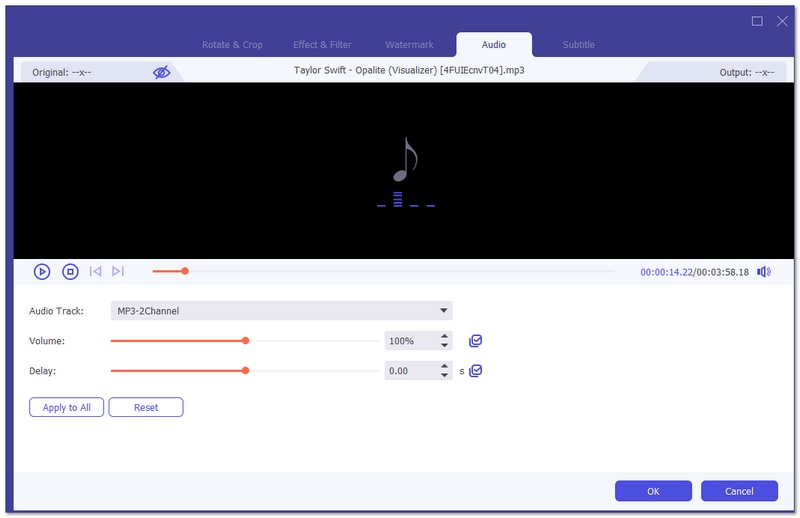
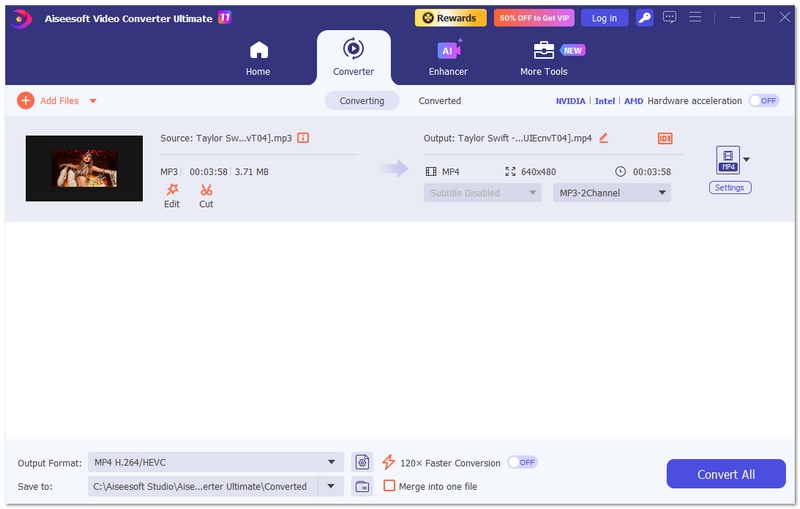
Use this tool if you want a fast and professional way to understand how to add audio to video while keeping full control over editing quality.
How do you add audio to video online?
There are many online video editing sites like MP3 Care, Tovid.io, and Cellsea. To add audio to video online, you can navigate to the online site. Add the video file and change the background music to the video.
How do you add background music to iMovie?
To add background music to iMovie, you can just drag and drop the music right to the timeline of your video project. If you drag the background music well, you can move the video clips in the timeline as well.
How can you remove the voice from a video?
Sometimes there is noise on the newly recorded video, but you can remove the audio from the video easily. As you upload the video to Aiseesoft Video Converter Ultimate, you can select No Audio from the audio track option to get rid of the voice from a video.
Conclusion
We have talked about the 11 best apps to add audio to video on this page. Whether you want to put soundtracks into videos on Android/iPhone or prefer to edit on a computer, you can easily find the right tools here. With these options, you can better understand how to add audio to video and choose the app that fits your needs. If you still have any problems, feel free to leave us a message.
 10 Best Apps to Add Text to Videos on Android and iOS Devices
Check this article and find the 10 popular apps to add text to videos for Android phone and iPhone/iPad.
 How to Add Music to My Pictures Slideshow
How to add music to your pictures slideshow on computer or Instagram/Facebook? This post will show you three ways to add music to your photos for sharing.
 Free Calling Apps for iPhone/Android/PC/Mac
Want to make calls with free calling app? We list top 8 WiFi calling app for you to choose from.
 Leave your comment and join our discussion
Android Video Editing
Android video editor App to add text to videos How to trim videos on Android How to add music to a video on Android Add audio to video app
Video Converter Ultimate is excellent video converter, editor and enhancer to convert, enhance and edit videos and music in 1000 formats and more.
100% Secure. No Ads.
100% Secure. No Ads.

*Required field
*Please enter a valid email

