1Select the wanted files and upload them to this video trimmer.
2Trim the video to the length you want within simple clicks.
3Save the trimmed video after previewing it.
Trim Video in a Few Clicks and Get High Quality Output
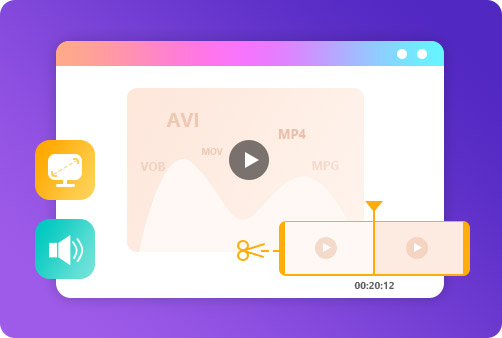
The video trimmer from Aiseesoft is definitely your best choice to cut out a part of a video. Whether by dragging the timeline or setting the start and end time, you'll get the perfect output. Before exporting the trimmed video, you are
allowed to preview the video to see whether it's satisfying. The exported video is also of high quality so that you can use it as a movie trimmer and get better experience.
Shorten Video/Audio of All Popular Formats
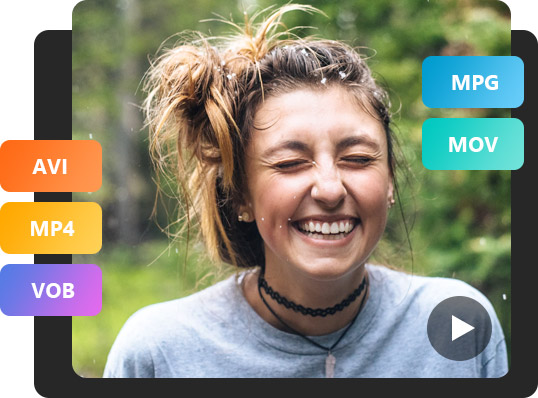
This online video cutter supports almost all popular formats you can come up with. You can literally upload videos of any format, including MP4, MOV, MTS, M2TS, MKV, FLV, 3GP, SWF, AVI, WMV, etc. With the excellent output quality, it's
the best MP4 cutter/trimmer you can find and for other formats. In addition, you can cut audio like MP3, AAC, AC3, WMA, WAV, etc. If your files cannot be opened, they're probably damaged.
Set Video and Audio Parameters to Desired Result
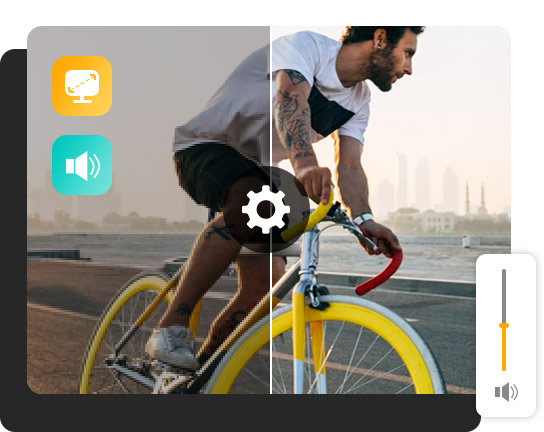
Before exporting your videos, you can go through the parameters of your output video. You can change whatever you want in the parameter interface, including resolution, frame rate, audio sample rate, audio bitrate, etc. It helps you get
the desired video effects by making professional edits.
Full of Great Features
Aiseesoft Video Trimmer is your best choice to cut video online for free. There are many highlights about this video shortener. The intuitive interface, easy operations, fast speed, etc. all contribute to the excellence of this online
cutter.
Intuitive interface
This clip cutter is user-oriented and provides easy-to-use interface.
High speed
The processing speed is fast and you can get the shortened files quickly.
Multi-platforms
You can acquire this video trimmer/cutter on any commonly-used browser.
Real-time preview
The preview feature guarantees your desired output result of the trimmed files.
No watermarks/ads
Free from disturbing watermarks and ads. Enjoy the comfortable using experience.
Safe to use
Rest your mind to use this all-featured video trimmer. No spyware or malware.
Trimming videos makes sure you remove the unwanted parts and keep the essence ones. It helps to catch the eyes of audience.
What file types are compatible with Aiseesoft Video Trimmer?
You can upload both video and audio files. And almost all popular formats you can find are supported.
Can I cut audio files?
Yes. You can use Aiseesoft Video Trimmer to cut audio. Many audio formats are supported by it and you can have a try.
Can I cut GIFs?
Yes. You can cut out the beginning or the end of a GIF. An appropriate tool can achieve that.
What's the difference between cut, trim and crop?
Cutting and trimming are the same editing operation. They mean reducing the duration of the video. While cropping means shrink the display range of a video.
What Our Users Say
Aurora
The free version of Aiseesoft Video Trimmer already meets my need. The Pro version astonished me more! I can trim my videos with more available features.
Alaina
It has enabled me to trim my videos conveniently and get the shortened video with high quality. I really appreciate that and recommend it to my friends.
Susan
I had tried numerous video trimmers and no one satisfied me. I have to say that Aiseesoft Video Trimmer surprises me. It's the best video cutter with powerful features.






 DOWNLOAD NOW
 DOWNLOAD NOW