This online video looper can repeat any part of the video over and over again for free.
Download App to enjoy more features without limits!
Make Video Loop in 4 Simple Steps
1Upload the video that you want to repeat.
2Select the period for looping.
3Then pick the number of times for repetition.
4Save the looped video to your computer.
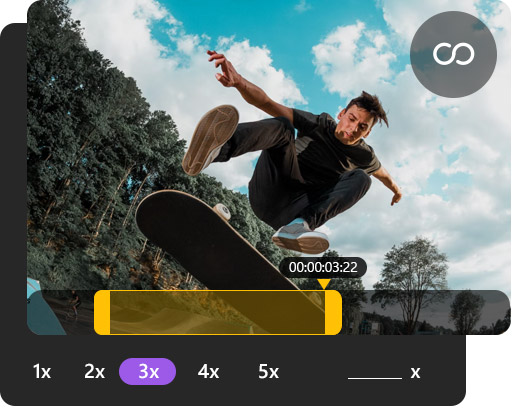
Loop Any Part of Your Video Up to 5 Times
Aiseesoft Video Looper is a great choice when you need to repeat the entire video or a short clip of the video multiple times. Besides letting you specify any period for the repetition, it also allows you to loop the video 2, 3, or any custom times (Up to 5). When you change the numbers, you can immediately see how long this video will be after adding the loop. And you can preview the video at the same time.
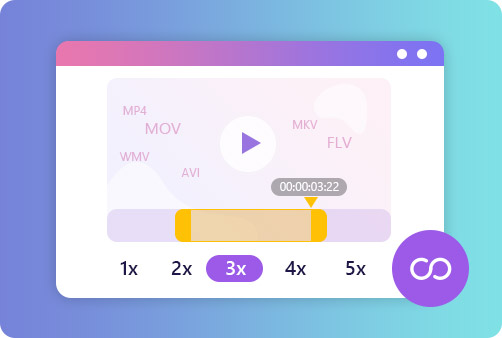
Save the Looped Video as MP4, MOV, WMV, AVI
Video Looper supports various video formats and resolutions as input. And before output the looped video, you can choose to change the video format to a more popular one. For example, you can save the video as MP4, MOV, WMV, AVI, MKV, FLV, etc. You can also select to loop the video for YouTube and Facebook if you want to share your funny video to those streaming sites.
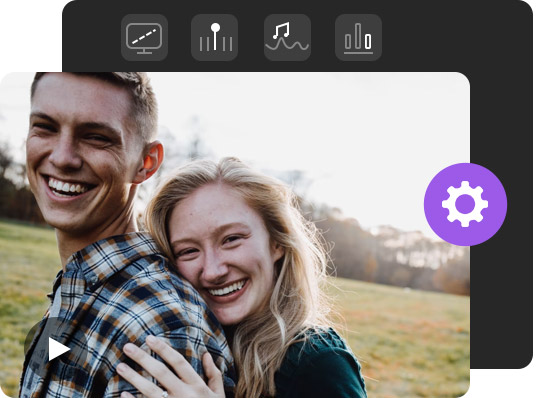
Adjust Video & Audio Parameters as You Wish
This video repeater enables you customize your video file as you like. You can adjust the video/audio settings of file according to your need, such as the encoder, frame rate, quality, audio channel, audio sample rate, and audio bitrate. And it offers a full-screen editing feature for you to preview and refine the video better.
Full of Great Features
Aiseesoft Video Looper can help you create video loops online at a fast speed. Plus, it provides plenty of features that you may need while editing the video. Here are some highlights about this video loop creator.
Fast Speed
This tool can handle all kinds of videos in seconds at a superfast speed.
Easy to Use
The intuitive interface allows you to operate the looper easily and quickly.
Web-based
Since it is web-based, you don't need to install any software packages.
All Devices
You can make video loops using this tool on various devices and browsers.
No Watermark
There will be no ugly watermark or logo added to the looped video.
Privacy Protected
The video that you upload will be deleted from the server automatically.
It means the video continuously repeats to play the same content over and over again. It can help editors to emphasize a certain part of the video. Also, it is quite common when converting video to GIF.
Can I loop a video on my iPhone?
Yes. You can use iMovie to create repetitions of your video. First, start a new iMovie project with the video that you want to loop. Then tap on the clip, and you will see some options for editing the clip. Then select Duplicate to repeat the clips as many times as you like.
What is a YouTube video loop?
A YouTube loop means plays videos that users may be interested automatically. Then users may get sucked into watching countless videos and forget all about the time.
How do I make an MP4 video loop?
You can simply use Aiseesoft Video Looper to repeat your MP4 video online.
What Our Users Say
Ryan
It is pretty useful. I can use it to make loop video for Instagram. And thanks to it, I got a lot of Likes.
Penny
I really need video looping so I can make a funny GIF that I can send to my friends. It really helps when expressing my feelings.
Alma
I only want to add the loop to a certain time of the video. And this tool works well. I'll try other tools of Aiseesoft next time.






 DOWNLOAD NOW
 DOWNLOAD NOW