1Upload the file that you wish to reduce its size to this compressor.
2Adjust the file size and other parameters to the ideal values.
3Save the compressed file to your computer.
Compress Large Videos with Maximum Video Quality
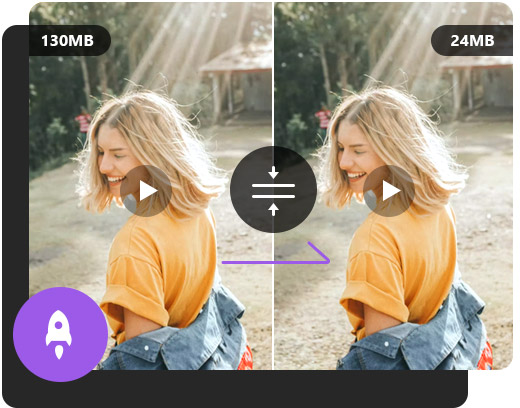
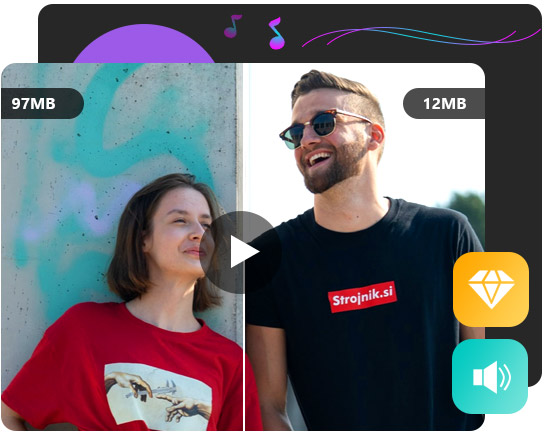
Aiseesoft Free Video Compressor Online is a powerful video compressor that allows you to reduce large video size to smaller. It achieves the best combination between compression and video quality, so that you can end up with the best video quality while keeping the video size to the minimum as you want. After compressing, it is hard to tell the difference between the original video and the compressed one.
Support Various Video Formats and Resolutions
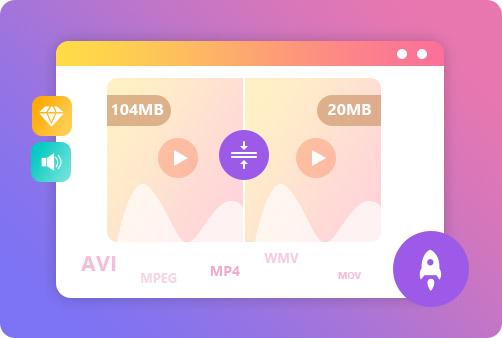
This free video compressor works with a wide range of video formats, such as MP4, AVI, FLV, MOV, 3GP, WMV, RMVB, MTS, TS, etc. There is no limitation to the input video resolutions. No matter your video stays at 240p, 360p, 480p, 720p, 1080p, 4K or other, it can compress the video to a certain size percentage you want. It helps free up your hard disk space for easy sharing, transferring and storage.
Adjust Video Size, Resolution and Bitrate Intelligently
Aiseesoft Free Video Compressor Online can meet all your demands with the customized video settings. It enables users to adjust video parameters like size, resolution and bitrate. You can move the slider to adjust the video compression ratio and bitrate. There are many output formats you can choose, including MP4, MOV, MKV, AVI, M4V, FLV, WMV, VOB, MPG or 3GP.
Full of Great Features
Aiseesoft Video Compressor not only helps you reduce file size online at a fast speed, but provides the best services for you to enjoy the compression freely. Here are some highlights about this video reducer.
Multi-platforms
It is compatible with multiple commonly-used browsers like Chrome and Firefox.
Easy to Use
The operation is easy and you can quickly share the video with your friends..
Web-based Tool
The whole compression is in browsers. No need to install software packages.
No Ads
There will be zero annoying ads when you compress a video with our tool.
No Watermark
After compression, there will be no watermark added to the output video.
Privacy Protected
After compression, all videos will be deleted from the server automatically.
Click Add Files to Convert button to launch the launcher and add your video file. Select the video size, format, resolution and bitrate as you want. Then click the Compress button to start compressing your video.
Is there watermark applied to the compressed video?
No. Aiseesoft Free Video Compressor Online promises you that no watermark will be added to the compressed video. You can compress videos as many as possible.
Is Aiseesoft Free Video Compressor Online free to use?
Yes. This video compressor is 100& free to use. No coins will be required during the compression. There is no ads and virus on this free platform.
Can I use this free video compressor on my Mac?
Yes. This free video compressor works in all browsers. You can compress your videos on your Mac, Windows, or Linux. There is no limitation for system or browser.
Does the video compression reduce the video quality?
Usually, compressing videos will downgrade the quality of the image, while Aiseesoft Free Video Compressor Online adopts new AI technology to make your compressed video keep high quality.
What Our Users Say
Bentley
I have captured many large video files which take a large amount on my computer disk. I used this free tool to compress them to smaller size. My computer storage is greatly freed up.
Harris
The interface is intuitive and it is easy to use. I selected the compression ration as 60%. There is hardly no difference between the compressed video and the original one.
Aria
The whole compression only takes me 10 seconds. Surprisingly, there is no watermark applied to the compressed video. Highly recommend this free video compressor to my friends.
Chloe
My video is in large size and it takes times to upload and transfer. So I used this free video compressor to compress it from 1GB to 100MB. It makes the uploading more easier.







 DOWNLOAD NOW
 DOWNLOAD NOW