2Choose the video/audio format desired as the output format.
3Export the converted high-quality video and view it in the folder.
Convert Any Video/Audio for Easy Playback
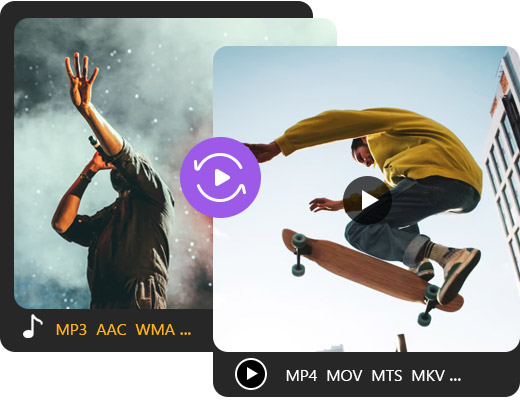
Aiseesoft Video Converter is the best video converter that supports any types of video format including MP4, MOV, MTS, M2TS, MKV, FLV, 3GP, SWF, AVI, WMV, etc. at a fantastic speed. You can also use it as a video to audio converter to extract audio from your video files like MP3/AAC/AC3/WMA/WAV. The output media formats are compatible with most devices and social media. For example, you can use it as an Instagram/Facebook/Twitter video converter. Explore more features yourself.
Customize and Output the Unique Video
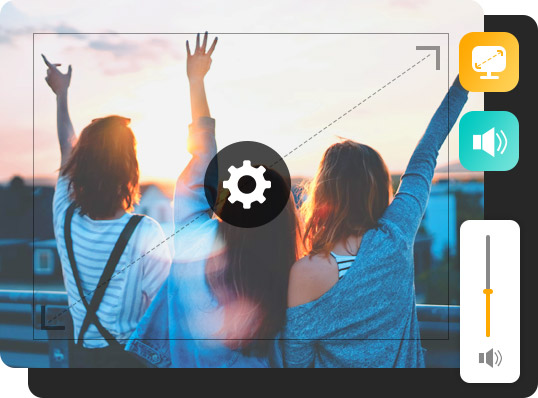
This any video converter also provides various customized and advanced settings. It is equipped with powerful video and audio encoder. Besides, it comes with friendly parameter settings for you to personalize your output videos, such as video/audio bitrate, video resolution, aspect ratio, and so on. You can also choose the high quality or lower quality directly with this HD video converter. With this video file converter, you are able to have a perfect converted video in a hassle-free way.
Fast, Easy, Free with No Limitation
As the best free video converter, this converter possesses all positive qualities. There's no requirement of system or browser and you just visit this online video converter easily. You can access it without installation or any signup (But with signup, you can enjoy more features). In addition, it is capable of detecting the PC's multi-core processor to make conversion faster. If you don't like downloading additional converting tools on your computer, this free converter truly comes in handy, enabling you to convert video files in a convenient way.
Full of Great Features
Aiseesoft Video Converter possesses excellent and detailed features which improve your user experience. You can enjoy the quality output, easy operations, and safe conversion process.
High-quality output
This converter allows you adjust the output quality as high.
Easy-to-use
Enter this video converter and converts your video in simple steps.
Multi-platform compatible
You can acquire this online video/audio converter on any browser.
Real-time preview
In the left panel, preview the output video to confirm the result.
Watermark/Ad-free
This online converter keeps you from annoying ads and watermarks.
Security- guaranteed
No worry about the safety of your videos or computer. It's highly protected.
Aiseesoft Video Converter supports almost any input format. Just upload your video and select MP4 as the output format. You can get your videos quickly.
How to convert video to audio?
There is nothing difficult to achieve that. Aiseesoft Video Converter supports both video and audio output. Yu can use it to extract the audio from a specific video.
Is online video converter safe?
You can rest in mind to use this online video converter. It brings you no virus or ads. The output video files are totally clean.
How does a video converter work?
It depends on which converter or the output format you choose. In some circumstances, your videos will be compressed to fit the format. Otherwise, the storage type or container will be changed.
How do I convert iPhone video to MP4?
Import your iPhone video to this converter and select MP4 as the output format. Then it's compatible with the player or platform you want to upload to.
What Our Users Say
Liam
I haven't found a suitable converter for a long time until I meet this video converter. Now, it is my favorite one because it can solve all my conversion problems.
Nayeli
The application is so fantastic that I can do all video conversion without installing additional software on my Mac. And, it can preserve original quality.
Phoebe
Excellent! This free tool helps me easily convert WMV videos to MOV videos with high quality. So I can play the converted videos on my Mac. I have to say, it is wonderful.






 DOWNLOAD NOW
 DOWNLOAD NOW