iPhone Data Recovery
 100% Secure. No Ads.
100% Secure. No Ads.
As our dependence on mobile devices grows, so does the need for constant and instant communication with our friends and family. That explains why text messaging apps have developed so quickly, providing rich services and interaction with others, including free text messaging, voice/video calling, file sharing, and more.
You may find so many text message apps on the Internet, and wondering which one is suitable for you. Given all this, we have updated our list of the best Text messaging apps that you can download for free and replace your stock messaging app. Hope this can help you.
How We Tested the Best Text Messaging Apps
I personally tested all of the free text message apps on Android and iPhone by using them day to day, like to send individual and group messages, and exchange pictures, videos, and files. I monitored the message latency, the reliability, the user-friendliness, and various supportive features like RCS and end-to-end encryption.
I also considered the privacy, cross-device syncing, and overall performance to ensure that each app is usable daily.
Quick Comparison: Best Android Messaging Apps
| App | Best For |
| Google Messages | RCS messaging |
| Samsung Messages | Samsung users |
| Textra SMS | Customization |
| Pulse SMS | Cross-device sync |
| Signal | Privacy |
Android messaging has improved along with RCS and includes significantly improved features such as read receipts, typing indicators, and sharing of media and images. If you want the best text message app for Android, then these options offer speedy, modern, and feature-packed text messaging.
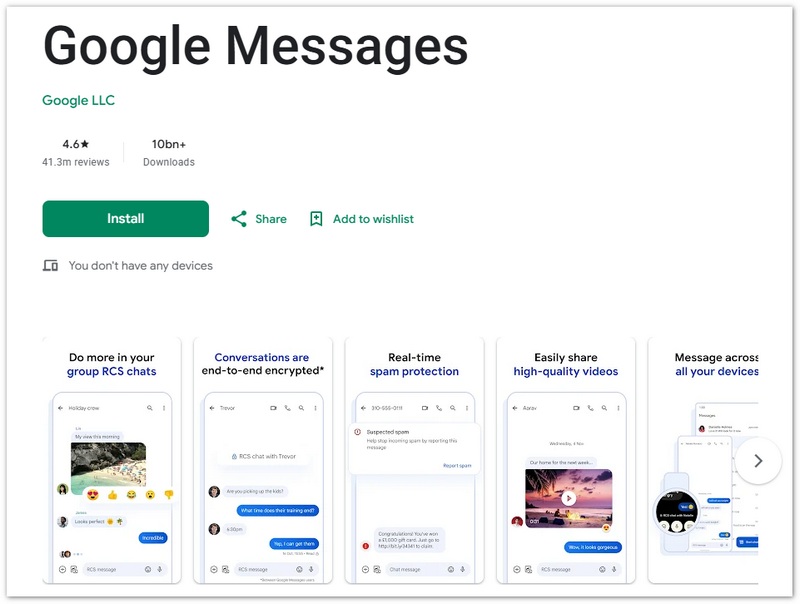
Google Messages is an up-to-date text message application for Android that does have RCS capabilities, including read receipts, typing indicators, and sharing media in good quality.
Pros
Cons
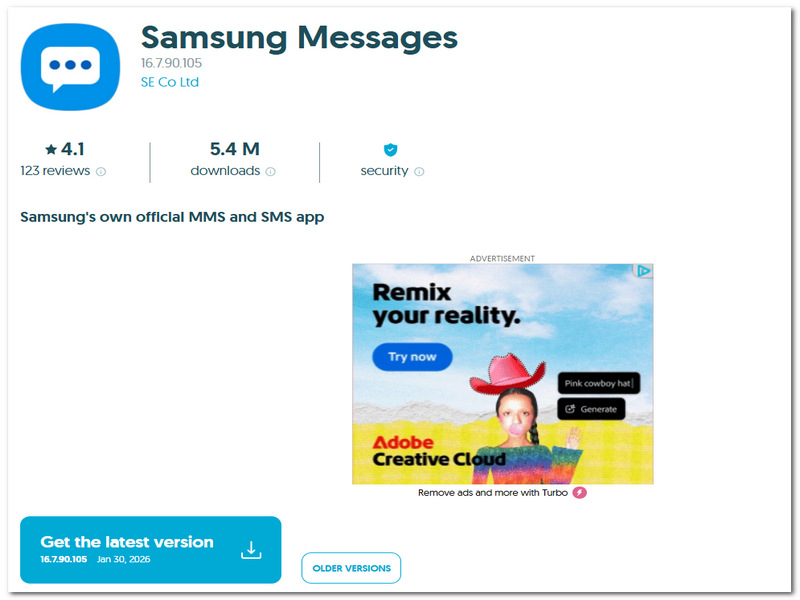
Samsung message app is set as the default Samsung text message app for Galaxy devices, built to make messaging smooth with Samsung features of its system and with the RCS network.
Pros
Cons
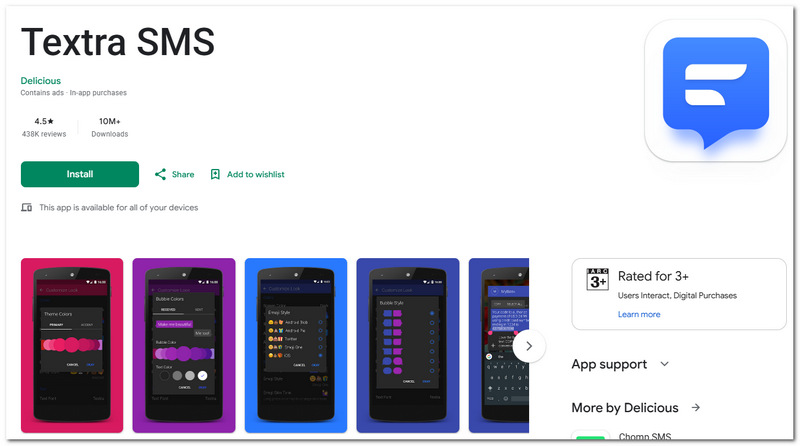
Textra SMS is a small, lightweight text message app with Android and has a reputation for being a very customizable program, with users' ability to modify themes, colors, fonts, and notification types.
Pros
Cons
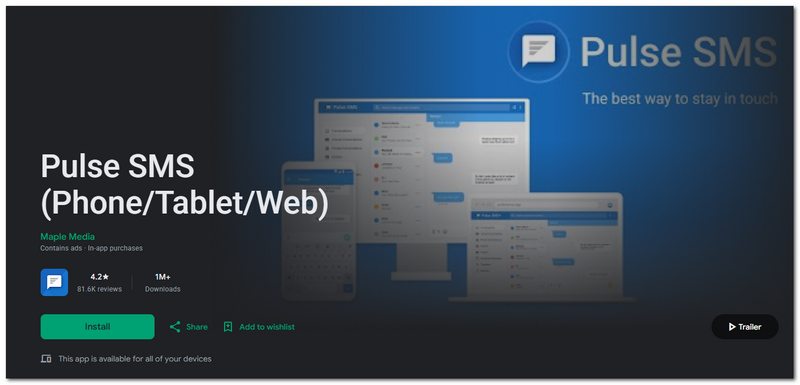
Pulse SMS is a versatile text message app for Android that focuses on syncing your messages across multiple devices like phones, tablets, and web browsers.
Pros
Cons
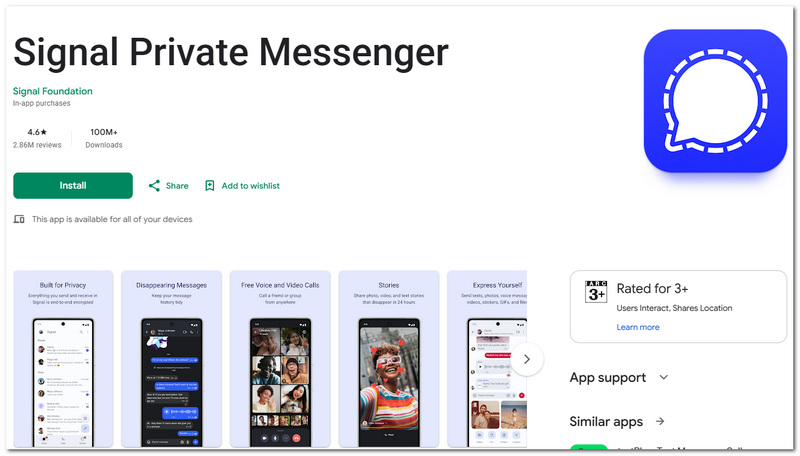
Signal is another secure text messaging application that provides private communication by encrypting all messages, calls, and media end-to-end.
Pros
Cons
Quick Comparison: Best iOS Messaging Apps
| App | Best For |
| iMessage | Apple ecosystem |
| Global messaging | |
| Facebook Messenger | Social chatting |
| Telegram | Cloud-based messaging |
| Snapchat | Multimedia Messaging & Social Chatting |
There are many strong messaging apps for iphone. Designed for speed, security, and synthesis between devices, many messaging apps support end-to-end encryption (E2EE), so it is more secure to use them for private conversations. Read on for some of the best iPhone text message app providers.
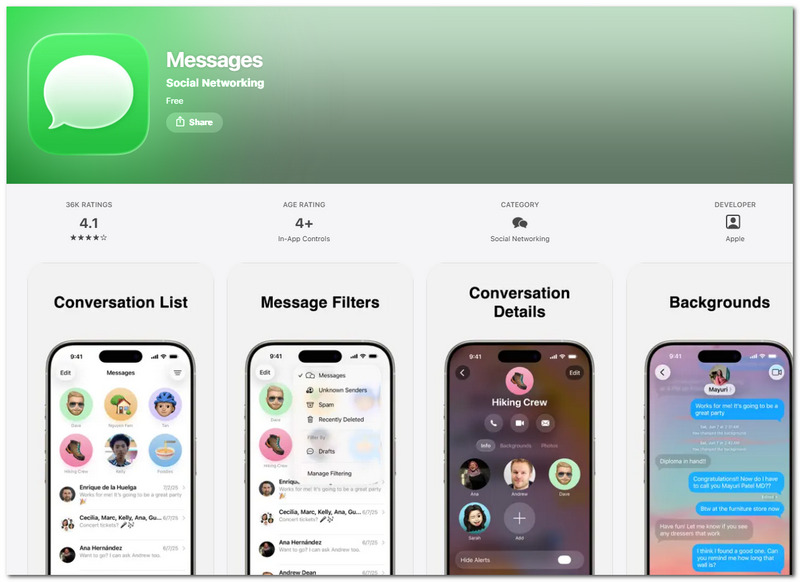
iMessage is Apple’s default text message app for iPhone, offering seamless messaging between Apple devices with strong integration across the ecosystem.
Pros
Cons
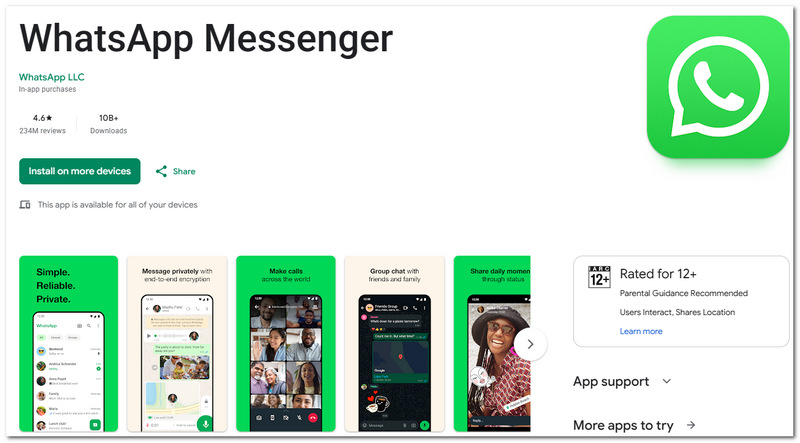
WhatsApp, a widely used free text message app for Android and iPhone, allows users to send text, images, video, and audio messages over the internet easily and free of charge. Similar to many other free text messaging services, this app also provides security tools such as end-to-end encryption and a WhatsApp password key for better account protection.
Pros
Cons
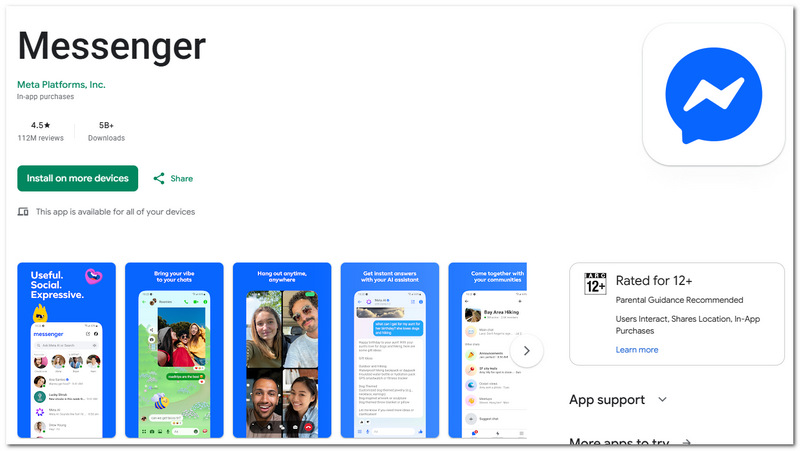
Facebook Messenger is a widely used text message application for iPhone users that integrates seamlessly with Facebook so that you can keep in touch with friends and colleagues in real time.
Pros
Cons
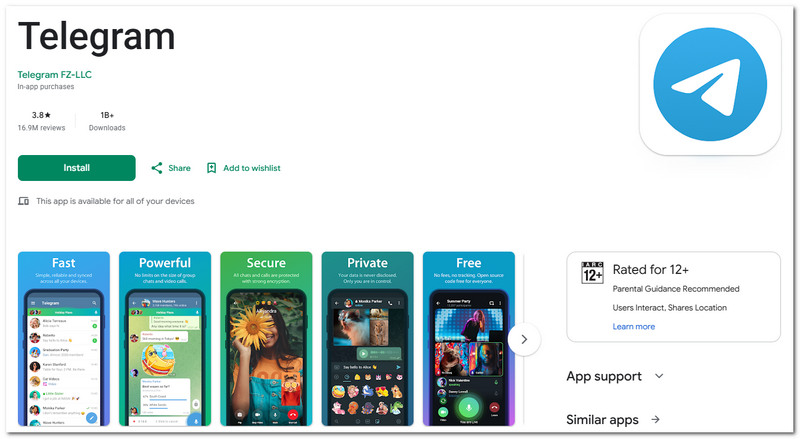
Telegram is a very fast and decentralized text messaging application for iPhone that stores your messages in the cloud.
Pros
Cons
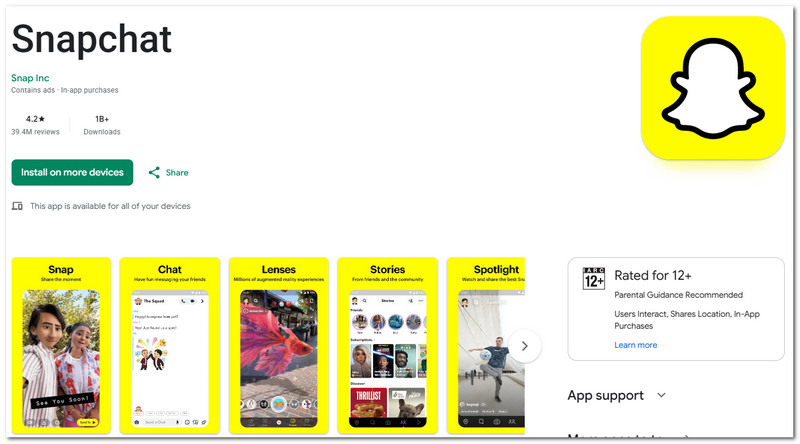
Snapchat is a popular text message app for iPhone that focuses on fast, visual communication through photos, videos, and short chats. You can also explore Snapchat as the Facebook Messenger alternative if you prefer a more visual and disappearing-message style of communication.
Pros
Cons
Messaging apps utilize various technologies today by compromise of features, speed and security. This can help you figure out which text message app would be best for you.
SMS (Short Message Service)
Works on every phone, does not require Internet.
RCS (Rich Communication Services)
An Android adaptation of SMS that is mostly used.
Encrypted Messaging (E2EE)
Addresse a privacy and security problems.
Have experienced an unintended deletion of critical text messages from iPhone and meeting the situation that messages are lost because of system crash? It can also help you efficiently and efficiently recover such messages via a professional tool Aiseesoft FoneLab iPhone Data Recovery.
Downloads
FoneLab - iPhone Data Recovery
100% Secure. No Ads.
100% Secure. No Ads.
With this tool, you can easily restore lost conversations and keep your important messages safe.
Why do some messages not go through?
This usually occurs due to a bad internet connection, contacts blocked, server down, or poor app configurations.
Do the text messaging apps work without the use of a SIM card?
Yes, most internet-based apps like WhatsApp, Telegram, Signal, etc. can be used without a SIM card with Wi-Fi.
What are some messaging apps that require my phone number?
The majority of other apps use your number as a means of confirming your identity and also allowing you to connect your contacts with the app.
Conclusion
In this article, we've presented 10 of the best free text message app options for Android and iOS users in terms of features such as speed, privacy, and next-gen messaging technologies. Have another suggestion or prefer a different messaging app that we didn't list?
Let us know in the comments below.
 How to Fix iMessages/Text Messages Not Sending
Message not sent or iMessages not sending? You can learn how to fix text messages not sending issue in this post.
 How to Fix the Problem of iPhone Red Screen
iPhone stuck on red screen? Please read this guide to fix iPhone red screen problems.
 5 Best Alternatives to FaceTime for Android
Want to know how to FaceTime with friends on your Android phone? This article will introduce to you with five best alternative facetime for Android apps.
 Leave your comment and join our discussion
Texting/Messaging App
Messaging Apps Messenger App Text Messaging Apps iPhone Messaging App Free Texting App for Android Anonymous Text Apps Apps Read Text Message WiFi Texting App Open Messaging App SMS App for Android
The best iPhone data recovery software ever, allowing users to safely recover lost iPhone/iPad/iPod data from iOS device, iTunes/iCloud backup.
100% Secure. No Ads.
100% Secure. No Ads.

*Required field
*Please enter a valid email

